
This page is not an official page of the app or its developer, but an independent editorial publication created for informational and commentary purposes. Unless expressly stated otherwise, neither the app nor its developer is affiliated with, endorsed by, sponsored by, authorized by, or otherwise officially connected with MWM, Apple, Google Play, the app publisher, or the app's developer, and nothing on this page implies that the app was developed using MWM's services. Any trademarks, logos, screenshots, and other content remain the property of their respective owners.


MD Anderson Mobile
Stay connected with your healthcare team, manage appointments, and navigate our campus with ease. Empowering patients and caregivers with secure access to medical records and real-time support.
Downloads
76K+User Rating
Total Ratings
100Publisher
Category
MedicalLocales
1Latest Version
6.3Size
6.4 MBFirst Released
Jan 15, 2014Streamline Your Care Journey
Designed for patients and caregivers, our mobile tools simplify the complexities of cancer treatment, from medical records to campus navigation.
Instant Access to Care
View your medical records, check lab results, and send secure messages to your healthcare team at any time.
Smart Campus Navigation
Get step-by-step directions to appointments and real-time shuttle arrival updates to reduce the stress of your visit.
Frequently Asked Questions
Everything you need to know about MD Anderson Mobile
What is the MD Anderson Mobile app?
MD Anderson Mobile is a free, easy-to-use application for patients, caregivers, and visitors of The University of Texas MD Anderson Cancer Center. It connects patients to their medical records and provides essential information and services.
Is the MD Anderson Mobile app free to use?
Yes, the MD Anderson Mobile application is free to download. It provides services and information for patients, caregivers, and visitors of The University of Texas MD Anderson Cancer Center.
What features does MD Anderson Mobile offer for patients?
The MD Anderson Mobile app allows patients to send secure messages to their health care team, check appointments, read patient education materials, access personal health records, complete questionnaires, view medical statements, and make payments.
Can I message my healthcare team using MD Anderson Mobile?
Yes, MD Anderson Mobile allows users to send secure messages directly to their healthcare team. This feature enables patients to manage their care conveniently on the go.
Does the MD Anderson Mobile app support appointment management?
Yes, MD Anderson Mobile enables patients to check their upcoming appointments or request a cancellation. This functionality assists in managing healthcare logistics efficiently.
Can I pay bills and view statements through MD Anderson Mobile?
Yes, MD Anderson Mobile provides functionality for patients to view their medical statements, check their balance due, and make payments directly within the app.
Does MD Anderson Mobile provide campus navigation directions?
Yes, MD Anderson Mobile offers step-by-step directions to help users navigate to and from appointments or meetings within the campus. This feature assists visitors and patients.
Can users read news and research updates on MD Anderson Mobile?
Yes, MD Anderson Mobile provides articles and news releases. These include information on the latest cancer treatment and research, alongside inspirational stories from cancer survivors.
Does the MD Anderson Mobile app offer information about campus amenities?
Yes, MD Anderson Mobile includes a Guide to MD Anderson. This guide contains information about amenities and important services available to cancer patients and their families, such as dining and banking.
How can I get support for the MD Anderson Mobile app?
Support for MD Anderson Mobile is available through askMDAnderson. Users can call 1-877-632-6789 or visit the provided contact us link on the MD Anderson website.
Does MD Anderson Mobile integrate with Apple Health for data upload?
Yes, MD Anderson Mobile allows users to upload health and fitness data, including data from the Apple Health app. This feature is available when enrolled in self-tracking programs.
How do MD Anderson patients get a myMDAnderson portal account for the app?
MD Anderson patients request a myMDAnderson patient portal account by contacting health information specialists at askMDAnderson. The dedicated phone number for this service is 1-877-632-6789.
Does the MD Anderson Mobile app show shuttle routes and times?
Yes, MD Anderson Mobile provides patient shuttle routes and their stop arrival times. This helps users plan their transportation within the cancer center efficiently.
The following screenshots and description are sourced directly from the app's official store listing and are the property of the app developer.
App Store
Screenshots
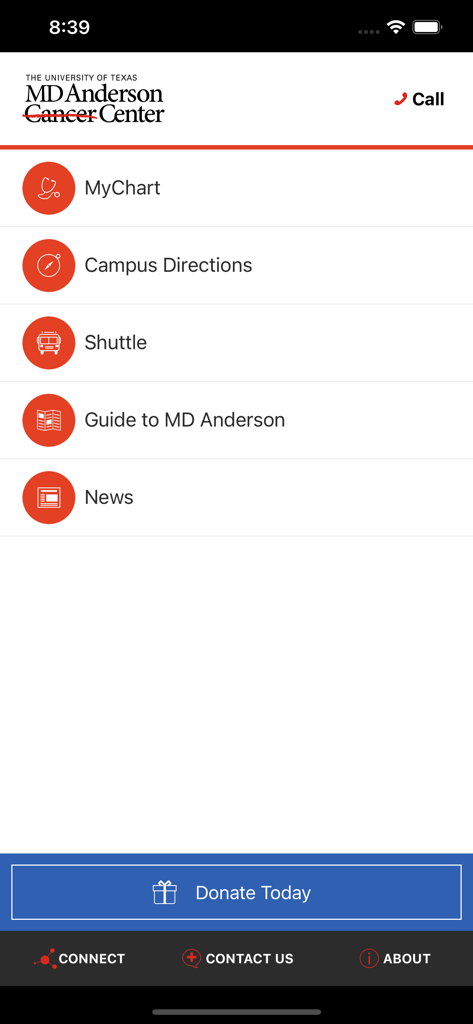
Home screen of the MD Anderson Mobile app showing the main menu with options for MyChart campus directions shuttle guide and news
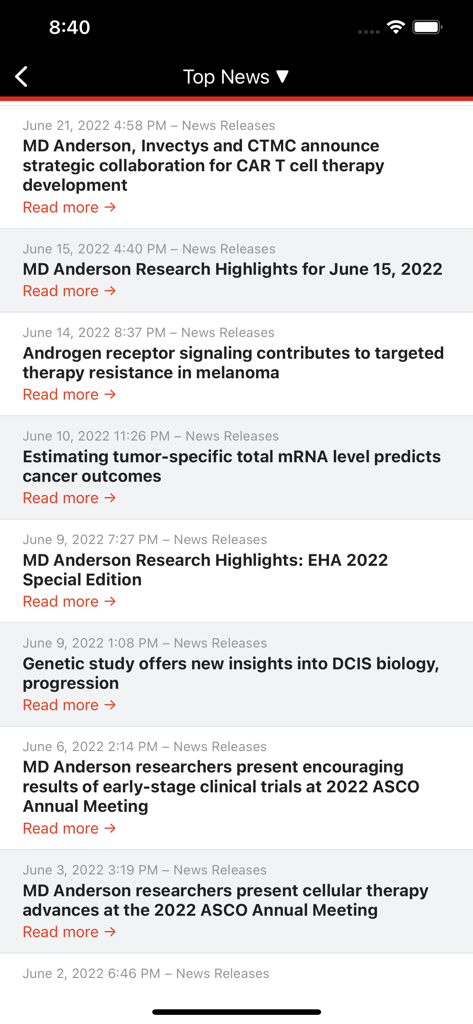
Top News screen in the MD Anderson Mobile app displaying a list of cancer research news releases and articles.
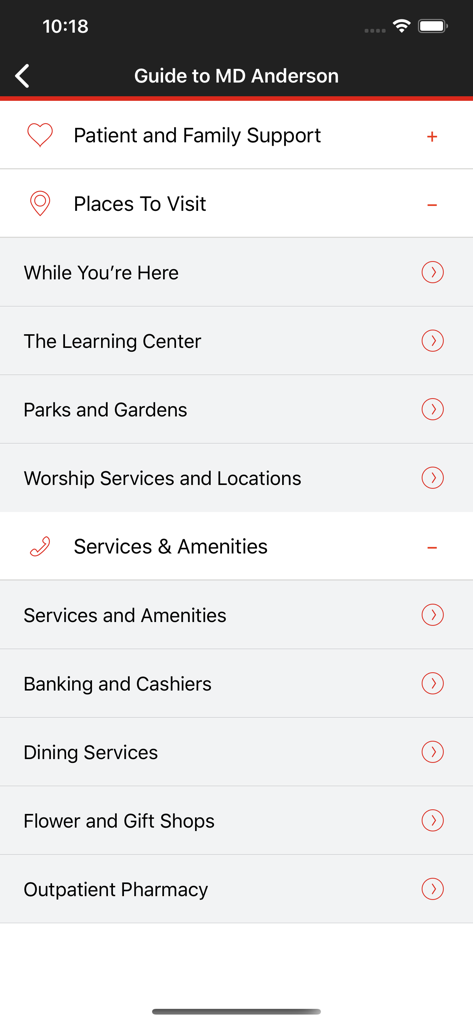
A menu screen from the MD Anderson Mobile app titled Guide to MD Anderson listing hospital services like dining, pharmacies, and patient support.
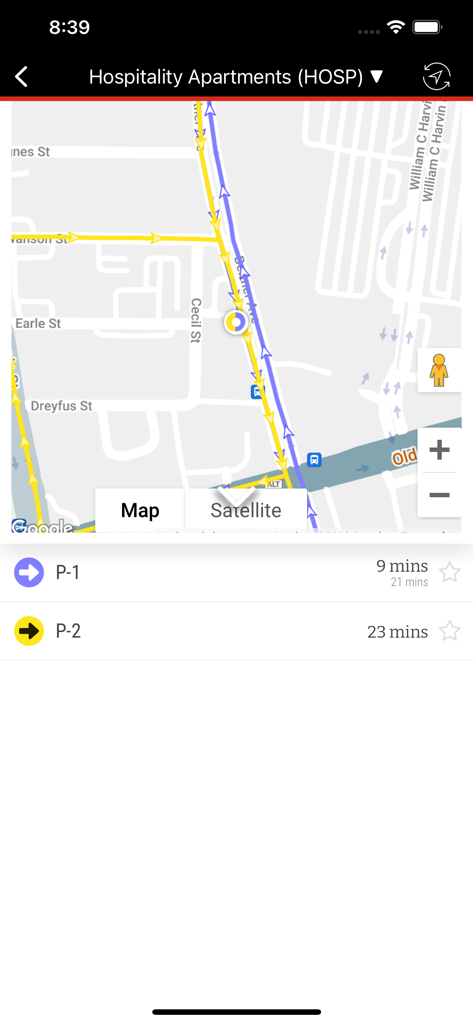
MD Anderson Mobile app map showing hospital shuttle routes and estimated arrival times
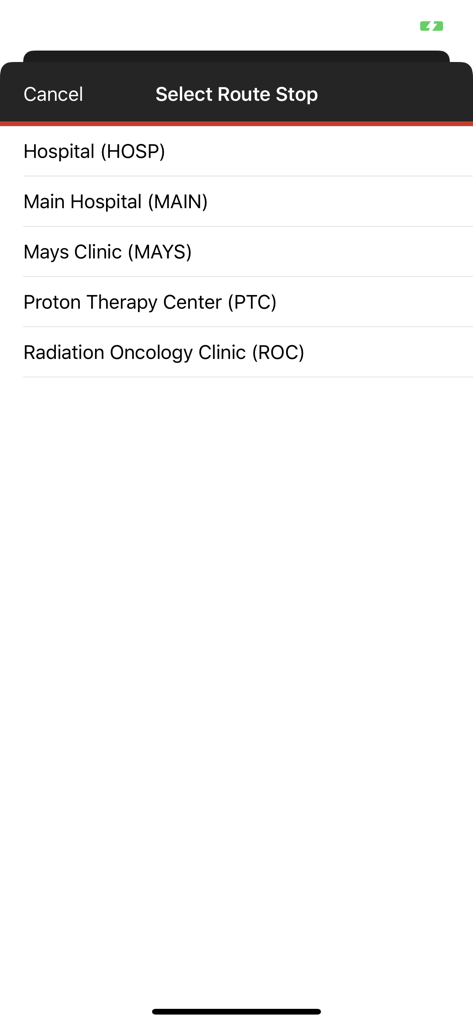
MD Anderson Mobile app interface for selecting shuttle route stops like Main Hospital and Mays Clinic
Description
Download
More Like This
Top-ranked apps in the same category

国家医保服务平台
National Healthcare Security Administration

MyChart
Epic Systems Corporation

Doctolib - Your health partner
Doctolib

Pregnancy + | Tracker App
Philips Digital UK Limited

CVS Health
CVS Pharmacy

江苏医保云
Jiangsu Healthcare Security Bureau

UnitedHealthcare
UNITED HEALTHCARE SERVICES, INC.

京东健康
BEIJING JINGDONG 360 DU E-COMMERCE LTD.

Meu SUS Digital
Servicos e Informacoes do Brasil
This page is not an official page of the app or its developer, but an independent editorial publication created for informational and commentary purposes. Unless expressly stated otherwise, neither the app nor its developer is affiliated with, endorsed by, sponsored by, authorized by, or otherwise officially connected with MWM, Apple, Google Play, the app publisher, or the app's developer, and nothing on this page implies that the app was developed using MWM's services. Any trademarks, logos, screenshots, and other content remain the property of their respective owners.