
This page is not an official page of the app or its developer, but an independent editorial publication created for informational and commentary purposes. Unless expressly stated otherwise, neither the app nor its developer is affiliated with, endorsed by, sponsored by, authorized by, or otherwise officially connected with MWM, Apple, Google Play, the app publisher, or the app's developer, and nothing on this page implies that the app was developed using MWM's services. Any trademarks, logos, screenshots, and other content remain the property of their respective owners.


MDX My Learning
Stay ahead with instant access to module content, offline study mode, and real-time grade updates directly from your mobile device.
Downloads
31K+User Rating
Total Ratings
100Publisher
Category
EducationLocales
1Latest Version
4.5.0Size
89.3 MBFirst Released
Aug 25, 2017Empower Your Academic Journey
Take your modules, peers, and progress with you. MDX My Learning is designed for the modern student who needs flexibility without sacrificing success.
Study Without Boundaries
Access your module content and learning materials even when you are offline. Perfect for maximizing your commute or study gaps.
Real-Time Academic Alerts
Stay ahead of every deadline with instant push notifications for grades, course announcements, and forum discussions.
Frequently Asked Questions
Everything you need to know about MDX My Learning
What is the MDX My Learning app?
The MDX My Learning app provides mobile access to My Learning, allowing users to browse course content, receive notifications, contact peers, participate in forums, view calendar events, upload files, and check grades.
Can I access course content offline with MDX My Learning?
Yes, the MDX My Learning mobile app allows users to browse the content of their modules and programmes even when they are offline, ensuring continuous access to learning materials.
Does the MDX My Learning app support file uploads?
Yes, the MDX My Learning app supports uploading images, audio, videos, and other files directly from the mobile device. This feature facilitates submitting assignments and contributing to discussions.
How do I view my grades in the MDX My Learning app?
Users can view their grades through the MDX My Learning app. This functionality is accessible via the user account menu, which features a dedicated "Grades" section.
What are the key features of My Learning Moodle 4.1 in the MDX app?
My Learning Moodle 4.1, as highlighted in the MDX app, introduces streamlined navigation, a personalized user dashboard, enhanced functionality, and a new look and feel for an improved experience.
Can I contact other people in my modules using MDX My Learning?
Yes, the MDX My Learning app enables users to find and contact other individuals within their modules and programme. This feature supports collaboration and communication among students and peers.
The following screenshots and description are sourced directly from the app's official store listing and are the property of the app developer.
App Store
Screenshots

Middlesex University logo on the MDX My Learning app splash screen
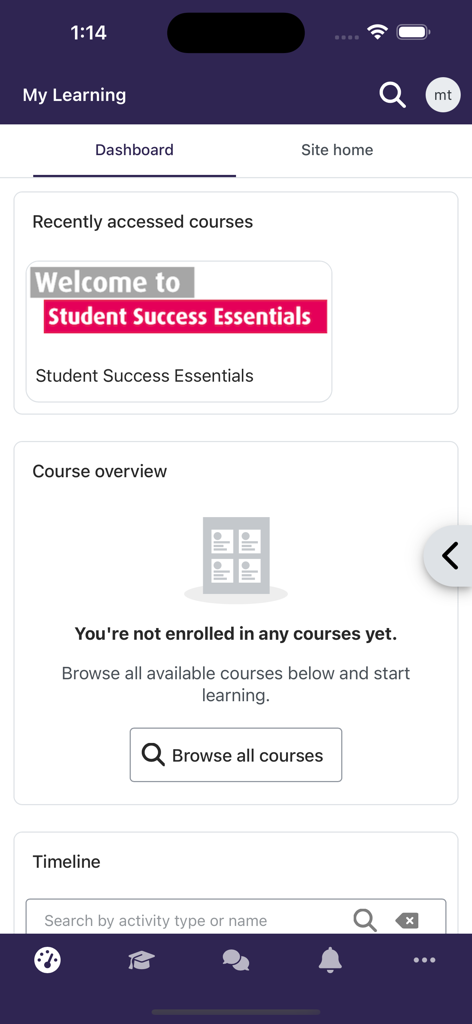
Dashboard view of the MDX My Learning app featuring recently accessed courses and a course overview section
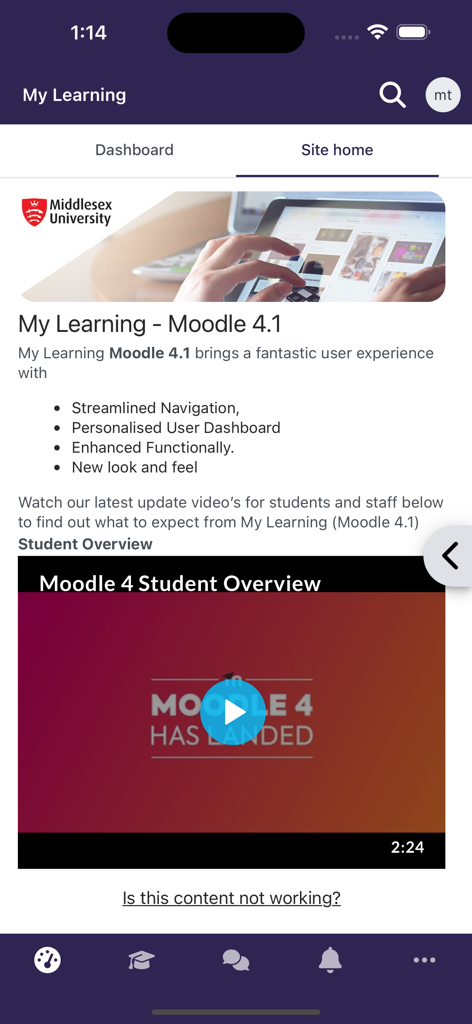
MDX My Learning app site home screen showing Moodle 4.1 update features and student overview video
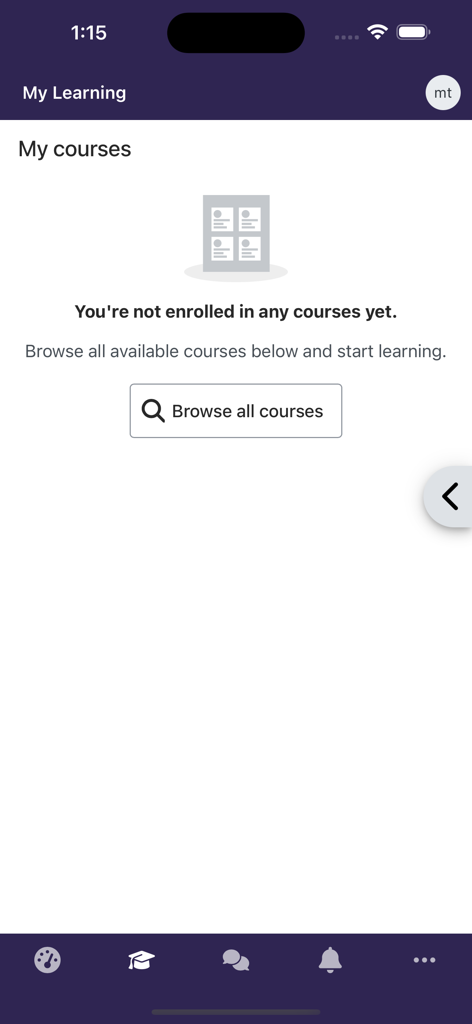
MDX My Learning app screen showing the My Courses section with a browse all courses button
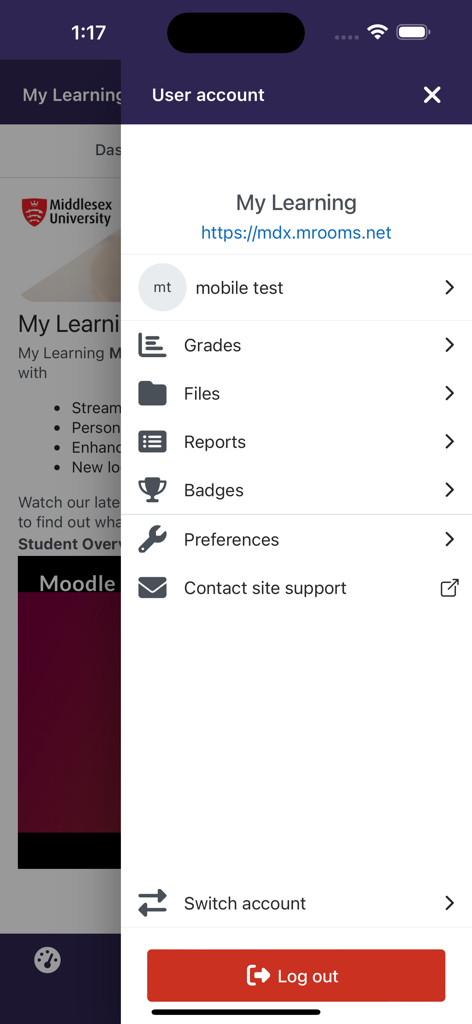
MDX My Learning app user account menu with links to grades files and reports
Description
Download
More Like This
Top-ranked apps in the same category

Duolingo - Language Lessons
Duolingo, Inc

Speak & Learn English: Learna
DEEP FLOW SOFTWARE SERVICES - FZCO

驾考宝典-科一科四驾驶证考试驾考通
Wuhan Jiakaobaodian Information Service Co., Ltd.

Toca Boca World
Toca Boca AB

Google Classroom
Google LLC

作业帮-中小学家长作业检查和辅导工具
Guangzhou Polar Future Culture Technology Co., Ltd

学信网
Student Information Consultation Service Co., Ltd.

Gauth: AI Study Companion
GAUTHTECH PTE. LTD.

ArtWorkout: Learn How to Draw
Aleksandr Ulitin
This page is not an official page of the app or its developer, but an independent editorial publication created for informational and commentary purposes. Unless expressly stated otherwise, neither the app nor its developer is affiliated with, endorsed by, sponsored by, authorized by, or otherwise officially connected with MWM, Apple, Google Play, the app publisher, or the app's developer, and nothing on this page implies that the app was developed using MWM's services. Any trademarks, logos, screenshots, and other content remain the property of their respective owners.