Measure-ruler&level tool
Download on App Store

This page is not an official page of the app or its developer, but an independent editorial publication created for informational and commentary purposes. Unless expressly stated otherwise, neither the app nor its developer is affiliated with, endorsed by, sponsored by, authorized by, or otherwise officially connected with MWM, Apple, Google Play, the app publisher, or the app's developer, and nothing on this page implies that the app was developed using MWM's services. Any trademarks, logos, screenshots, and other content remain the property of their respective owners.

Logo of Measure-ruler&level tool
Download on App Store

Measure-ruler&level tool

Stop searching for your tape measure. Use advanced AR technology to measure rooms, align furniture, and level your projects with professional precision—all from the phone in your pocket.

Key Figures

Downloads

0

User Rating

4.7/5

Total Ratings

0

Publisher

Foshan Fullstack Technology LLC

Category

Reference

Locales

2

Latest Version

1.2.1

Size

154.2 MB

First Released

Oct 30, 2023
Features

Professional Tools in Your Pocket

Stop searching for the tape measure. Use advanced AR technology and precision sensors to tackle any DIY project or home renovation with confidence.

Smart AR Measuring

Point your camera to instantly measure room dimensions, furniture, or distances without needing a second pair of hands.

Perfect Alignment Every Time

Use the high-precision level and protractor to hang gallery walls, install shelving, or measure angles with professional ease.

The following screenshots and description are sourced directly from the app's official store listing and are the property of the app developer.

App Store

Screenshots
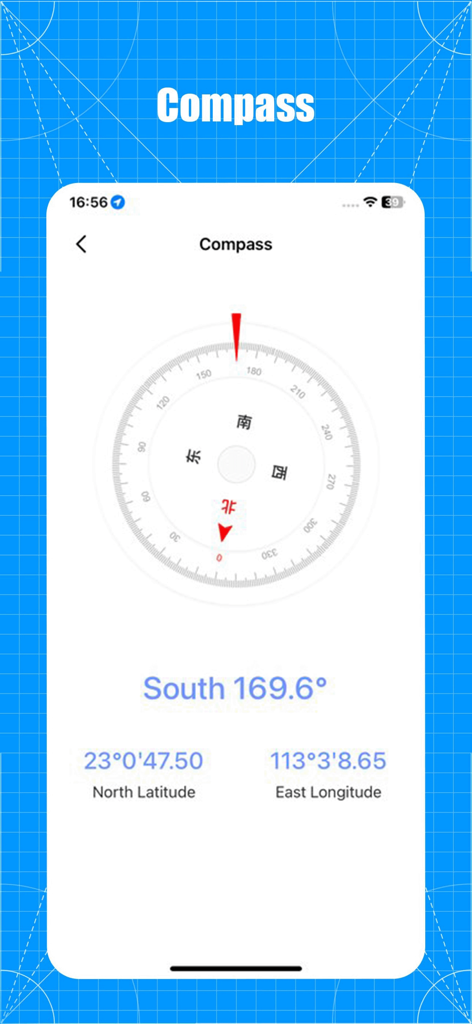
Measure-ruler&level tool - Digital compass interface showing south direction with latitude and longitude coordinates
Digital compass interface showing south direction with latitude and longitude coordinates

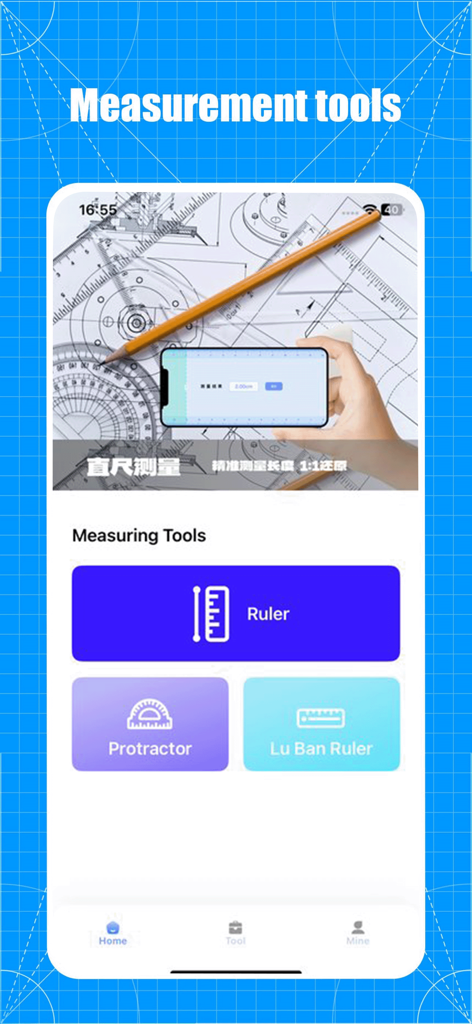
Measure-ruler&level tool - Screenshot of the Measure-ruler and level tool app showing measurement features including a digital ruler and protractor.
Screenshot of the Measure-ruler and level tool app showing measurement features including a digital ruler and protractor.

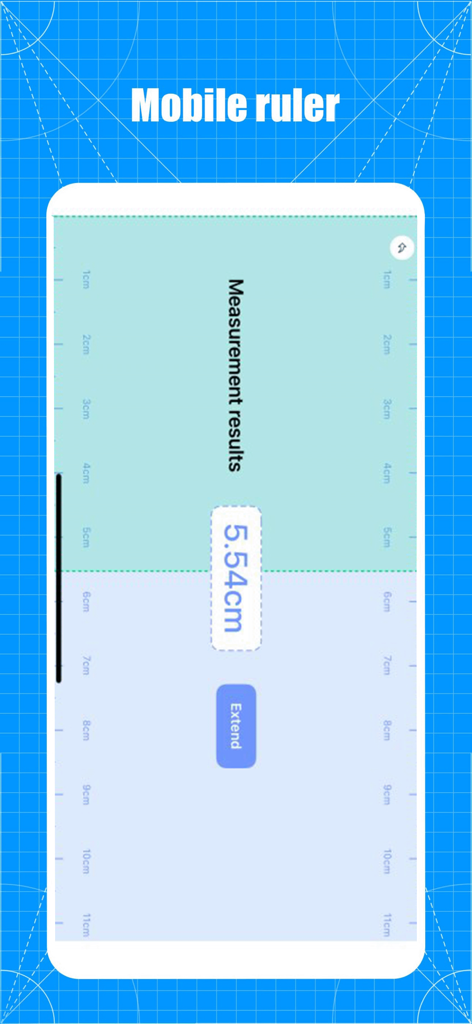
Measure-ruler&level tool - Interface of a mobile ruler app showing a measurement result of 5.54 centimeters on a blueprint background
Interface of a mobile ruler app showing a measurement result of 5.54 centimeters on a blueprint background

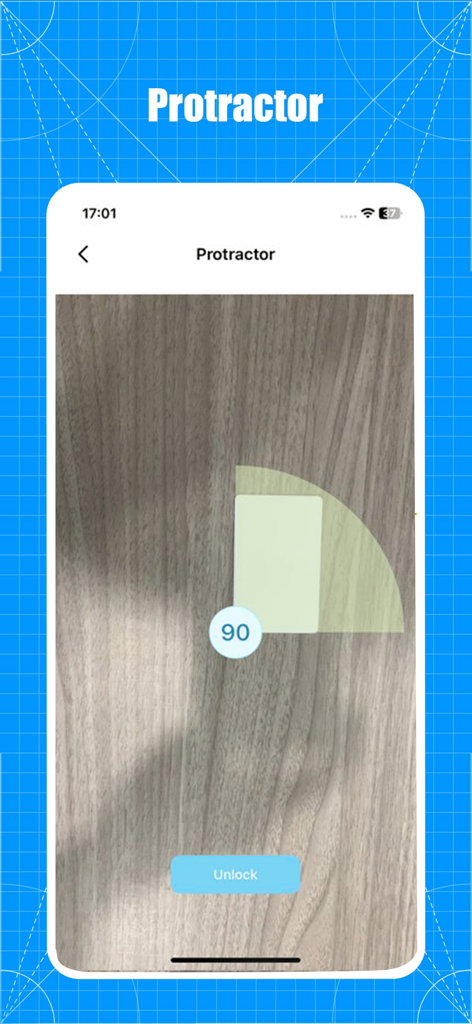
Measure-ruler&level tool - Digital protractor tool measuring a 90 degree angle on a wooden surface

Digital protractor tool measuring a 90 degree angle on a wooden surface

Description

This is a powerful measurement application that utilizes advanced augmented reality technology and various measurement tools to provide users with convenient and accurate measurement solutions. major function AR measurement: Simply turn on the camera and it will automatically recognize the scene and generate measurement reference lines, such as plane size, distance, and so on. The application has a built-in ruler tool, which allows users to align the ruler on the phone screen with the actual object through simple operations, and then directly read the length of the object. This is a convenient and fast measurement method, especially suitable for small or regular objects. 【 protractor 】 Users can accurately measure the angle between two line segments by placing them on the screen. This is a very useful tool for users who need to perform angle measurements. Users can use the mobile screen as a virtual ruler to accurately measure the length and horizontal direction of objects. The user only needs to locate two positions and will automatically calculate the distance between the two positions. In addition, it provides functions such as compass, decibel, level, and illuminator, which can assist users in the measurement toolbox they need in their daily lives. Meet various length measurement needs of users. By using us, measurements will become simpler, more accurate, and more convenient. Privacy Policy: User Agreement: This is a powerful measurement application that utilizes advanced augmented reality technology and various measurement tools to provide users with convenient and accurate measurement solutions. major function AR measurement: Simply turn on the camera and it will automatically recognize the scene and generate measurement reference lines, such as plane size, distance, and so on. The application has a built-in ruler tool, which allows users to align the ruler on the phone screen with the actual object through simple operations, and then directly read the length of the object. This is a convenient and fast measurement method, especially suitable for small or regular objects. 【 protractor 】 Users can accurately measure the angle between two line segments by placing them on the screen. This is a very useful tool for users who need to perform angle measurements. Users can use the mobile screen as a virtual ruler to accurately measure the length and horizontal direction of objects. The user only needs to locate two positions and will automatically calculate the distance between the two positions. In addition, it provides functions such as compass, decibel, level, and illuminator, which can assist users in the measurement toolbox they need in their daily lives. Meet various length measurement needs of users. By using us, measurements will become simpler, more accurate, and more convenient. Privacy Policy: https://www.freeprivacypolicy.com/live/2336a669-5e0c-4686-a785-2380ba680549 User Agreement: https://www.freeprivacypolicy.com/live/9e3b128e-10b5-49a3-880f-7eca23860b39

Download

Download on App Store

This page is not an official page of the app or its developer, but an independent editorial publication created for informational and commentary purposes. Unless expressly stated otherwise, neither the app nor its developer is affiliated with, endorsed by, sponsored by, authorized by, or otherwise officially connected with MWM, Apple, Google Play, the app publisher, or the app's developer, and nothing on this page implies that the app was developed using MWM's services. Any trademarks, logos, screenshots, and other content remain the property of their respective owners.