
This page is not an official page of the app or its developer, but an independent editorial publication created for informational and commentary purposes. Unless expressly stated otherwise, neither the app nor its developer is affiliated with, endorsed by, sponsored by, authorized by, or otherwise officially connected with MWM, Apple, Google Play, the app publisher, or the app's developer, and nothing on this page implies that the app was developed using MWM's services. Any trademarks, logos, screenshots, and other content remain the property of their respective owners.


Meow Money manager
Ditch the stressful spreadsheets for a cozy, privacy-focused budget tracker. Personalize your spending with 200+ adorable icons and transform financial management into a mindful, aesthetic habit.
Downloads
87K+User Rating
Total Ratings
800Publisher
Category
FinanceLocales
11Latest Version
5.5.5Size
49.7 MBFirst Released
Sep 6, 2020Finance, but Make it Cute
Say goodbye to cold, corporate banking apps. Meow Money Manager transforms the stress of budgeting into a cozy, mindful experience that fits your aesthetic perfectly.
Cozy Customization
Express your style with 200+ hand-drawn icons. Personalize your categories for everything from boba runs to pet treats and side hustles.
Privacy First
No data mining and no bank links. Your financial secrets stay on your device with local backups and secure fingerprint app locking.
The following screenshots and description are sourced directly from the app's official store listing and are the property of the app developer.
App Store
Screenshots
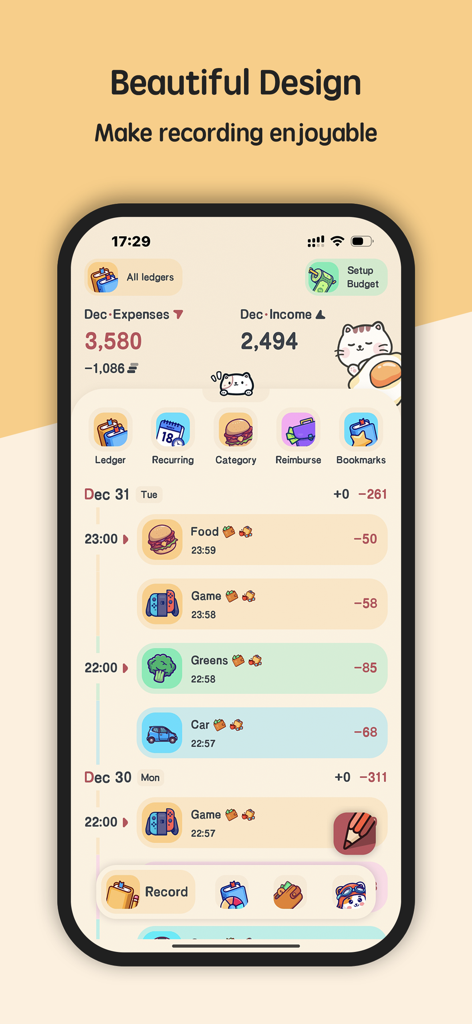
Meow Money Manager app interface showing a cute cat themed daily expense and income tracker with colorful icons
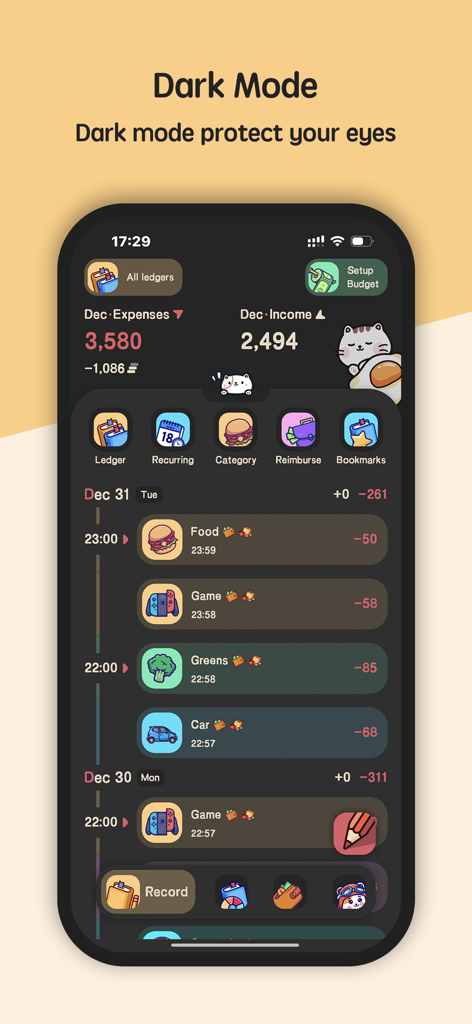
Meow Money Manager app interface showing the dark mode theme with cute icons and expense tracking.
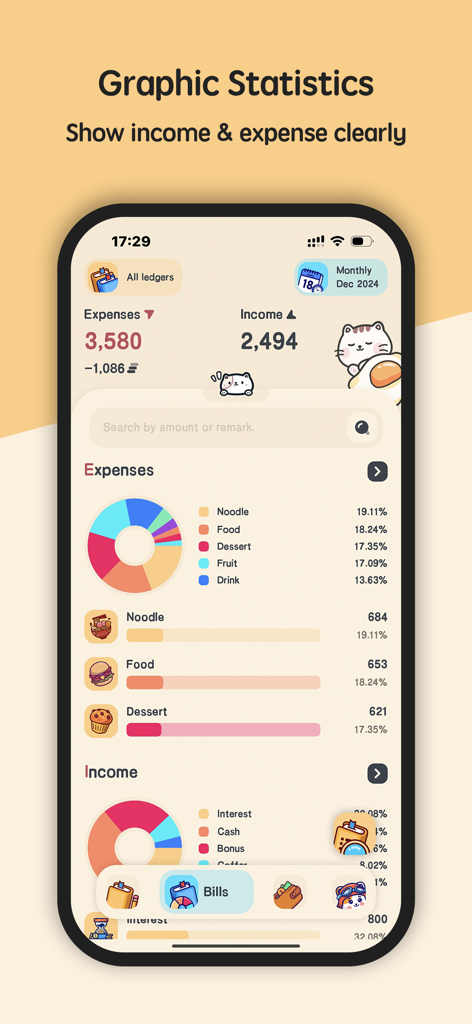
Meow Money Manager app screen displaying graphic statistics for expenses and income with cute cat illustrations
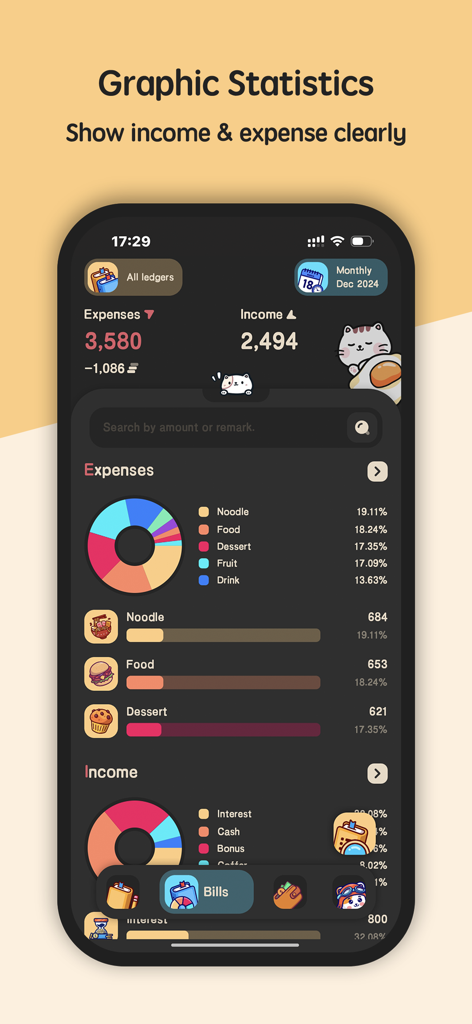
Meow Money Manager mobile app interface showing income and expense statistics with a pie chart and cute cat characters in dark mode
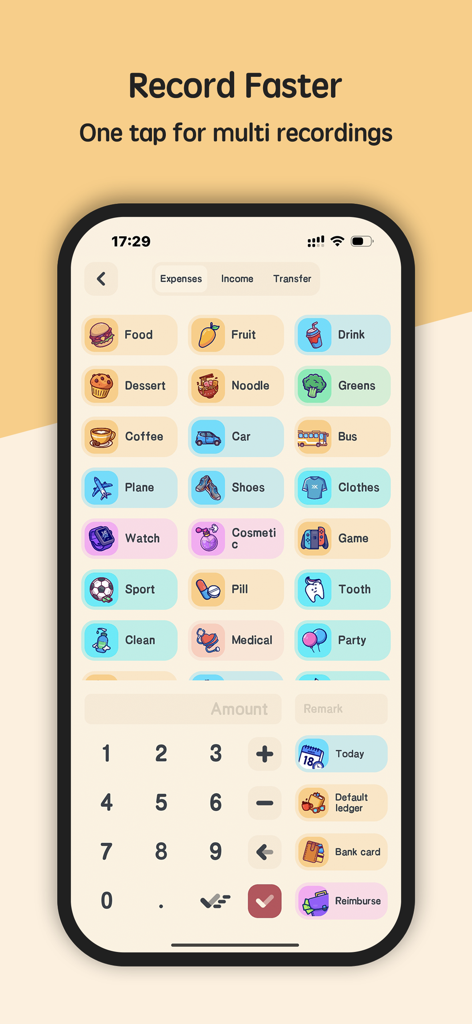
Expense recording screen with cute icons and a number pad in Meow Money Manager app
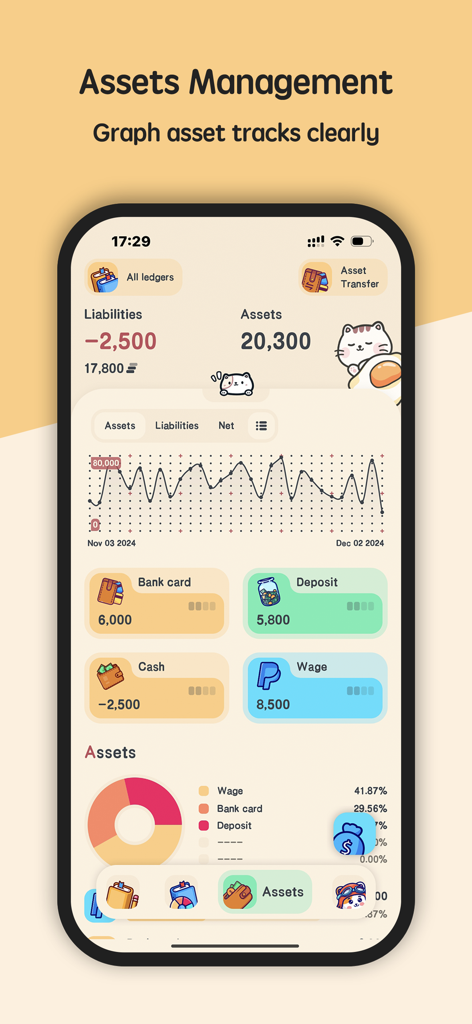
Assets management screen of Meow Money Manager showing net worth graph and asset distribution with a cute cat aesthetic
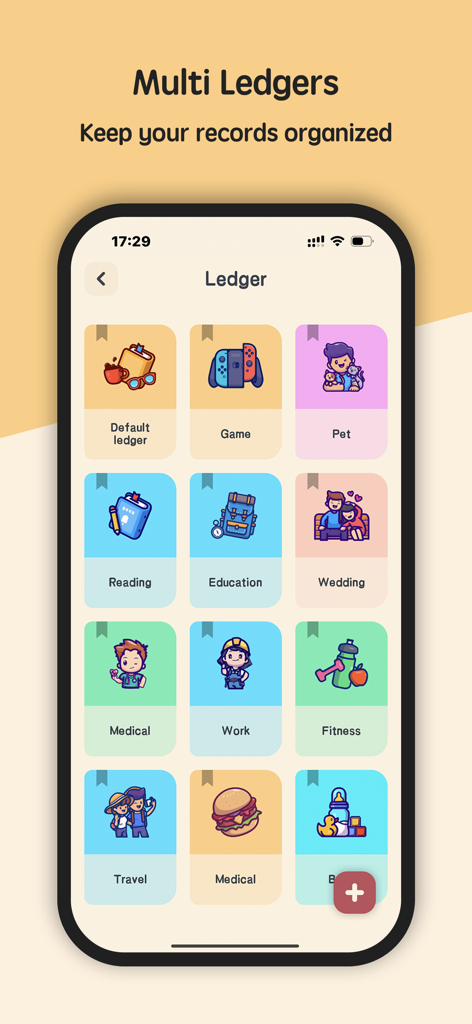
A mobile app screen showing a grid of colorful ledger categories with cute icons for organizing personal finances.
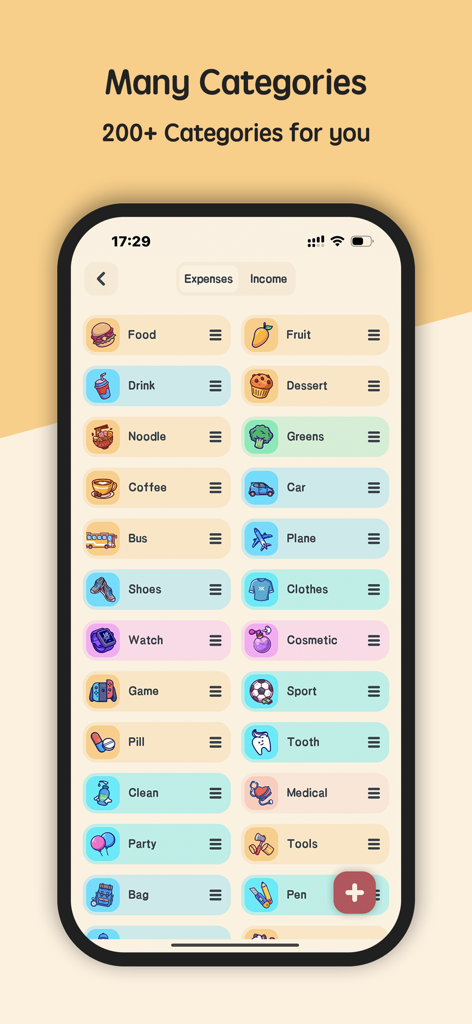
Meow Money Manager app screen displaying a wide variety of colorful and cute expense categories with unique icons
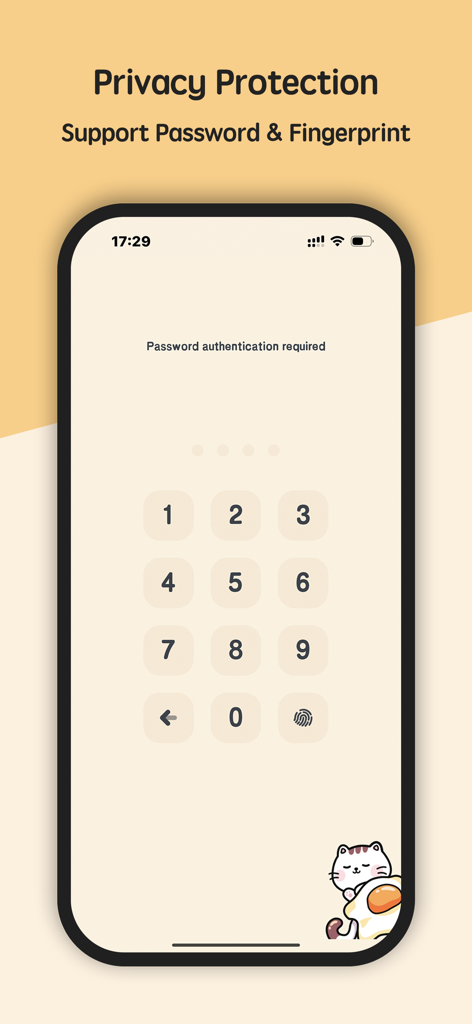
Privacy protection screen of Meow Money Manager showing a password keypad and fingerprint authentication with a cute cat illustration
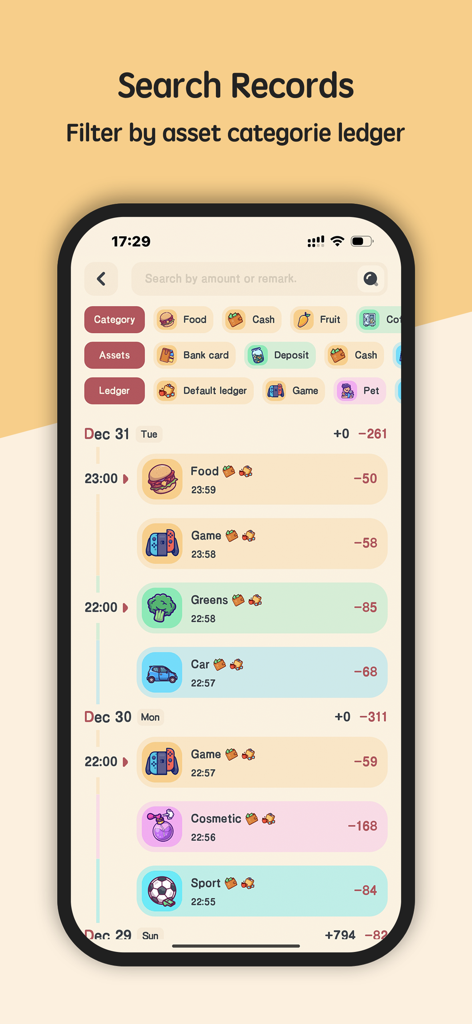
Meow Money Manager app screen showing search records with colorful category icons for food, games, and lifestyle expenses.
Description
Download
More Like This
Apps with similar features and user experience

鲨鱼记账本-城市理财圈子必备工具软件
Beijing Shark Pioneer Network Technology Co.,Ltd

咔皮记账 -自动记账 AI记账 预算 多账本 资产管理 存钱
Shanghai Yuhuan Technology Co., Ltd.

Money manager, expense tracker
Orange dog d.o.o.

Money Manager Expense & Budget
Realbyte Inc.

Budget Planner App - Fleur
Akash Jain

iCost记账-快速简洁好用的记账理财助手&记账软件
Guangzhou Quji Technology Co., Ltd.

YNAB
You Need A Budget LLC

Copilot: Track & Budget Money
Copilot Money, Inc.

小青账记账-存钱记账本理财购物清单
YouQian
This page is not an official page of the app or its developer, but an independent editorial publication created for informational and commentary purposes. Unless expressly stated otherwise, neither the app nor its developer is affiliated with, endorsed by, sponsored by, authorized by, or otherwise officially connected with MWM, Apple, Google Play, the app publisher, or the app's developer, and nothing on this page implies that the app was developed using MWM's services. Any trademarks, logos, screenshots, and other content remain the property of their respective owners.