
This page is not an official page of the app or its developer, but an independent editorial publication created for informational and commentary purposes. Unless expressly stated otherwise, neither the app nor its developer is affiliated with, endorsed by, sponsored by, authorized by, or otherwise officially connected with MWM, Apple, Google Play, the app publisher, or the app's developer, and nothing on this page implies that the app was developed using MWM's services. Any trademarks, logos, screenshots, and other content remain the property of their respective owners.


Mextures Photo Editor
Elevate your visual storytelling with the App Store's premier non-destructive editor. Master organic film grain, light leaks, and custom formulas using the workflow designed for the modern creative enthusiast.
Downloads
521K+User Rating
Total Ratings
2K+Publisher
Category
Photo & VideoLocales
1Latest Version
2.9.2Size
156.9 MBFirst Released
May 30, 2013Master the Art of the Analog Look
Mextures combines professional-grade technical control with organic film textures to help you create a visual style that is uniquely yours.
Authentic Film Textures
Add soul to your shots with over 150 light leaks, dusty film scans, and gritty grain used by world-class photographers.
Non-Destructive Workflow
Change your mind, not your photo. Tweak every layer and adjustment at any time, even 30 steps later, for total creative freedom.
Frequently Asked Questions
Everything you need to know about Mextures Photo Editor
What is Mextures photo editor?
Mextures is an award-winning photo editing app specializing in applying dust, film grain, textures, light leaks, and gradients. It features a non-destructive workflow and offers over 150 textures and 200 one-click formulas.
Does Mextures offer non-destructive photo editing?
Yes, Mextures offers a non-destructive workflow. Users can make changes to layers at any point during the editing process, even after many steps, ensuring flexibility and control over edits.
What types of textures are available in Mextures photo editor?
Mextures provides over 150 textures, including analog light leaks, dusty film scans, tasteful grunge, natural artifacts, element textures, and perfectly tuned gradients. Opacity and 12 different blending modes are adjustable.
Can I save and share my photo edits in Mextures?
Yes, Mextures allows users to save edits as custom 'Formulas' for future use. These formulas can be shared with others via a simple code and imported from other users, fostering a creative community.
What photo adjustment tools does Mextures include?
Mextures includes professional-grade editing tools such as Exposure, Contrast, Tint, White Balance, Fade, Black and White, Highlights/Shadows, Sharpness, and Saturation. It also features 30 film presets.
How many layers can I use in Mextures photo editor?
Mextures supports an infinite number of layers, allowing users to stack a virtually unlimited quantity for complex blending effects. Any layer's texture, blend mode, or rotation can be modified at any time.
How do Mextures' film presets enhance photos?
Mextures offers 30 film presets that emulate popular film stocks. These presets blend and finish images, providing an authentic analog look with various aesthetic options directly within the app.
The following screenshots and description are sourced directly from the app's official store listing and are the property of the app developer.
App Store
Screenshots
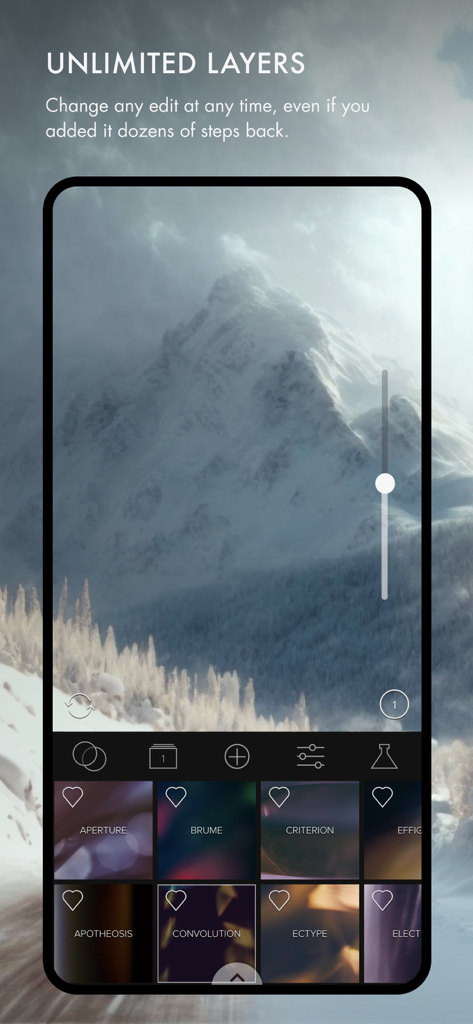
Screenshot of the Mextures app interface showcasing unlimited layers and professional photo editing textures.
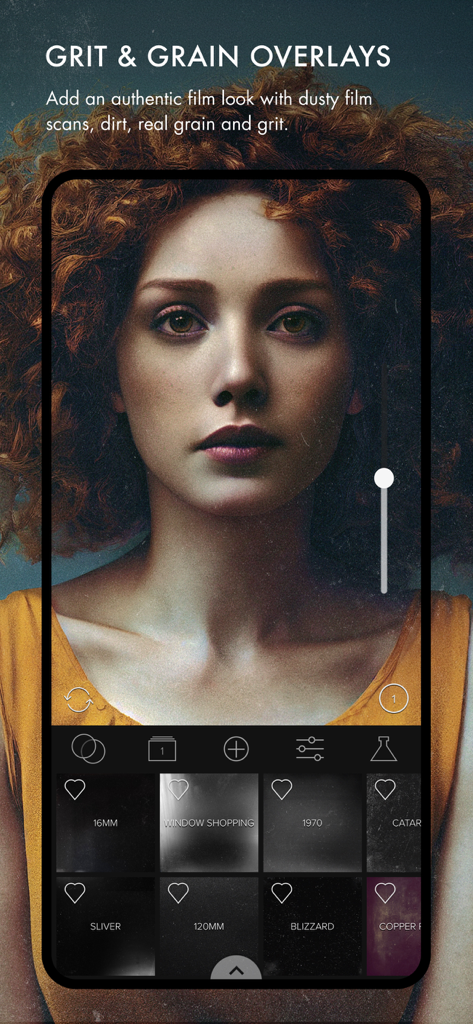
A woman's portrait being edited in Mextures app using grit and grain film overlays for an authentic analog look
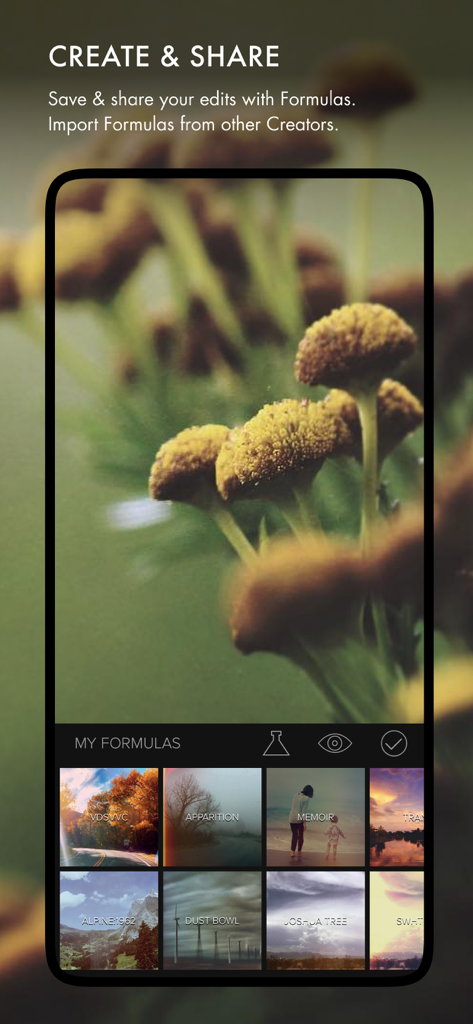
Mextures app interface showing the create and share screen with a library of custom photo editing formulas
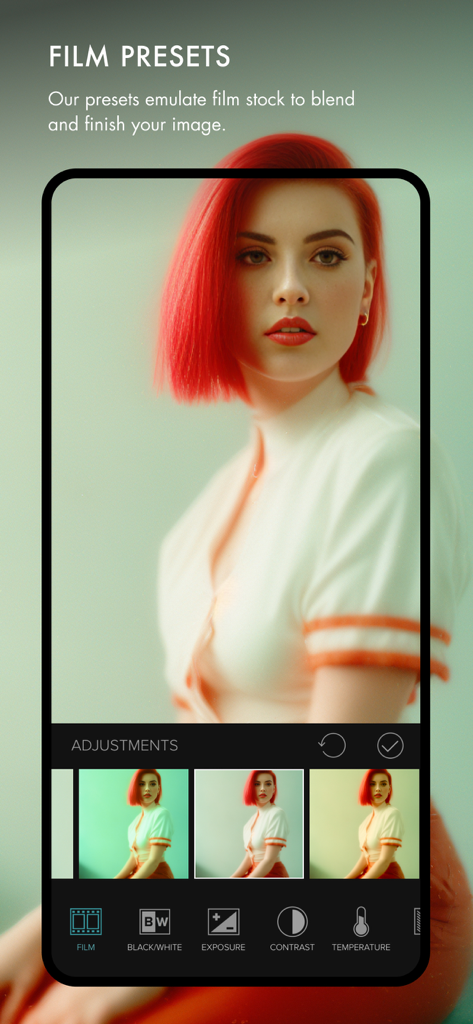
Mextures app interface showing film presets applied to a portrait of a woman with red hair
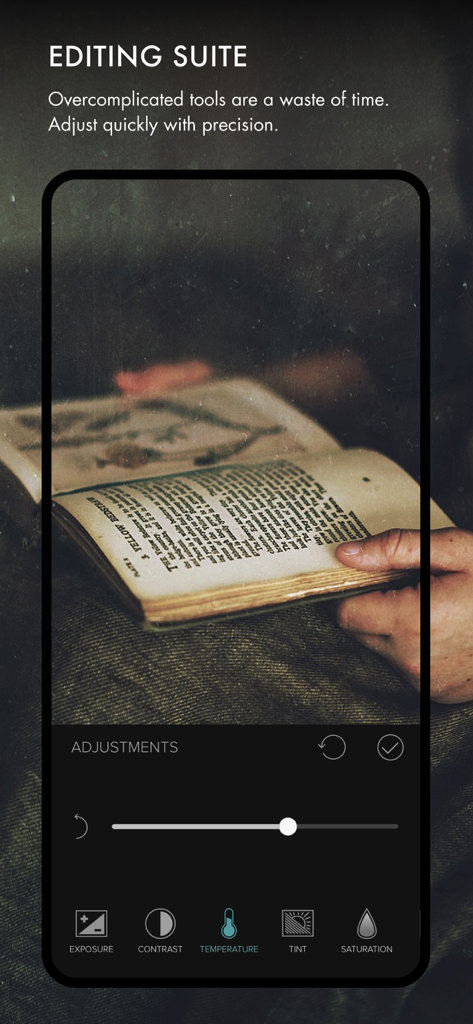
Mextures photo editor interface showing precision adjustment tools for temperature and exposure on a mobile device.
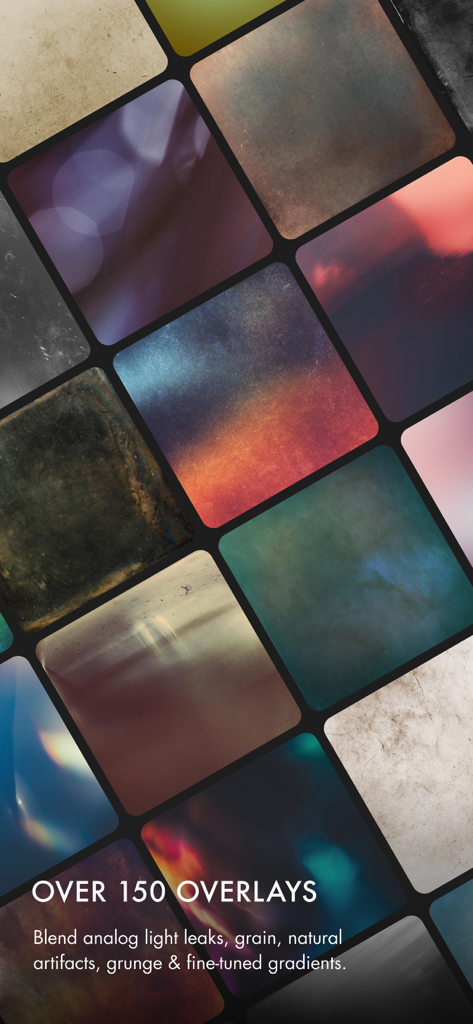
A grid display of analog photo overlays including light leaks grain and grunge textures
Description
Download
More Like This
Apps with similar features and user experience
Dazz Cam - Vintage Camera
DAZZ PTE. LTD.

Kapi - Vintage Film Camera
Shanghai Yuhuan Technology Co., Ltd.
ProCCD - Digital Film Camera
秉妍 蔡
Fomz - Vintage Analog Camera
Guangzhou Mengdong Information Technology Co., Ltd.

Liit - Photo & Video Editor
DAZZ PTE. LTD.
1998 Cam - Vintage Camera
Huu Nguyen Chi
y2k: 2000s photo editor
Abel Thomas Noble

Uplens: Photo & Video Editor
MPGAMES LTD

Buttercam
Beijing Muke Technology Co., Ltd.
This page is not an official page of the app or its developer, but an independent editorial publication created for informational and commentary purposes. Unless expressly stated otherwise, neither the app nor its developer is affiliated with, endorsed by, sponsored by, authorized by, or otherwise officially connected with MWM, Apple, Google Play, the app publisher, or the app's developer, and nothing on this page implies that the app was developed using MWM's services. Any trademarks, logos, screenshots, and other content remain the property of their respective owners.