
This page is not an official page of the app or its developer, but an independent editorial publication created for informational and commentary purposes. Unless expressly stated otherwise, neither the app nor its developer is affiliated with, endorsed by, sponsored by, authorized by, or otherwise officially connected with MWM, Apple, Google Play, the app publisher, or the app's developer, and nothing on this page implies that the app was developed using MWM's services. Any trademarks, logos, screenshots, and other content remain the property of their respective owners.

Mic Speaker
Amplify your voice for karaoke nights, professional presentations, or hearing assistance. Instantly connect to Bluetooth speakers and headsets to turn your iPhone into a powerful megaphone or stethoscope.
Downloads
1M+User Rating
Total Ratings
100Publisher
Category
MusicLocales
104Latest Version
2.8.3Size
15.3 MBFirst Released
Sep 10, 2018One App, Infinite Audio Possibilities
Mic Speaker transforms your iPhone into a versatile audio powerhouse, serving as a megaphone, karaoke mic, or hearing assistant with just one tap.
Your Mobile Karaoke Machine
Sing your heart out! Stream music from YouTube while your voice is amplified through your favorite Bluetooth speaker.
Professional Voice Projection
No megaphone? No problem. Use it for presentations, coaching, or crowd control to ensure you're heard in any setting.
Frequently Asked Questions
Everything you need to know about Mic Speaker
What is the primary function of the Mic Speaker app?
The Mic Speaker app primarily functions as a tool to output sound from a microphone through a selected speaker unit, featuring a speaker output switching capability.
Can the Mic Speaker app be used for karaoke?
Yes, Mic Speaker facilitates karaoke by allowing users to play music and sing along, supporting platforms like YouTube for musical accompaniment.
Does Mic Speaker support Bluetooth audio output?
Yes, Mic Speaker supports outputting sound through Bluetooth headsets or Bluetooth speakers, utilizing its integrated speaker output switching function.
Can I use Mic Speaker as a megaphone?
Yes, Mic Speaker can function as a loudspeaker or megaphone to amplify your voice for increased volume and projection.
Does the Mic Speaker app offer different sound effects?
Yes, the Mic Speaker app offers various karaoke sound effects such as "Large Hall," "Small Room," "Cathedral," and "Plate" to enhance audio output.
Can I save audio recordings with the Mic Speaker app?
Yes, the Mic Speaker app includes a "Save audio" function, allowing users to record and store the processed microphone output.
Does Mic Speaker work with wired earphones or headsets?
Yes, Mic Speaker can output sound directly through connected wired earphones or a headset, as shown in its connectivity options.
Can Mic Speaker be used in the background?
Yes, Mic Speaker allows sound from the microphone to be played in the background, enabling multitasking while using the app's features.
What output devices does the Mic Speaker app support?
The Mic Speaker app supports outputting sound to Bluetooth headsets, Bluetooth speakers, wired earphones, external speakers via AUX, and car audio systems.
Can Mic Speaker be used as a hearing aid?
Yes, Mic Speaker can be used as a hearing aid to amplify sounds for individuals who experience difficulty hearing.
The following screenshots and description are sourced directly from the app's official store listing and are the property of the app developer.
App Store
Screenshots
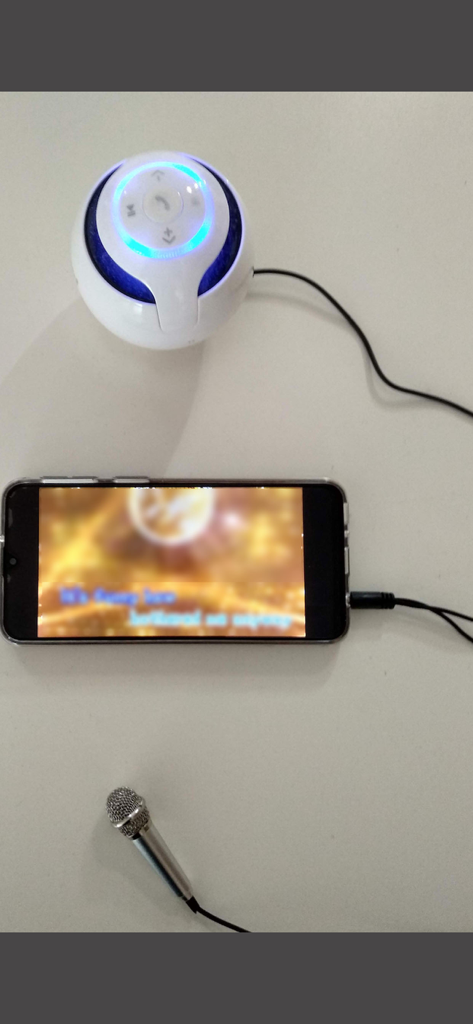
Smartphone connected to a mini microphone and a portable speaker for a mobile karaoke setup
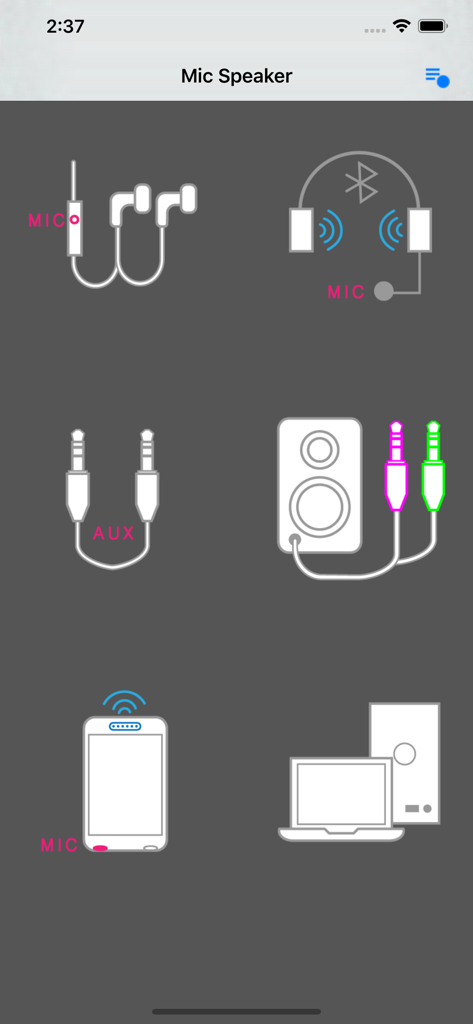
Microphone and speaker connection options including bluetooth and aux in the Mic Speaker app interface
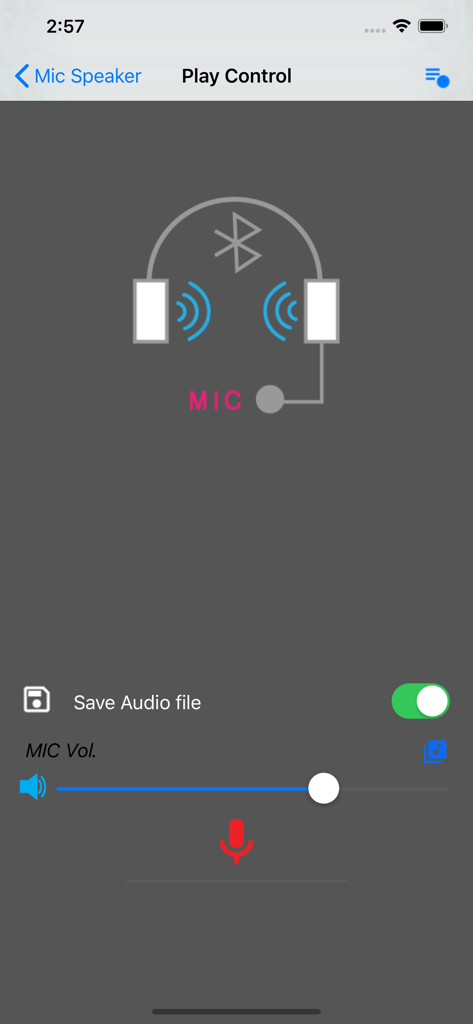
Play control interface of the Mic Speaker app showing microphone volume settings and Bluetooth connection
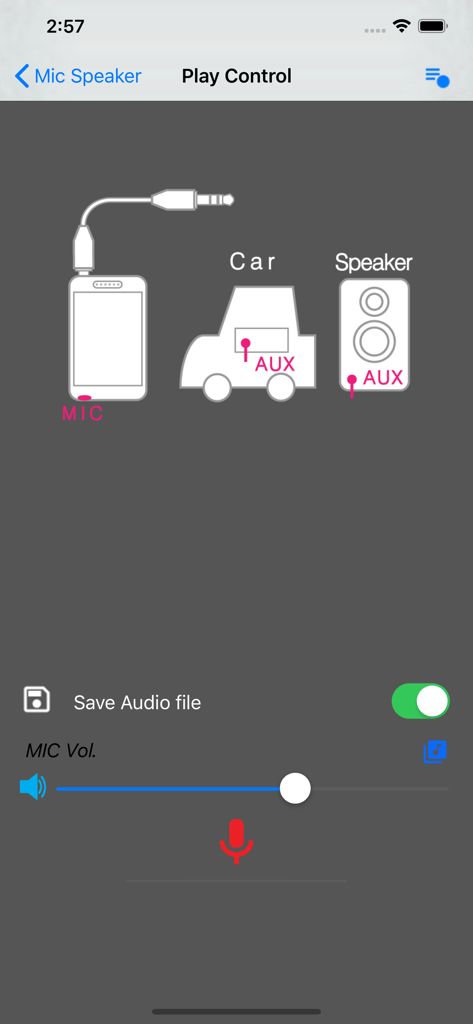
Mic Speaker app interface showing play control settings and a diagram for connecting a phone to a car or speaker via AUX
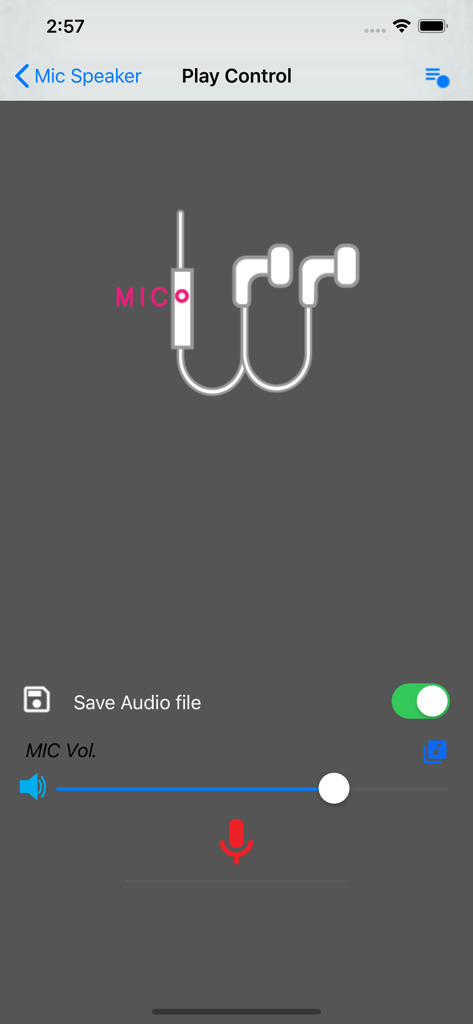
Interface of the Mic Speaker app showing microphone volume slider and save audio file option
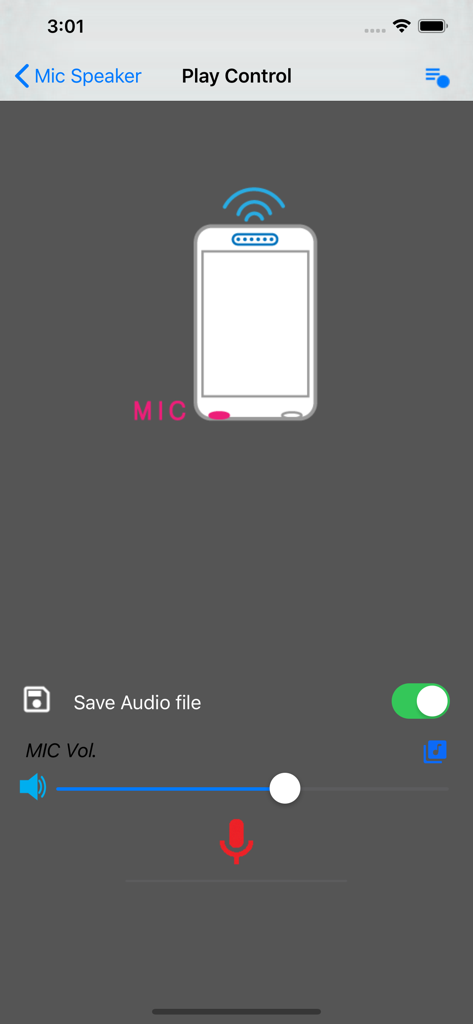
Mic Speaker app play control screen with microphone volume slider and save audio toggle
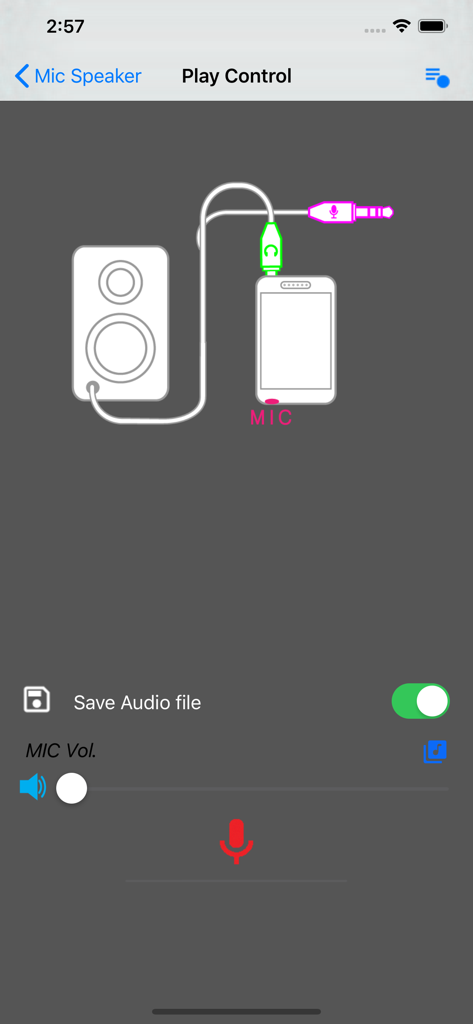
Screen showing microphone and speaker connection diagram with volume controls in the Mic Speaker app
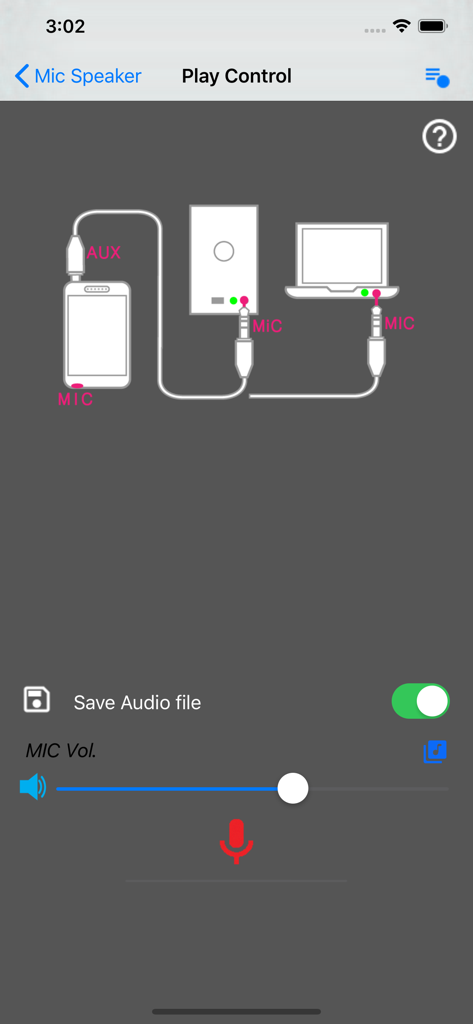
Connection diagram in Mic Speaker app showing audio routing from a smartphone to an external speaker and laptop
Description
Download
More Like This
Apps with similar features and user experience
This page is not an official page of the app or its developer, but an independent editorial publication created for informational and commentary purposes. Unless expressly stated otherwise, neither the app nor its developer is affiliated with, endorsed by, sponsored by, authorized by, or otherwise officially connected with MWM, Apple, Google Play, the app publisher, or the app's developer, and nothing on this page implies that the app was developed using MWM's services. Any trademarks, logos, screenshots, and other content remain the property of their respective owners.