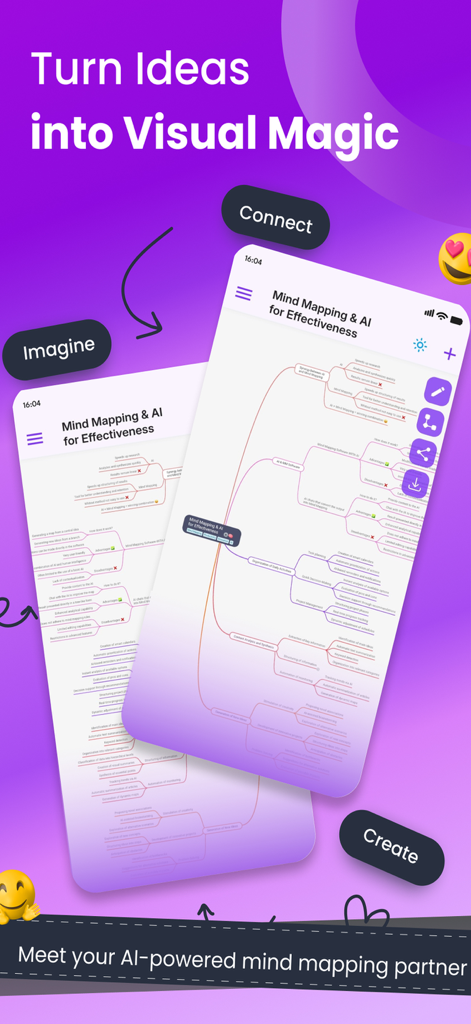
Welcome to MindMap AI – your intelligent AI mind map generator that transforms your content into beautifully organised, interactive visual maps. Whether you're brainstorming, learning, planning, or reflecting, MindMap AI blends the power of advanced AI with full manual control to give you the ultimate mind mapping experience.
With the new Thinking Mode, MindMap AI now thinks step-by-step, creating cleaner, more structured maps. You can switch between AI assistance and manual editing at any time, customise the look and feel with new themes and node styles, and enhance your maps with practical widgets, dates, and visual markers.
MindMap AI transforms your content across major formats – including videos, CSV files, images, plain text, and PDFs — into clear, structured mind maps, helping you organise information visually and effortlessly.
Key Features
- AI-Powered Mind Map Generation
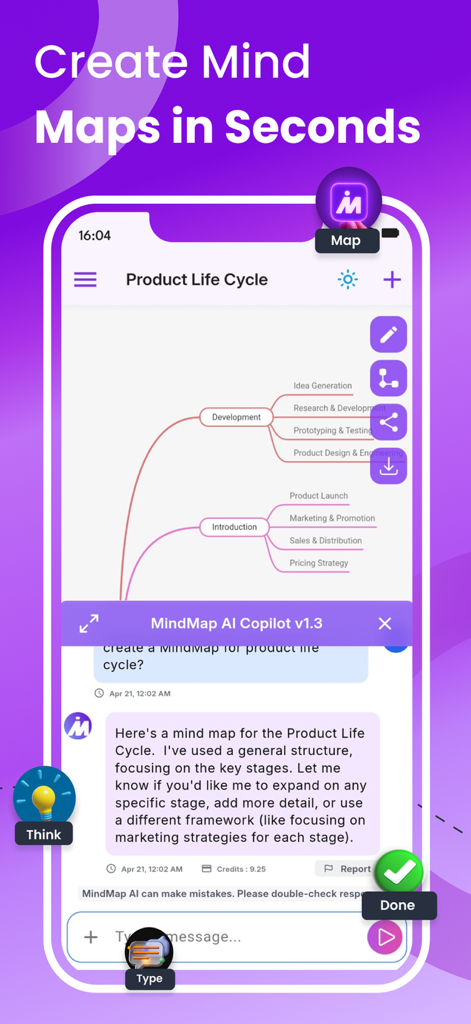
Instantly turn your notes, thoughts, and files into mind maps using the smart AI Copilot and the new Thinking Mode for clearer, more logical structures.
- Manual Edit Mode
Freely customise, rearrange, and refine your mind maps to match your unique thinking style. Move nodes, rename topics, restructure branches, and stay fully in control.
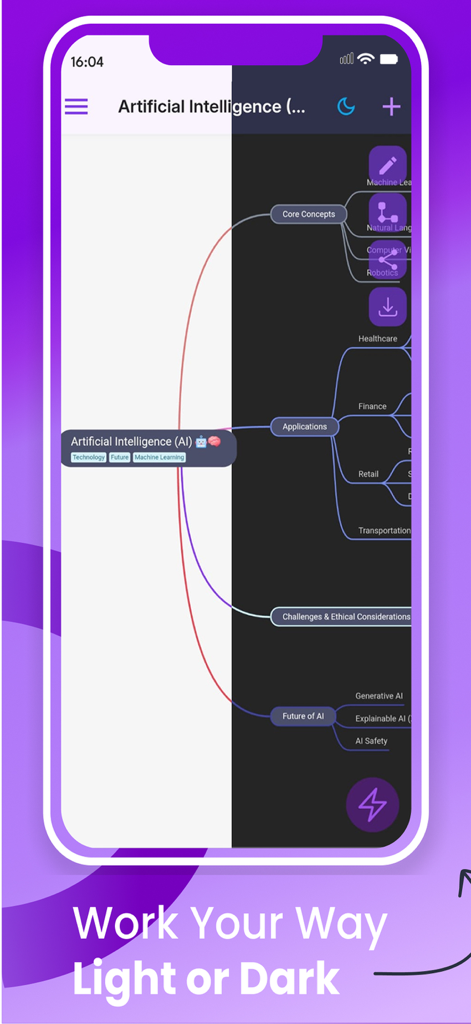
- New Custom Themes and Styling
Choose from new custom themes and style individual nodes with different fonts, sizes, and colours so every map looks and feels the way you think.
- Widgets, Date and Time
Add practical widgets like priorities, checkboxes, and progress, and attach date and time to nodes to track deadlines, events, and milestones directly inside your maps.
- Summary and Arrow Styling
Highlight key sections with styled summaries and customise arrow styles to show relationships, flows, and dependencies with more visual clarity.
- Multi-Format Upload Support
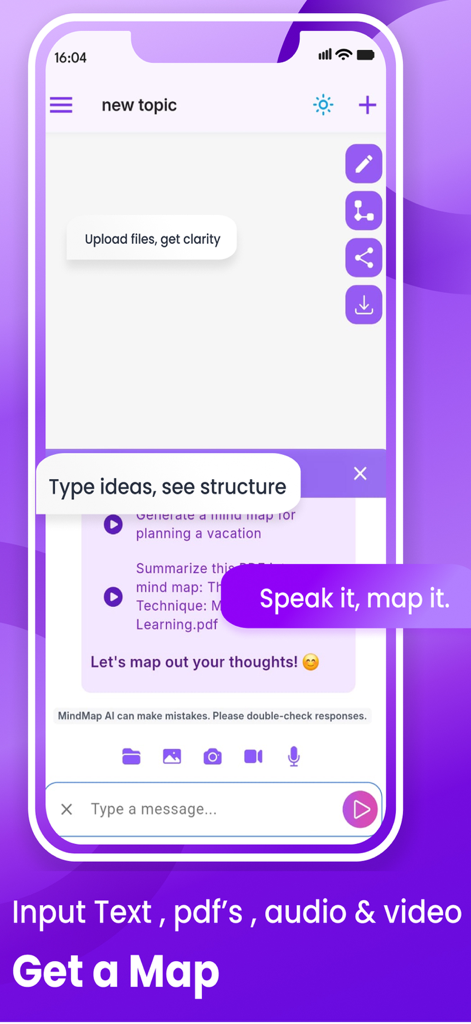
Upload images, PDFs, audio, videos, CSVs, and plain text to create structured visual content effortlessly. MindMap AI extracts key ideas and organises them into mind maps for you.
- AI Summarise, Expand and Focus
Let MindMap AI condense long content, expand ideas creatively, or focus on specific topics within your map. Perfect for revision, research, and planning.
- Copilot Assistant
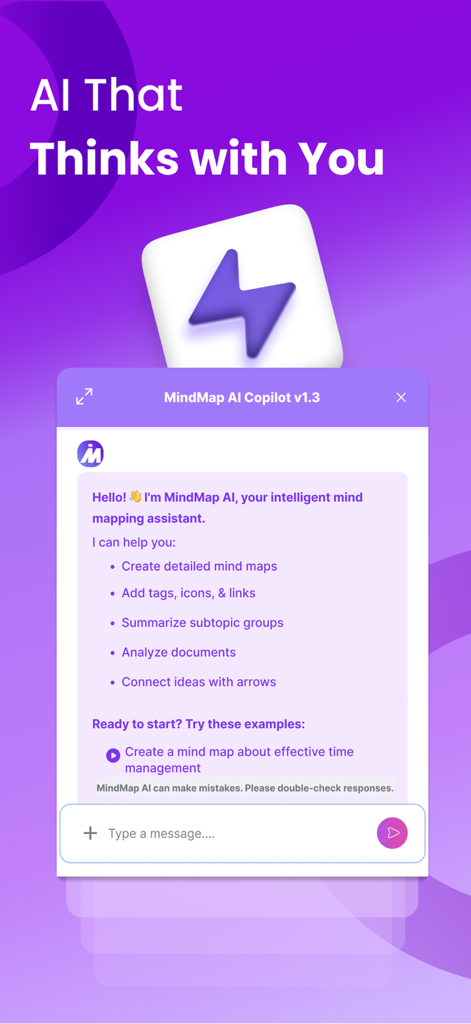
Interact with your AI Copilot to explore ideas, clarify thoughts, and improve your maps with guided, context-aware suggestions.
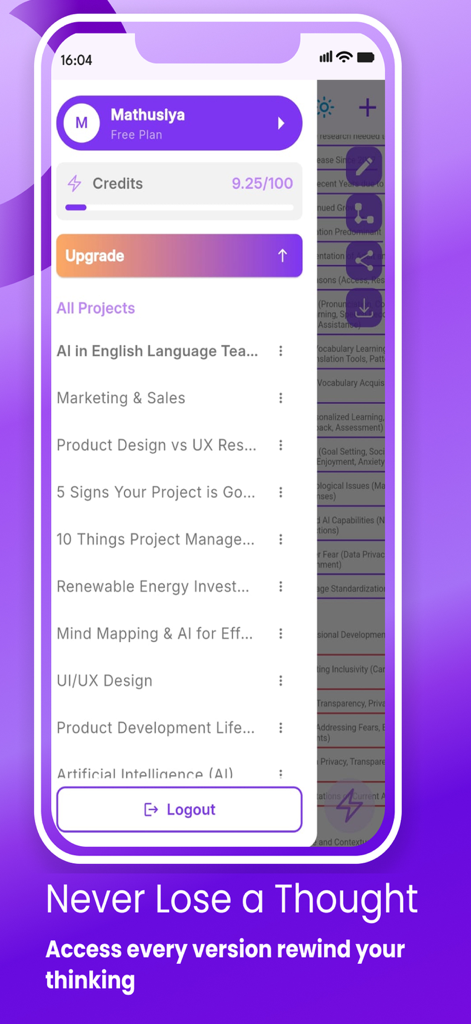
- Conversation History
Revisit and track the evolution of your ideas, prompts, and edits over time within each project.
- Undo, Redo and Retry
Edit fearlessly with powerful controls to undo, redo, or retry AI responses at any stage in your mapping flow.
- Project Import, Export and Duplication
Easily import and export projects, duplicate existing maps to create variations, and manage different versions of your work without starting from scratch.
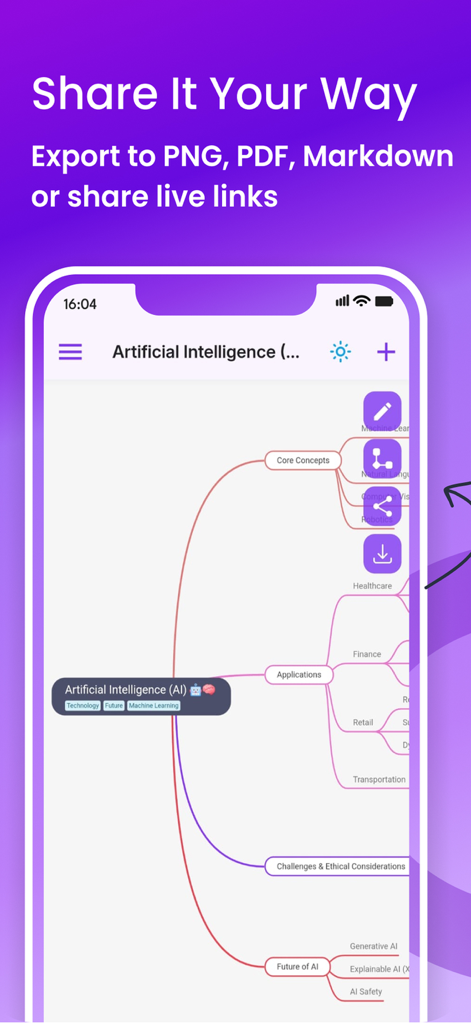
- Export and Download Options
Download your mind maps as SVG, PNG, PDF, or Markdown (.md) for seamless sharing, presenting, or documenting your work.
- Shareable Links
Share your maps with teammates, classmates, or clients via secure links so others can view your visual thinking.
- Clean, Intuitive Interface
MindMap AI offers a fast, distraction-free experience with a clean interface designed for deep thinking and clear organisation.
Use Cases
- Brainstorming, Study and Learning
Capture ideas fast and turn them into clear visual maps. Convert notes, PDFs and videos into digestible mind maps for easier understanding.
- Content Summarisation and Strategy Planning
Upload long content and let MindMap AI highlight the key points visually. Plan projects, goals and workflows with priorities, dates and simple task widgets.
- Personal Growth and Reflection
Map your goals, habits and journal entries into structured views. See patterns, track progress and reflect more clearly on your life.
Start mapping your thoughts like never before!
Install MindMap AI — the free AI mind map generator — and bring structure, creativity, and clarity to your ideas, one map at a time.