
Miracast ™ᅠ

Instantly cast your iPhone or iPad to any Smart TV. Experience lag-free streaming for photos, videos, and games with total control right from your device.
Publisher
Category
Photo & VideoDownloads
1M+User Rating
Total Ratings
4K+Locales
1Discover the interface used by 1M+ users.
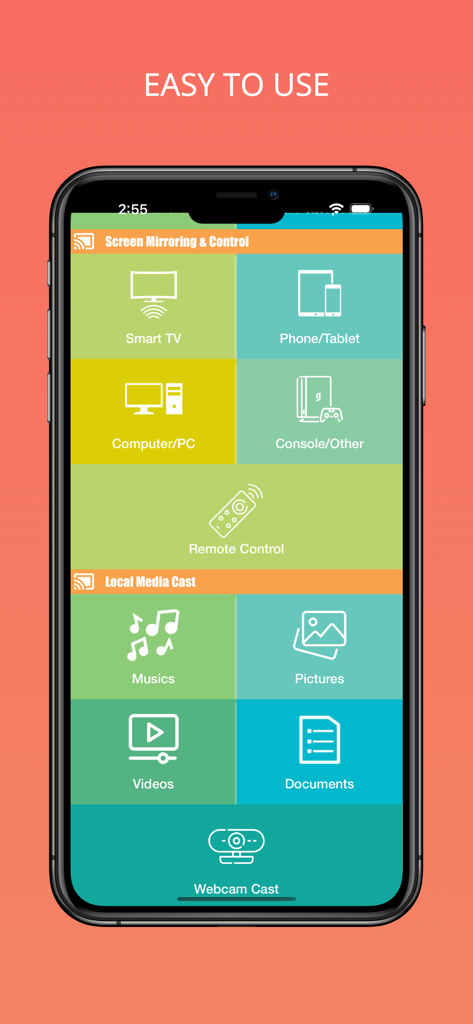
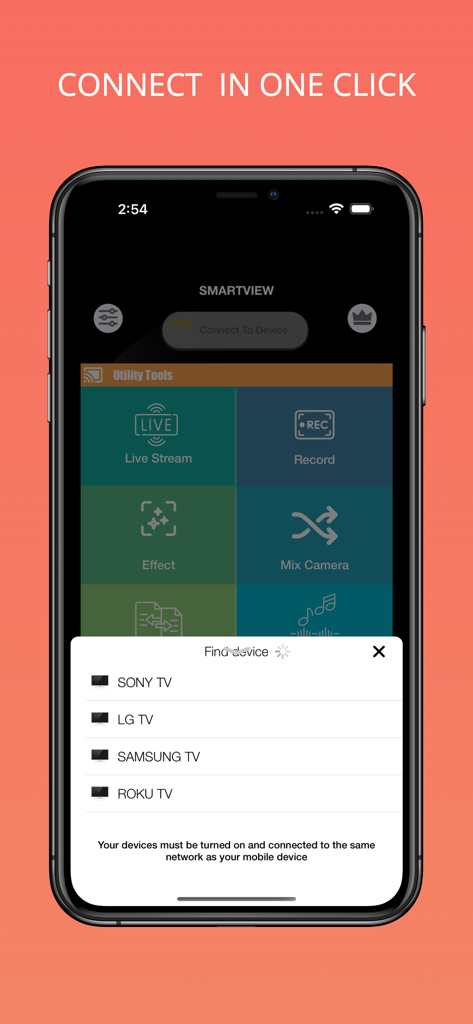
The tools that make this app stand out, trusted by 1M+ users.
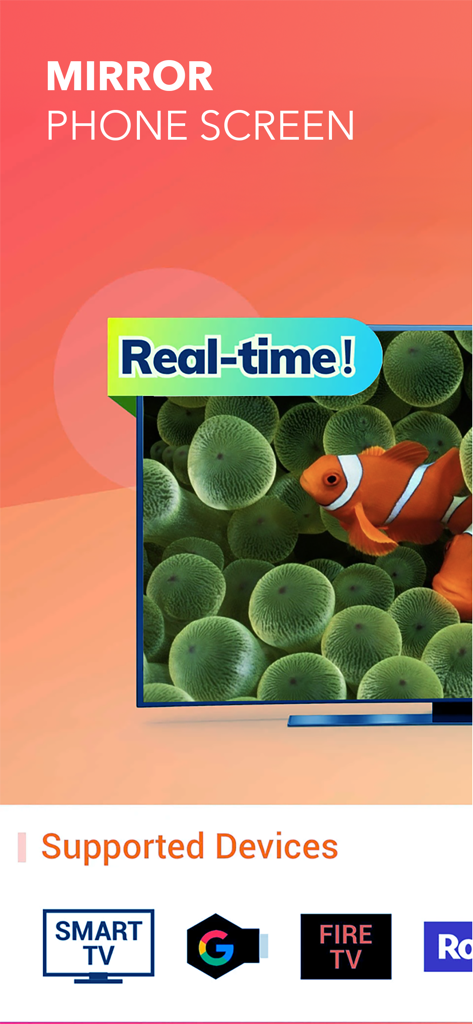
Break free from hardware limits. Mirror your screen to Samsung, LG, Roku, and Sony TVs instantly without needing an Apple TV or messy cables.
Enjoy smooth, real-time performance for gaming, live streaming, and professional presentations with crystal-clear HD quality on the big screen.
Take total command of your home theater. Curate custom photo slideshows for family gatherings and control playback directly from your phone.
Insights from user reviews.
Sentiment Score
Summary
The Miracast app receives overwhelmingly negative feedback from users, with common complaints highlighting its fundamental inability to function for screen mirroring or casting purposes. A significant point of contention is the app's pricing model, which requires users to pay a subscription or one-time fee upfront without offering any free trial to test compatibility or functionality, often leading to charges of being a "scam" or "money grab." Many users report that despite paying, the app still fails to connect or work with their devices, including iPhones, Androids, and various car or smart TVs. Users express extreme dissatisfaction with the lack of value for money and report issues with unresponsive customer support when seeking refunds.
Common Themes
Everything you need to know about Miracast ™ᅠ.
Description
Latest Version
2.1
Size
9.8 MB
First Released
Nov 13, 2023
Join over 1 million users who have ditched the cables. Download Miracast™ today and start mirroring your favorite videos, photos, and apps to any TV instantly.
Everything you need to know about Miracast ™ᅠ
Miracast is an all-in-one sharing solution that provides effortless screen mirroring, allowing users to share photos, videos, online content, and launch apps on a smart TV.
Yes, Miracast provides seamless real-time screen mirroring with Smart View, ensuring that phone screen actions are flawlessly replicated on the TV without delay.
Yes, Miracast allows users to craft custom playlists of images and videos, mirroring them directly onto their TV for a curated and uninterrupted visual experience.
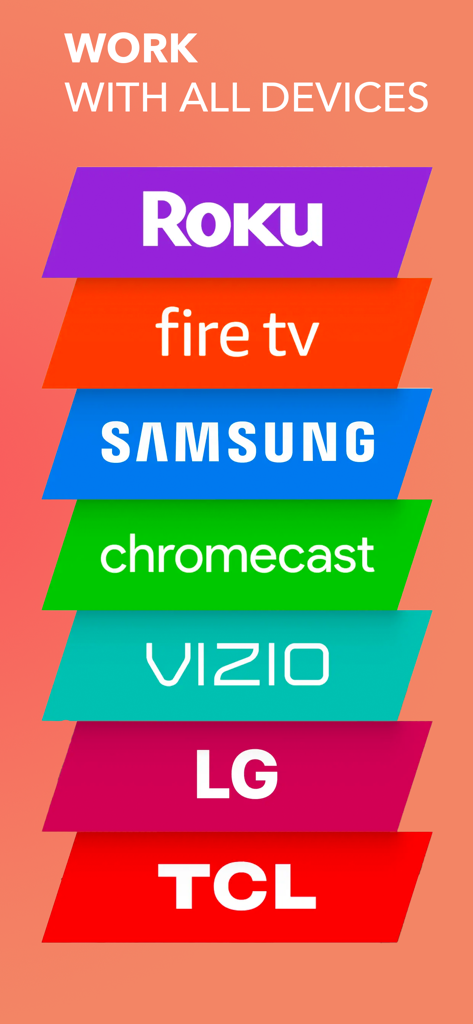
Miracast offers universal compatibility, connecting across various devices including Roku, Fire TV, Samsung, Chromecast, Vizio, LG, and TCL.
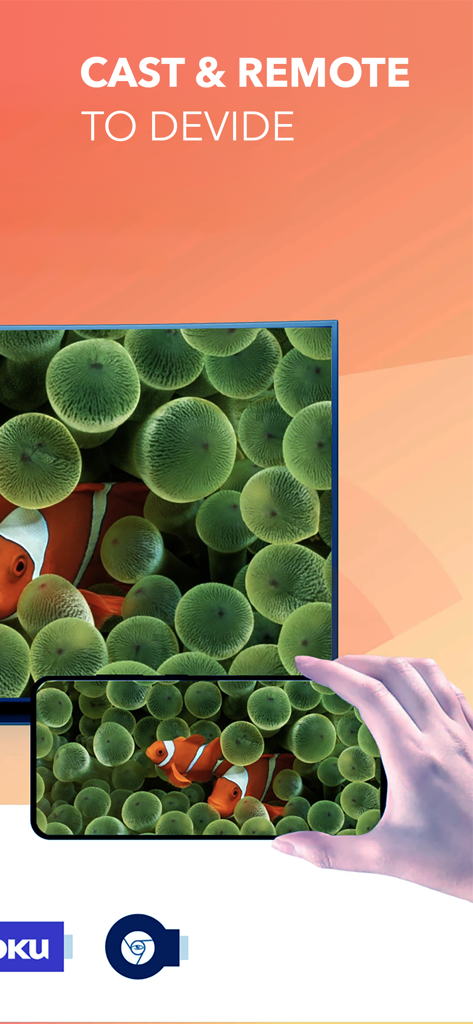
Miracast transforms a smartphone into a versatile remote control. Users can effortlessly navigate, control volume, play, and pause media directly from their fingertips.
Yes, Miracast enables mirroring of online videos and images. Users can explore and project content from the vast online universe onto their TV screen using keywords.
Miracast offers a weekly subscription with automatic renewal. Subscriptions can be managed or canceled directly via the user's Apple ID account settings.
Yes, Miracast allows users to easily launch their beloved mobile apps and experience them on the big screen, simplifying multitasking and access.
Yes, Miracast supports screen mirroring and control to a computer/PC, as indicated in its interface options for "Screen Mirroring & Control."
Yes, Miracast includes utility tools for live streaming and recording, alongside options for effects and mixing camera feeds.
Apps with similar features and user experience

InstantBits Inc

Sichuan FalconAI Technology Co., Ltd.

Mihkel Pikk

Ozuna Limited

TOGGLE APPS SP Z O O

AER SOFTWARE COMPANY LIMITED

SAND STUDIO CORPORATION LIMITED

Hainan Delta Software Co., Ltd

Dalma Innovation Solutions d.o.o.
App information, icons, screenshots, and descriptions displayed on this page are sourced from the Apple App Store and are the property of their respective developers. Download estimates and rankings are based on MWM's proprietary models and may not reflect actual figures. This page is provided for informational and analytical purposes only.
Believe this page infringes your intellectual property? File a dispute