
This page is not an official page of the app or its developer, but an independent editorial publication created for informational and commentary purposes. Unless expressly stated otherwise, neither the app nor its developer is affiliated with, endorsed by, sponsored by, authorized by, or otherwise officially connected with MWM, Apple, Google Play, the app publisher, or the app's developer, and nothing on this page implies that the app was developed using MWM's services. Any trademarks, logos, screenshots, and other content remain the property of their respective owners.


MitID
Access your Danish banking, tax, and government portals from anywhere in the world. Securely approve actions and sign documents with a single swipe.
Downloads
1M+User Rating
Total Ratings
6K+Publisher
Category
UtilitiesLocales
3Latest Version
3.6.1Size
69.3 MBFirst Released
Sep 2, 2021Your Secure Connection to Denmark, Wherever You Are
The official digital ID for Danish banking and government services, designed to help you manage your affairs seamlessly from the United States.
Remote Activation
Activate your ID without visiting a physical office. Simply scan your passport and face directly in the app to get started from anywhere in the US.
One-Swipe Approvals
Skip the paperwork. Authorize bank transfers, sign legal documents, and access government portals with a single swipe or a quick QR code scan.
Frequently Asked Questions
Everything you need to know about MitID
What is MitID?
MitID is a digital ID for logging in, digital signatures, and approving actions in various self-service solutions on mobile, tablet, or computer.
How do I activate MitID in the app?
You activate MitID in the app by scanning your passport/ID card or using an activation code from Borgerservice. You can also copy it from an old MitID app.
What actions can I perform using the MitID app?
The MitID app allows you to log in, sign digitally, and approve actions. On mobile, you swipe to approve; on a computer, you scan a QR code.
Can I check and change my mobile number in the MitID app?
Yes, within the MitID app, users can check their current user ID and change the mobile number associated with their MitID.
Why should I have a spare MitID?
Yes, having a spare MitID is advisable. If you lose your mobile with the app, a spare ensures you can still use your digital ID for continued access.
What is the minimum age to get MitID?
Individuals can obtain MitID from the age of 13.
Who developed the MitID digital identification system?
MitID is developed by The Agency for Digital Government and Finance Denmark, representing both public and financial sectors.
How can I protect my MitID when approving actions?
To protect your MitID, always verify the details of what you are approving. Check information like transaction amounts and recipient accounts before confirming.
Can I change my MitID user ID in the app?
Yes, users can change their MitID user ID within the app. You must enter your current user ID to perform this action.
Can I copy my MitID to a new mobile device?
Yes, you can copy your MitID from your old app to a new mobile phone. This allows for easy transfer when upgrading devices.
How do I view my MitID user ID in the app?
To view your MitID user ID within the app, you must scan your passport for verification.
The following screenshots and description are sourced directly from the app's official store listing and are the property of the app developer.
App Store
Screenshots
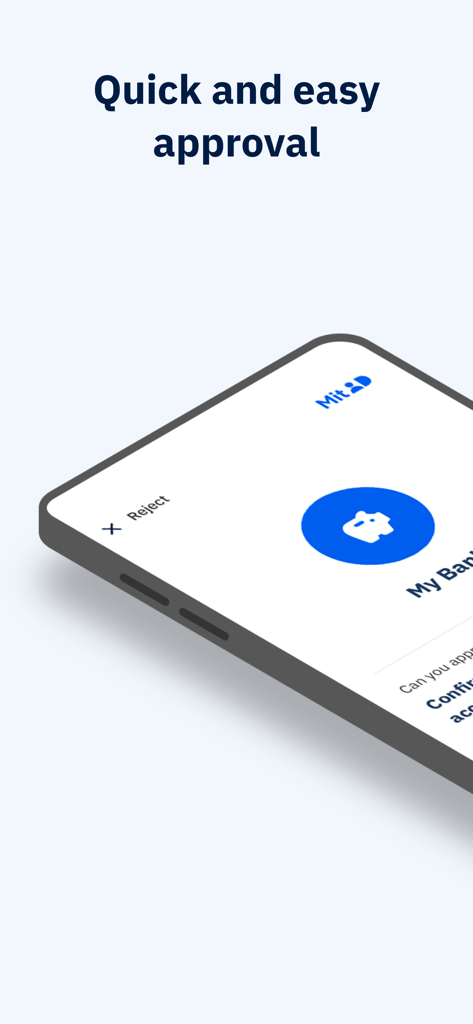
A smartphone displaying the MitID app interface with a bank icon and text stating Quick and easy approval.
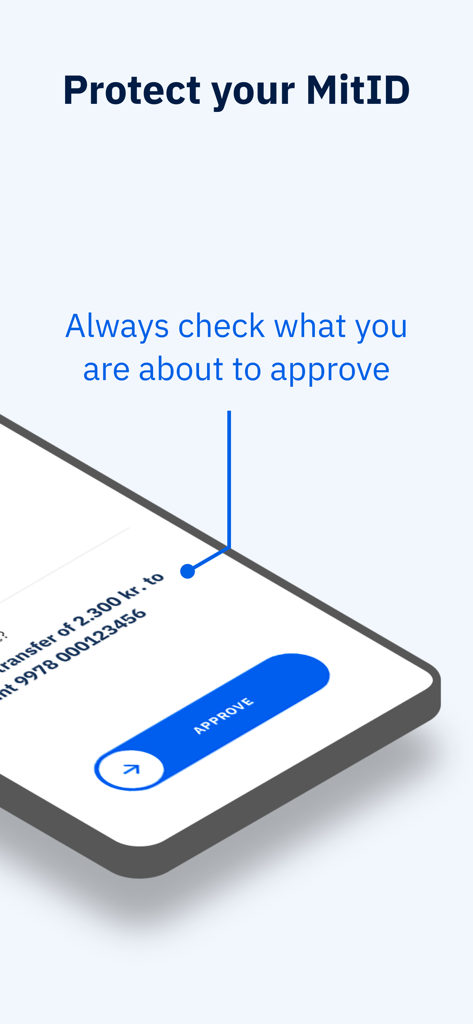
MitID app interface showing a swipe to approve button for a secure transaction
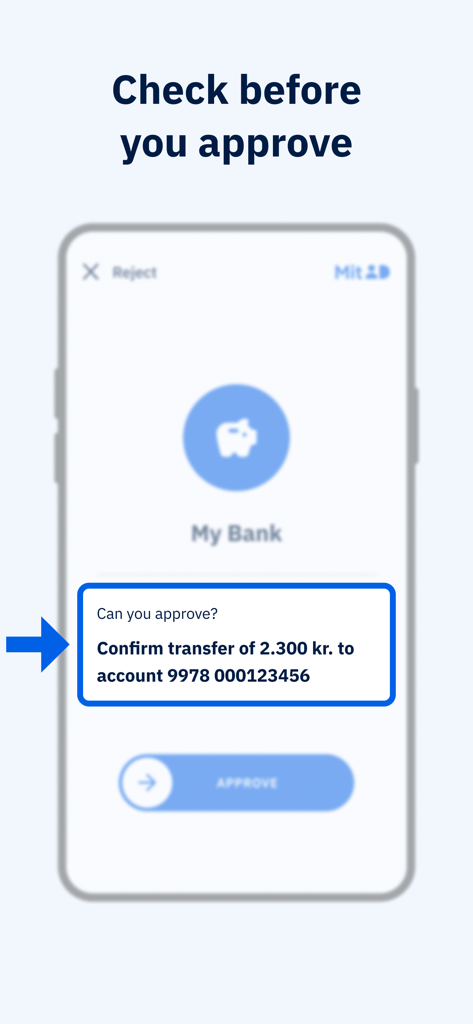
MitID app interface showing a bank transfer confirmation request with a swipe to approve button
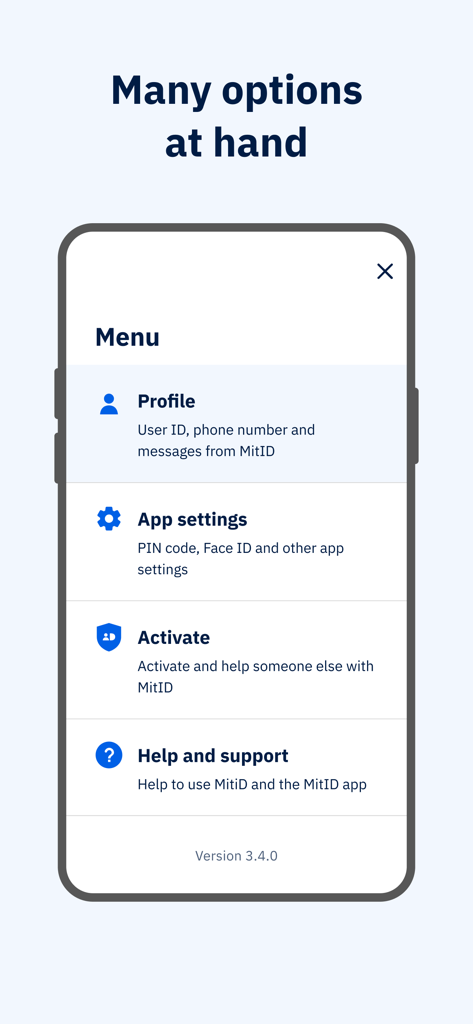
A smartphone screen showing the MitID app menu with options for profile, settings, activation and support
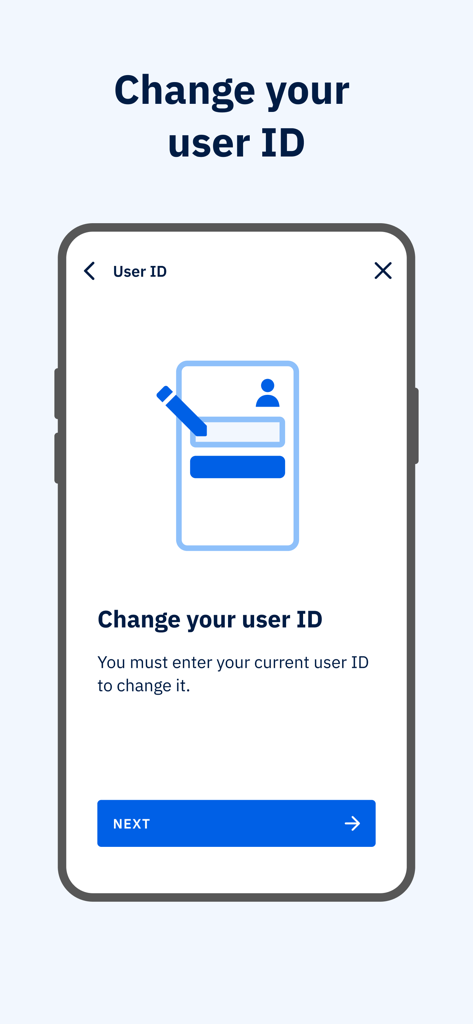
A screen in the MitID app showing instructions and a next button to change the user ID.
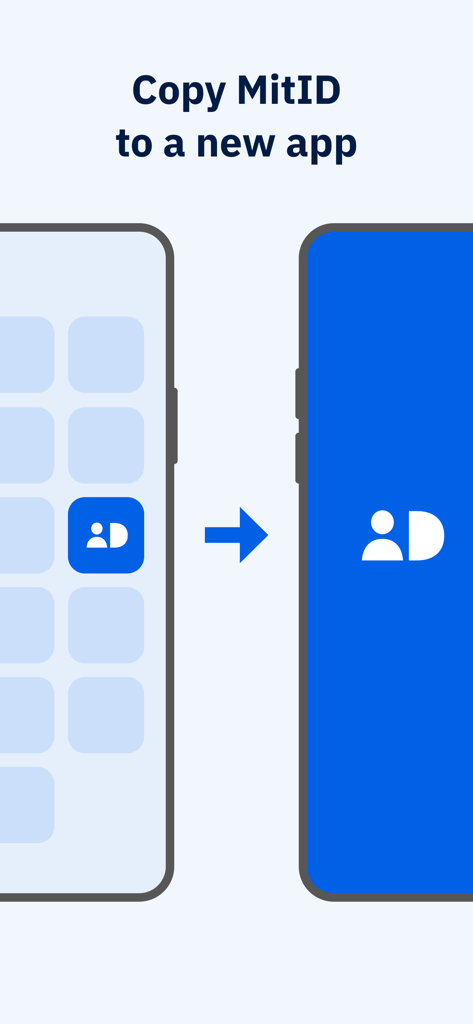
Graphic illustration showing the process of copying the MitID app from an old smartphone to a new one
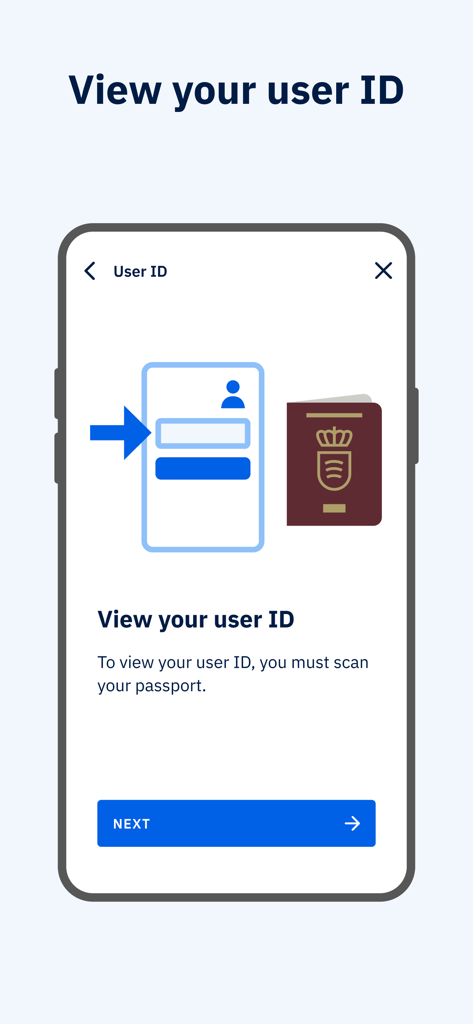
Screen from the MitID app titled View your user ID with instructions to scan a passport.
Description
Download
More Like This
Apps with similar features and user experience

itsme
Belgian Mobile ID SA

myDSS 2.0
SafeTech Ltd
SİMA - Rəqəmsal İmza
Data Processing Center of the Ministry of Communications and High Technologies

Singpass
Government Technology Agency

SoyYo - Identidad Digital
Servicios de Identidad Digital SAS

VIDaaS
valid certificadora digital ltda

TrustMe: Your Digital Identity
A3BC GROUP

Bird ID
Vault Id Solucoes em Criptografia e Identificacao Ltda ME
eDO App
Polska Wytwornia Papierow Wartosciowych S.A.
This page is not an official page of the app or its developer, but an independent editorial publication created for informational and commentary purposes. Unless expressly stated otherwise, neither the app nor its developer is affiliated with, endorsed by, sponsored by, authorized by, or otherwise officially connected with MWM, Apple, Google Play, the app publisher, or the app's developer, and nothing on this page implies that the app was developed using MWM's services. Any trademarks, logos, screenshots, and other content remain the property of their respective owners.