
This page is not an official page of the app or its developer, but an independent editorial publication created for informational and commentary purposes. Unless expressly stated otherwise, neither the app nor its developer is affiliated with, endorsed by, sponsored by, authorized by, or otherwise officially connected with MWM, Apple, Google Play, the app publisher, or the app's developer, and nothing on this page implies that the app was developed using MWM's services. Any trademarks, logos, screenshots, and other content remain the property of their respective owners.


Singpass
Manage your personal information, sign documents remotely, and access government services with biometric security. Designed for the global professional who needs a seamless, password-free connection to Singapore from the USA.
Downloads
3M+User Rating
Total Ratings
289K+Publisher
Category
ProductivityLocales
4Latest Version
25.4.1Size
300.5 MBFirst Released
Oct 20, 2018Your Digital Bridge to Singapore
The all-in-one digital identity for global professionals to manage government transactions and personal data securely from anywhere in the world.
Password-less Login
Access digital services instantly with biometrics or QR codes—no SMS OTPs or international roaming required.
Real-time Profile Insights
Track your CPF, HDB, and passport details from a single dashboard, keeping your Singapore affairs organized remotely.
Frequently Asked Questions
Everything you need to know about Singpass
What is the Singpass app?
The Singpass app functions as your trusted digital identity. It allows secure access to digital services, viewing government information, and digitally signing documents, transforming how you transact.
How do I log in to the Singpass app?
You can log in to the Singpass app using your fingerprint, face, or a 6-digit passcode. Alternatively, scan or tap a QR code to verify your identity for digital services without entering credentials.
Can I use the Singpass app when I am overseas?
Yes, you can use the Singpass app when you are overseas. It provides greater mobility by eliminating the need for an SMS OTP to access digital services securely from abroad.
What government information is available through the Singpass app?
The Singpass app allows users to view and customize information including CPF account details, HDB property details, and passport expiry dates from various government sources in one place.
Does the Singpass app support digital signing of documents?
Yes, the Singpass app supports digital signing. Users can securely sign documents and contracts digitally, removing the need for physical presence and paper-based signing methods.
How do I set up the Singpass app on my device?
To set up the Singpass app, simply install it on your smartphone. Follow the steps to complete a one-time setup. Your trusted digital identity is then ready for immediate use.
What are the minimum iOS requirements for the Singpass app?
For an optimized user experience, the Singpass app requires your device to be updated minimally with iOS version 15.0 and above.
Can the Singpass app be installed on multiple devices simultaneously?
No, the Singpass app can only be installed on one device at a time. This policy ensures the security and integrity of your digital identity and transactions.
What troubleshooting steps can resolve Singpass QR code login issues on iOS?
If Singpass QR code login redirects to the website on iOS, try again later, restart your phone, or uninstall and reinstall the app. These steps address configuration delays.
How does the Singpass app facilitate in-person identity verification?
The Singpass app facilitates secure in-person identity verification using QR scanning. This feature allows individuals to confirm their identity without needing physical documents.
The following screenshots and description are sourced directly from the app's official store listing and are the property of the app developer.
App Store
Screenshots
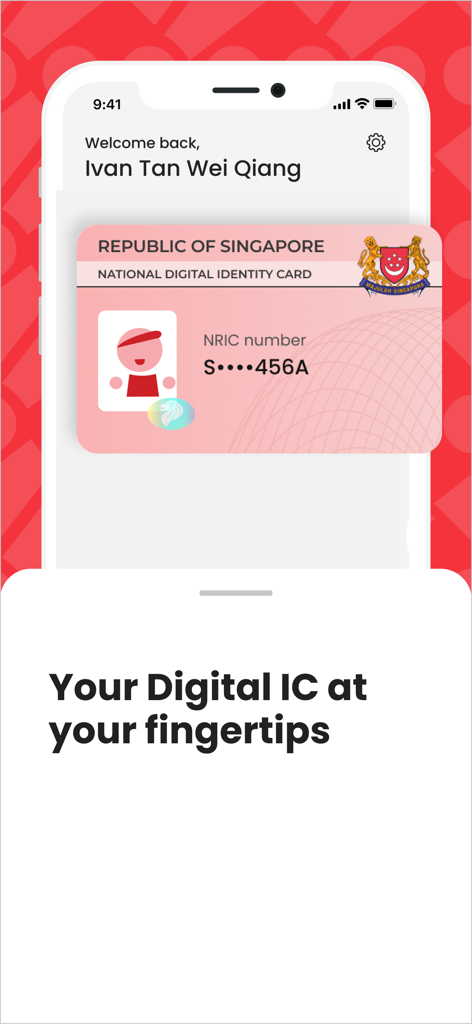
The Singpass app interface showing a Singapore national digital identity card on a smartphone.
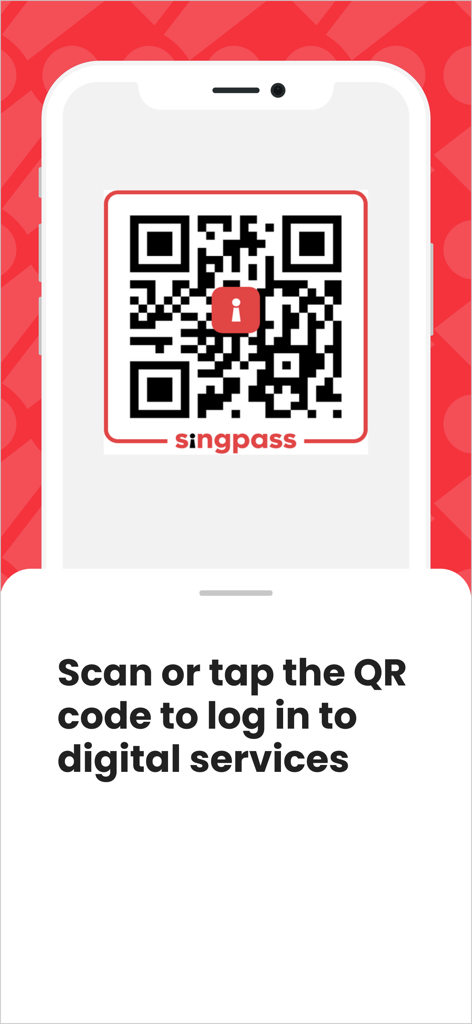
A smartphone screen displaying a Singpass QR code for logging into digital services
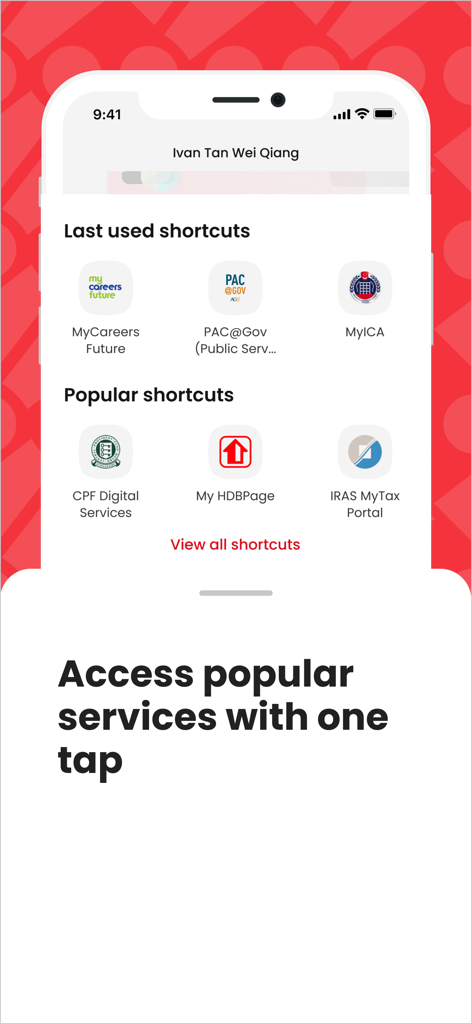
Singpass app screen showing quick access shortcuts to Singapore government services like CPF, HDB, and IRAS
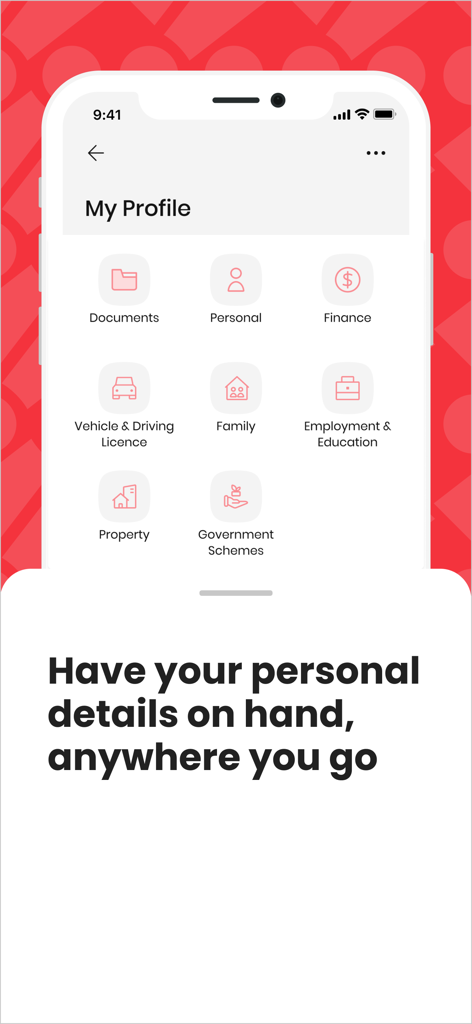
A screenshot of the Singpass app showing the My Profile section with icons for documents, personal info, finance, and property.
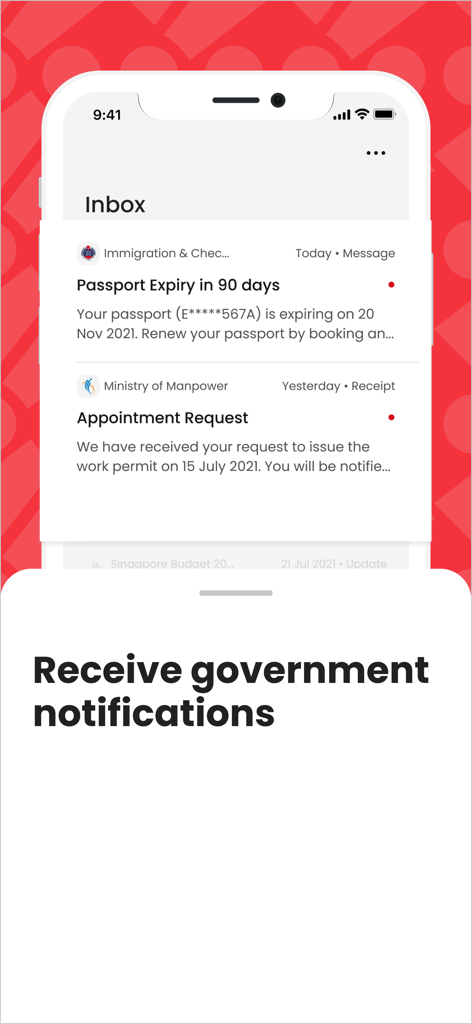
Singpass app inbox screen displaying official government notifications such as passport expiry alerts and appointment requests.
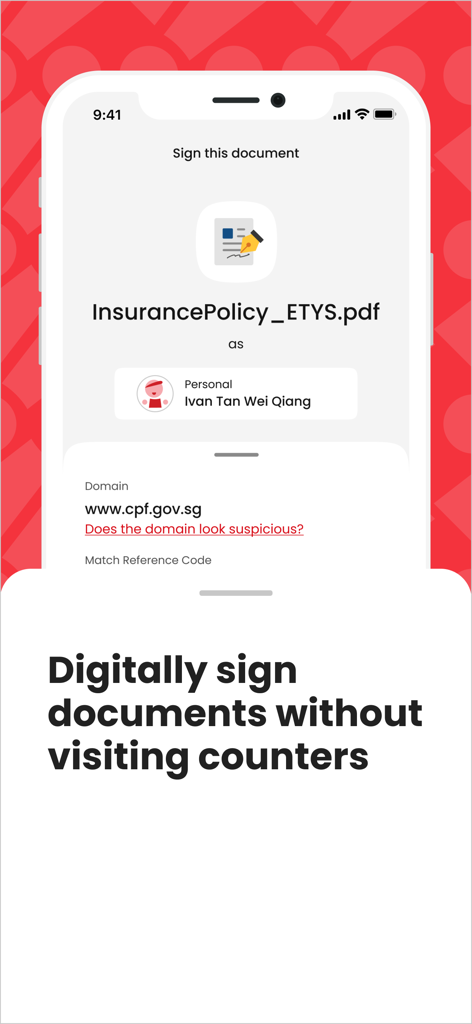
Singpass app screen showing digital signing feature for a document with the caption Digitally sign documents without visiting counters
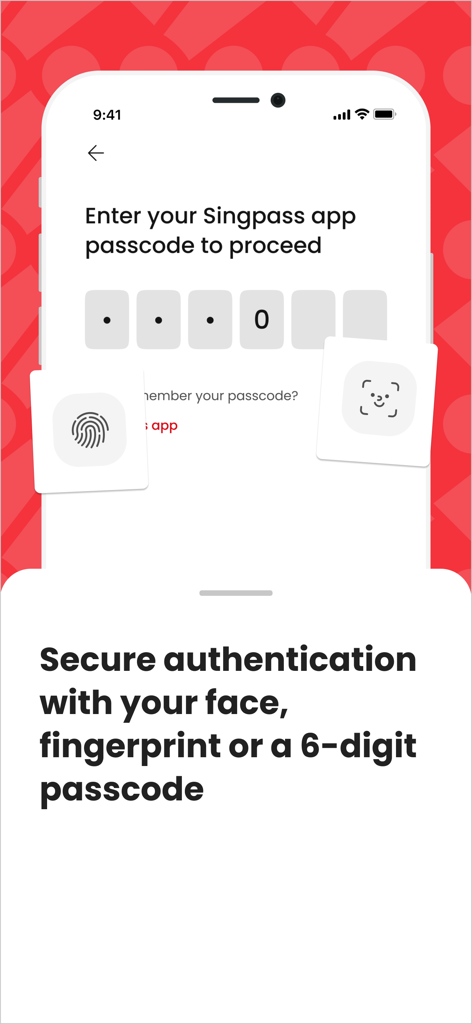
Secure login screen in the Singpass app with options for face recognition fingerprint and 6-digit passcode
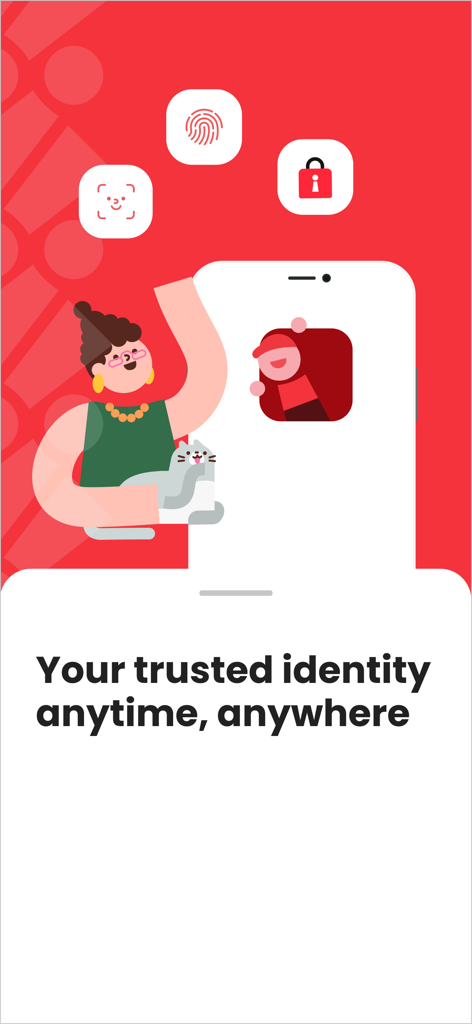
Singpass app promotional screen featuring biometric security icons and the slogan Your trusted identity anytime anywhere
Description
Download
More Like This
Apps with similar features and user experience

itsme
Belgian Mobile ID SA

myDSS 2.0
SafeTech Ltd

SİMA - Rəqəmsal İmza
Data Processing Center of the Ministry of Communications and High Technologies

SoyYo - Identidad Digital
Servicios de Identidad Digital SAS

VIDaaS
valid certificadora digital ltda

TrustMe: Your Digital Identity
A3BC GROUP

Bird ID
Vault Id Solucoes em Criptografia e Identificacao Ltda ME
eDO App
Polska Wytwornia Papierow Wartosciowych S.A.
DigiD
Rijksoverheid
This page is not an official page of the app or its developer, but an independent editorial publication created for informational and commentary purposes. Unless expressly stated otherwise, neither the app nor its developer is affiliated with, endorsed by, sponsored by, authorized by, or otherwise officially connected with MWM, Apple, Google Play, the app publisher, or the app's developer, and nothing on this page implies that the app was developed using MWM's services. Any trademarks, logos, screenshots, and other content remain the property of their respective owners.