
This page is not an official page of the app or its developer, but an independent editorial publication created for informational and commentary purposes. Unless expressly stated otherwise, neither the app nor its developer is affiliated with, endorsed by, sponsored by, authorized by, or otherwise officially connected with MWM, Apple, Google Play, the app publisher, or the app's developer, and nothing on this page implies that the app was developed using MWM's services. Any trademarks, logos, screenshots, and other content remain the property of their respective owners.


myDSS 2.0
Ditch the USB tokens and smart cards. Sign, approve, and manage e-documents with bank-grade security directly from your smartphone.
Downloads
939K+User Rating
Total Ratings
14K+Publisher
Category
FinanceLocales
2Latest Version
240Size
50.7 MBFirst Released
Nov 28, 2020The Power of Digital Signature in Your Pocket
Ditch the USB tokens and smart cards. MyDSS 2.0 provides a secure, cloud-based environment to sign documents, manage certificates, and execute high-stakes transactions anywhere.
True Hardware-Free Mobility
Eliminate the need for USB dongles, smart cards, and desktop drivers. Sign legally binding e-documents directly from your smartphone with zero external hardware.
Enterprise-Grade Security
Protect your identity with advanced encryption and a secure closed environment. Your keys are stored in a protected cloud or on-device, ensuring only you have access.
Frequently Asked Questions
Everything you need to know about myDSS 2.0
What is myDSS 2.0?
myDSS 2.0 is a mobile application for digital signatures. It allows users to sign e-documents directly from their smartphone, simplifying the signing process without additional hardware or software.
How does myDSS 2.0 enable digital signatures without smart cards?
myDSS 2.0 eliminates the need for smart cards, USB tokens, or external software. It stores digital signature keys securely in a cloud service or directly within the mobile application.
What features does the myDSS 2.0 application offer?
The myDSS 2.0 application allows users to manage the signing process, view and approve documents, manage digital certificates, and link or unlink additional devices.
Is myDSS 2.0 secure for handling digital signatures?
Yes, myDSS 2.0 uses modern protection technologies to ensure security. It creates a closed environment for electronic signature keys and protects keys stored in the cloud or the mobile application.
How do users connect to digital signature services with myDSS 2.0?
myDSS 2.0 provides a list of integrated digital signature services. Users can also connect to any other service by scanning a QR code provided by the service operator.
How do I register an account in myDSS 2.0?
To register in myDSS 2.0, open the application and tap "Start registration". You can register online, use a QR code, or link the current device if you have an existing account.
What types of services integrate with myDSS 2.0 for digital signatures?
myDSS 2.0 integrates with various digital signature services, including those from banks like "First Russian Bank" and "Money Bank." The application's list of supported suppliers updates continuously.
The following screenshots and description are sourced directly from the app's official store listing and are the property of the app developer.
App Store
Screenshots
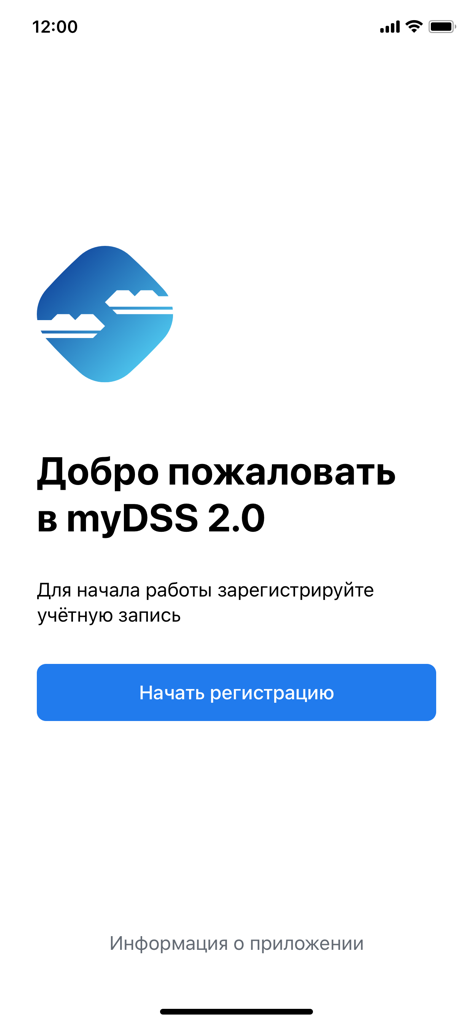
Welcome and registration screen for myDSS 2.0 secure digital signature app
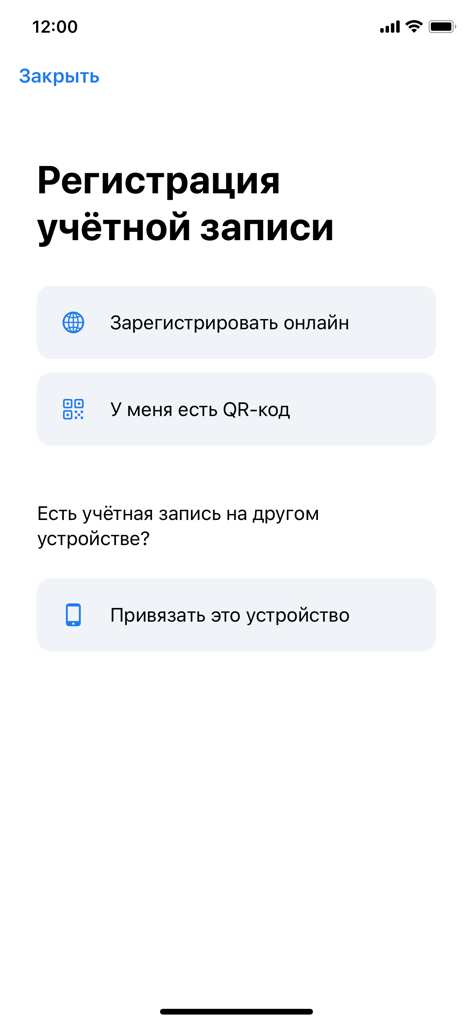
Account registration screen for myDSS 2.0 digital signature app
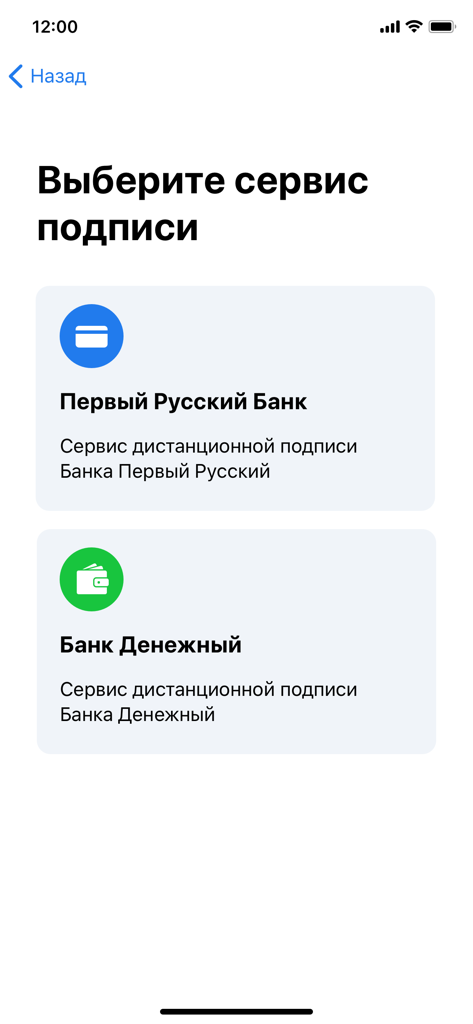
myDSS 2.0 app screen showing options to select a bank for remote digital signature services
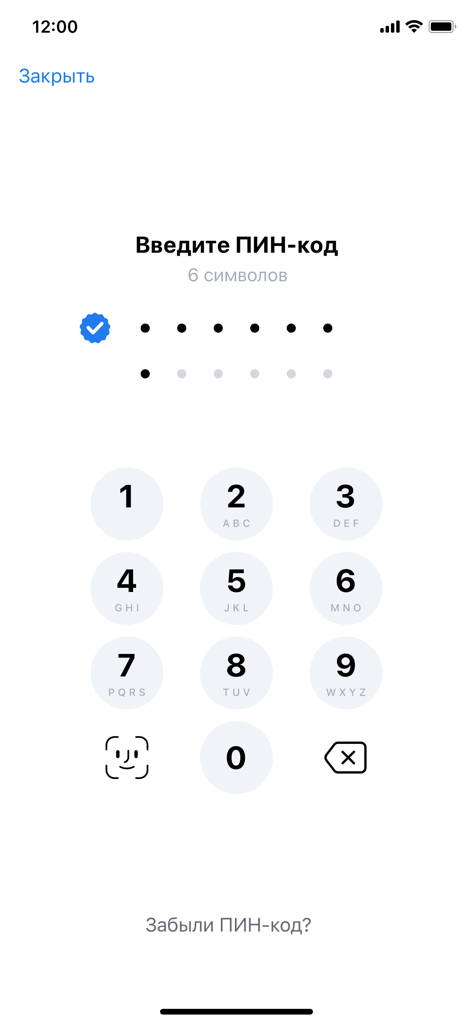
Secure PIN entry screen in the myDSS 2.0 app for digital signatures
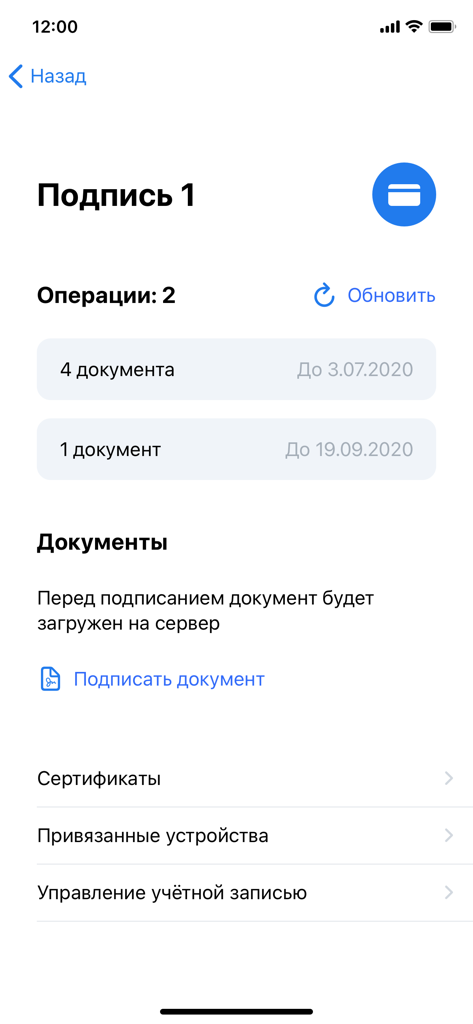
User interface of the myDSS 2.0 app showing digital signature operations and document signing options.
Description
Download
More Like This
Apps with similar features and user experience
itsme
Belgian Mobile ID SA
SİMA - Rəqəmsal İmza
Data Processing Center of the Ministry of Communications and High Technologies

Singpass
Government Technology Agency
SoyYo - Identidad Digital
Servicios de Identidad Digital SAS

VIDaaS
valid certificadora digital ltda

TrustMe: Your Digital Identity
A3BC GROUP

Bird ID
Vault Id Solucoes em Criptografia e Identificacao Ltda ME
eDO App
Polska Wytwornia Papierow Wartosciowych S.A.
DigiD
Rijksoverheid
This page is not an official page of the app or its developer, but an independent editorial publication created for informational and commentary purposes. Unless expressly stated otherwise, neither the app nor its developer is affiliated with, endorsed by, sponsored by, authorized by, or otherwise officially connected with MWM, Apple, Google Play, the app publisher, or the app's developer, and nothing on this page implies that the app was developed using MWM's services. Any trademarks, logos, screenshots, and other content remain the property of their respective owners.