
This page is not an official page of the app or its developer, but an independent editorial publication created for informational and commentary purposes. Unless expressly stated otherwise, neither the app nor its developer is affiliated with, endorsed by, sponsored by, authorized by, or otherwise officially connected with MWM, Apple, Google Play, the app publisher, or the app's developer, and nothing on this page implies that the app was developed using MWM's services. Any trademarks, logos, screenshots, and other content remain the property of their respective owners.


MixBit: Subtitles for Videos
Stop losing viewers who watch on mute. Turn your speech into stunning, customizable subtitles in seconds with AI-driven accuracy. Perfect for vloggers, creators, and brands ready to go global.
Downloads
0User Rating
Total Ratings
0Publisher
Category
Photo & VideoLocales
1Latest Version
4.8Size
163.3 MBFirst Released
Jul 9, 2020Engage Your Audience, Even on Mute
Join thousands of U.S. creators using MixBit to turn silent scrollers into loyal followers with professional, AI-powered subtitles in just one tap.
Instant AI Auto-Captions
Save hours of manual editing. Our advanced voice recognition handles the transcription for you, perfectly synced for TikTok, Reels, and Shorts.
Style Your Personal Brand
Stand out in the feed. Customize fonts, colors, and backgrounds using our intuitive editor to match your unique creator aesthetic perfectly.
The following screenshots and description are sourced directly from the app's official store listing and are the property of the app developer.
App Store
Screenshots
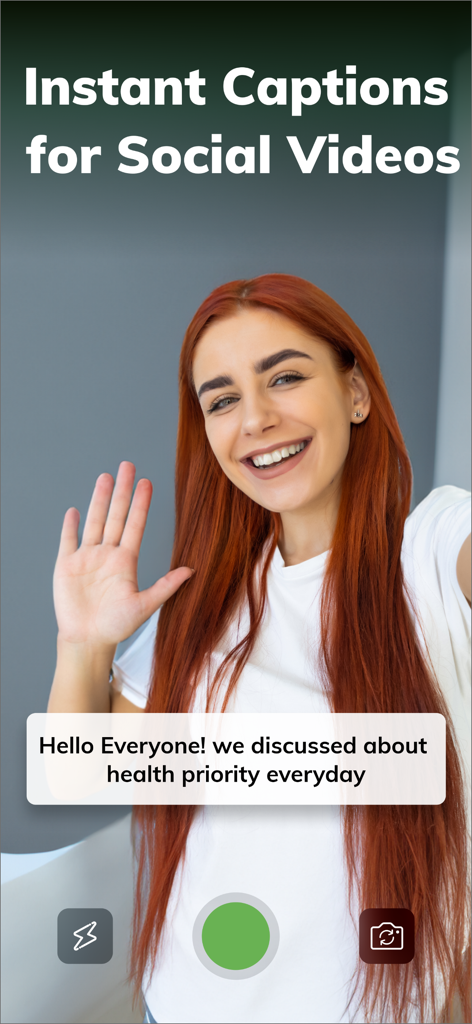
A vlogger recording a video with automated instant captions using the MixBit app
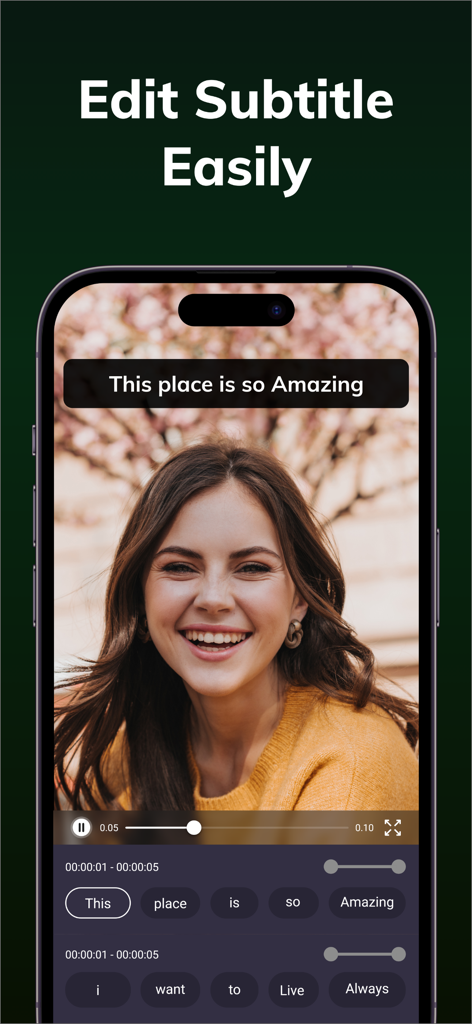
MixBit app interface showing word by word subtitle editing on a mobile video
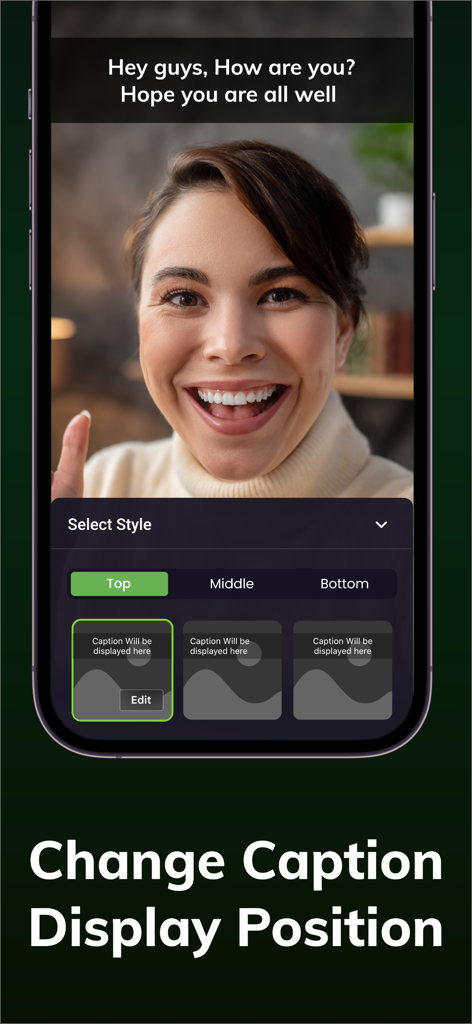
Interface of MixBit app showing options to change subtitle display position to top, middle, or bottom.
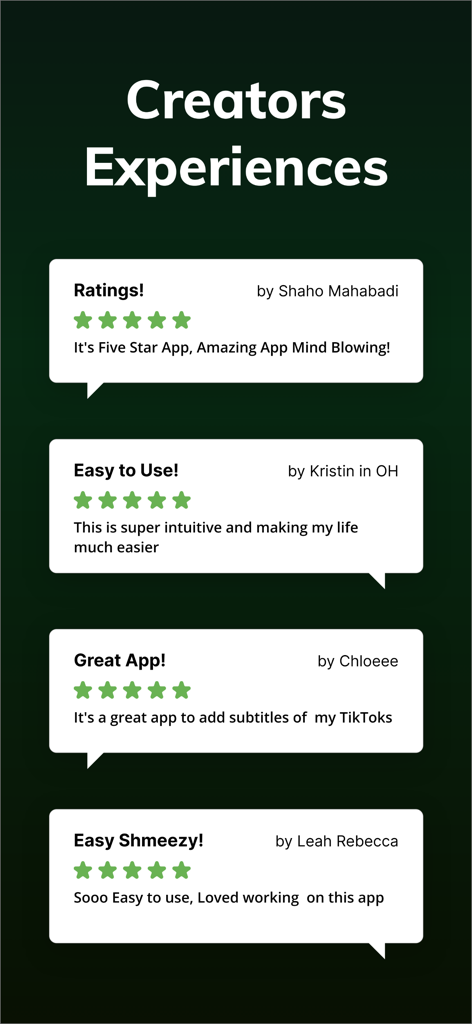
Positive five-star user reviews and testimonials for the MixBit video subtitle app showing creator experiences.
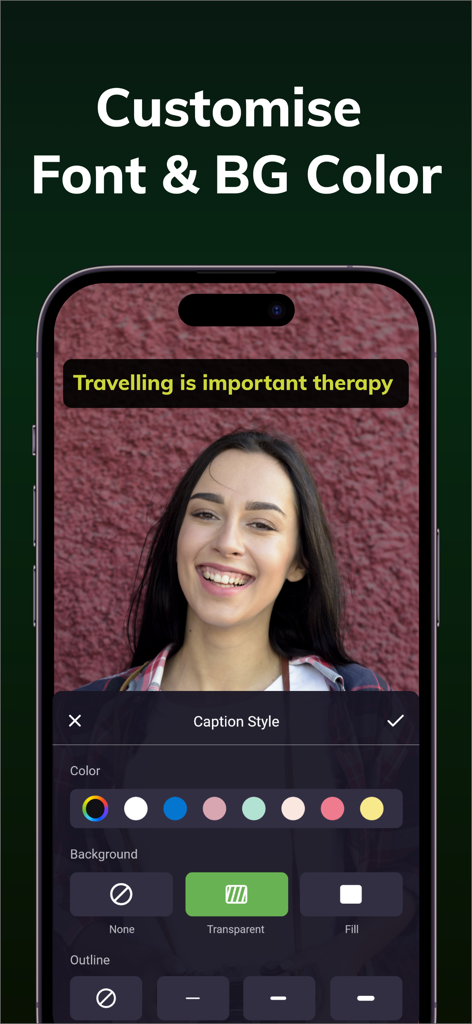
Smartphone screen showing the MixBit app interface for customizing subtitle font and background colors over a video.

Social media creator using MixBit to add automatic subtitles to her video content
Description
Download
More Like This
Top-ranked apps in the same category

CapCut: Photo & Video Editor
BYTEDANCE PTE. LTD.

Instagram, Inc.

YouTube
Google LLC

Canva: AI Photo & Video Editor
Canva Pty Ltd

快手
Beijing Kwai Technology Co., Ltd.

Snapchat
Snap, Inc.

Meta AI - Vibes & AI Glasses
Meta Platforms, Inc.

Edits: Video Editor
Instagram, Inc.

Meitu- AI Photo & Video Editor
Xiamen Meitu Technology Co., Ltd.
This page is not an official page of the app or its developer, but an independent editorial publication created for informational and commentary purposes. Unless expressly stated otherwise, neither the app nor its developer is affiliated with, endorsed by, sponsored by, authorized by, or otherwise officially connected with MWM, Apple, Google Play, the app publisher, or the app's developer, and nothing on this page implies that the app was developed using MWM's services. Any trademarks, logos, screenshots, and other content remain the property of their respective owners.