Moku:

Moku:

Download on App Store
Logo of Moku:

Moku: Professional-Grade Instrumentation Reimagined for Scientists and Engineers

Streamline your lab with 16 integrated instruments on a single software-defined platform. Harness the power of FPGA-based signal processing and an intuitive iPad interface to accelerate your research.

Download on App Store

Publisher

Liquid Instruments Pty Ltd

Category

Productivity

Downloads

0

User Rating

5.0/5

Total Ratings

0

Locales

5

Precision at Your Fingertips

Discover the interface used by 0 users.
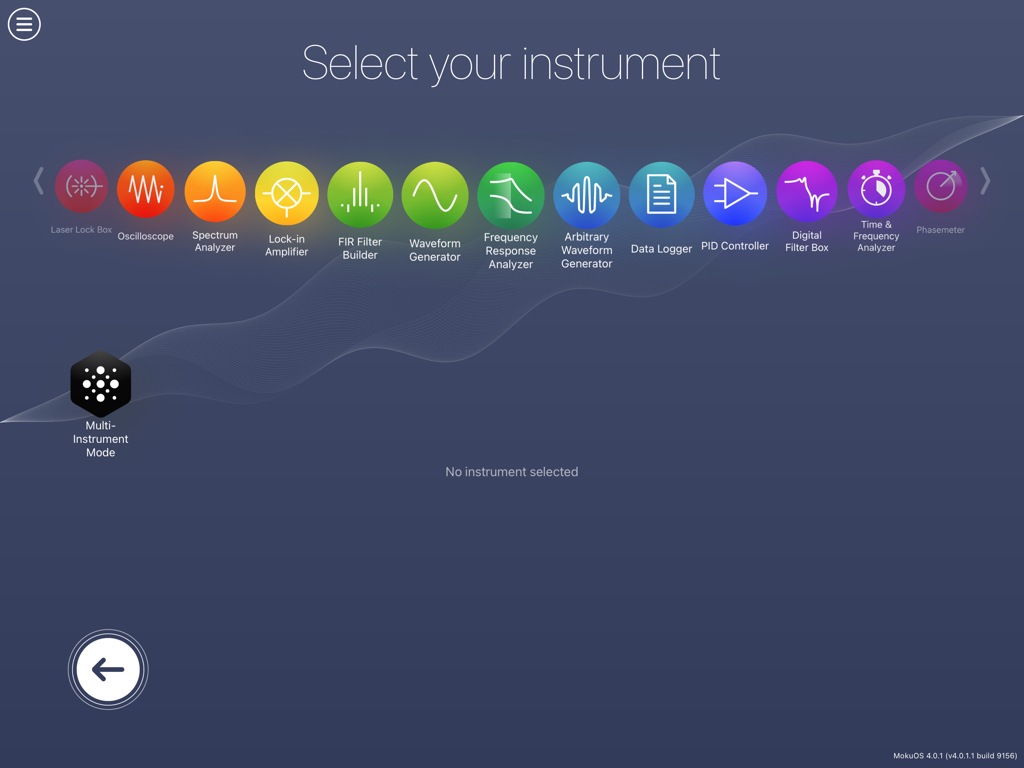
Moku app interface showing the instrument selection screen with icons for tools like Oscilloscope and Spectrum Analyzer

Moku app interface showing the instrument selection screen with icons for tools like Oscilloscope and Spectrum Analyzer

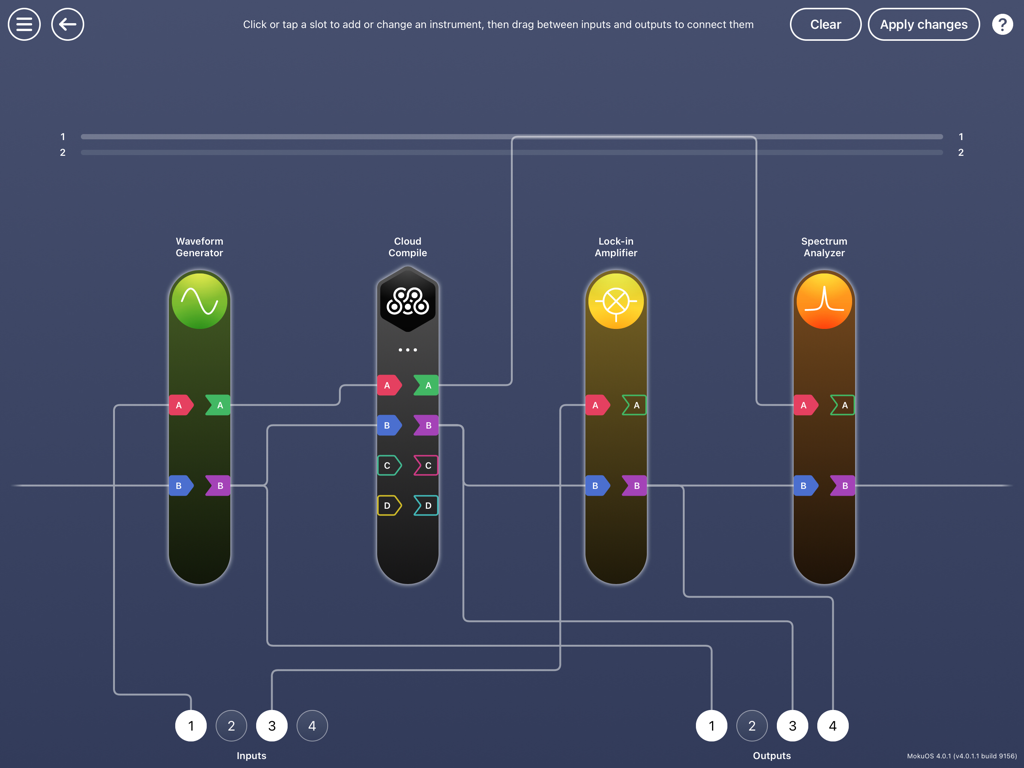
Moku app interface showing a custom configuration of virtual laboratory instruments in a signal chain.

Moku app interface showing a custom configuration of virtual laboratory instruments in a signal chain.

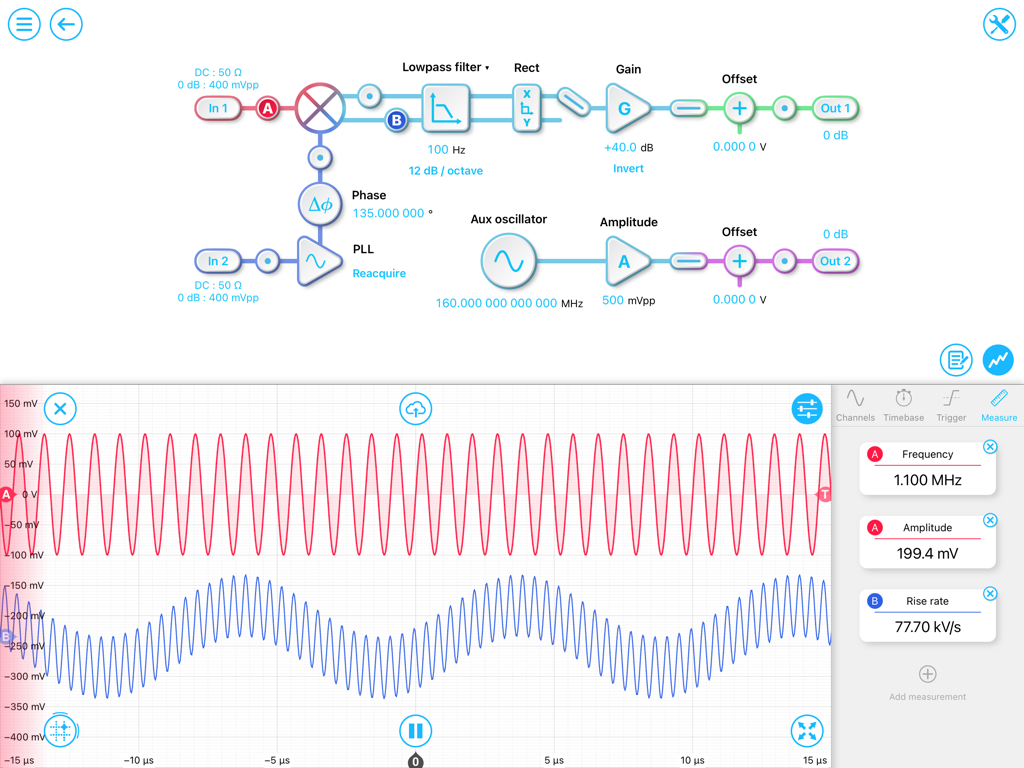
The Moku app interface displaying a signal processing block diagram and oscilloscope waveforms.

The Moku app interface displaying a signal processing block diagram and oscilloscope waveforms.

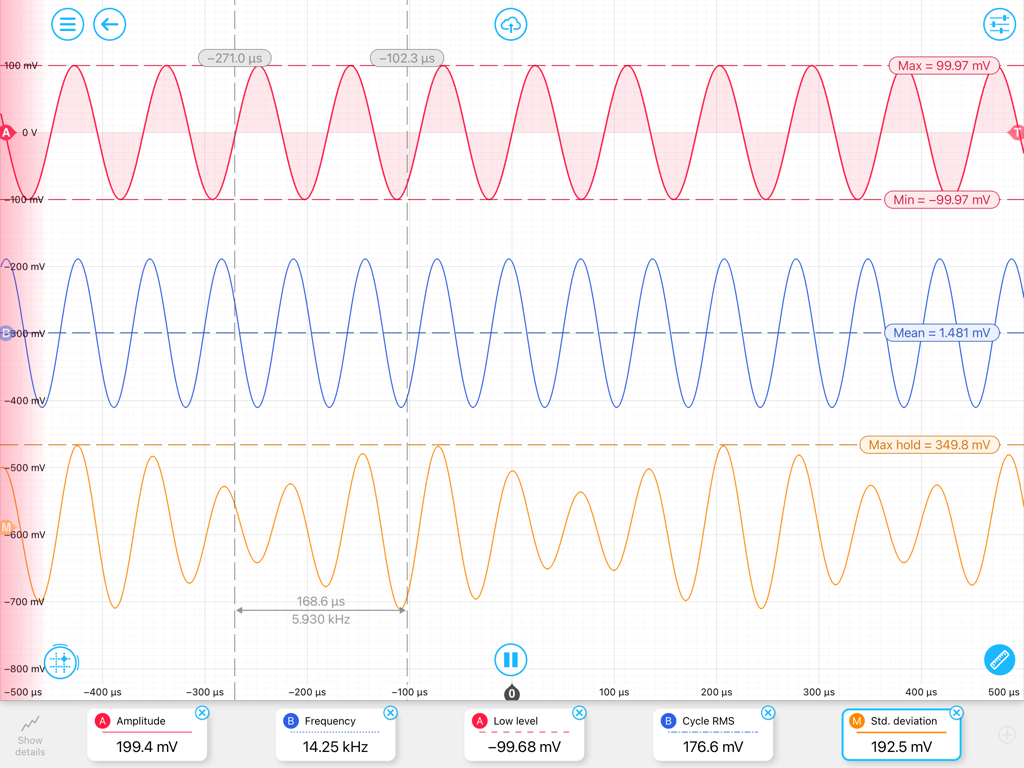
Moku app oscilloscope interface showing multiple signal waveforms with real time measurements for amplitude and frequency

Moku app oscilloscope interface showing multiple signal waveforms with real time measurements for amplitude and frequency

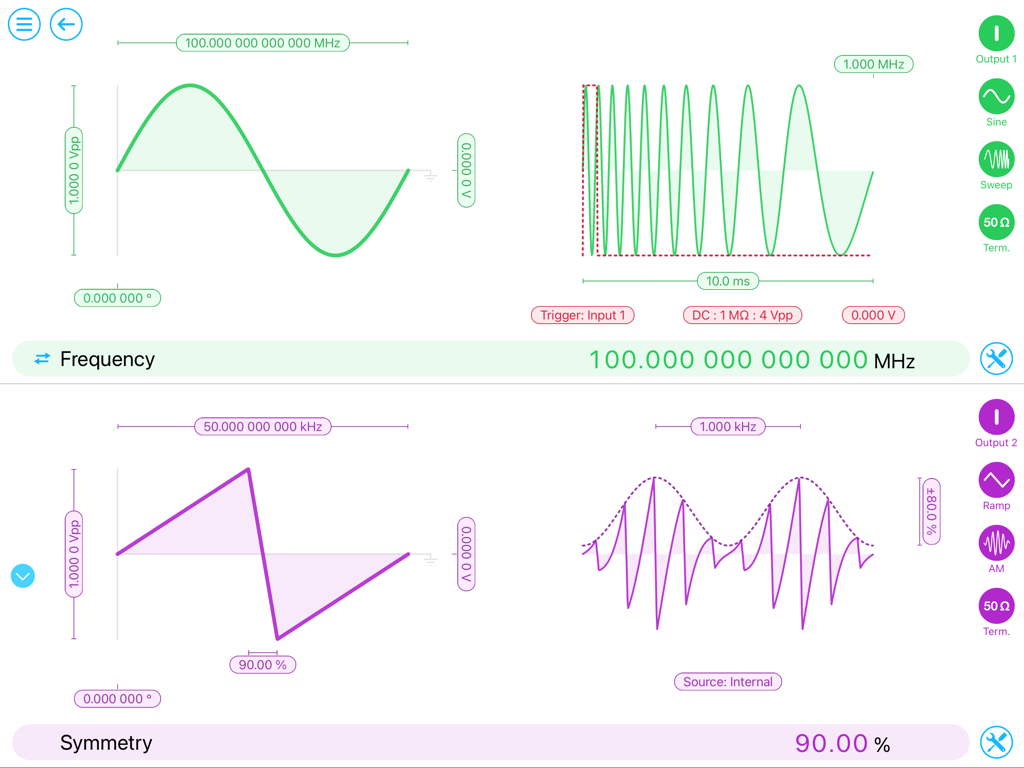
The Moku app interface on iPad showing simultaneous waveform generation for multiple outputs

The Moku app interface on iPad showing simultaneous waveform generation for multiple outputs

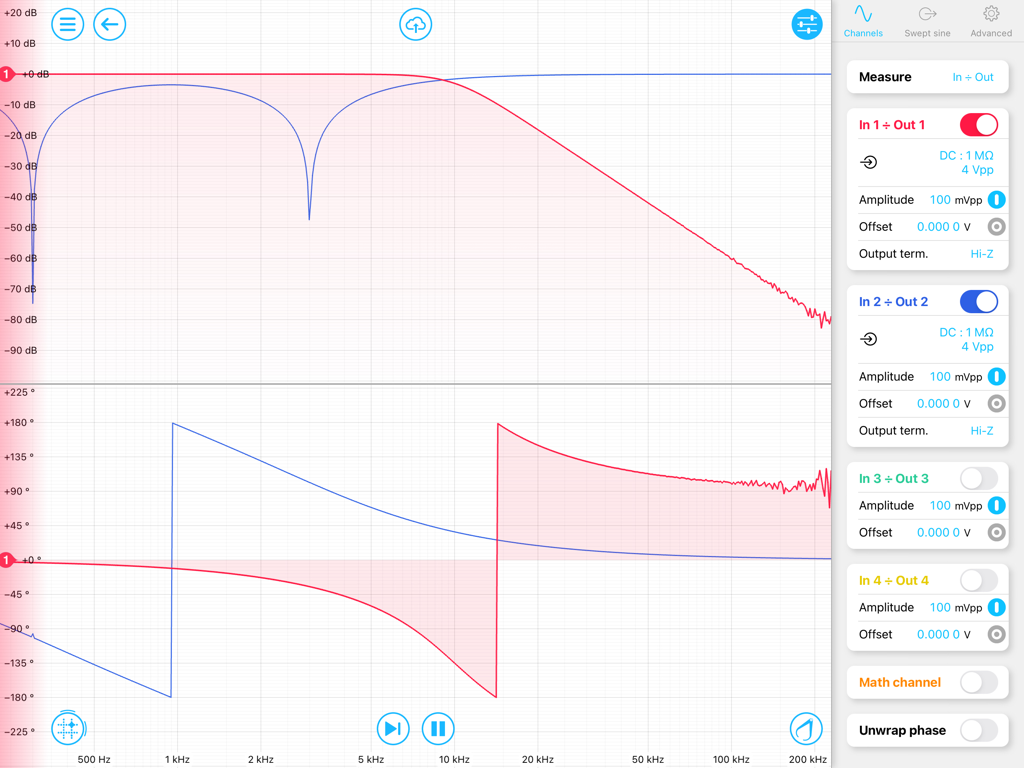
Moku app frequency response analyzer interface displaying gain and phase graphs on an iPad

Moku app frequency response analyzer interface displaying gain and phase graphs on an iPad

The Power of 16 Professional Instruments in One Interface

The tools that make this app stand out, trusted by 0 users.

🔬

16-in-1 Software-Defined Platform

Instantly switch between an Oscilloscope, Spectrum Analyzer, and Lock-in Amplifier without changing physical hardware.

📶

Wireless Mission Control

Monitor and control your experiments in real-time from anywhere in the lab with an intuitive multi-touch interface.

☁️

Seamless Data Management

Export high-resolution data instantly to iCloud, Dropbox, or email to accelerate collaboration and peer review.

About the app

Everything you need to know about Moku:.

Description

Moku is a revolutionary all-in-one test and measurement platform for professional scientists and engineers, with 16 professional-grade instruments: • Oscilloscope • Spectrum Analyzer • Gigabit Streamer • Waveform Generator • Phasemeter • Data Logger • Lock-in Amplifier • PID Controller • FIR Filter Builder • Frequency Response Analyzer • Arbitrary Waveform Generator • Digital Filter Box • Laser Lock Box • Logic Analyzer / Pattern Generator • Time & Frequency Analyzer • Neural Network plus the ability to create your own customized test setup with Multi-Instrument Mode and Moku Compile. With high-speed analog inputs and outputs combined with reconfigurable FPGA hardware, the digital signal-processing capabilities are virtually limitless. The Moku app for iPad communicates wirelessly with your device and is mission control for all of your Moku instruments. Each instrument features an intuitive multi-touch user interface, thoughtfully designed and meticulously optimized for iPad. Stream data and control your experiment in real time as you move around the lab. Connect to Dropbox, iCloud or email to instantly save your data and share your breakthroughs with colleagues or friends. Try out the app in demo mode to interact with simulated signals and experience the innovative iPad interface. For more information visit www.liquidinstruments.com.

Latest Version

4.1.2001

Size

1.8 GB

First Released

Jun 23, 2021

Transform Your iPad Into Mission Control

Experience the power of 16 professional-grade instruments on one sleek, software-defined platform. Download the Moku app today to explore our demo mode and start modernizing your lab workflow.

Download on App Store

App information, icons, screenshots, and descriptions displayed on this page are sourced from the Apple App Store and are the property of their respective developers. Download estimates and rankings are based on MWM's proprietary models and may not reflect actual figures. This page is provided for informational and analytical purposes only.

Believe this page infringes your intellectual property? File a dispute