
This page is not an official page of the app or its developer, but an independent editorial publication created for informational and commentary purposes. Unless expressly stated otherwise, neither the app nor its developer is affiliated with, endorsed by, sponsored by, authorized by, or otherwise officially connected with MWM, Apple, Google Play, the app publisher, or the app's developer, and nothing on this page implies that the app was developed using MWM's services. Any trademarks, logos, screenshots, and other content remain the property of their respective owners.


Monefy: Money Tracker
Stop guessing. Monefy puts financial clarity in your pocket, instantly. It’s less budgeting, more seeing where every dollar goes.
Downloads
5M+User Rating
Total Ratings
97.4KPublisher
Category
FinanceLocales
16Latest Version
1.10.5Size
75.2 MBFirst Released
Apr 17, 2017An evaluation of key functionalities designed for intuitive personal finance management.
Monefy: Money Tracker - Core Feature Analysis
Rapid Transaction Entry
It allows users to add new transactions extremely fast, often in a single click with only the expense amount needed, making daily tracking efficient.
Intuitive User Interface
The app provides an intuitive and easy-to-use interface, simplifying expense tracking and ensuring a clear, user-friendly experience.
Secure Data Synchronization
This tool allows for safe data synchronization between multiple devices using personal Google Drive or Dropbox accounts, ideal for couples or multi-device users.
Visual Spending Analytics
It features informative charts and detailed record lists to visualize spending distribution, enabling users to easily understand their financial habits.
Multiple Account Management
The app provides support for managing multiple financial accounts, offering a comprehensive view of all personal funds within the application.
Recurring Transaction Tracking
It allows users to easily track and manage recurring expenses, reducing manual entry and ensuring accurate records for regular bills.
Customizable Categories
This tool enables users to manage and customize expense categories, allowing for personalized tracking that aligns with individual spending habits.
Flexible Reporting Periods
The app provides the ability to choose custom reporting periods, offering flexibility for analyzing spending trends and financial overviews.
Frequently Asked Questions
Everything you need to know about Monefy: Money Tracker
What is Monefy: Money Tracker?
Monefy is an expense tracking application designed for easy financial management. It allows users to quickly add transactions, view spending distribution through charts, and synchronize data across multiple devices.
How does Monefy help track expenses effectively?
Monefy simplifies expense tracking by allowing users to add transactions with just one click, requiring only the expense amount. It then visualizes spending distribution on charts and provides detailed record lists.
Does Monefy: Money Tracker support data synchronization across multiple devices?
Yes, Monefy supports secure data synchronization across multiple devices. Users can synchronize their financial data using their personal Google Drive or Dropbox accounts.
Can I use Monefy with multiple currencies?
Yes, Monefy supports multiple currencies. This feature allows users to track expenses accurately regardless of the currency used for transactions.
Does Monefy: Money Tracker offer a premium version or subscription?
Yes, Monefy offers an auto-renewing Premium Subscription. This subscription unlocks additional features, with payment charged to the user's iTunes Account upon confirmation of purchase.
How can users manage their Monefy Premium Subscription?
Users can manage their Monefy Premium Subscription by accessing their account settings after purchase. Auto-renewal can be turned off at least 24-hours before the current period ends.
Does Monefy: Money Tracker include passcode protection?
Yes, Monefy includes passcode protection. This security feature helps safeguard financial data within the application from unauthorized access.
Can I customize spending categories in Monefy: Money Tracker?
Yes, Monefy allows users to manage and customize their spending categories. Users can create new categories or delete old ones if the default options do not suit their needs.
Does Monefy: Money Tracker provide detailed spending reports?
Yes, Monefy provides detailed spending reports. Users can view their spending distribution on informative charts or get detailed information from the records list.
Is there a dark theme available in Monefy: Money Tracker?
Yes, Monefy offers a dark theme. Users can enable this visual option within the application's settings, providing an alternative aesthetic for the interface.
Does Monefy: Money Tracker support multiple financial accounts?
Yes, Monefy supports multiple accounts. This feature allows users to track expenses and manage finances across various financial sources within the application.
How quickly can I add new expenses in Monefy: Money Tracker?
Monefy allows users to add new expenses extremely fast. It requires entering only the expense amount, making the process quick and efficient with its built-in calculator.
The following screenshots and description are sourced directly from the app's official store listing and are the property of the app developer.
App Store
Screenshots
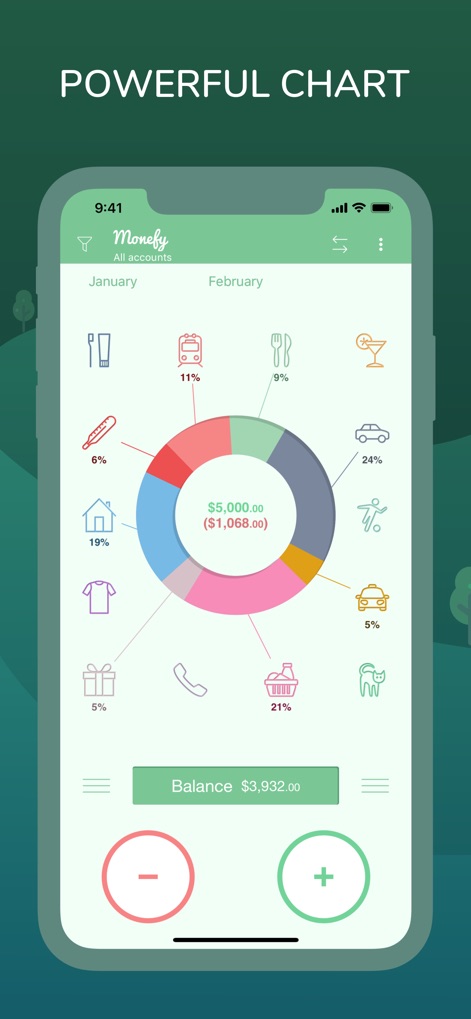
The app presents an informative pie chart to visualize spending distribution and detailed category percentages.
Visual Spending Overview
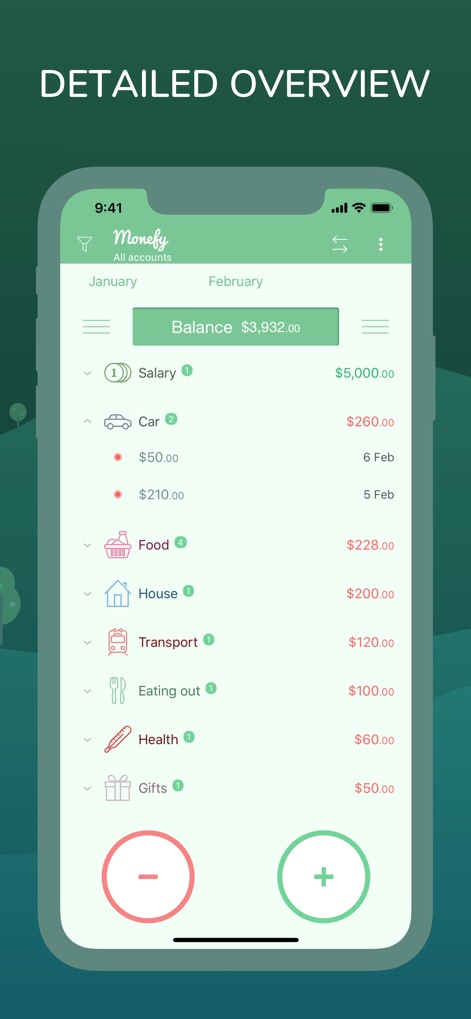
Users can effortlessly navigate a comprehensive records list, showcasing categorized transactions and their specific amounts.
Comprehensive Expense List
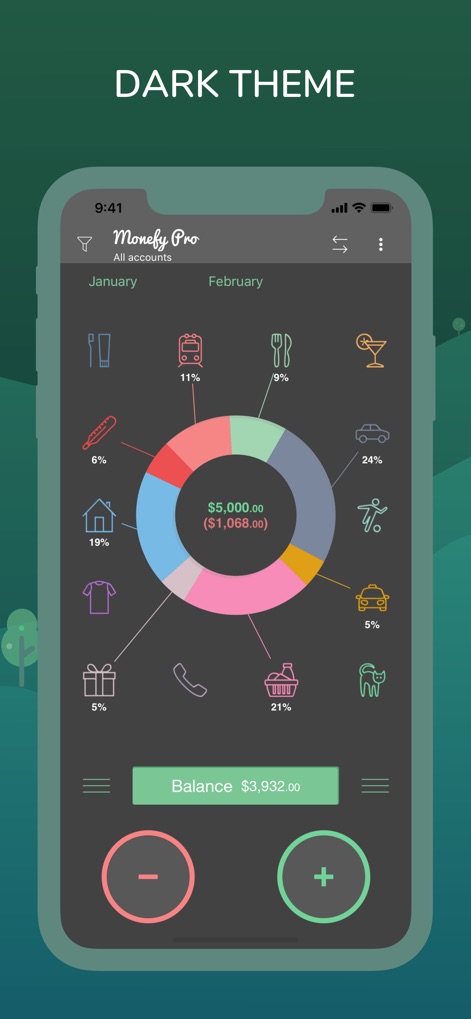
This tool offers an elegant dark theme, providing a visually comfortable interface for reviewing the intuitive spending chart.
Modern Dark Theme
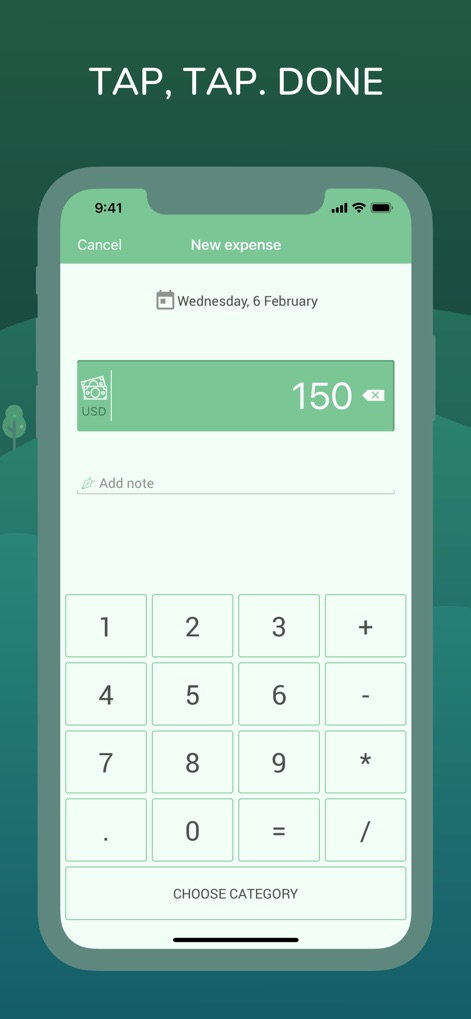
Capture new expenses quickly using the integrated calculator keypad and a clear amount input field.
Swift Expense Entry
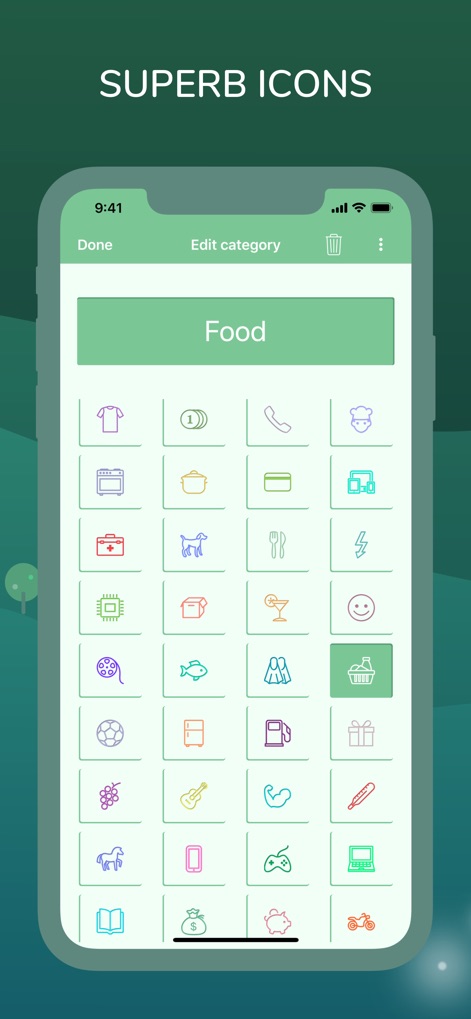
Manage and customize spending categories with a diverse selection of superb icons and custom labels.
Personalized Categories
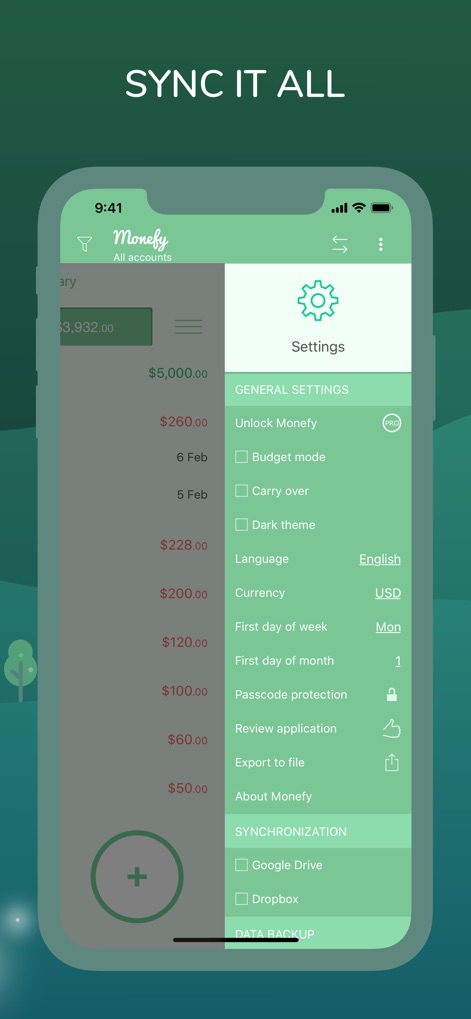
Ensure data safety and accessibility across devices with robust passcode protection and secure Google Drive/Dropbox synchronization.
Secure Data Sync
Description
Download
More Like This
Apps with similar features and user experience

PetPlanr
Anri Tugushi

Weple Money: Expense Tracker
Park Hankyu

Caho可愛いかけいぼ!学生/夫婦おかね管理
LAN CHEN

Sepran: Expense Manager
Sepran Ashari

SmileBudget
Koniio Co., Ltd.

Money OK - personal finance
Mobion OOO

Расходы - личный бюджет
Oleg Ponomarev

EMMO Cost
EMMO Corp.

Minhas Economias
MINHAS ECONOMIAS SOLUCOES LTDA
This page is not an official page of the app or its developer, but an independent editorial publication created for informational and commentary purposes. Unless expressly stated otherwise, neither the app nor its developer is affiliated with, endorsed by, sponsored by, authorized by, or otherwise officially connected with MWM, Apple, Google Play, the app publisher, or the app's developer, and nothing on this page implies that the app was developed using MWM's services. Any trademarks, logos, screenshots, and other content remain the property of their respective owners.