
This page is not an official page of the app or its developer, but an independent editorial publication created for informational and commentary purposes. Unless expressly stated otherwise, neither the app nor its developer is affiliated with, endorsed by, sponsored by, authorized by, or otherwise officially connected with MWM, Apple, Google Play, the app publisher, or the app's developer, and nothing on this page implies that the app was developed using MWM's services. Any trademarks, logos, screenshots, and other content remain the property of their respective owners.


Sepran: Expense Manager
Take total control of your money without ever linking your bank account. Experience the power of offline budgeting, multiple wallet tracking, and loan monitoring in one simple, secure assistant.
Downloads
443K+User Rating
Total Ratings
22K+Publisher
Category
FinanceLocales
1Latest Version
4.22.3Size
60.9 MBFirst Released
Apr 5, 2019Master Your Money with Complete Privacy
The simple, offline-first ledger designed for mindful spenders who want to track every dollar without ever linking a bank account.
100% Private & Offline
Your financial data stays on your device, not a server. Track expenses anywhere, anytime, with total data sovereignty and no internet required.
Manage Multiple Wallets
Effortlessly separate your personal spending, side hustle income, and cash. Get a clear overview of your balance across all your accounts in one tap.
Frequently Asked Questions
Everything you need to know about Sepran: Expense Manager
Does Sepran: Expense Manager work without an internet connection?
Yes, Sepran: Expense Manager functions without an internet connection. Users can track expenses and manage finances in offline mode.
Does Sepran provide a data backup feature?
Yes, Sepran provides a data backup feature. This allows users to restore their financial data on a new smartphone if needed.
Can Sepran: Expense Manager track expenses across multiple financial accounts?
Yes, Sepran: Expense Manager supports multiple wallets. Users can track transactions for each individual wallet, providing comprehensive financial oversight.
Is it possible to monitor loans and receivables with Sepran?
Yes, Sepran monitors loans and receivables. The app provides a dedicated page to track all loan and receivable transactions effectively.
Can users create custom financial reports in Sepran?
Yes, Sepran allows users to create custom financial reports. Users generate financial statements tailored to their specific income period dates.
Does Sepran: Expense Manager simplify the process of expense tracking?
Yes, Sepran: Expense Manager is easy to use. It simplifies expense tracking, eliminating the need to re-type old transactions.
The following screenshots and description are sourced directly from the app's official store listing and are the property of the app developer.
App Store
Screenshots
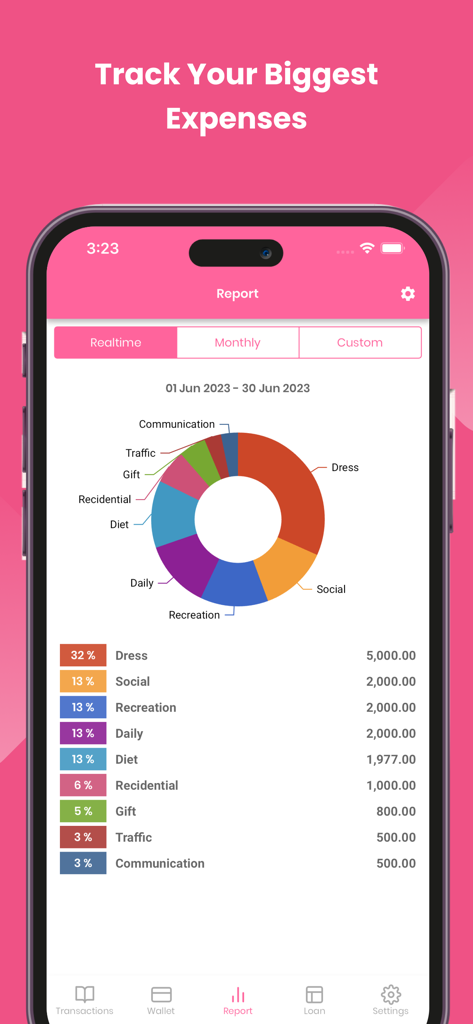
Monthly expense report showing spending categories in a donut chart
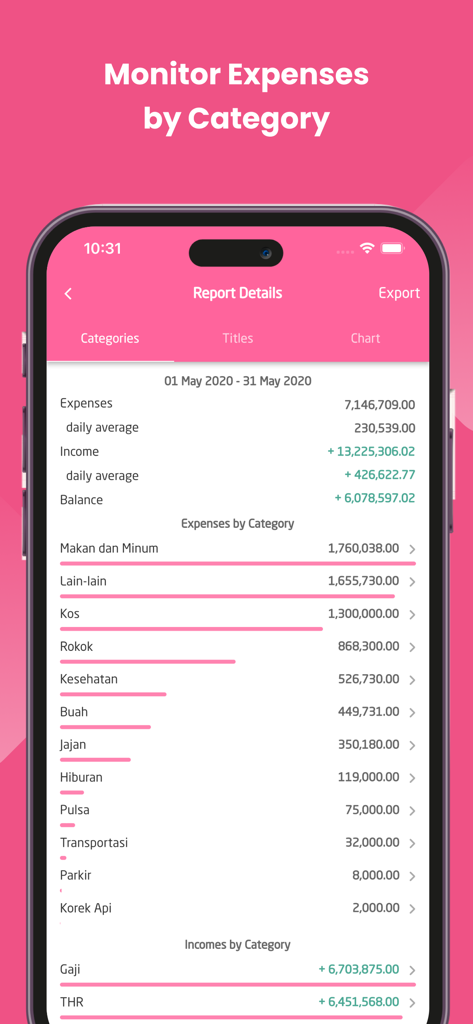
Sepran app report showing monthly expenses and income broken down by category
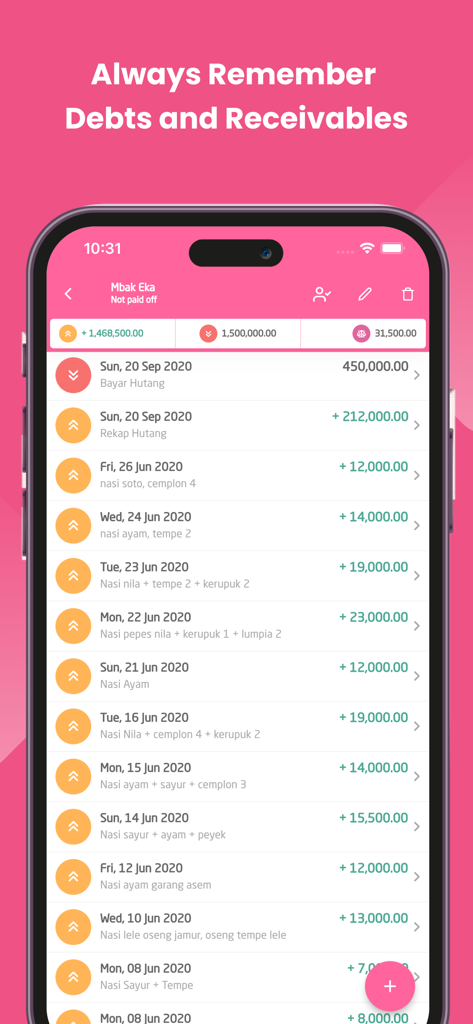
Smartphone screen displaying the debt and receivables tracking feature of the Sepran Expense Manager app.
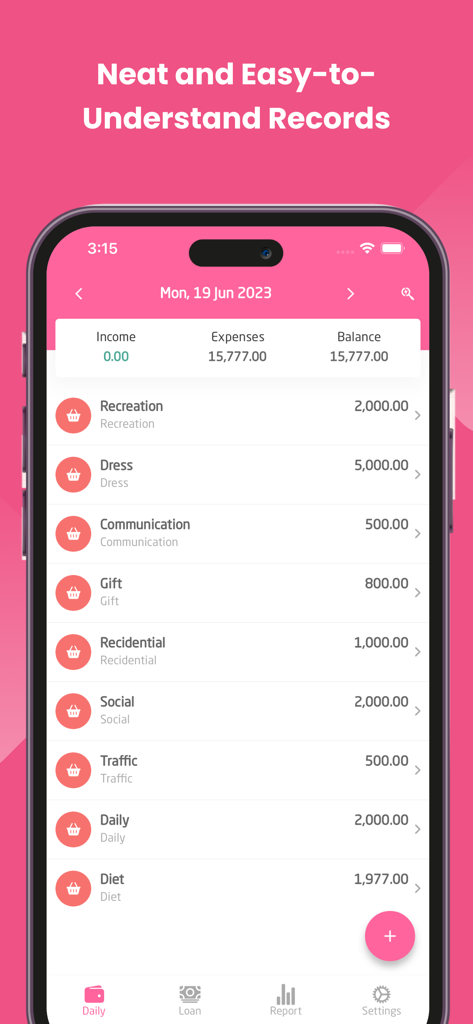
Daily financial records and expense categories in Sepran app
Description
Download
More Like This
Apps with similar features and user experience

PetPlanr
Anri Tugushi

Weple Money: Expense Tracker
Park Hankyu

Caho可愛いかけいぼ!学生/夫婦おかね管理
LAN CHEN

SmileBudget
Koniio Co., Ltd.

Money OK - personal finance
Mobion OOO

Расходы - личный бюджет
Oleg Ponomarev

EMMO Cost
EMMO Corp.

Monefy: Money Tracker
Reflective Technologies ApS

Minhas Economias
MINHAS ECONOMIAS SOLUCOES LTDA
This page is not an official page of the app or its developer, but an independent editorial publication created for informational and commentary purposes. Unless expressly stated otherwise, neither the app nor its developer is affiliated with, endorsed by, sponsored by, authorized by, or otherwise officially connected with MWM, Apple, Google Play, the app publisher, or the app's developer, and nothing on this page implies that the app was developed using MWM's services. Any trademarks, logos, screenshots, and other content remain the property of their respective owners.