Montage Video Maker & Editor

Montage Video Maker & Editor


Download on App Store
Logo of Montage Video Maker & Editor

Montage Video Maker & Editor: Create Scroll-Stopping Videos in Minutes

The all-in-one mobile studio for modern creators. Merge clips with precision and add unique, royalty-free AI music to stand out on TikTok, Reels, and Shorts with zero learning curve.

Publisher

Duc Lai

Category

Photo & Video

Downloads

370K+

User Rating

4.0/5

Total Ratings

2K+

Locales

33

Your Social Media Secret

Discover the interface used by 370K+ users.
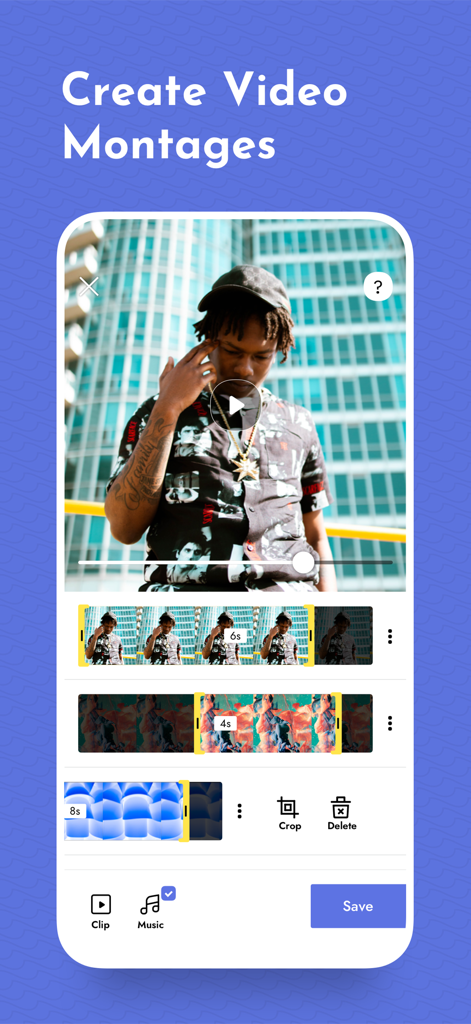
Mobile app interface showing a video editing timeline with multiple clips and tools for creating montages

Mobile app interface showing a video editing timeline with multiple clips and tools for creating montages

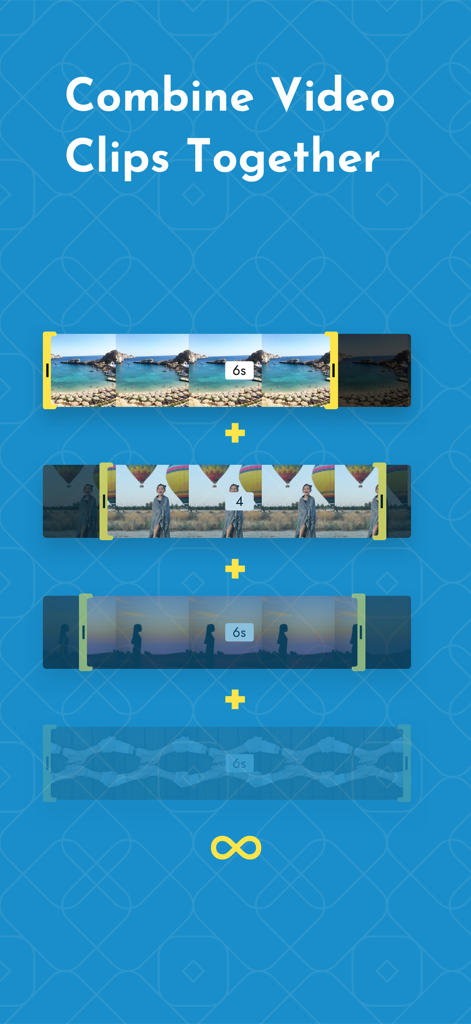
A visual demonstration showing how to combine and merge multiple video clips together in the Montage app.

A visual demonstration showing how to combine and merge multiple video clips together in the Montage app.

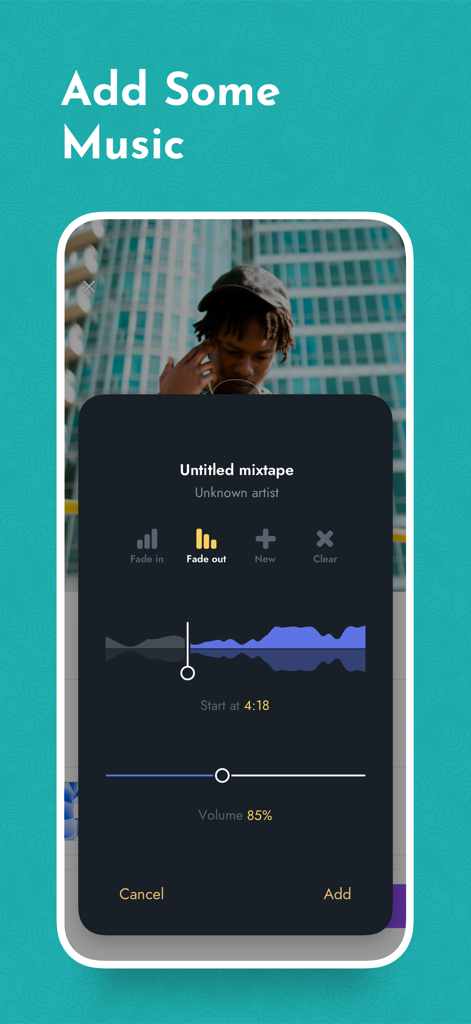
Interface of Montage Video Maker app showing options to add and edit music tracks for videos

Interface of Montage Video Maker app showing options to add and edit music tracks for videos

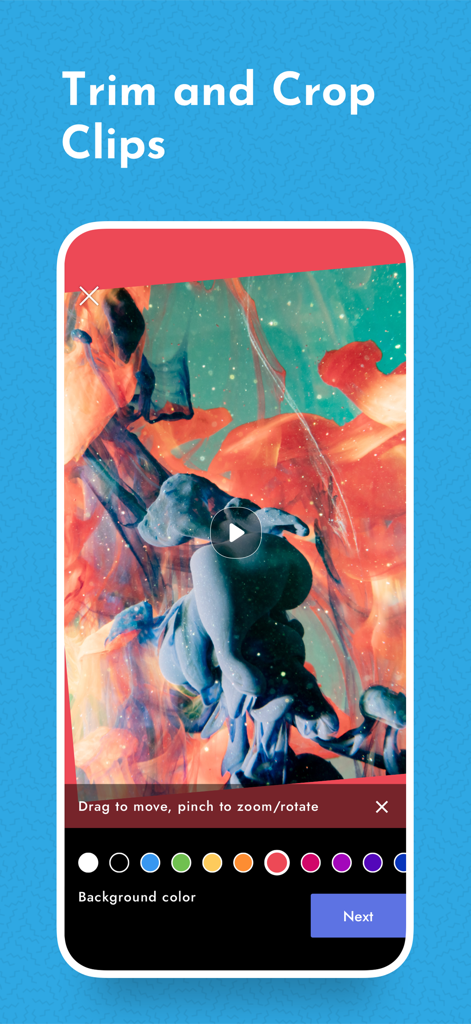
Screen showing trim and crop features with background color selection in the Montage Video Maker app

Screen showing trim and crop features with background color selection in the Montage Video Maker app

Montage app promotional screen featuring a collage of lifestyle photos and the text Make Amazing Stories

Montage app promotional screen featuring a collage of lifestyle photos and the text Make Amazing Stories

Go From Raw Clips to Viral Hits

The tools that make this app stand out, trusted by 370K+ users.

🤖

Copyright-Free AI Music

Never worry about muted videos again. Generate custom, unique soundtracks in Lo-Fi, Cinematic, or EDM styles instantly.

Pro Precision, Zero Effort

Trim, crop, and merge unlimited clips with an intuitive interface designed for creators who value speed and aesthetics.

📱

Social-Ready in Seconds

Export high-quality 1080p videos perfectly sized for TikTok, Instagram Reels, and YouTube Shorts with one tap.

About the app

Everything you need to know about Montage Video Maker & Editor.

Description

〉 Montage Video Maker — Video Editor & AI Music Create scroll-stopping videos in minutes. Merge clips, edit like a pro, and finish with unique, royalty-free AI music — perfect for TikTok, Instagram, and YouTube Shorts. # MAKE VIDEOS IN 5 EASY STEPS ● Pick Footage ‣ Import from your gallery or record new. Choose Portrait, Landscape, or Square. ● Style It ‣ Crop, rotate, pinch-zoom, and set custom background colors. ● Merge Clips ‣ Combine unlimited videos into one seamless timeline. ● Edit Precisely ‣ Reorder scenes and trim with frame-accurate precision. ● Add AI Music ‣ Select a mood (lo-fi, cinematic, upbeat, EDM) for a one-of-a-kind, royalty-free track — or use music from your library. # WHY CREATORS LOVE MONTAGE ◆ Pro tools: unlimited merging, precise trimming, social-ready presets (Portrait, Square 1280 × 1280, Landscape). ◆ AI Theme Composer: original background music in seconds — no copyright worries. ◆ Zero learning curve: intuitive drag-and-drop gestures. ◆ Fast sharing: export Full HD (1080p) and post directly to TikTok, Instagram, Shorts, Facebook, and more. # MONTAGE PRO Weekly $5.99 Monthly $12.79 Annual $47.99 (save 35%) 3-day free trial available on every plan. Prices are in USD; local pricing may vary. Subscriptions auto-renew unless turned off at least 24 hours before the period ends. Payment is charged to your Apple ID on confirmation. Manage or cancel anytime in Account Settings. Unused trial time is forfeited on purchase. # LEGAL Terms of Use  http://picshiftapps.com/terms-of-use/ Privacy Policy http://picshiftapps.com/privacy-policy/

Latest Version

2.8.11

Size

69.4 MB

First Released

Apr 1, 2015

Ready to Create Your Next Viral Hit?

Join 370,000+ creators turning raw clips into scroll-stopping content. Download Montage now and start editing with AI-powered music and pro tools in seconds.

Download on App Store

App information, icons, screenshots, and descriptions displayed on this page are sourced from the Apple App Store and are the property of their respective developers. Download estimates and rankings are based on MWM's proprietary models and may not reflect actual figures. This page is provided for informational and analytical purposes only.

Believe this page infringes your intellectual property? File a dispute