
This page is not an official page of the app or its developer, but an independent editorial publication created for informational and commentary purposes. Unless expressly stated otherwise, neither the app nor its developer is affiliated with, endorsed by, sponsored by, authorized by, or otherwise officially connected with MWM, Apple, Google Play, the app publisher, or the app's developer, and nothing on this page implies that the app was developed using MWM's services. Any trademarks, logos, screenshots, and other content remain the property of their respective owners.

Moon Board
Unleash your potential with the ultimate training tool. Discover thousands of problems, light up your route with Bluetooth LED integration, and track your progress on the worldwide leaderboard.
Downloads
211K+User Rating
Total Ratings
200Publisher
Category
SportsLocales
1Latest Version
1.2.45Size
50.6 MBFirst Released
Oct 12, 2023Unleash Your Climbing Potential
Join the world’s most powerful bouldering community and transform your training with interactive, data-driven sessions.
Interactive LED Guidance
Eliminate the guesswork. Instantly illuminate your chosen route on the board so you can stay focused on the send.
Global Benchmark Database
Climb thousands of standardized problems and compare your progress with a worldwide community of performance athletes.
Frequently Asked Questions
Everything you need to know about Moon Board
What is the MoonBoard App?
The MoonBoard App supports redesigned MoonBoard websites and both standard and LED MoonBoards. It provides all website benefits on smartphones or tablets, adding several new features for climbers.
What are the key features of the MoonBoard App?
The MoonBoard App allows users to choose hold setups, view, add, sort, filter, grade, and rate problems. It also lets users create problem lists, log sessions, monitor progress, and share problems.
Can I light up problems using the MoonBoard App?
Yes, the MoonBoard App can light up problems. This feature requires an LED MoonBoard. The app controls LED lights beneath t-nut positions via Bluetooth, illuminating selected problem holds.
What is an LED MoonBoard?
The LED MoonBoard system features LED lights beneath each t-nut position. The MoonBoard App controls these lights via Bluetooth to illuminate holds for selected climbing problems, making identification easy.
How can users log in to the MoonBoard App?
Users can log in to the MoonBoard App using their Google or Apple accounts. A traditional login option is also available.
Does the MoonBoard App allow users to filter problems?
Yes, the MoonBoard App allows users to sort and filter problems. Filter options include grade, hold type, setter, board settings, benchmarks, ascents, favorites, and drafts.
Can I create custom problem lists in the MoonBoard App?
Yes, the MoonBoard App enables users to create multiple lists of problems. Examples include warm-ups, favorites, projects, and training routines.
Does the MoonBoard App track climbing progress?
Yes, the MoonBoard App keeps a log of all MoonBoard sessions. Users can monitor their progress and view climbing statistics, including highest grade and world ranking.
Can the MoonBoard App display lights above and below holds?
Yes, the MoonBoard App's new V2 LED control box can illuminate LEDs both above and below the holds. This feature helps users locate the next hand or foot hold.
How does the MoonBoard App help identify problems quickly?
The MoonBoard App, paired with an LED MoonBoard, quickly identifies problems by illuminating the specific holds that comprise a chosen problem. This offers easy access to thousands of problems.
The following screenshots and description are sourced directly from the app's official store listing and are the property of the app developer.
App Store
Screenshots
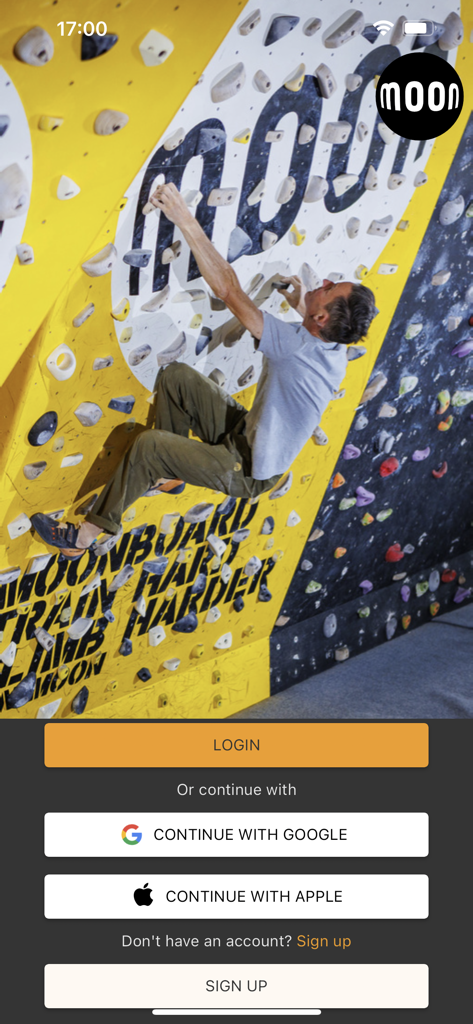
Login screen of the Moon Board app showing a climber on a training wall and sign in options
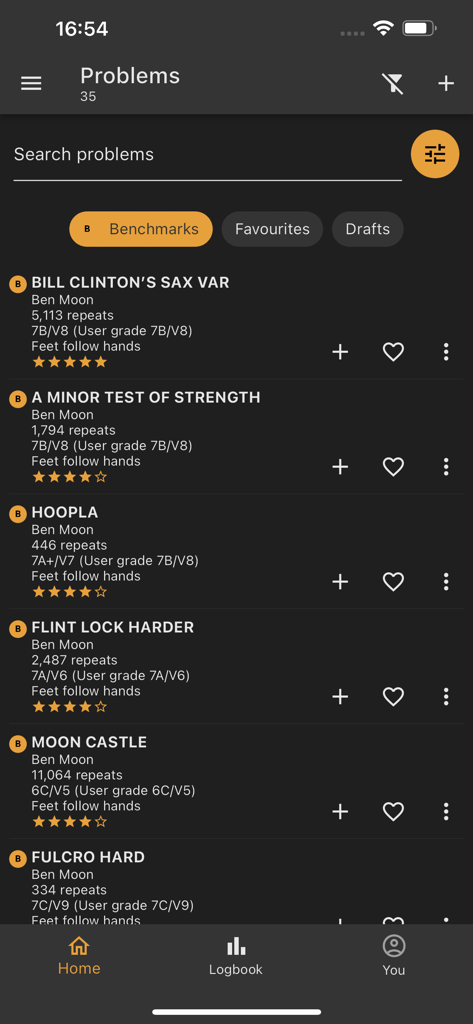
A list of bouldering problems in the Moon Board app showing benchmark routes with grades and star ratings
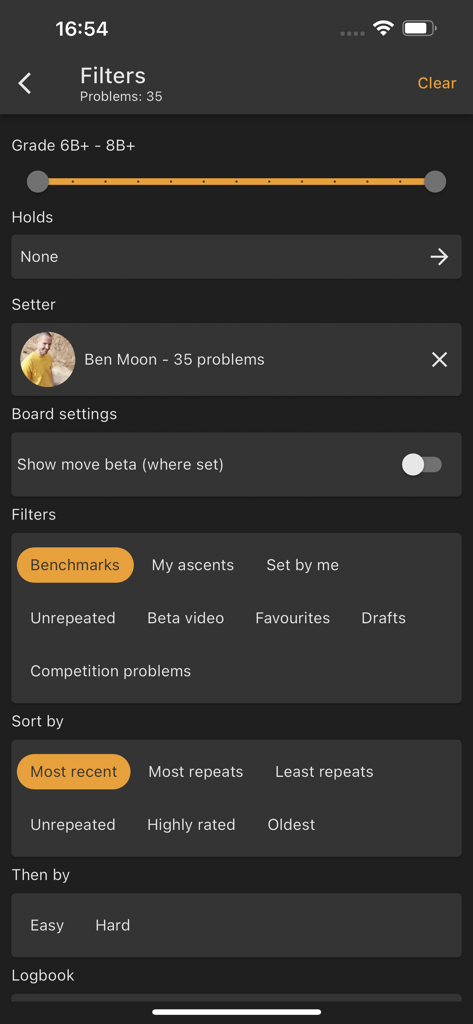
Moon Board app interface showing filters for climbing grades and problem types
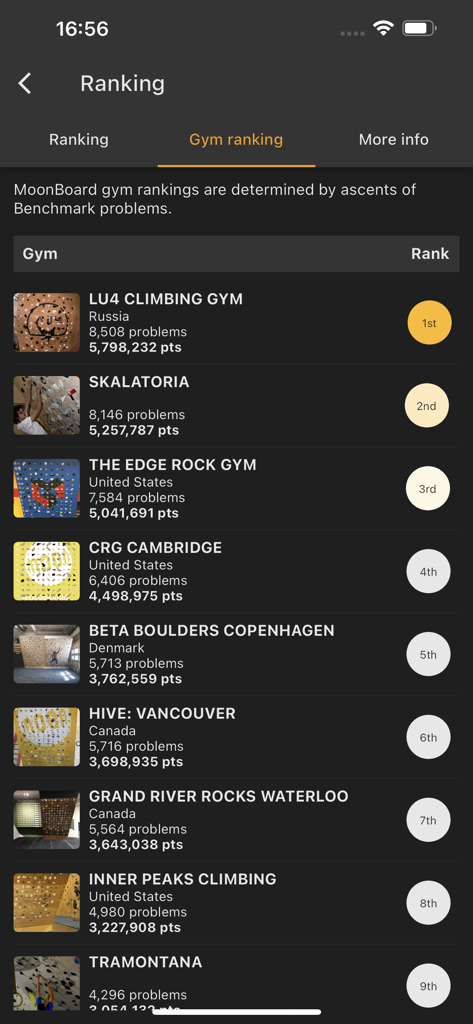
Global gym rankings leaderboard in the Moon Board app
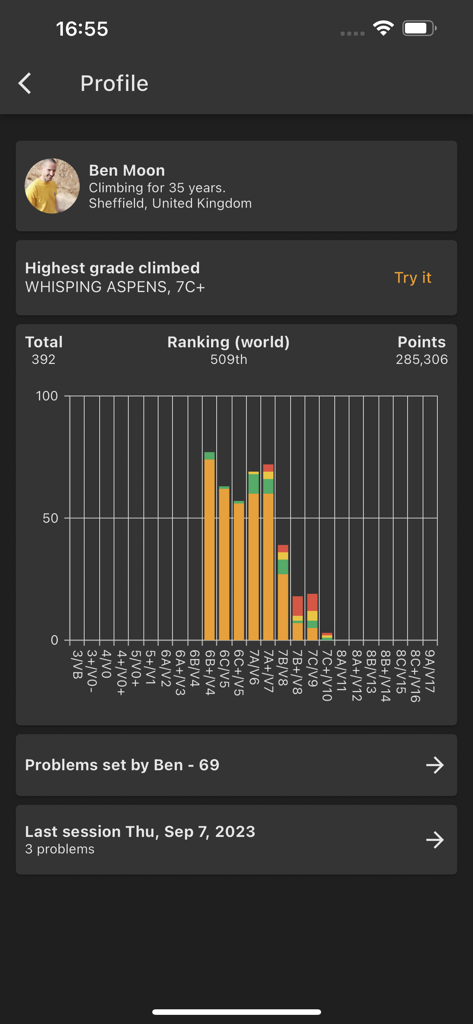
Moon Board app user profile screen showing global ranking and a climbing grade pyramid chart
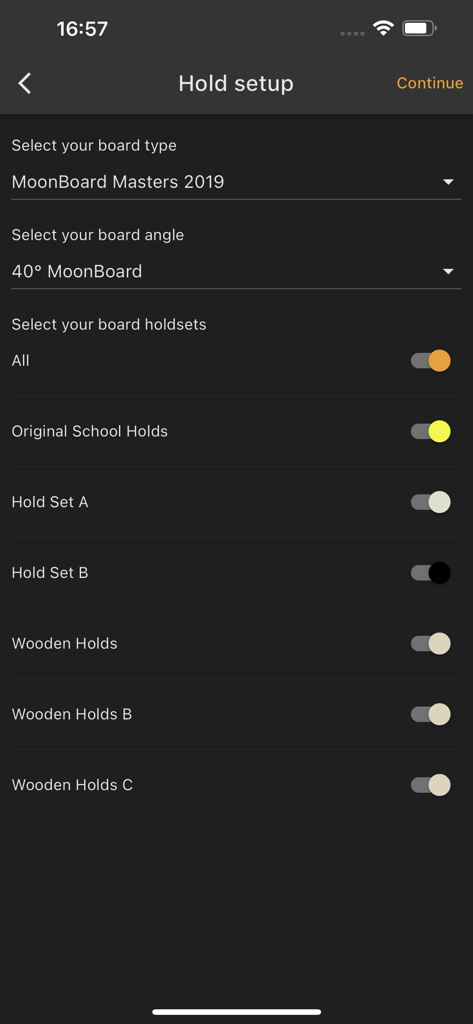
Moon Board app hold setup screen showing options to select board type angle and climbing hold sets
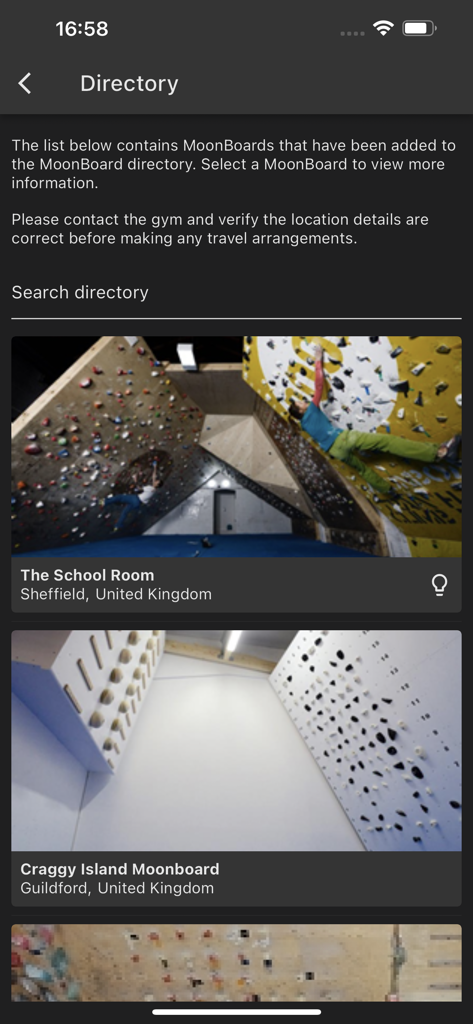
The directory screen of the Moon Board app listing available climbing gym locations with photos of their MoonBoards
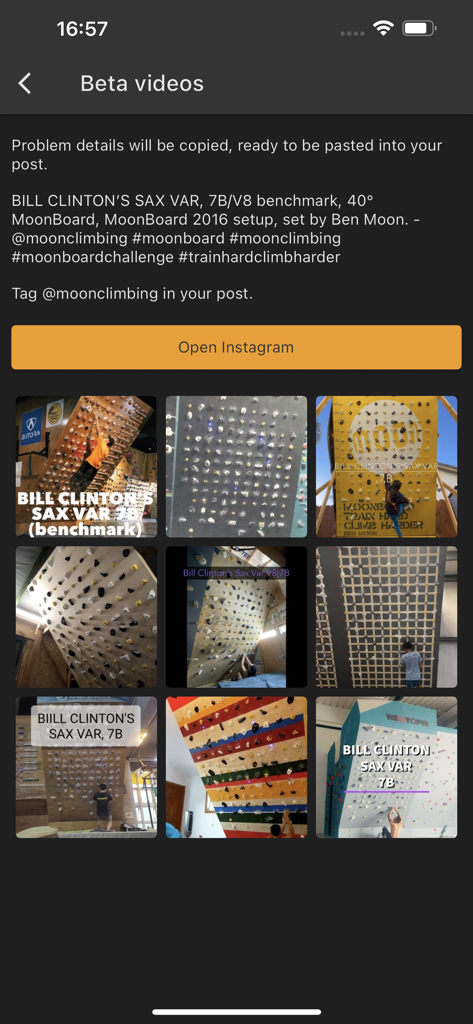
Moon Board app screen showing beta videos for a climbing problem with social media sharing options
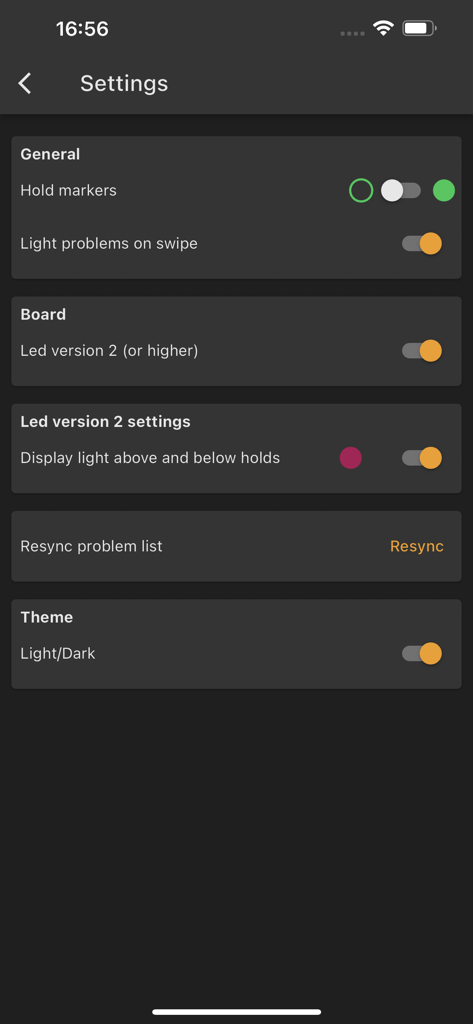
Settings menu of the Moon Board app showing LED board configuration and general preferences
Description
Download
More Like This
Apps with similar features and user experience

GoodShot - Badminton tracker
GoodShot Technology Co., Ltd
YaoYao - Jump Rope
家浩 汪
TrainerDay - Indoor Cycling
TrainerDay Inc

Arm Care
Fitworks, Inc

Wahoo
Wahoo Fitness L.L.C.

HOTWORX
Planet Beach Franchising Corporation
Zwift Companion
Zwift, Inc

Dribbleup - Sports & Fitness
DribbleUp Inc

MOWL: Intelligent Training
Intelligent Training Group ApS
This page is not an official page of the app or its developer, but an independent editorial publication created for informational and commentary purposes. Unless expressly stated otherwise, neither the app nor its developer is affiliated with, endorsed by, sponsored by, authorized by, or otherwise officially connected with MWM, Apple, Google Play, the app publisher, or the app's developer, and nothing on this page implies that the app was developed using MWM's services. Any trademarks, logos, screenshots, and other content remain the property of their respective owners.