Mosaic Blur Photo Maker

Mosaic Blur Photo Maker

Download on App Store
Logo of Mosaic Blur Photo Maker

Mosaic Blur Photo Maker: Professional Precision for Privacy and Aesthetics

Effortlessly censor sensitive information or create stunning DSLR-style background blurs. Fast, high-resolution, and watermark-free tools designed for creators who value privacy and style.

Download on App Store

Publisher

Softizo Universe FZE

Category

Photo & Video

Downloads

1K+

User Rating

1.0/5

Total Ratings

0

Locales

16

Precision in Every Pixel

Discover the interface used by 1K+ users.
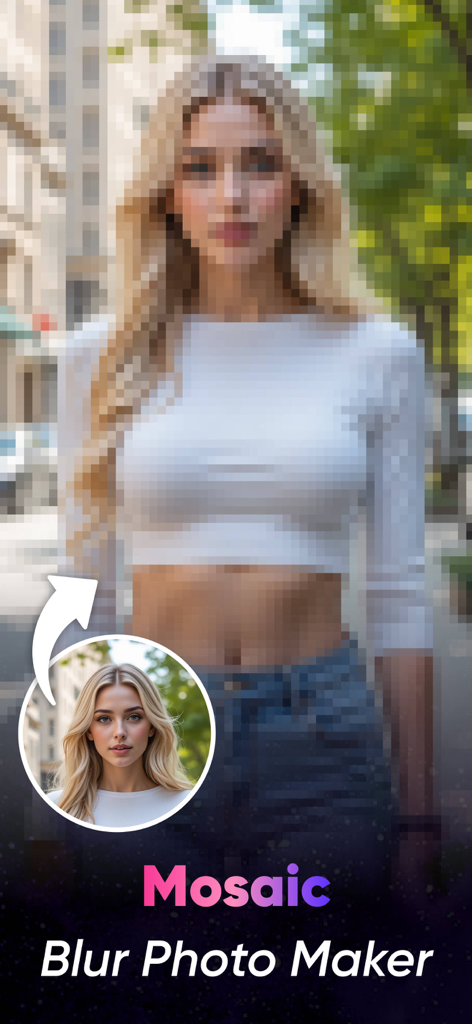
A portrait of a woman with a heavy mosaic pixelation effect applied to demonstrate the app's blurring capability

A portrait of a woman with a heavy mosaic pixelation effect applied to demonstrate the app's blurring capability

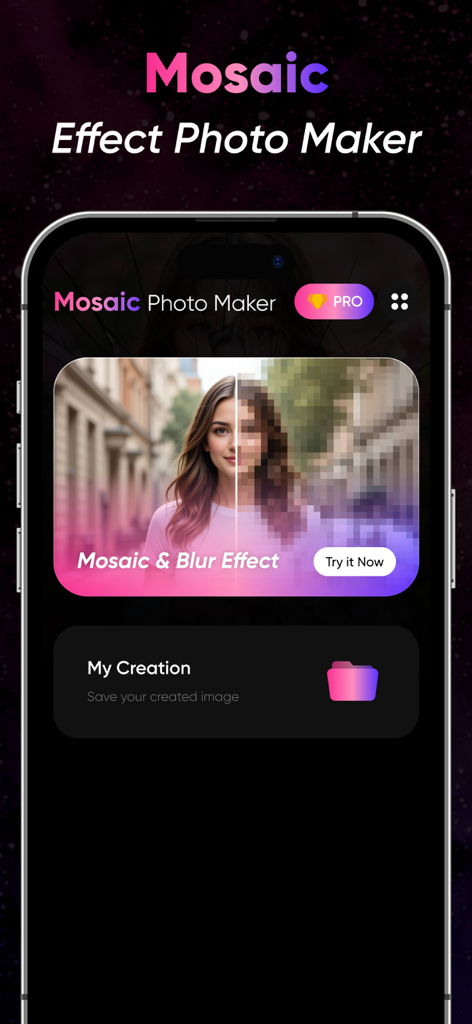
Mosaic Blur Photo Maker app interface showing a mosaic effect preview on a portrait and the my creations folder

Mosaic Blur Photo Maker app interface showing a mosaic effect preview on a portrait and the my creations folder

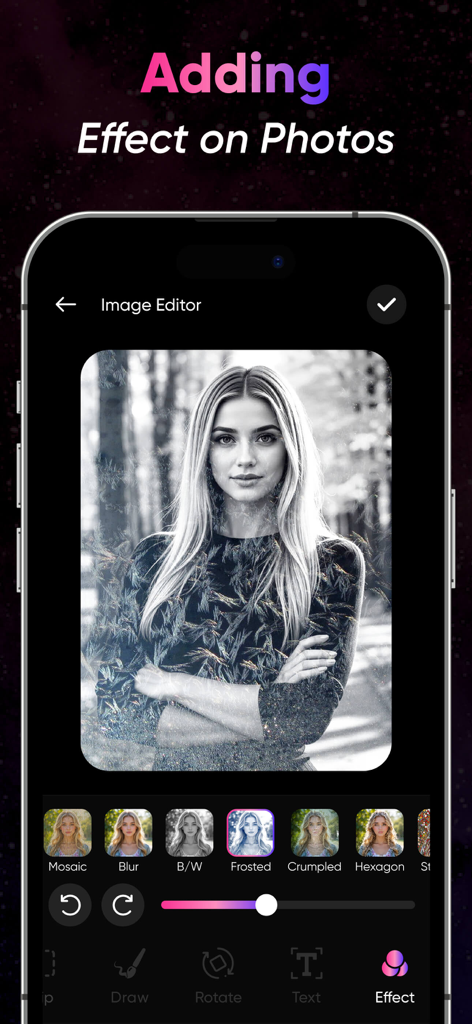
Mobile app interface for Mosaic Blur Photo Maker showing artistic effect options on a portrait photo

Mobile app interface for Mosaic Blur Photo Maker showing artistic effect options on a portrait photo

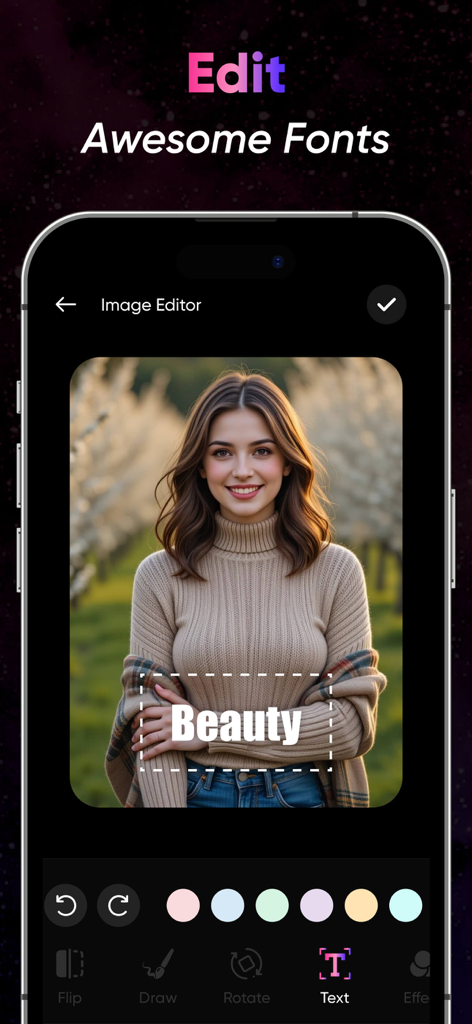
Screenshot of the Mosaic Blur app showing the text editor and font selection feature on a portrait photo

Screenshot of the Mosaic Blur app showing the text editor and font selection feature on a portrait photo

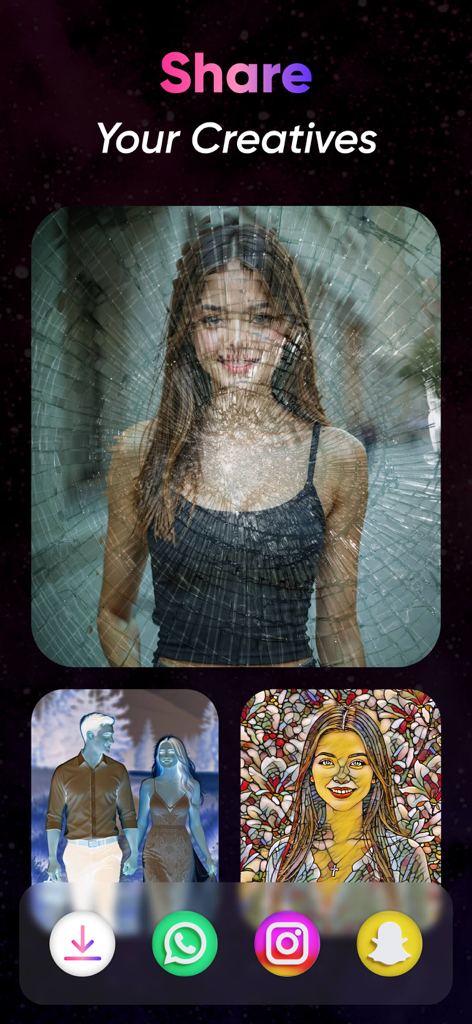
Mobile app screen titled Share Your Creatives displaying artistic photo filters and social media sharing icons

Mobile app screen titled Share Your Creatives displaying artistic photo filters and social media sharing icons

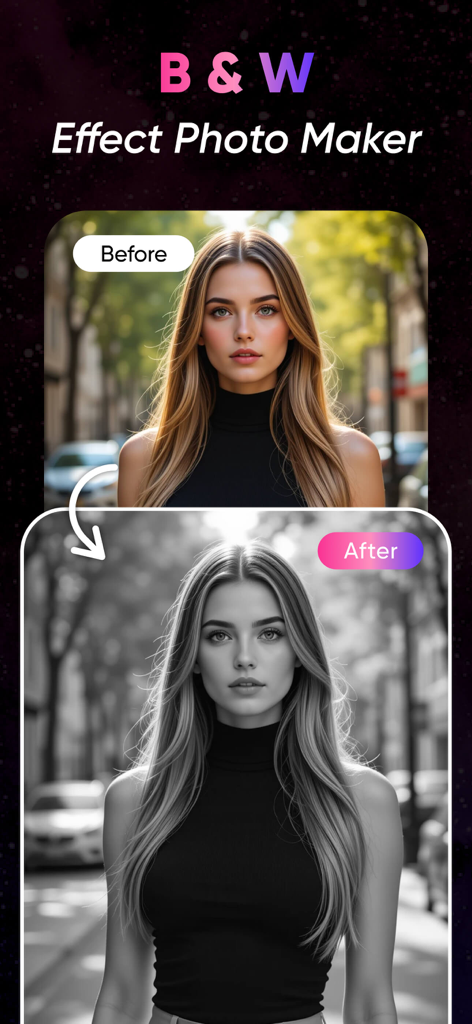
Before and after comparison of a woman portrait using a black and white photo filter

Before and after comparison of a woman portrait using a black and white photo filter

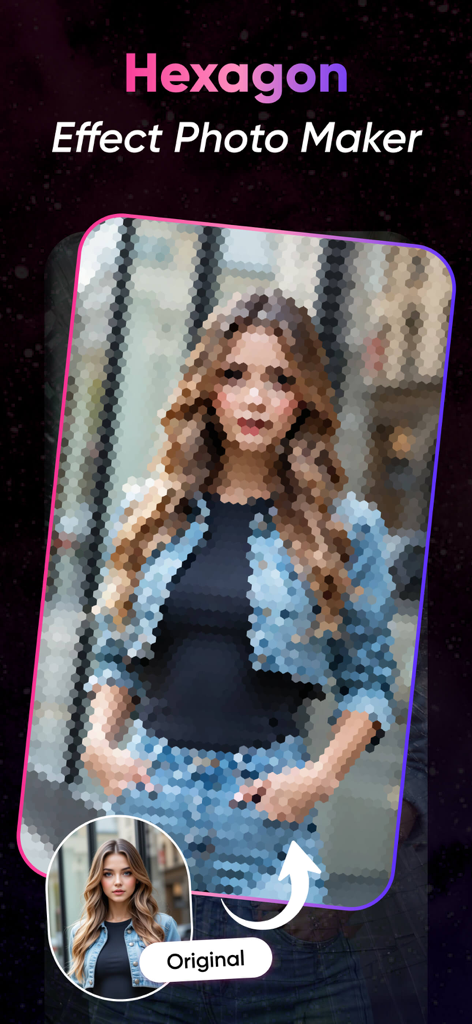
A woman's portrait with a hexagonal mosaic blur effect applied next to the original photo.

A woman's portrait with a hexagonal mosaic blur effect applied next to the original photo.

Professional Privacy & Creative Style

The tools that make this app stand out, trusted by 1K+ users.

🛡️

Instant Privacy Protection

Effortlessly censor faces, license plates, or private documents with professional mosaic and pixelation effects for secure social sharing.

DSLR-Quality Soft Blur

Transform your casual snaps into professional portraits by blurring cluttered backgrounds and highlighting your subject with a soft bokeh finish.

🔍

Surgical Precision Tools

Use zoom-enabled brushes for pixel-perfect edits. Export your images in high resolution with no watermarks to keep your feed looking clean and premium.

About the app

Everything you need to know about Mosaic Blur Photo Maker.

Description

Blur Photos with Precision and Style Mosaic Blur Photo Editor is a simple yet powerful app that lets you blur parts of your photos using mosaic, pixel, or soft blur effects. Whether you want to protect privacy, highlight a subject, or create an artistic effect, this app offers precise tools for quick editing. Perfect for social media, content creators, photographers, or anyone looking to censor or stylize their images. Key Features: Mosaic & Pixel Blur: Apply pixelation or mosaic effects to any part of your photo. Soft Blur Tool: Smoothly blur backgrounds or unwanted areas for a DSLR-style effect. Brush & Eraser Tools: Use adjustable brushes for freehand blurring or precise edits. Shape Blur: Blur in circular or rectangular zones for fast targeting. Zoom & Pan: Edit with accuracy by zooming into your image. Undo/Redo Options: Make quick changes without losing your work. High-Resolution Export: Save edited images in full quality. No Watermark: Export clean images without branding. Use Cases: Censor faces, license plates, or private content Blur photo backgrounds for focus Add creative or artistic effects Prepare images for social sharing Fast. Clean. Effective. Mosaic Blur Photo Editor offers a simple workflow and precise editing tools to help you blur exactly what you need—whether for privacy, aesthetics, or storytelling. Download Mosaic Blur Photo Editor today and take control of how your photos are seen. To find out more about automatic subscription renewals: Ad-free version Unlimited blur image generation Premium Subscription : MosaicBlur One Week - 6.99 USD MosaicBlur One Year - 44.99 USD Your payment will be charged to your iTunes Account.The app offering is auto-renewable subscriptions For More Information : Privacy Policy : http://softizouniverse.com/pages/Privacy%20Policy.html Terms of Use : http://softizouniverse.com/pages/Terms%20Of%20Use.html

Latest Version

1.0

Size

76.3 MB

First Released

Jul 23, 2025

Ready to Master Your Privacy and Aesthetic?

Join thousands of creators who trust Mosaic Blur for precise, high-resolution, and watermark-free edits. Take control of your photos and share with confidence today.

Download on App Store

App information, icons, screenshots, and descriptions displayed on this page are sourced from the Apple App Store and are the property of their respective developers. Download estimates and rankings are based on MWM's proprietary models and may not reflect actual figures. This page is provided for informational and analytical purposes only.

Believe this page infringes your intellectual property? File a dispute