
This page is not an official page of the app or its developer, but an independent editorial publication created for informational and commentary purposes. Unless expressly stated otherwise, neither the app nor its developer is affiliated with, endorsed by, sponsored by, authorized by, or otherwise officially connected with MWM, Apple, Google Play, the app publisher, or the app's developer, and nothing on this page implies that the app was developed using MWM's services. Any trademarks, logos, screenshots, and other content remain the property of their respective owners.


MoShow Slideshow Maker Video
Static photos? Dead. MoShow injects instant motion, turning your still shots into social media dominance.
Downloads
2.5M+User Rating
Total Ratings
106.5KPublisher
Category
Photo & VideoLocales
14Latest Version
2.14.1Size
241.2 MBFirst Released
Nov 7, 2017A comprehensive evaluation of key functionalities designed for social media content creators.
MoShow Slideshow Maker Video: Feature Analysis
Intuitive Slideshow Creation
The app allows users to quickly transform a collection of photos into dynamic, engaging video slideshows, ideal for social media sharing.
Customizable Video Styles
It provides numerous pre-designed video styles, enabling users to instantly preview and select the perfect aesthetic for their slideshows.
Seamless Social Sharing
This tool is specifically designed to create "attention-grabbing slideshows perfect for Instagram and other social media," facilitating easy sharing.
High-Definition Video Export
For VIP users, the app offers the ability to save videos in HD quality, ensuring crisp and professional-looking content for high-impact social media posts.
Brand-Free Content Creation
VIP subscribers can remove the MoShow logo, providing a cleaner, more professional look to their videos, essential for personal branding and business use.
Unlimited Content Capacity
The VIP subscription enables users to include more photos in their slideshows without time limits, offering greater creative freedom and storytelling potential.
Precise Timing Control
This tool allows VIP users to adjust the timing of their slideshows, offering greater control over pacing and narrative flow.
Versatile Output Formats
For VIP members, the app supports various formats, including widescreen (16:9), ensuring compatibility across different platforms and viewing experiences.
The following screenshots and description are sourced directly from the app's official store listing and are the property of the app developer.
App Store
Screenshots

Users can instantly preview their photos transformed into dynamic slideshows, choosing from various styles via the "USE THIS STYLE" button and thumbnail previews.
Instant Style Preview

The app allows users to combine photos, videos, and live photos into collages, with options to save projects and explore a "Featured" styles section.
Combine Media Effortlessly
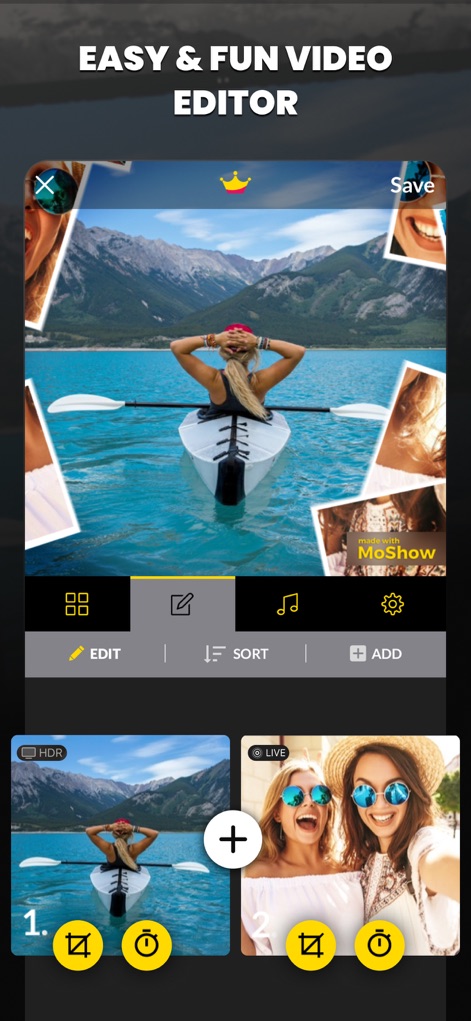
This tool offers an intuitive editing interface, enabling users to easily modify their selections using the "EDIT" button and a clear photo preview area.
Simple Editing Flow

Users can enhance their slideshows by adding favorite music, selecting tracks from a comprehensive "CATALOGUE" tab or browsing the organized song list by genre.
Curate Your Soundtrack
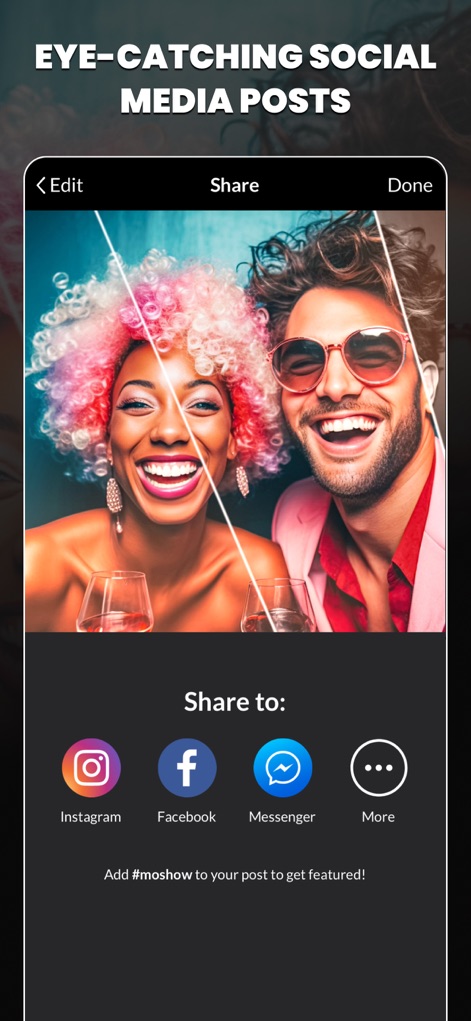
The app simplifies sharing eye-catching content directly to social media, providing quick access to platforms like Instagram and Facebook.
Share Socially
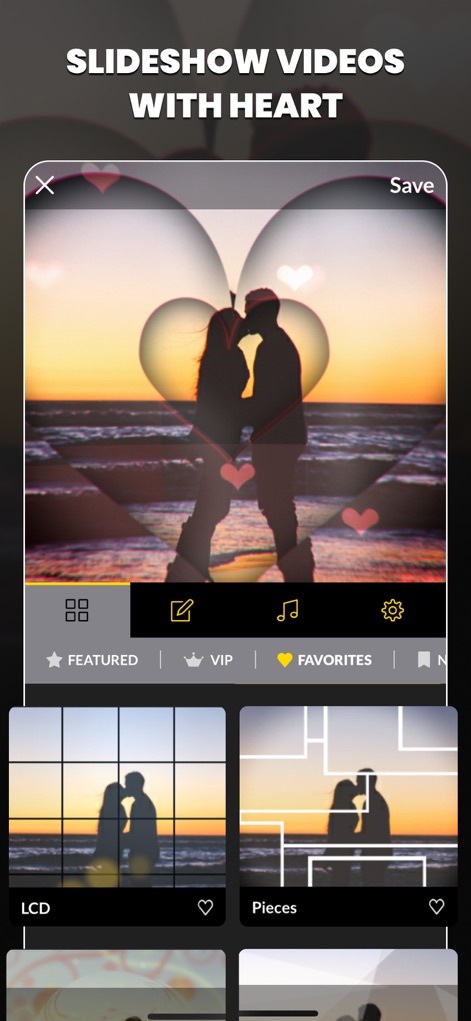
Discover diverse and expressive video styles, including unique options like the "LCD" and "Pieces" styles, to add personality to any slideshow.
Expressive Video Styles

Users can optimize their videos for different platforms by selecting various aspect ratios such as "1:1", alongside advanced settings like the "Seamless Loop" toggle.
Aspect Ratio Control
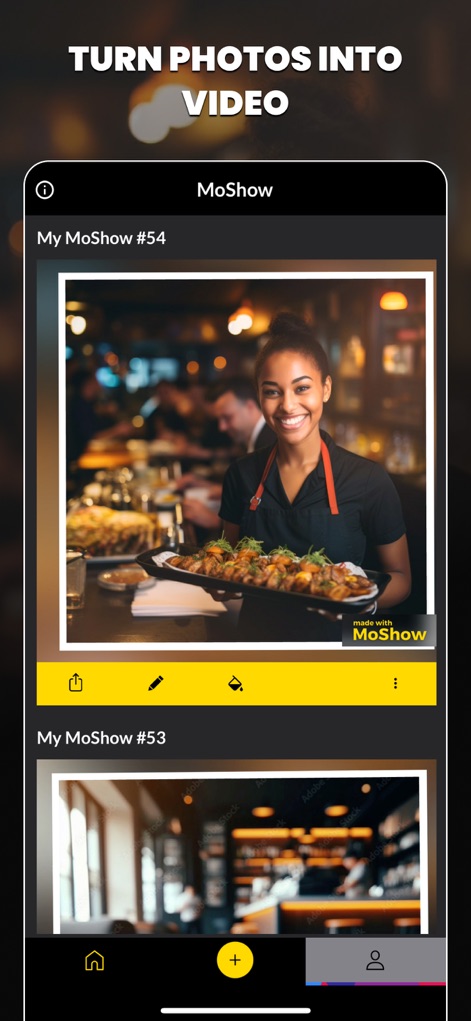
This tool provides efficient project management, displaying individual creations like "My MoShow #54" and a prominent '+' button for starting new projects.
Project Management

Explore a wide array of engaging reel templates, offering creative starting points such as the "Elements" and "Tiles" options for dynamic video content.
Diverse Reel Templates

Create visually striking photo video collages with innovative styles, including the distinct "Squiggle" and "Piles" effects.
Dynamic Photo Collages
Description
Download
More Like This
Apps with similar features and user experience

VEED Shorts: AI videos
VEED Ltd

AI Video Maker - Renderforest
Renderforest LLC

Slideshow Creator -MovieStudio
立瑗 胡

Filmigo Video Maker & Editor
VIDEOSHOW PTE. LTD.

Slideshow Maker Video & Photo
Honk Honk Punch Pty Ltd

Quick Slideshow Maker + Music
Zipo Apps Ltd.

Salad Video -Video Editor
ChengDu PinGuo Technology Co., Ltd.

Story Swag - Quick Reels
Slider LLC

StoryWave - Video Maker
UNSTATIC LTD
This page is not an official page of the app or its developer, but an independent editorial publication created for informational and commentary purposes. Unless expressly stated otherwise, neither the app nor its developer is affiliated with, endorsed by, sponsored by, authorized by, or otherwise officially connected with MWM, Apple, Google Play, the app publisher, or the app's developer, and nothing on this page implies that the app was developed using MWM's services. Any trademarks, logos, screenshots, and other content remain the property of their respective owners.