
This page is not an official page of the app or its developer, but an independent editorial publication created for informational and commentary purposes. Unless expressly stated otherwise, neither the app nor its developer is affiliated with, endorsed by, sponsored by, authorized by, or otherwise officially connected with MWM, Apple, Google Play, the app publisher, or the app's developer, and nothing on this page implies that the app was developed using MWM's services. Any trademarks, logos, screenshots, and other content remain the property of their respective owners.


Movavi - Video Editor
Join 6 million creators using AI-powered tools to make viral-ready Reels, TikToks, and Shorts. Edit, enhance, and post straight to your socials with ease.
Downloads
6M+User Rating
Total Ratings
129K+Publisher
Category
Photo & VideoLocales
9Latest Version
5.4Size
272.3 MBFirst Released
Jun 2, 2017Turn Every Moment into Viral Content
The all-in-one editor designed for high-impact creators who need professional results without the desktop struggle.
AI-Powered Enhancements
Transform your footage with one-tap AI background swaps and auto-retouching for a flawless, trend-ready aesthetic.
Multi-Platform Optimization
Instantly resize and crop your videos to perfectly fit TikTok, Reels, and Shorts so your content always looks native.
Frequently Asked Questions
Everything you need to know about Movavi - Video Editor
What is Movavi - Video Editor?
Movavi - Video Editor is a mobile application for editing videos and photos. It allows users to cut clips, add subtitles, apply effects, and share content directly to social media platforms.
Can Movavi - Video Editor add subtitles to videos?
Yes, Movavi - Video Editor allows users to add and customize subtitles. Users can select the style, font, color, and position of the captions to match their video's aesthetic.
Does Movavi - Video Editor offer templates for video creation?
Yes, Movavi - Video Editor provides ready-to-use templates for various categories. These templates enable users to quickly create stylish videos, such as those for Food, Aesthetic, and Business themes.
How does Movavi - Video Editor manage audio in videos?
Movavi - Video Editor lets users trim audio, mute original sound, and record voiceovers in-app. It integrates a music library and supports adding sound from personal files for enhanced video soundtracks.
Can I remove watermarks with Movavi - Video Editor?
Yes, Movavi - Video Editor removes watermarks from saved videos when users subscribe to the Premium version. This subscription also unlocks full feature access and priority support.
Does Movavi - Video Editor include photo editing tools?
Yes, Movavi - Video Editor features AI-powered photo tools. Users can apply filters, auto-retouch, blur backgrounds, crop, resize images, and instantly swap backgrounds in their photos.
What types of effects and filters does Movavi - Video Editor offer?
Movavi - Video Editor provides diverse effects like sparkles, colored smoke, vintage textures, and lens flares. It also includes adjustable filters to create the perfect visual mood for videos.
Can Movavi - Video Editor export videos in 4K resolution?
Yes, Movavi - Video Editor supports exporting videos in high-quality 4K resolution. Users can choose from various quality settings, including lightweight options, for their video exports.
How does Movavi - Video Editor simplify video transitions?
Movavi - Video Editor simplifies transitions by offering smooth and dynamic options like Basic, Glitch, Slice, Cut-out, and Light. These tools ensure video edits flow seamlessly between clips.
Does Movavi - Video Editor support direct social media sharing?
Yes, Movavi - Video Editor allows users to share their edited videos and photos directly to popular social media platforms. This feature enables instant posting without leaving the application.
The following screenshots and description are sourced directly from the app's official store listing and are the property of the app developer.
App Store
Screenshots

Movavi app interface showing various video templates for reels including food aesthetic and business categories
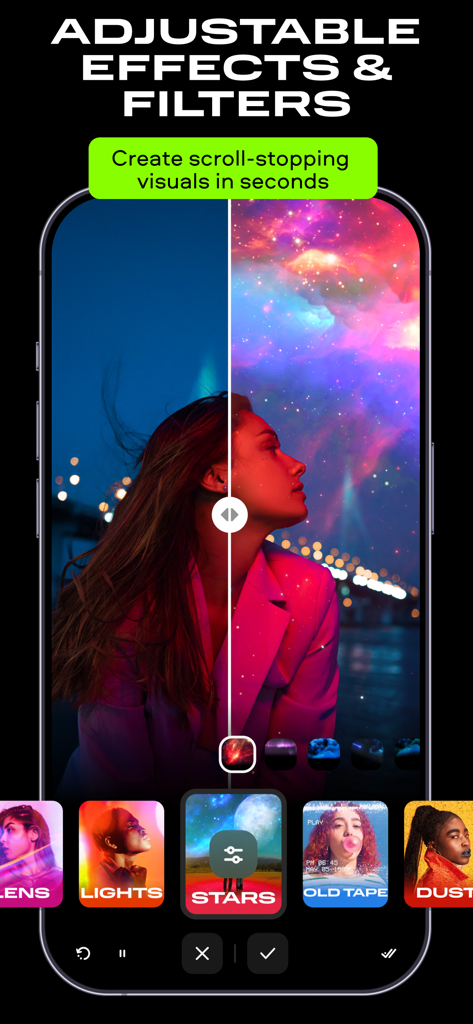
Smartphone screen displaying Movavi video editor with adjustable cosmic filters and special effects
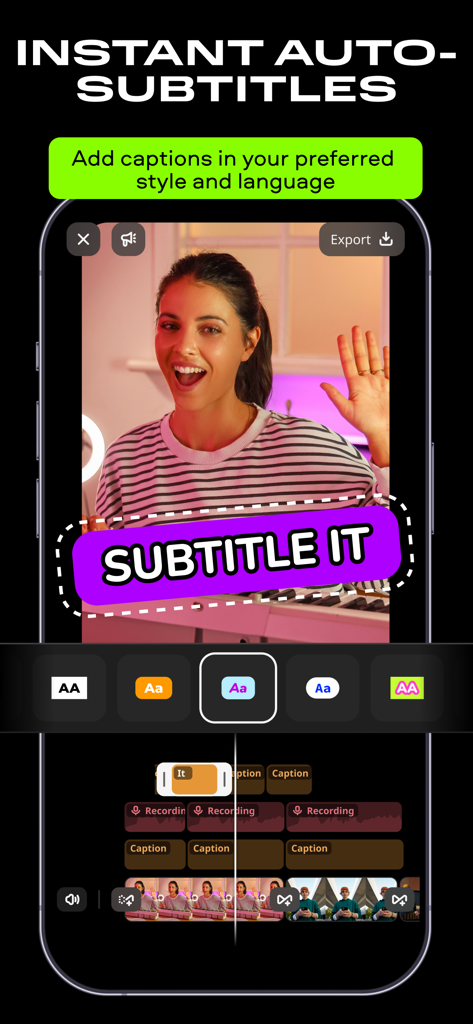
Interface of Movavi video editor app showing the instant auto-subtitles feature with various caption styles
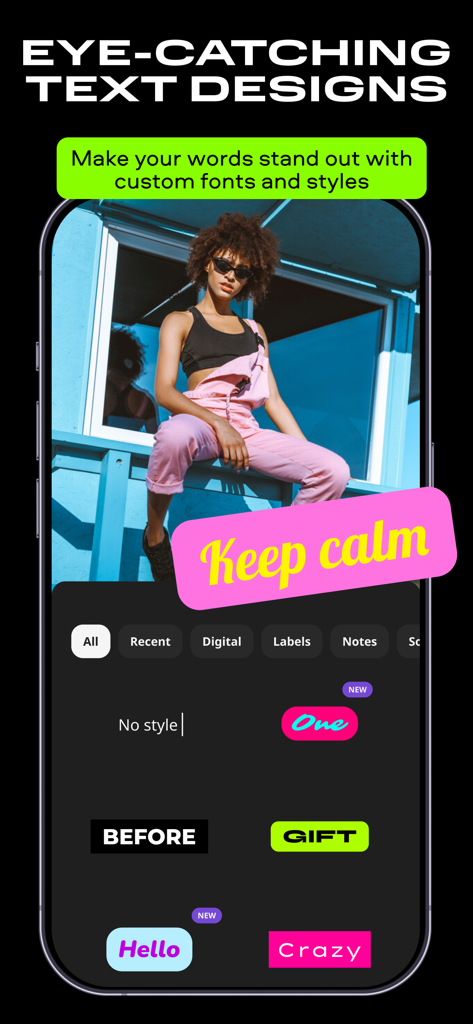
Smartphone screen showing Movavi Video Editor with eye-catching text designs and custom font options.
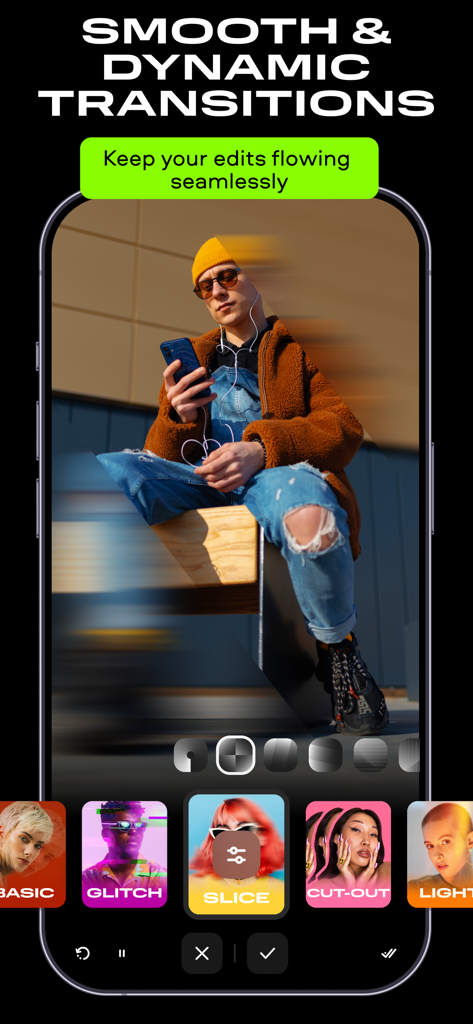
Movavi video editor interface displaying dynamic transition effects for mobile creators
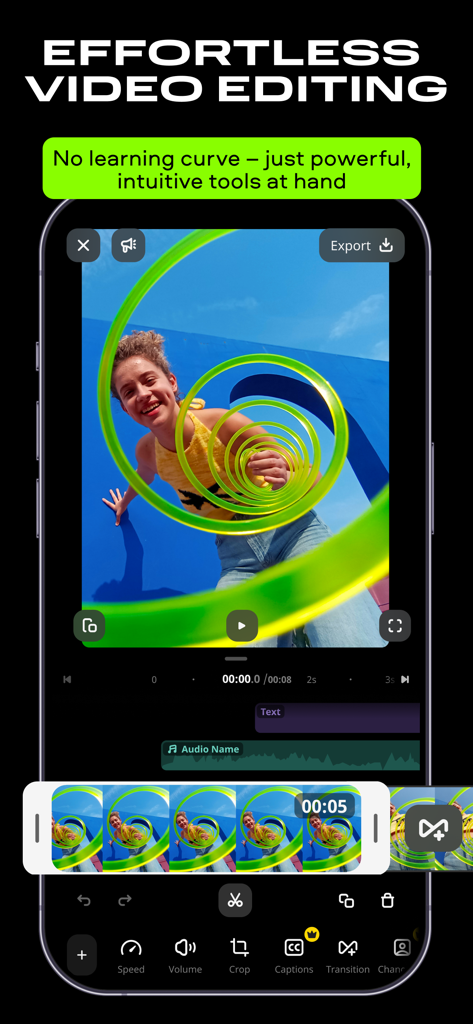
Interface of Movavi Video Editor app showing a video with effects and editing tools on a smartphone
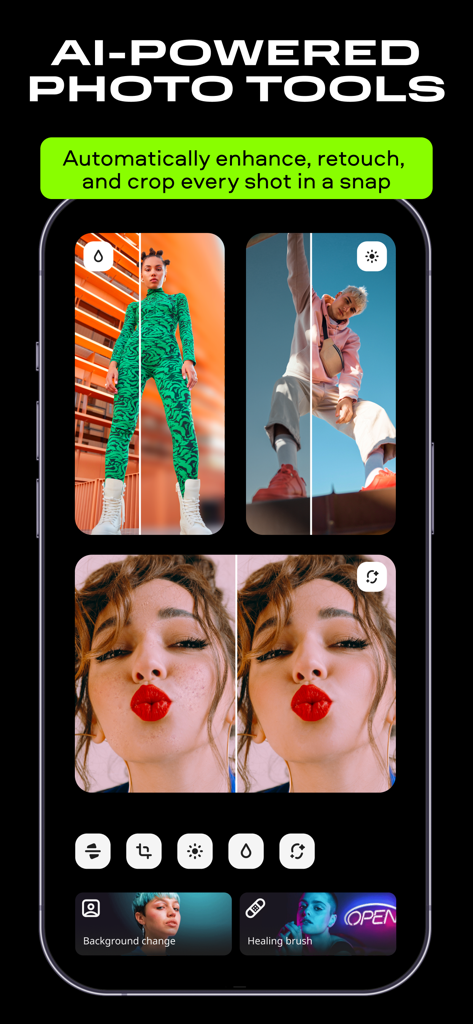
AI-powered photo retouching and background removal tools in the Movavi Video Editor app
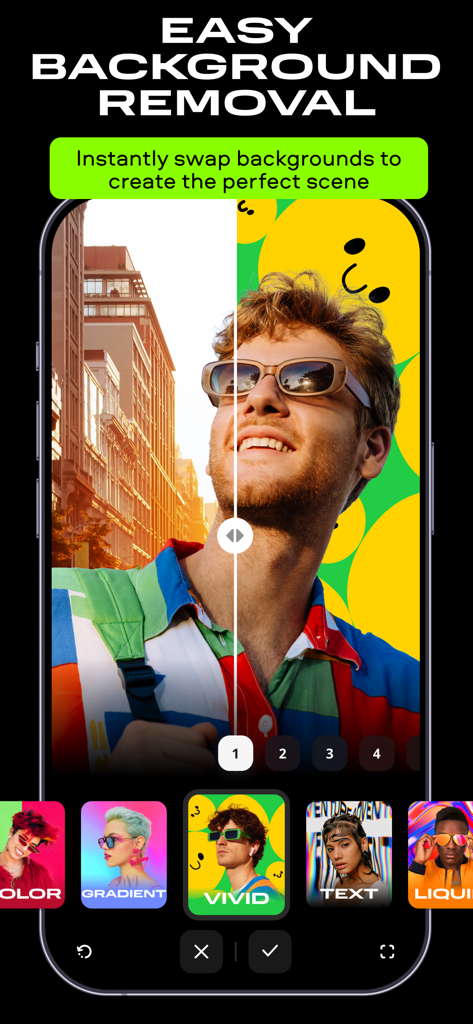
A split screen comparison showing a man's portrait with a city background being replaced by a vivid yellow smiley face background using the background removal tool.
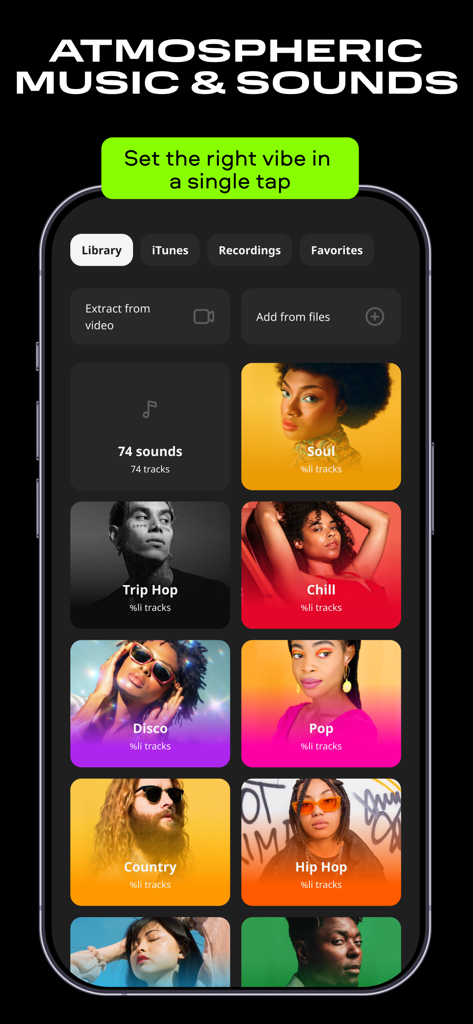
A smartphone screen showing the music library in the Movavi app with various genre tiles like soul chill and pop
Description
Download
More Like This
Apps with similar features and user experience

InShot - Video Editor
SHANTANU PTE. LTD.

快影
Beijing Kwai Technology Co., Ltd.

Leto: Font for Instagram Story
Leto.Fonts FZCO

Templify・ Photo & Video Editor
Templify Media, Inc.

Spring - Video Editor
KineMaster Corporation

Impresso - Video & Logo Maker
PIXERY BILGI TEKNOLOJILERI ANONIM SIRKETI

Zebra: Photo & Video Editor
Dmitriy Biserov

快剪辑-AI写真&视频大片一键制作
Wenzhou XunChi Digital Technology Co., Ltd.

Vozo AI Video Maker | Blink
Vistring Technology Holdings Limited
This page is not an official page of the app or its developer, but an independent editorial publication created for informational and commentary purposes. Unless expressly stated otherwise, neither the app nor its developer is affiliated with, endorsed by, sponsored by, authorized by, or otherwise officially connected with MWM, Apple, Google Play, the app publisher, or the app's developer, and nothing on this page implies that the app was developed using MWM's services. Any trademarks, logos, screenshots, and other content remain the property of their respective owners.