
This page is not an official page of the app or its developer, but an independent editorial publication created for informational and commentary purposes. Unless expressly stated otherwise, neither the app nor its developer is affiliated with, endorsed by, sponsored by, authorized by, or otherwise officially connected with MWM, Apple, Google Play, the app publisher, or the app's developer, and nothing on this page implies that the app was developed using MWM's services. Any trademarks, logos, screenshots, and other content remain the property of their respective owners.

Moza Editor
The simplest way to protect sensitive info and communicate clearly. 100% on-device, no cloud uploads, and zero subscriptions—built for speed on iPhone, iPad, and Mac.
Downloads
1K+User Rating
Total Ratings
0Publisher
Category
Photo & VideoLocales
1Latest Version
1.3.1Size
12.3 MBFirst Released
Jan 14, 2026Precision Tools for Fast Professionals
From blurring sensitive data to building step-by-step tutorials, Moza provides pro-grade annotation tools with 100% on-device privacy.
Instant Privacy Protection
Protect identities and sensitive info with 1-second mosaic blurring for faces, license plates, or confidential text.
Smart Step-by-Step Guides
Automate your workflow with auto-numbering badges and clean arrows—perfect for bug reports and instructional tutorials.
The following screenshots and description are sourced directly from the app's official store listing and are the property of the app developer.
App Store
Screenshots

Moza Editor app interface showing mosaic blur and photo annotation tools on a smartphone

Screenshot of the Moza Editor app showing the easy mosaic tool being used to blur a face in a photo.
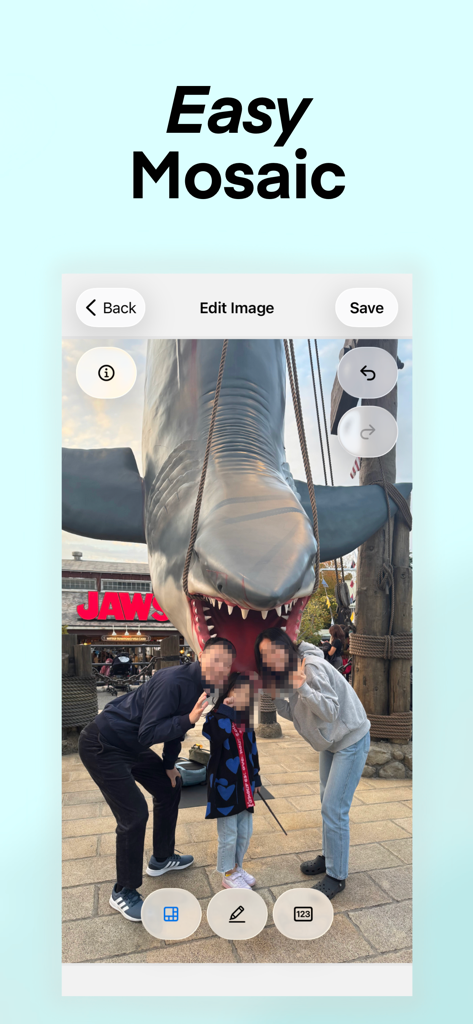
Moza Editor app interface showing a family photo where faces have been pixelated using the mosaic blur tool

Moza Editor app interface showing the auto-counter tool used to number items on a food photo
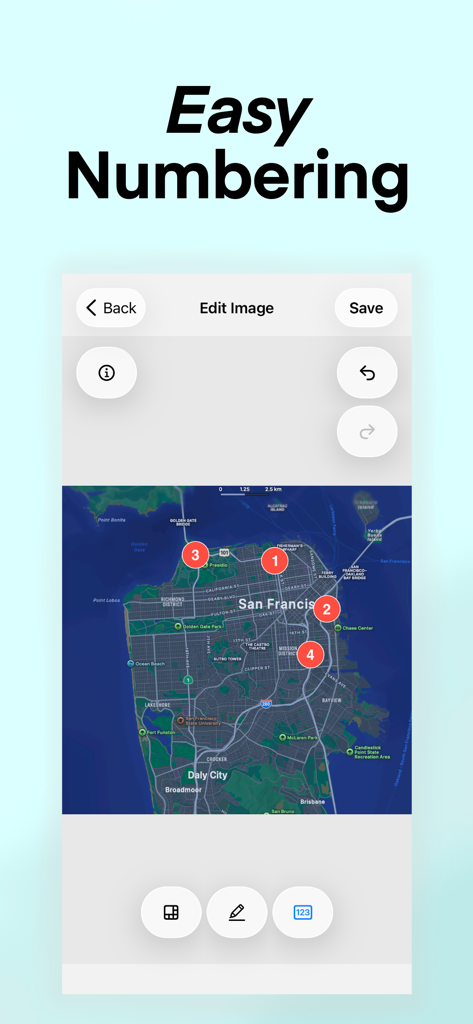
Moza Editor screenshot showing the easy numbering feature used to place numbered badges on a map of San Francisco
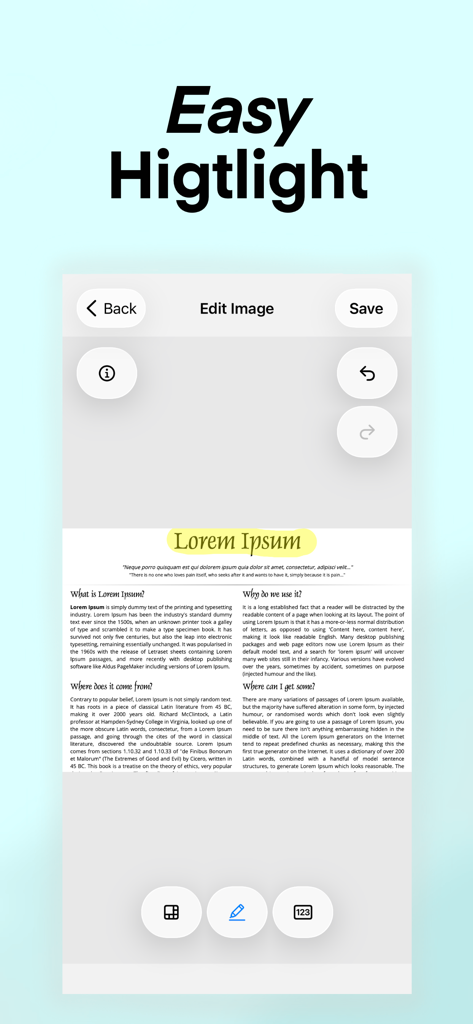
Moza Editor interface showing the yellow highlighter tool on a text document
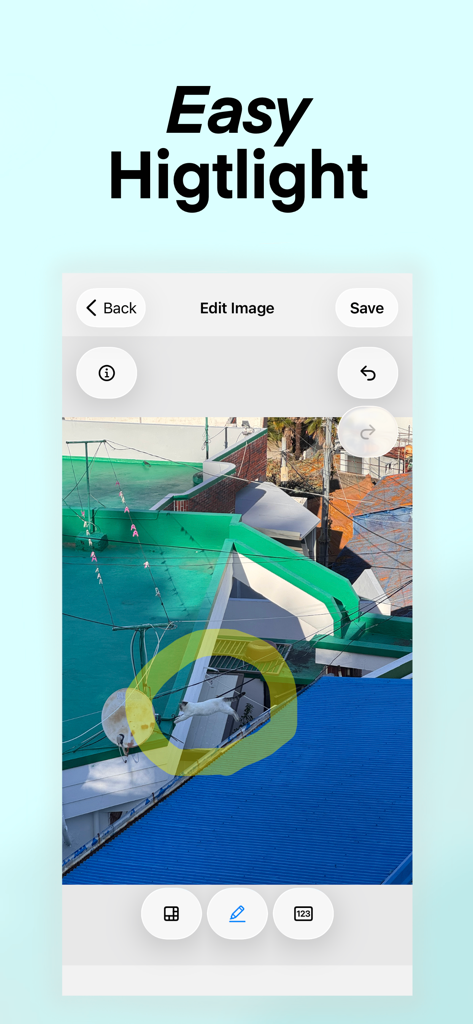
Interface of Moza Editor showing the yellow highlighter tool circling a cat on a rooftop screenshot
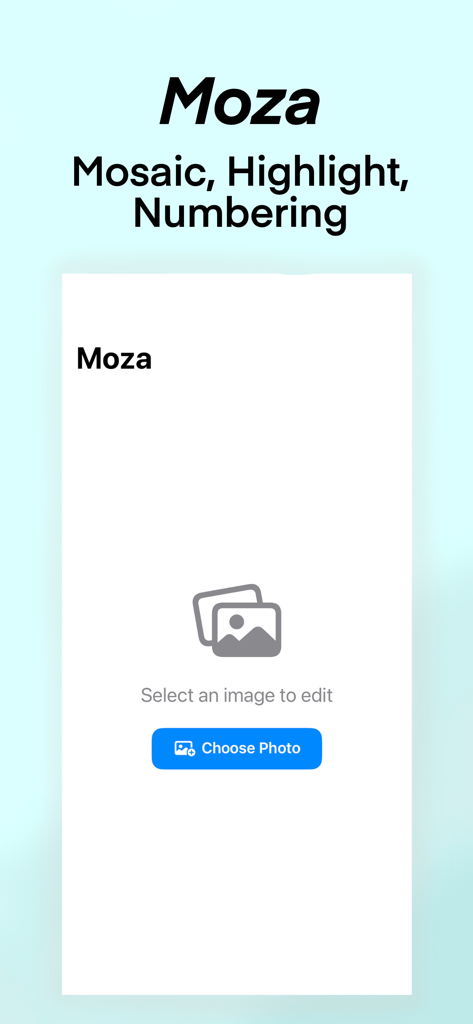
Moza Editor app landing page showing a button to select an image to edit
Description
Download
More Like This
Top-ranked apps in the same category

CapCut: Photo & Video Editor
BYTEDANCE PTE. LTD.

Instagram, Inc.

YouTube
Google LLC

Canva: AI Video & Photo Editor
Canva Pty Ltd

Snapchat
Snap, Inc.

Meta AI - Vibes & AI Glasses
Meta Platforms, Inc.

Edits: Video Editor
Instagram, Inc.

快手
Beijing Kwai Technology Co., Ltd.

Google Photos: Backup & Edit
Google LLC
This page is not an official page of the app or its developer, but an independent editorial publication created for informational and commentary purposes. Unless expressly stated otherwise, neither the app nor its developer is affiliated with, endorsed by, sponsored by, authorized by, or otherwise officially connected with MWM, Apple, Google Play, the app publisher, or the app's developer, and nothing on this page implies that the app was developed using MWM's services. Any trademarks, logos, screenshots, and other content remain the property of their respective owners.