
This page is not an official page of the app or its developer, but an independent editorial publication created for informational and commentary purposes. Unless expressly stated otherwise, neither the app nor its developer is affiliated with, endorsed by, sponsored by, authorized by, or otherwise officially connected with MWM, Apple, Google Play, the app publisher, or the app's developer, and nothing on this page implies that the app was developed using MWM's services. Any trademarks, logos, screenshots, and other content remain the property of their respective owners.

Multiple Accounts: Dual Apps
Seamlessly clone and manage multiple social media, messaging, and business accounts. Securely separate your personal and professional identities to stay organized and focused without ever logging out.
Downloads
43K+User Rating
Total Ratings
1K+Publisher
Category
ReferenceLocales
1Latest Version
5.0Size
60.2 MBFirst Released
Mar 22, 2025Double Your Efficiency, Simplify Your Life
The ultimate solution for managing multiple identities. Clone your favorite social and messaging apps to keep your work and personal life perfectly separated on a single device.
Seamless App Cloning
Run two instances of WhatsApp, Instagram, or Facebook simultaneously. Switch between accounts instantly without the frustration of logging out.
Perfect Digital Boundaries
Keep your professional chats and personal DMs in separate containers. Regain control over your notifications and reduce digital burnout.
Frequently Asked Questions
Everything you need to know about Multiple Accounts: Dual Apps
What is Multiple Accounts: Dual Apps?
Multiple Accounts: Dual Apps allows users to clone and run multiple accounts for various social media and messaging applications on a single device, maintaining separate profiles for personal and professional use.
Can I use Multiple Accounts: Dual Apps for social media platforms?
Yes, Multiple Accounts: Dual Apps supports multiple accounts for popular social media and messaging apps like WhatsApp, Facebook, Instagram, Telegram, Snapchat, Twitter, Pinterest, and TikTok.
Does Multiple Accounts: Dual Apps support custom app cloning?
Yes, Multiple Accounts: Dual Apps allows users to clone not only social apps but also games and productivity tools. It includes a feature to add custom apps using an app name and web login link.
How does Multiple Accounts: Dual Apps help with work-life balance?
Multiple Accounts: Dual Apps enables users to keep personal and professional accounts separate on one device. This separation provides a stress-free experience by managing different online identities effectively.
Can I send messages without saving contacts using Multiple Accounts: Dual Apps?
Yes, Multiple Accounts: Dual Apps includes a "Direct Chat" feature. This allows users to message on social media apps without needing to save the contact in their phone's address book.
What is the "Emoji Art" feature in Multiple Accounts: Dual Apps?
The "Stylish Emoji Art" feature in Multiple Accounts: Dual Apps allows users to create fun and creative emoji texts. These custom emoji designs are optimized for use in social media and chat applications.
Is Multiple Accounts: Dual Apps secure and fast?
Yes, Multiple Accounts: Dual Apps provides fast and smooth performance. It includes privacy protection for all accounts, ensuring a secure and efficient experience for its users.
How do I get an ad-free experience in Multiple Accounts: Dual Apps?
Users can access all app features without ads by subscribing to an auto-renewing subscription in Multiple Accounts: Dual Apps. This subscription is available on a weekly, monthly, or yearly basis.
How do I manage my subscription for Multiple Accounts: Dual Apps?
Users manage their Multiple Accounts: Dual Apps subscription settings and turn off auto-renewal within their iTunes Account Settings. This action can be performed after the initial purchase.
Can I cancel my Multiple Accounts: Dual Apps subscription at any time?
No, a current subscription for Multiple Accounts: Dual Apps may not be canceled during the active subscription period. Users can only manage future auto-renewal settings in iTunes Account Settings.
Where can I find the Privacy Policy for Multiple Accounts: Dual Apps?
The Privacy Policy for Multiple Accounts: Dual Apps is available via a direct link provided in the app description. It details user data handling and privacy practices.
The following screenshots and description are sourced directly from the app's official store listing and are the property of the app developer.
App Store
Screenshots
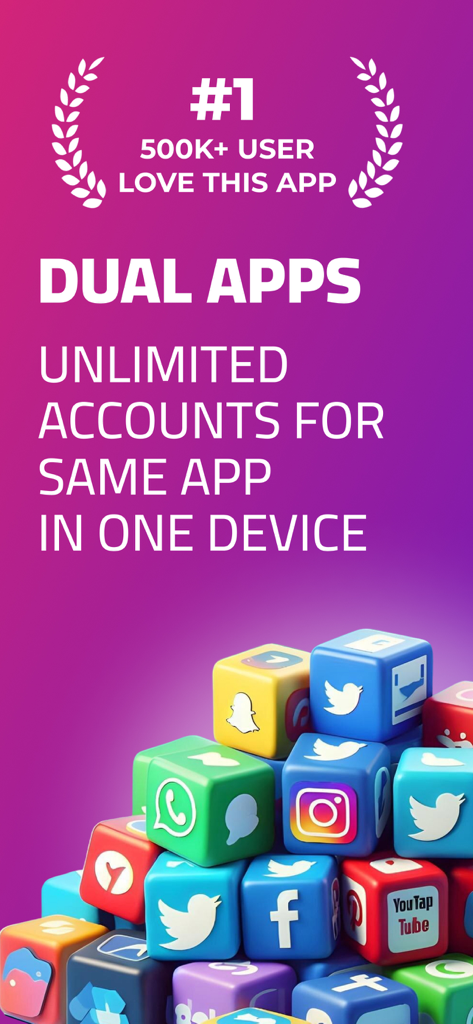
Promotional graphic for Dual Apps showing social media icons on cubes and text highlighting unlimited accounts on one device.
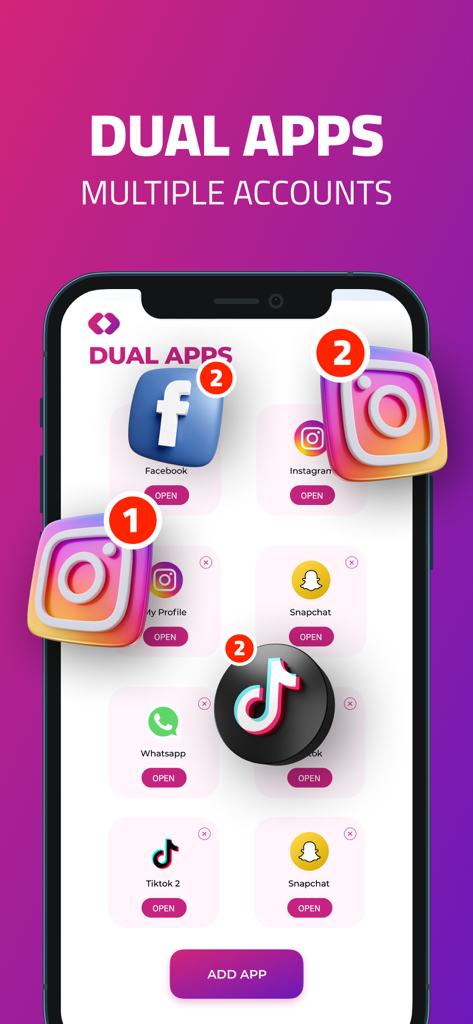
Interface of the Dual Apps app on an iPhone showing a selection of cloned social media icons with notification badges
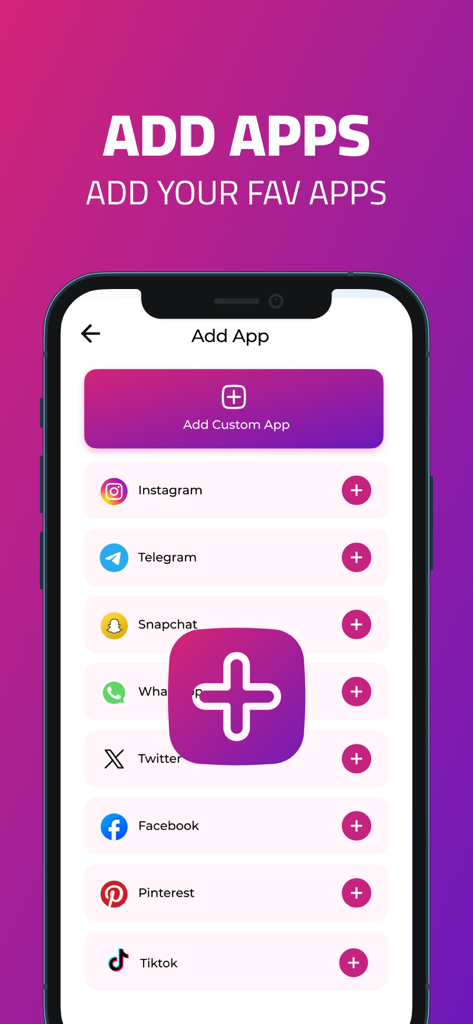
Interface of the Multiple Accounts app showing a list of social media platforms available for cloning like Instagram and WhatsApp
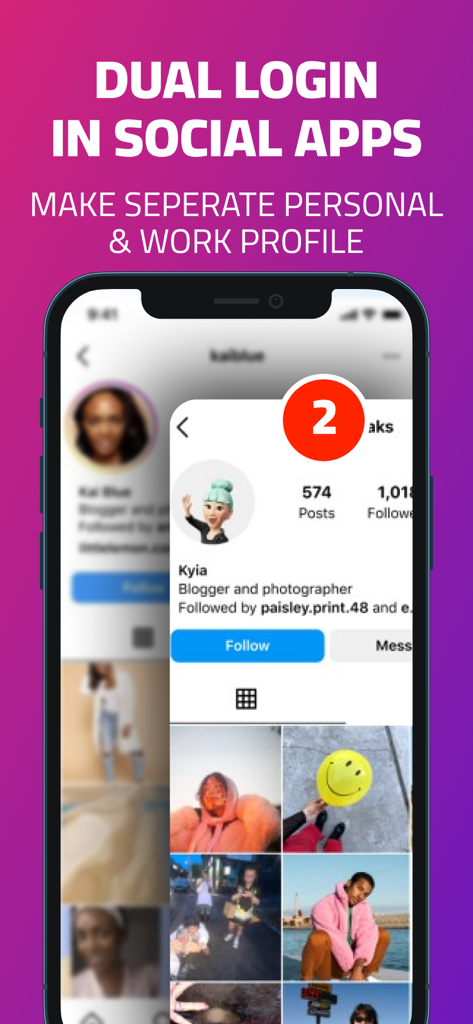
iPhone screen displaying multiple social media account login for personal and work profiles
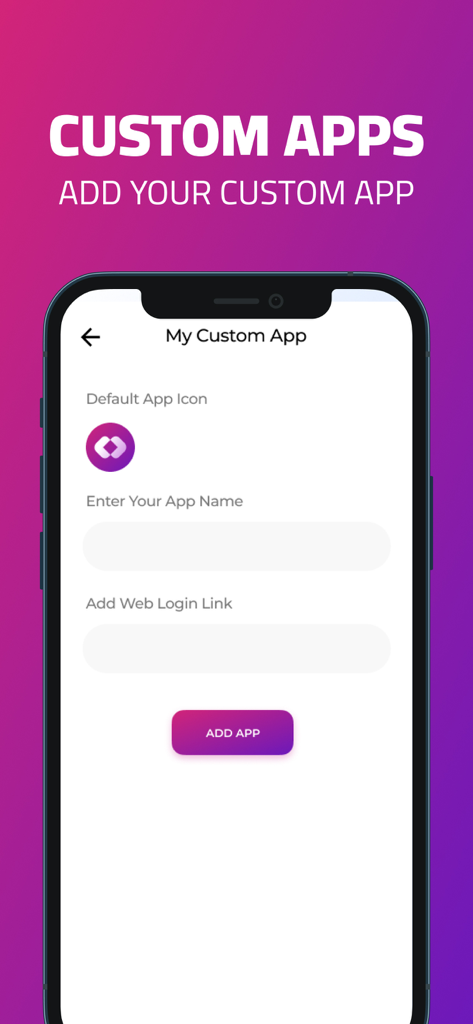
A mobile interface for adding a custom app with name and web login link in the Dual Apps application.
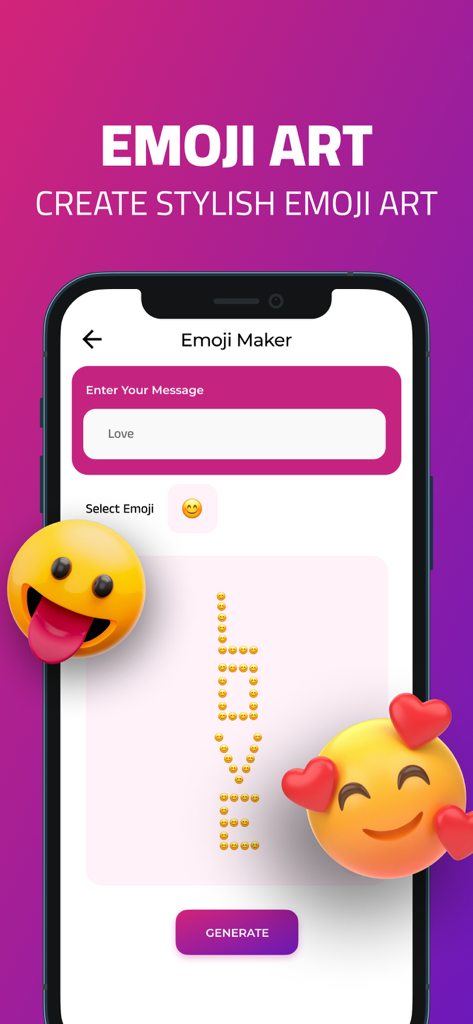
Mobile app interface for creating custom emoji art text for social media
Description
Download
More Like This
Apps with similar features and user experience
Dual Messenger, Whats Web Chat
中华 阳

Parallel Space: Dual Account
Huong Le Thi
WA Web - Dual Messenger ⁺
雨双 柯
WA Web - Dual Chat
碧 郑
Dual Web Chat for WhatsWA
SEAMOBI TECH PTE LTD

Parallel App ~ Dual Accounts
Shobhaben Ukani
Dual Messenger-Duo Web Chatapp
Changsha Liangchao Technology Co., Ltd.

Multiple Accounts: Dual Spaces
Kokila Ukani

Clone App - Multiple Accounts
Siddharth bhadani
This page is not an official page of the app or its developer, but an independent editorial publication created for informational and commentary purposes. Unless expressly stated otherwise, neither the app nor its developer is affiliated with, endorsed by, sponsored by, authorized by, or otherwise officially connected with MWM, Apple, Google Play, the app publisher, or the app's developer, and nothing on this page implies that the app was developed using MWM's services. Any trademarks, logos, screenshots, and other content remain the property of their respective owners.