Multiple Accounts - Dual Space
Download on App Store

This page is not an official page of the app or its developer, but an independent editorial publication created for informational and commentary purposes. Unless expressly stated otherwise, neither the app nor its developer is affiliated with, endorsed by, sponsored by, authorized by, or otherwise officially connected with MWM, Apple, Google Play, the app publisher, or the app's developer, and nothing on this page implies that the app was developed using MWM's services. Any trademarks, logos, screenshots, and other content remain the property of their respective owners.


Logo of Multiple Accounts - Dual Space
Download on App Store

Multiple Accounts - Dual Space

Seamlessly balance your professional and personal life. Run two instances of WhatsApp, Instagram, or your favorite games simultaneously in a secure, private space protected by Face ID—no jailbreak required.

Key Figures

Downloads

0

User Rating

1.0/5

Total Ratings

0

Publisher

Prakash Padsala

Category

Social Networking

Locales

12

Latest Version

1.7

Size

21.3 MB

First Released

Dec 31, 2024
Features

Master Your Digital Identities on One Device

Eliminate the friction of logging in and out. Effortlessly run dual instances of your favorite apps and keep your work, social, and private lives perfectly organized.

Seamless Work-Life Balance

Separate your professional chats from your personal feed. Manage business WhatsApp or Slack accounts in a dedicated space without overlapping notifications.

One-Tap Creator Workflow

Scale your brand effortlessly by managing multiple social profiles. Switch between TikTok or Instagram accounts instantly to stay ahead of the creator economy.

The following screenshots and description are sourced directly from the app's official store listing and are the property of the app developer.

App Store

Screenshots
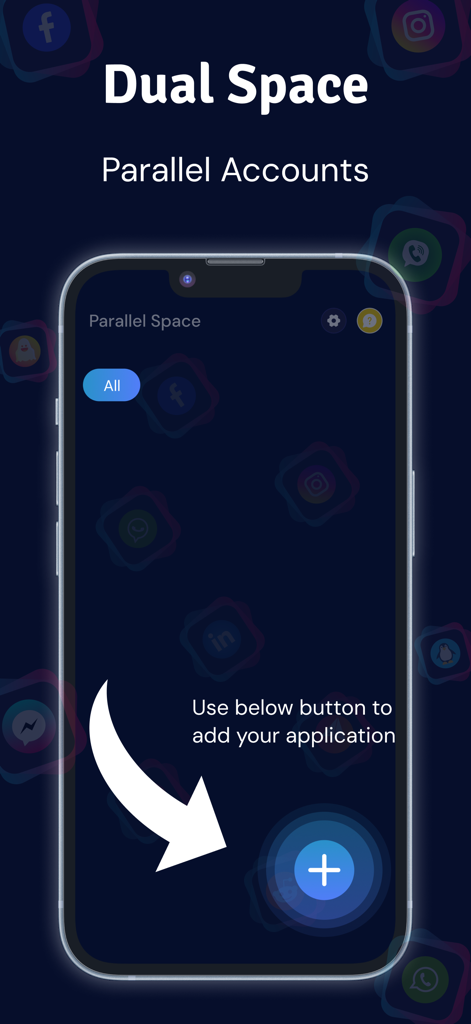
Multiple Accounts - Dual Space - Interface of Multiple Accounts Dual Space app showing a button to add new social media or messaging accounts for parallel use on iPhone
Interface of Multiple Accounts Dual Space app showing a button to add new social media or messaging accounts for parallel use on iPhone

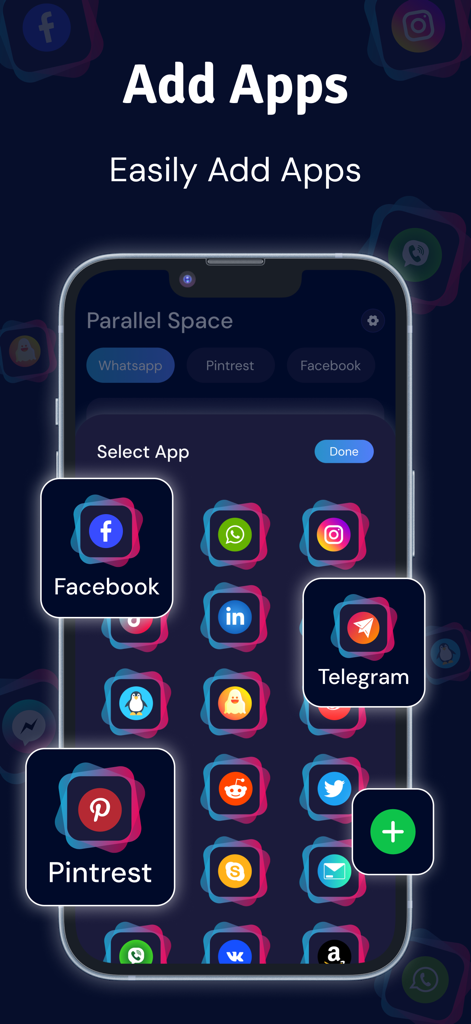
Multiple Accounts - Dual Space - Interface of the Dual Space app showing a grid of social media icons like Facebook and Telegram to add multiple accounts
Interface of the Dual Space app showing a grid of social media icons like Facebook and Telegram to add multiple accounts

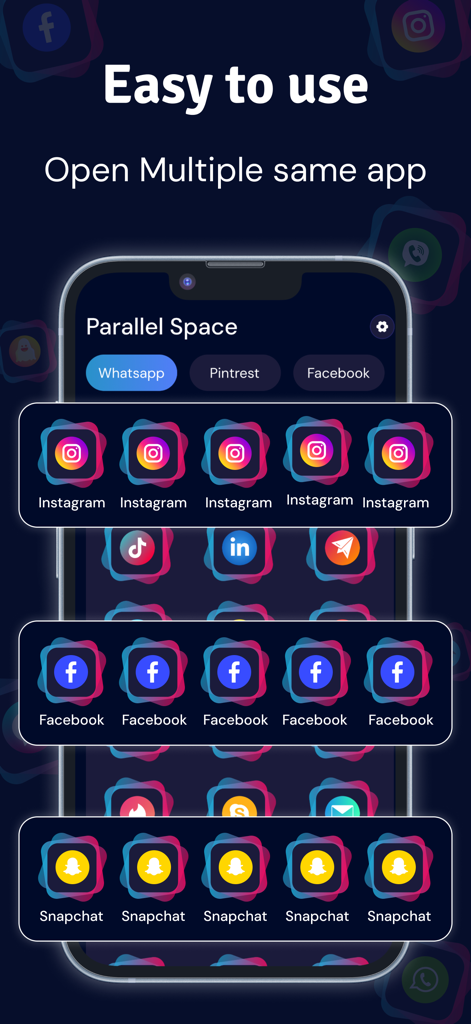
Multiple Accounts - Dual Space - User interface of the Multiple Accounts Dual Space app showing multiple instances of Instagram Facebook and Snapchat on an iPhone screen
User interface of the Multiple Accounts Dual Space app showing multiple instances of Instagram Facebook and Snapchat on an iPhone screen

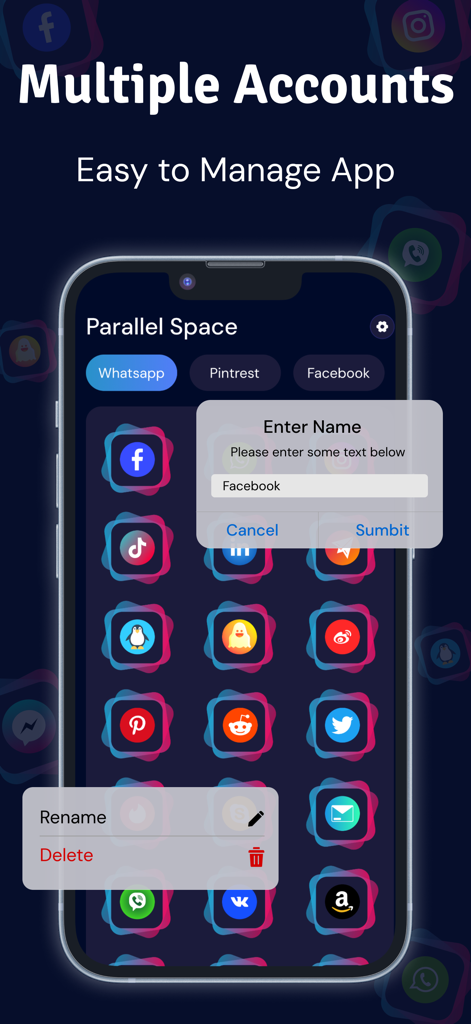
Multiple Accounts - Dual Space - Interface of Multiple Accounts Dual Space app showing a grid of social media icons and an account renaming popup.
Interface of Multiple Accounts Dual Space app showing a grid of social media icons and an account renaming popup.

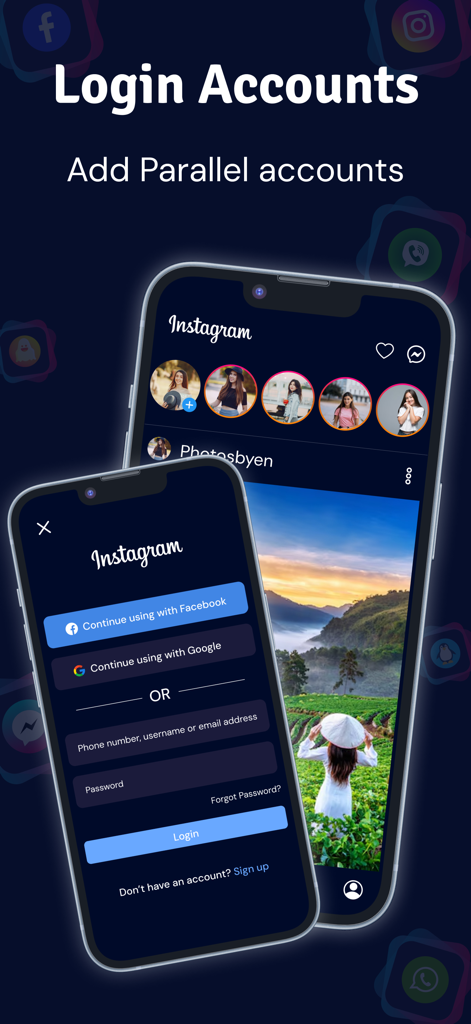
Multiple Accounts - Dual Space - Interface showing Instagram login and parallel account management in the Multiple Accounts app

Interface showing Instagram login and parallel account management in the Multiple Accounts app

Description

Multiple Accounts - Dual Space: Manage Multiple Accounts on Your iPhone Do you have multiple accounts for social media, messaging, or games but don't want the hassle of logging in and out? Multiple Accounts - Dual Space for iOS allows you to run two accounts of the same app simultaneously on your iPhone or iPad. Whether it's for work and personal accounts or managing different social profiles, this app gives you the freedom to stay connected without switching devices or constantly logging in and out. Key Features: * Dual Space for Apps
Run multiple instances of apps like WhatsApp, Facebook, Instagram, Twitter, Messenger, and more on your iPhone or iPad. Easily manage different accounts without the need to sign in and out repeatedly. * Instant Account Switching
Switch between accounts seamlessly with just a tap. No more logging in and out of your apps – your accounts are instantly accessible, saving you time and effort. * Privacy & Security
Each account is stored securely in its own isolated space, so your personal and professional data stays safe. Enjoy enhanced privacy with the ability to lock accounts with a passcode or Face ID. * Easy to Use & Customizable
Multiple Accounts - Dual Space is user-friendly and designed for a smooth, intuitive experience. You can personalize the interface and enjoy a clean, clutter-free layout. * Wide App Compatibility
The app supports popular apps across various categories, including social media, messaging, gaming, and more. Manage multiple accounts for WhatsApp, Facebook, Instagram, Twitter, TikTok, and even your favorite mobile. * No Jailbreak Required
You don’t need to jailbreak your iPhone to use Multiple Accounts - Dual Space. It works seamlessly on all iOS devices without the need for any special permissions or configurations. Why Choose Multiple Accounts - Dual Space? 1. Manage Multiple Accounts
Run different accounts for work and personal life, or switch between social media profiles with ease. Stay connected on multiple platforms without the hassle of logging out and back in. 2. Privacy First
Keep your data secure with dedicated spaces for each account. You can even lock individual accounts with passcodes or Face ID for added security. 3. Effortless Account Switching
Switching between accounts is fast and easy. No more waiting or logging in repeatedly – just tap and go! 4. Customizable & User-Friendly
Enjoy a sleek, user-friendly design and personalize the app according to your preferences. It’s quick to set up and simple to use. 5. Compatible with Popular Apps
The app supports a variety of popular apps, from social media to gaming, so you can easily manage multiple profiles across the apps you use most. How to Use: 1. Open Multiple Accounts - Dual Space and select the apps you want to duplicate. 2. Log in to your new account for each app. 3. Switch between accounts with a tap, without needing to log out of one to access the other.
 Download Now and Manage Multiple Accounts Effortlessly! With Multiple Accounts - Dual Space on iOS, you can easily manage multiple accounts and profiles for your favorite apps all in one place. Stay organized, keep your accounts secure, and enjoy the convenience of managing everything from your iPhone. Read our full Terms of Service and our Privacy Policy at: - Privacy Policy: https://www.freeprivacypolicy.com/live/b817543b-ff03-4e44-9ef2-5dfaf6f2ad50 - Terms of Use: https://www.freeprivacypolicy.com/live/a52e56d8-804e-4df8-89da-cef9c152e33d

Download

Download on App Store

This page is not an official page of the app or its developer, but an independent editorial publication created for informational and commentary purposes. Unless expressly stated otherwise, neither the app nor its developer is affiliated with, endorsed by, sponsored by, authorized by, or otherwise officially connected with MWM, Apple, Google Play, the app publisher, or the app's developer, and nothing on this page implies that the app was developed using MWM's services. Any trademarks, logos, screenshots, and other content remain the property of their respective owners.