
This page is not an official page of the app or its developer, but an independent editorial publication created for informational and commentary purposes. Unless expressly stated otherwise, neither the app nor its developer is affiliated with, endorsed by, sponsored by, authorized by, or otherwise officially connected with MWM, Apple, Google Play, the app publisher, or the app's developer, and nothing on this page implies that the app was developed using MWM's services. Any trademarks, logos, screenshots, and other content remain the property of their respective owners.


Multiprova Corretor
The smarter way for educators to scan, grade, and sync student assessments. Use neural-network precision to process multiple-choice and complex answer sheets directly from your mobile device.
Downloads
0User Rating
Total Ratings
0Publisher
Category
EducationLocales
1Latest Version
1.1.1Size
52.3 MBFirst Released
May 18, 2024Reclaim Your Time with Effortless Grading
Transform your smartphone into a professional grading station. Grade assessments in seconds, sync results instantly, and focus on what matters most—teaching.
Instant Scan-to-Grade
Skip the line for the Scantron machine. Use your camera to grade a whole class set in minutes, whether you're in the hallway, the lounge, or at home.
AI-Powered Accuracy
Our neural network identifies handwriting for multiple-choice, T/F, and matching. It even asks for your confirmation if a student's response is unclear.
The following screenshots and description are sourced directly from the app's official store listing and are the property of the app developer.
App Store
Screenshots
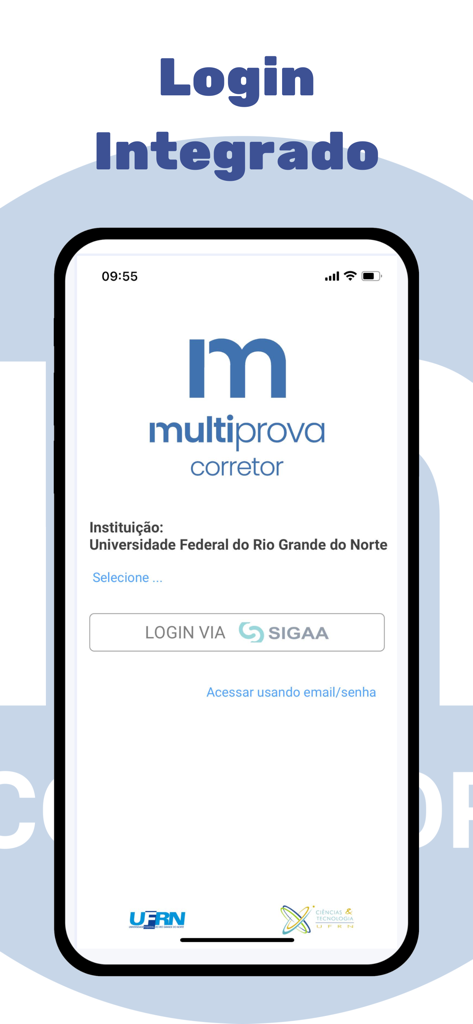
Integrated login screen of the Multiprova Corretor mobile app for educators
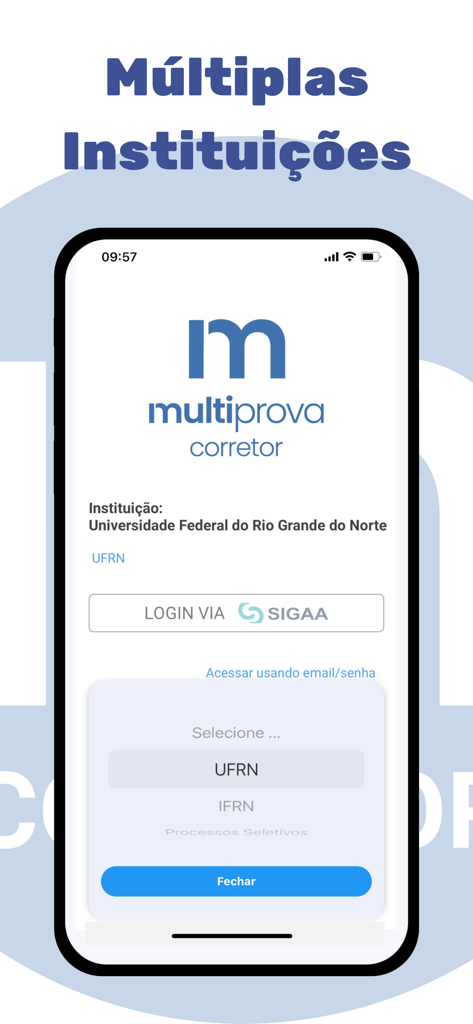
Login screen of the Multiprova Corretor app showing the institution selection menu for educators.
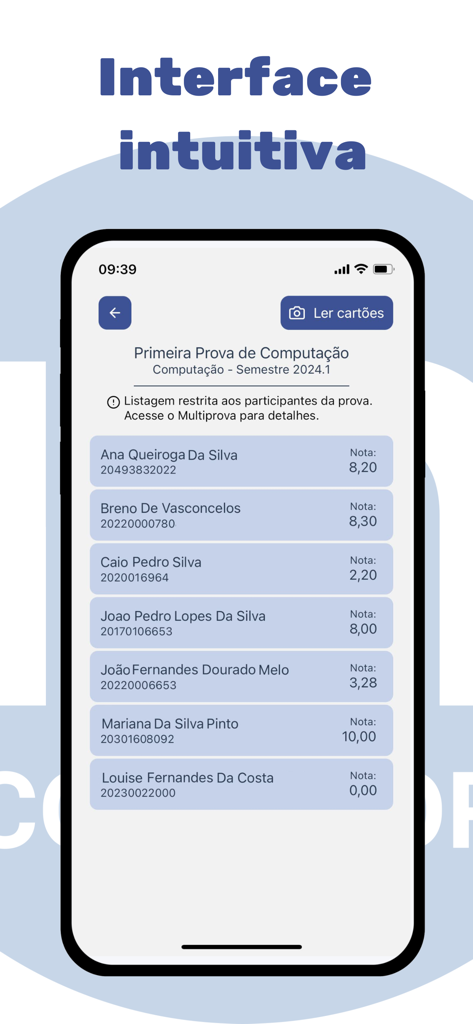
Mobile app interface displaying a list of students and their test scores for a computer science exam
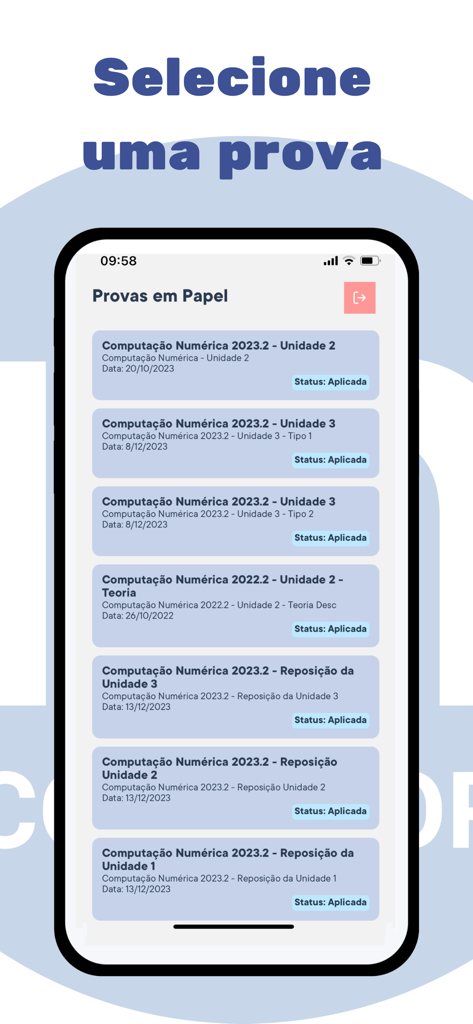
Smartphone screen showing a list of academic exams in the Multiprova Corretor app interface.
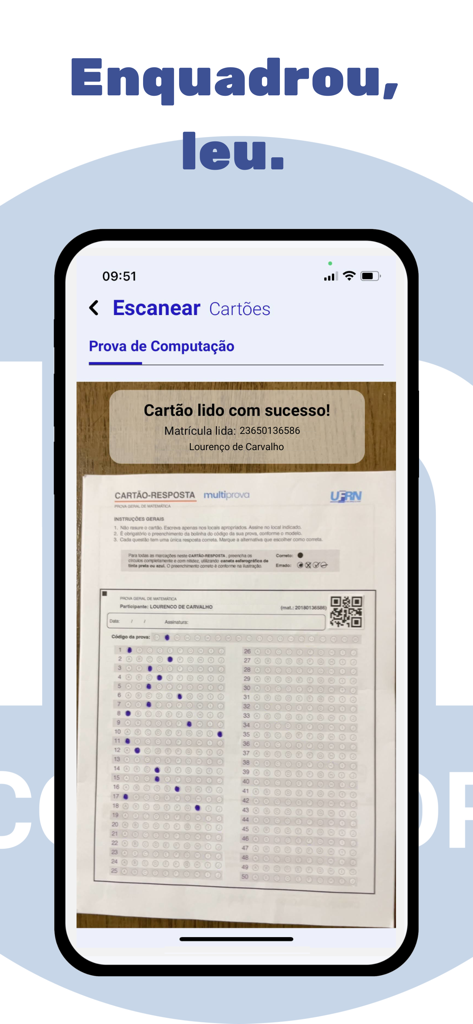
A smartphone scanning a student answer sheet using the Multiprova Corretor app
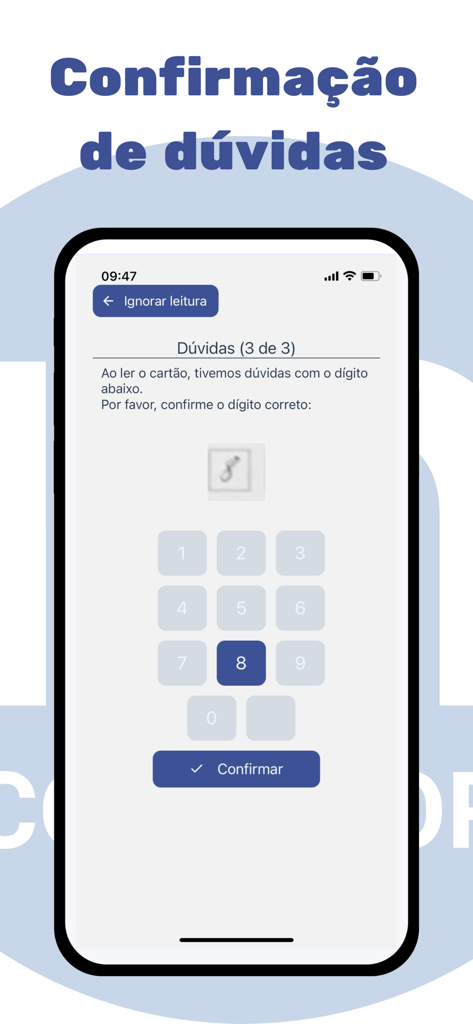
Smartphone screen displaying the Multiprova Corretor interface for manual confirmation of a handwritten digit during automated test grading.
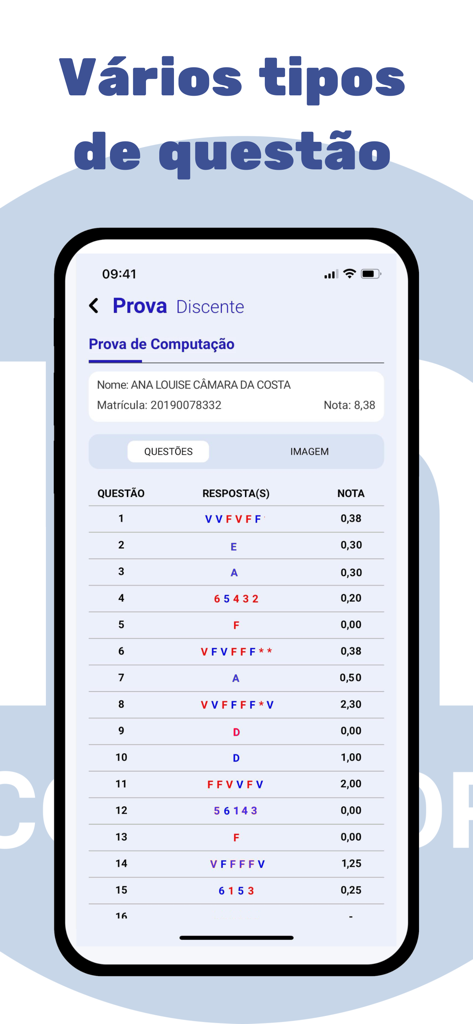
Smartphone screen showing the Multiprova Corretor app with a list of graded student answers for various question types including true or false and multiple choice.
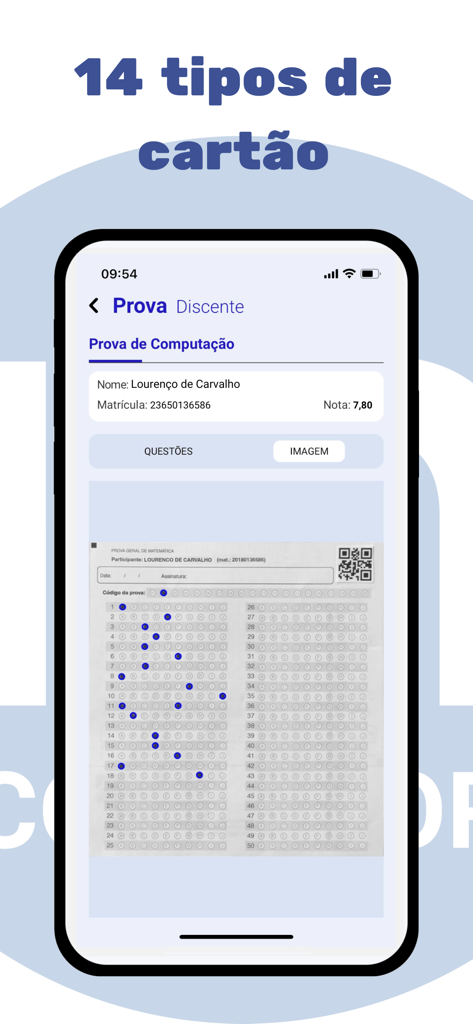
A smartphone displaying the Multiprova Corretor app interface with a scanned multiple-choice answer sheet and student results
Description
Download
More Like This
Top-ranked apps in the same category

Duolingo: Language & Chess
Duolingo, Inc

Speak & Learn English: Learna
DEEP FLOW SOFTWARE SERVICES - FZCO

驾考宝典-科一科四驾驶证考试驾考通
Wuhan Jiakaobaodian Information Service Co., Ltd.

Toca Boca World: Game & Play
Toca Boca AB

学信网
Student Information Consultation Service Co., Ltd.

Google Classroom
Google LLC
作业帮-中小学家长作业检查和辅导工具
Guangzhou Polar Future Culture Technology Co., Ltd

Lingokids - Play and Learn
Monkimun Inc

PictureThis - Plant Identifier
Glority Global Group Ltd.
This page is not an official page of the app or its developer, but an independent editorial publication created for informational and commentary purposes. Unless expressly stated otherwise, neither the app nor its developer is affiliated with, endorsed by, sponsored by, authorized by, or otherwise officially connected with MWM, Apple, Google Play, the app publisher, or the app's developer, and nothing on this page implies that the app was developed using MWM's services. Any trademarks, logos, screenshots, and other content remain the property of their respective owners.