My-Photos
My-Photos
Download on App Store

This page is not an official page of the app or its developer, but an independent editorial publication created for informational and commentary purposes. Unless expressly stated otherwise, neither the app nor its developer is affiliated with, endorsed by, sponsored by, authorized by, or otherwise officially connected with MWM, Apple, Google Play, the app publisher, or the app's developer, and nothing on this page implies that the app was developed using MWM's services. Any trademarks, logos, screenshots, and other content remain the property of their respective owners.


Logo of My-Photos
Download on App Store

My-Photos

Transform your gallery with 13 powerful tools. Create musical slideshows, design custom puzzles, and print your favorite memories directly from your iPhone or iPad.

Key Figures

Downloads

0

User Rating

1.0/5

Total Ratings

0

Publisher

Jessica Tunnicliffe

Category

Photo & Video

Locales

1

Latest Version

1.0.43

Size

66.2 MB

First Released

Apr 22, 2013
Features

Everything You Need to Cherish Every Memory

From creative editing to effortless sharing, My-Photos brings 13 powerful tools together so you can transform your photo library into a beautiful, organized collection.

Creative Editing Made Simple

Enhance your photos with over 80 professional filters and effects. Add fun stickers, emoticons, or custom text to capture the mood of every family moment.

Dynamic Slideshows with Music

Turn your iPad into a digital frame. Choose from 9 transition modes and sync your favorite music to create the perfect show-and-tell for friends and family.

The following screenshots and description are sourced directly from the app's official store listing and are the property of the app developer.

App Store

Screenshots
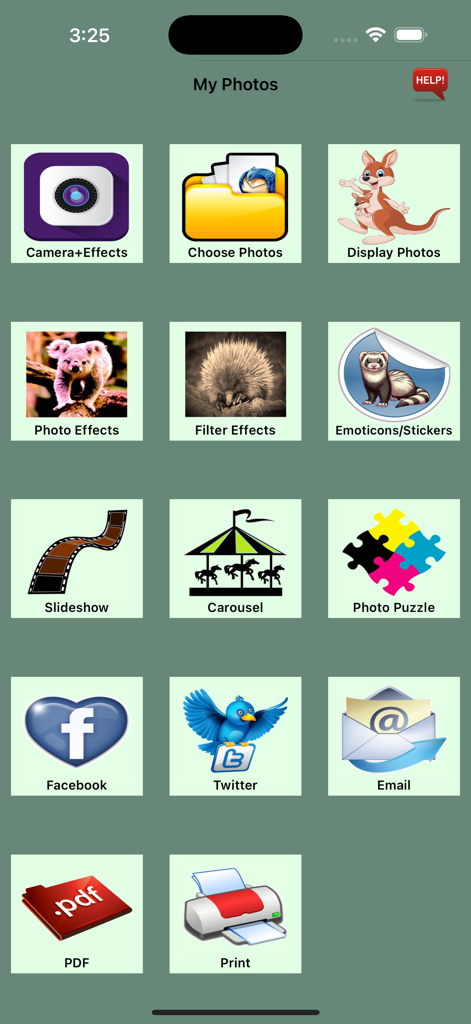
My-Photos - Main menu of the My-Photos app featuring a grid of icons for photo editing, slideshows, puzzles, and printing features
Main menu of the My-Photos app featuring a grid of icons for photo editing, slideshows, puzzles, and printing features

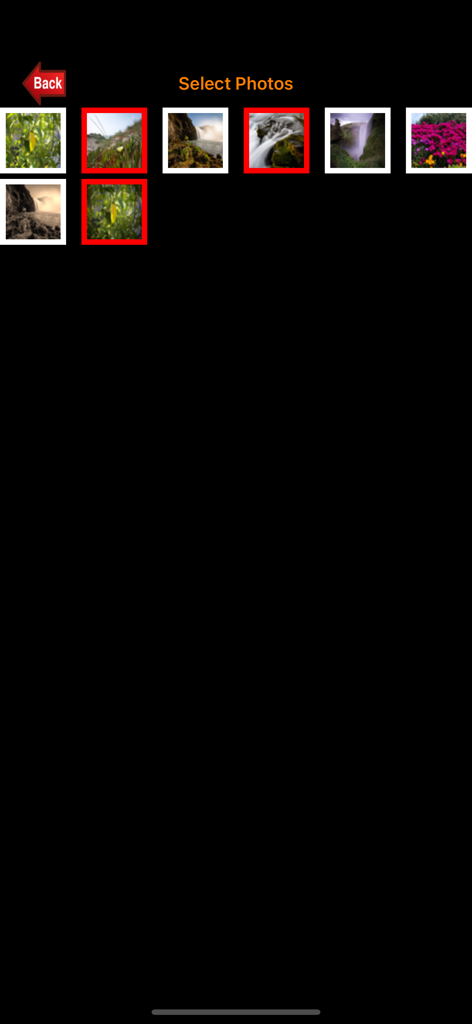
My-Photos - Screenshot of the My-Photos app showing a grid of nature photos with several images selected.
Screenshot of the My-Photos app showing a grid of nature photos with several images selected.

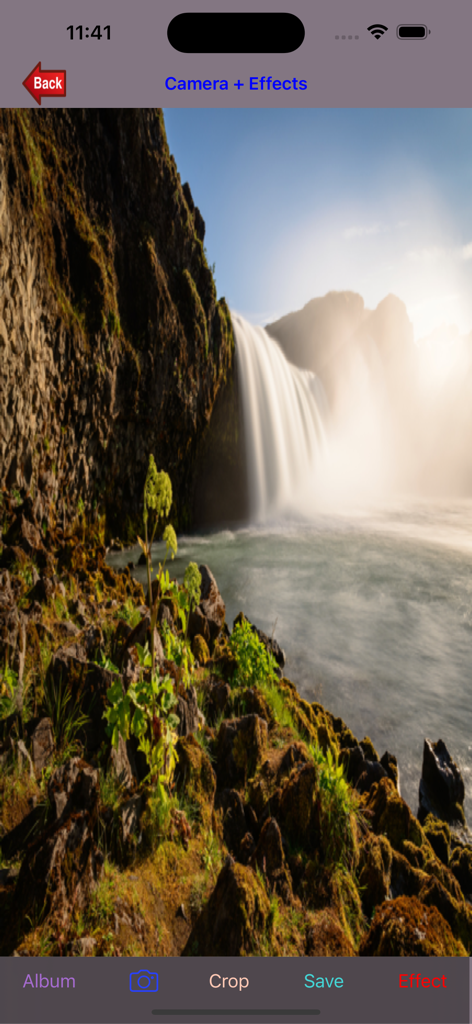
My-Photos - My-Photos app showing a waterfall landscape in the Camera and Effects screen with editing options like crop and save
My-Photos app showing a waterfall landscape in the Camera and Effects screen with editing options like crop and save

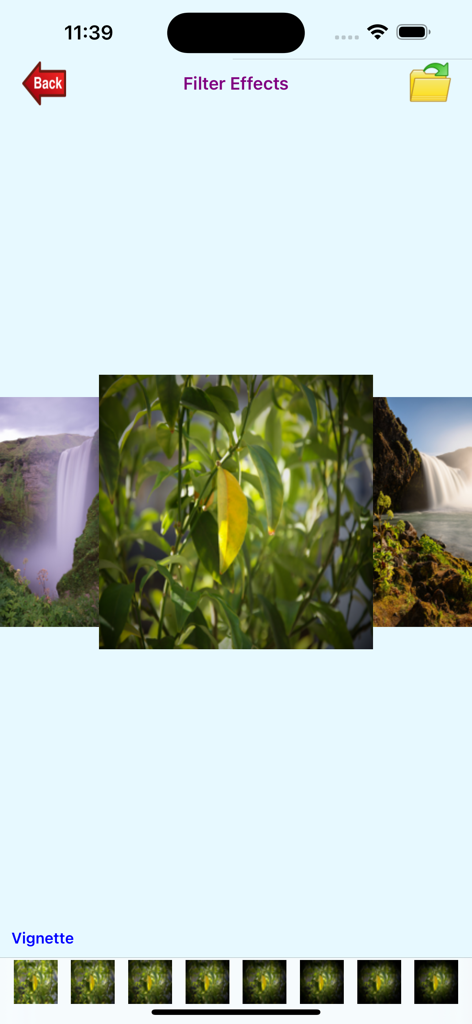
My-Photos - My-Photos app interface displaying the Filter Effects screen with a vignette filter on a nature photo
My-Photos app interface displaying the Filter Effects screen with a vignette filter on a nature photo

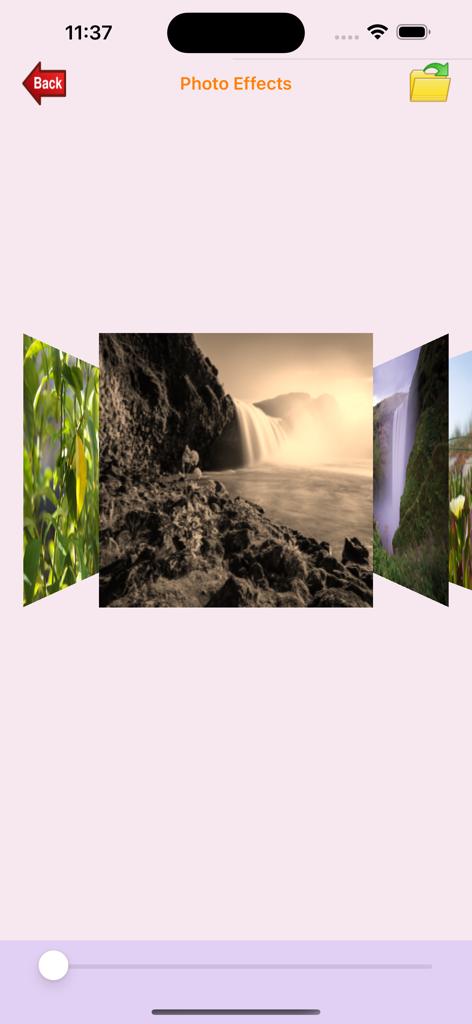
My-Photos - Photo Effects screen in the My-Photos app showing a carousel of filtered images
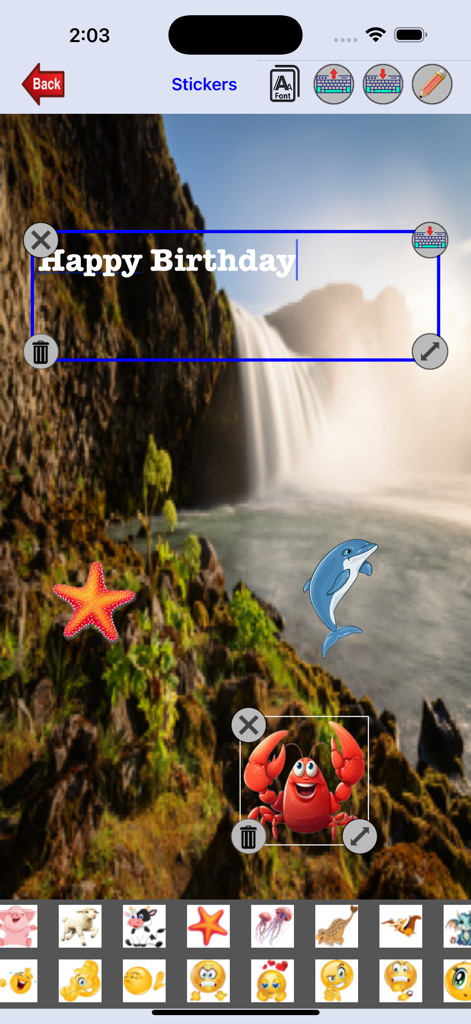
Photo Effects screen in the My-Photos app showing a carousel of filtered images

My-Photos - A screenshot of the My-Photos app interface showing a waterfall photo being edited with stickers and a Happy Birthday text message.

A screenshot of the My-Photos app interface showing a waterfall photo being edited with stickers and a Happy Birthday text message.

My-Photos - Interface of the My-Photos app showing a beach landscape photo in slideshow mode.
Interface of the My-Photos app showing a beach landscape photo in slideshow mode.

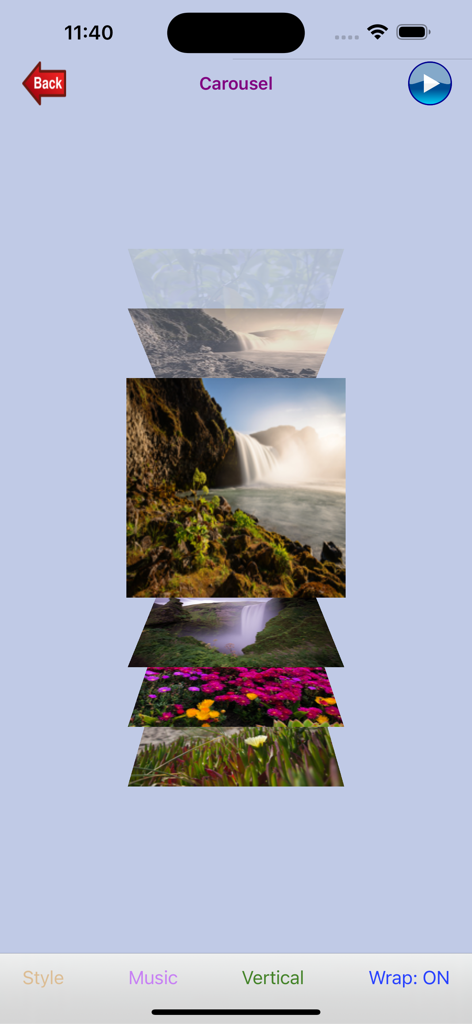
My-Photos - Vertical photo carousel showing landscapes in My-Photos app
Vertical photo carousel showing landscapes in My-Photos app

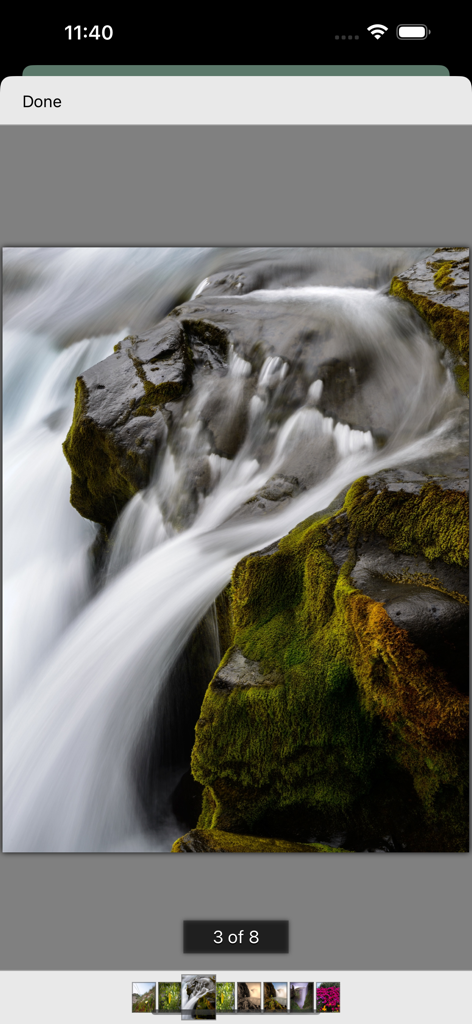
My-Photos - A full screen photo of a waterfall displayed in the My-Photos app with a thumbnail carousel for navigation at the bottom
A full screen photo of a waterfall displayed in the My-Photos app with a thumbnail carousel for navigation at the bottom

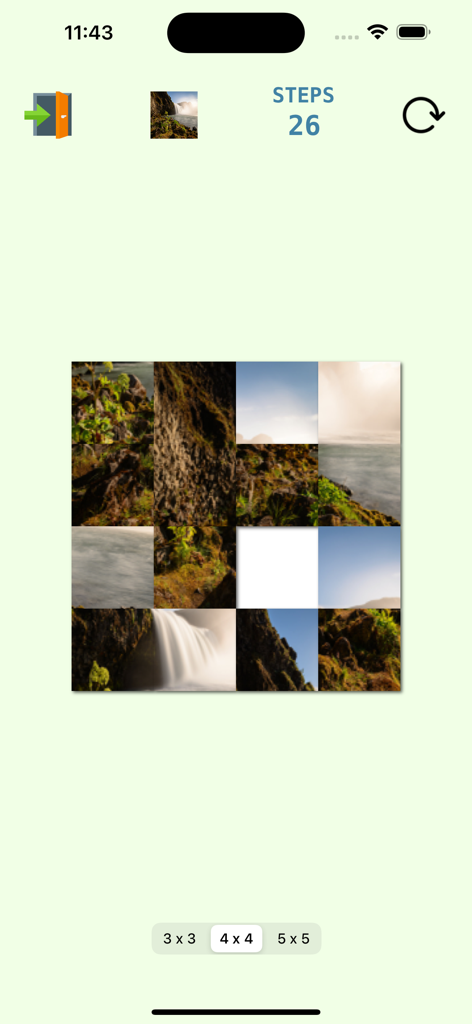
My-Photos - A sliding photo puzzle game interface in the My-Photos app showing a 4x4 grid of a nature image.

A sliding photo puzzle game interface in the My-Photos app showing a 4x4 grid of a nature image.

Description

My-Photos is specifically created to manage photos. There are 13 functions. Camera + Effects - Take a photo using the camera or select one from the photo album to add effect to before saving. You can also crop the photo. There are 47 effects - Adaptive Threshold, Binary Pattern, Box Blur, Brightness, Bulge, Canny Edge Detection, CGA Color Sphere, Color Invert, Contrast, Emboss, Crosshatch, Exposure, False Color, Gaussian Blur, Glass Sphere, Grayscale, Half Tone, Haze, Hue, Laplacian, Luminance Threshold, Monochrome, Motion Blur, Pinch Distort, Pixellate, Polar Pixellate, Polka Dot, Posterize, Prewitt Edge, RGB Dilation, RGB Erosion, Sepia, Sharpen, Sketch, Sobel Edge Detection, Sphere Refraction, Stretch Distortion, Swirl, Threshold Sketch, Tilt Shift, Tone Curve, Toon, Transform (2D), Transform (3D), Vignette, XY Derivative, Zoom Blur. Photo Album - Choose multiple photos from the photo album or camera roll. Selected photos can be viewed here or used in the slideshow, carousel, photo effects, filter effects, email, upload to Facebook, or printed. Display Photos - Display selected photos. Photo Effects - Add effects to selected photos. Select from 47 effects - Adaptive Threshold, Binary Pattern, Box Blur, Brightness, Bulge, Canny Edge Detection, CGA Color Sphere, Color Invert, Contrast, Crosshatch, Emboss, Exposure, False Color, Gaussian Blur, Glass Sphere, Grayscale, Half Tone, Haze, Hue, Laplacian, Luminance Threshold, Monochrome, Motion Blur, Pinch Distort, Pixellate, Polar Pixellate, Polka Dot, Posterize, Prewitt Edge, RGB Dilation, RGB Erosion, Sepia, Sharpen, Sketch, Sobel Edge Detection, Sphere Refraction, Stretch Distortion, Swirl, Threshold Sketch, Tilt Shift, Tone Curve, Toon, Transform (2D), Transform (3D), Vignette, XY Derivative, Zoom Blur. Filter Effects - Add filter effects to selected photos. Tap on the photo you wish to add filter to. Select from 34 filters - Bloom, Bump Distortion, Bump Distortion Linear, Color Control, Color Invert, Color Matrix, Color Monochrome, Color Posterize, Comic Effect, Edges, Exposure Adjust, False Colour, Gamma Adjust, Glass Distortion, Gloom, Hexagonal Pixellate, Highlight Shadow Adjust, Hue Adjust, Photo Effect Chrome, Photo Effect Fade, Photo Effect Instant, Photo Effect Mono, Photo Effect Noir, Photo Effect Process, Photo Effect Tonal, Photo Effect Transfer, Pixellate, Sepia Tone, Sharpen Luminance, Twirl Distortion, Unsharp Mask, Vibrance, Vignette, Zoom Blur. Emoticons/Stickers - You can add emoticons or stickers to the photos. You can also add text to the photos. Slideshow - Play slideshow. There are 9 slideshow modes - Camera, Cube, Fade, Flip, Reveal, Ripple, Rotate, Slide, Vacuum. Music can be added from the music library. The music will play when the slideshow is running. Stop the slideshow while it is running by simply touching the screen. Carousel - Display selected photos in a carousel. There are two modes - manual or automatic and 12 carousel styles - Linear, Rotary, Inverted Rotary, Cylinder, Inverted Cylinder, Wheel, Inverted Wheel, Coverflow, Coverflow 2, Time Machine, Inverted Time Machine, Custom. You can run the carousel in horizontal or vertical mode with wrap-on or wrap-off. Music can be added from the music library. The music will play when the carousel is running in automatic mode. Email - Email photos. Selected photos can be emailed. PDF - Display photos in a PDF file. Facebook - Post and/or Upload Photos. Twitter - Post and/or Upload Photo. Photo Puzzle - Use the selected photo in a 3x3, 4x4 or 5x5 puzzle. Print - Print Photos. Print selected photos with the option to select the number of copies to print.

Download

Download on App Store

This page is not an official page of the app or its developer, but an independent editorial publication created for informational and commentary purposes. Unless expressly stated otherwise, neither the app nor its developer is affiliated with, endorsed by, sponsored by, authorized by, or otherwise officially connected with MWM, Apple, Google Play, the app publisher, or the app's developer, and nothing on this page implies that the app was developed using MWM's services. Any trademarks, logos, screenshots, and other content remain the property of their respective owners.