
This page is not an official page of the app or its developer, but an independent editorial publication created for informational and commentary purposes. Unless expressly stated otherwise, neither the app nor its developer is affiliated with, endorsed by, sponsored by, authorized by, or otherwise officially connected with MWM, Apple, Google Play, the app publisher, or the app's developer, and nothing on this page implies that the app was developed using MWM's services. Any trademarks, logos, screenshots, and other content remain the property of their respective owners.

My Private Diary
Experience the ultimate privacy on your iPad with passcode protection and intruder detection. Capture photos of anyone trying to peek at your entries, customize your colors, and write freely in a space designed exclusively for you.
Downloads
44K+User Rating
Total Ratings
0Publisher
Category
LifestyleLocales
1Latest Version
4.2Size
29.2 MBFirst Released
Feb 24, 2013Your Sacred Space, Fully Protected
The ultimate iPad diary designed for complete privacy. Express yourself freely in a secure, customizable digital sanctuary.
Catch Snoops in the Act
Rest easy with advanced security that takes a photo of anyone trying to break into your secrets.
Design Your Vibe
Transform your journal with custom colors and themes to match your mood and creative aesthetic.
The following screenshots and description are sourced directly from the app's official store listing and are the property of the app developer.
App Store
Screenshots
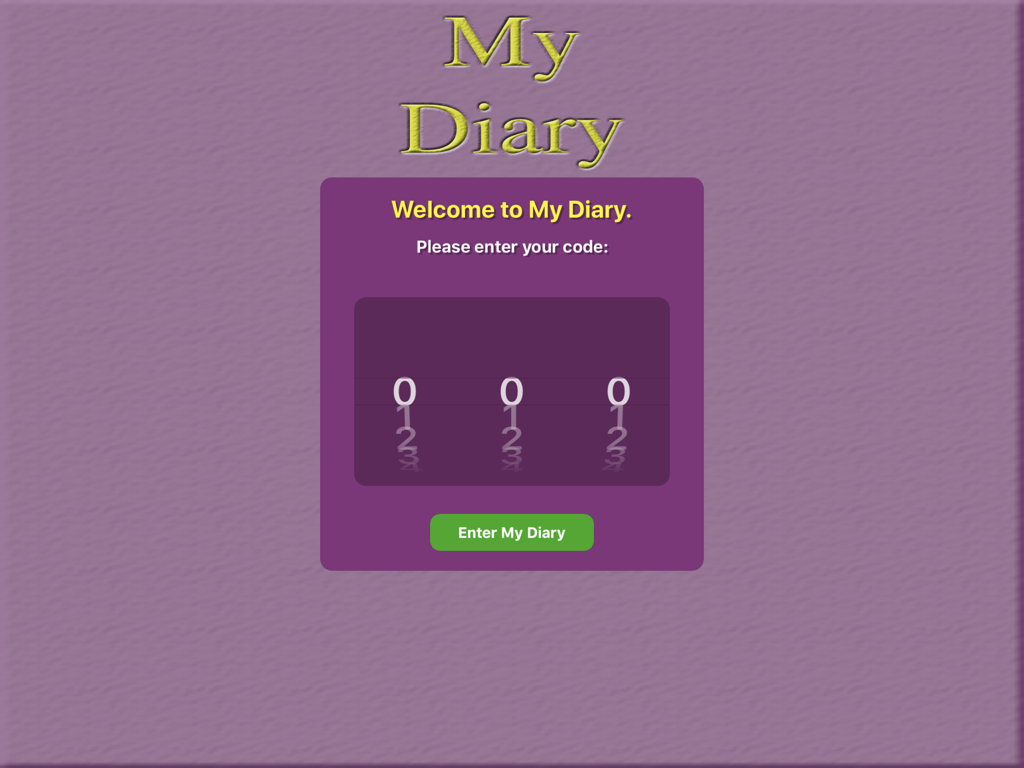
Passcode lock screen of the My Private Diary app for iPad featuring a three digit code entry
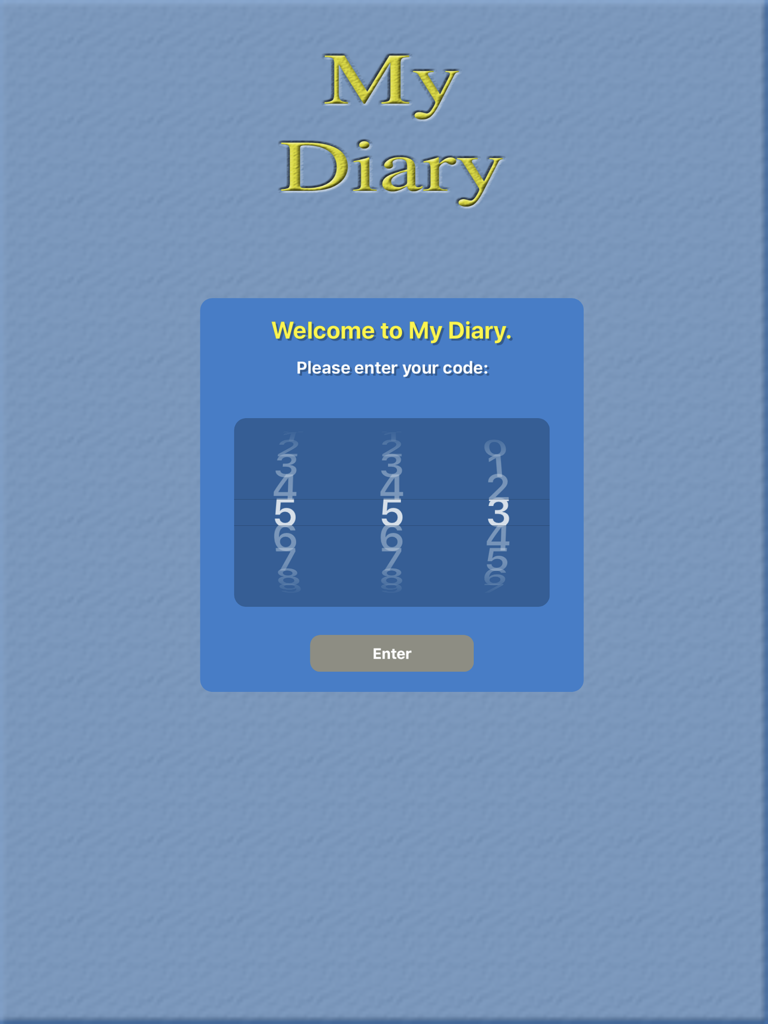
My Private Diary app welcome screen with a three-digit numeric passcode entry interface on iPad
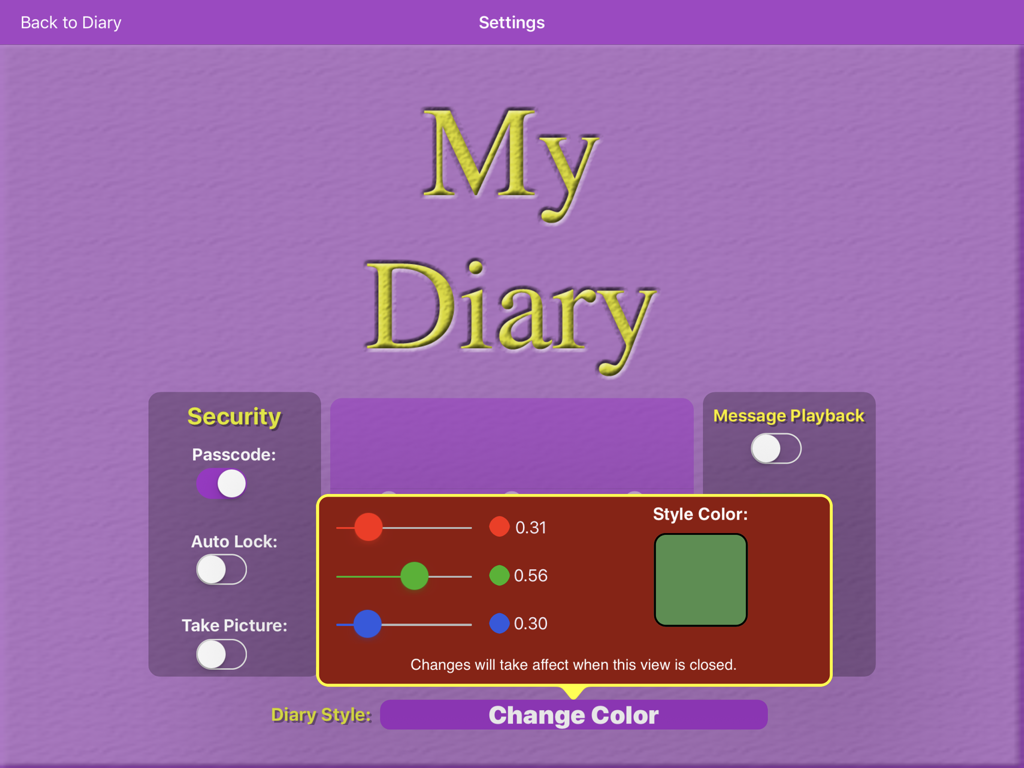
Settings menu of My Private Diary app on iPad showing security options and a color customization interface with RGB sliders.
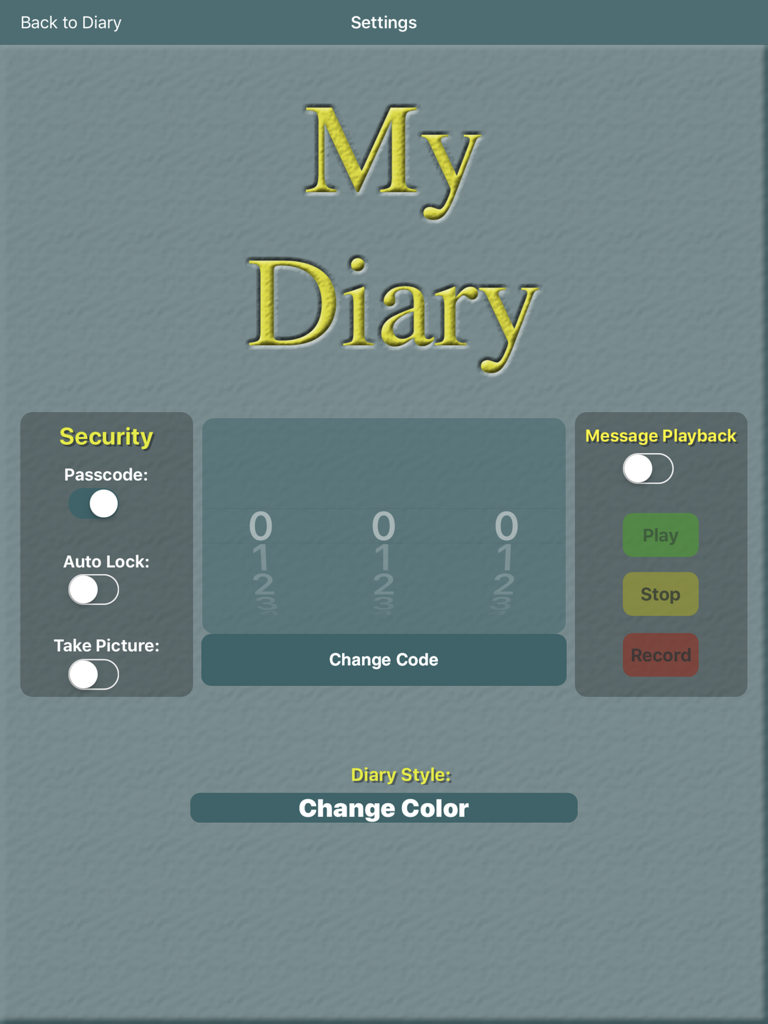
My Private Diary settings screen with security passcode and style customization options
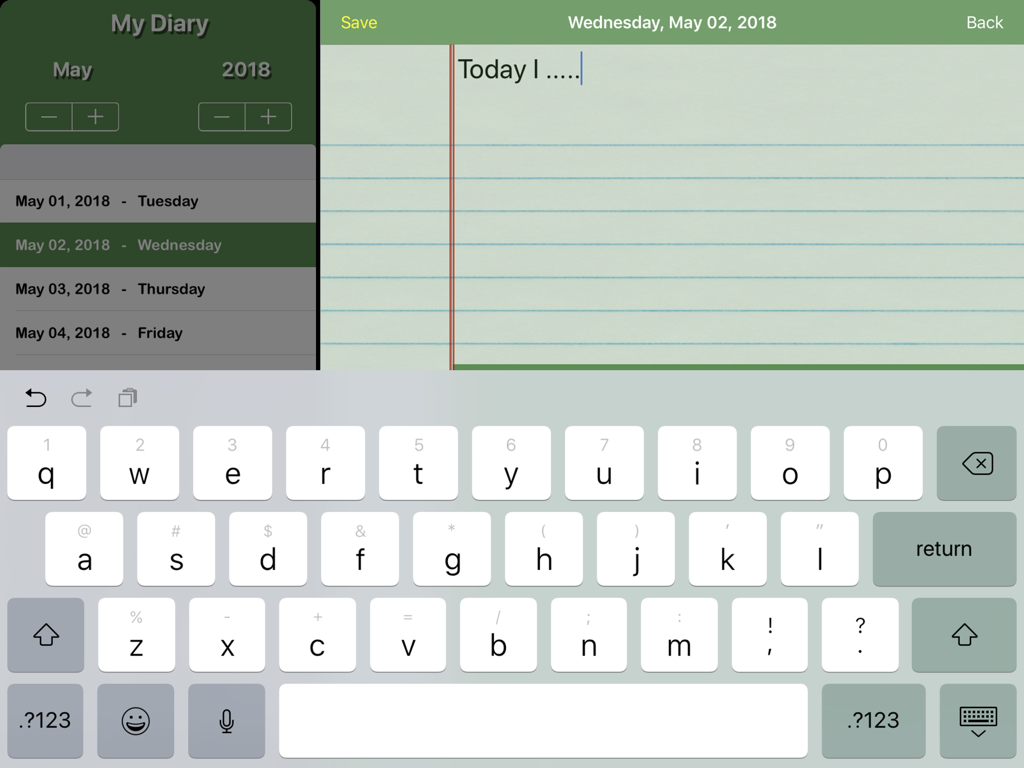
A screenshot of the My Private Diary app on an iPad showing a new journal entry being typed on digital lined paper with an onscreen keyboard.
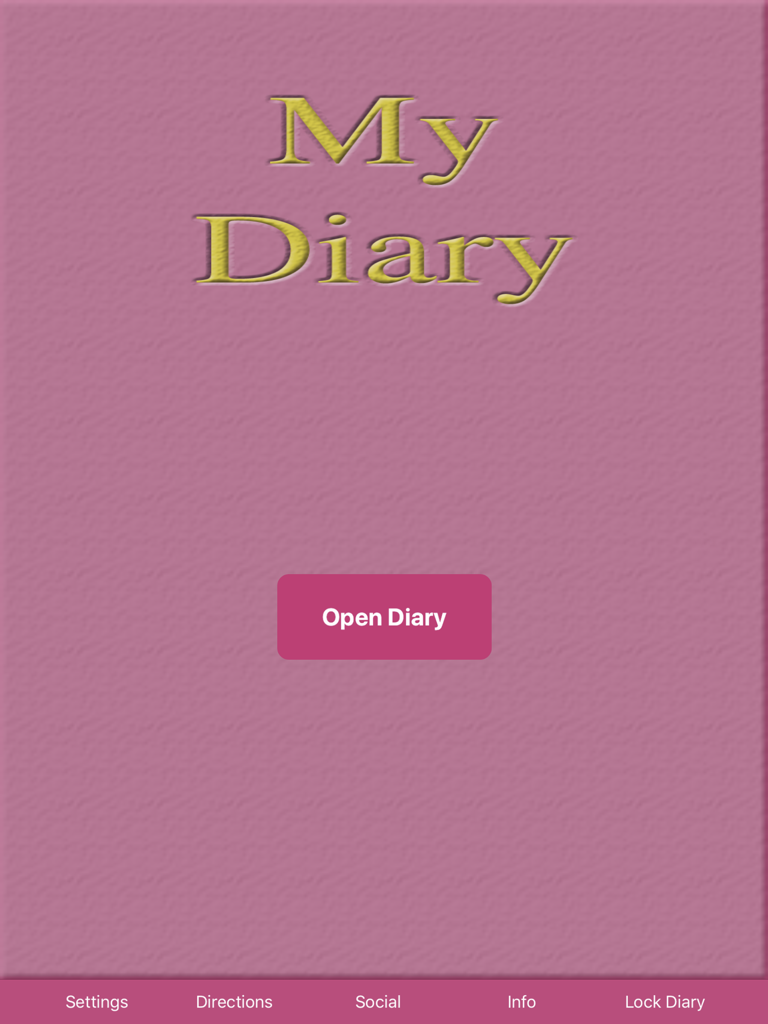
Main home screen of My Private Diary app on iPad featuring a pink textured background and an Open Diary button
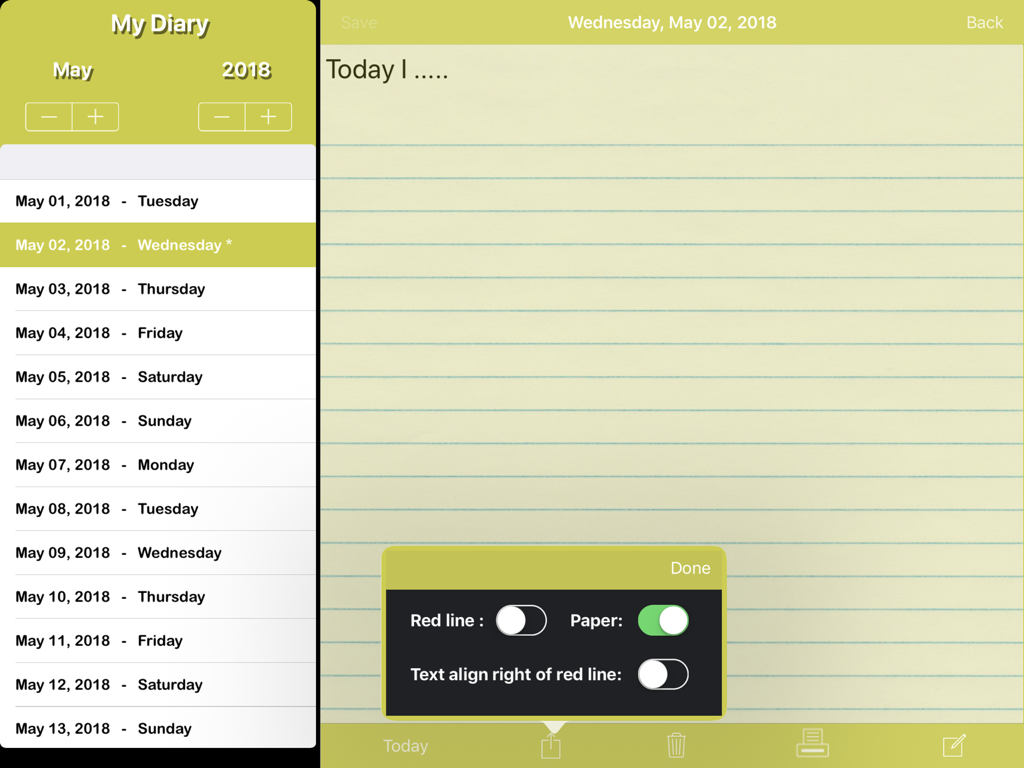
iPad digital diary interface showing a list of entries and a journal page with paper customization settings
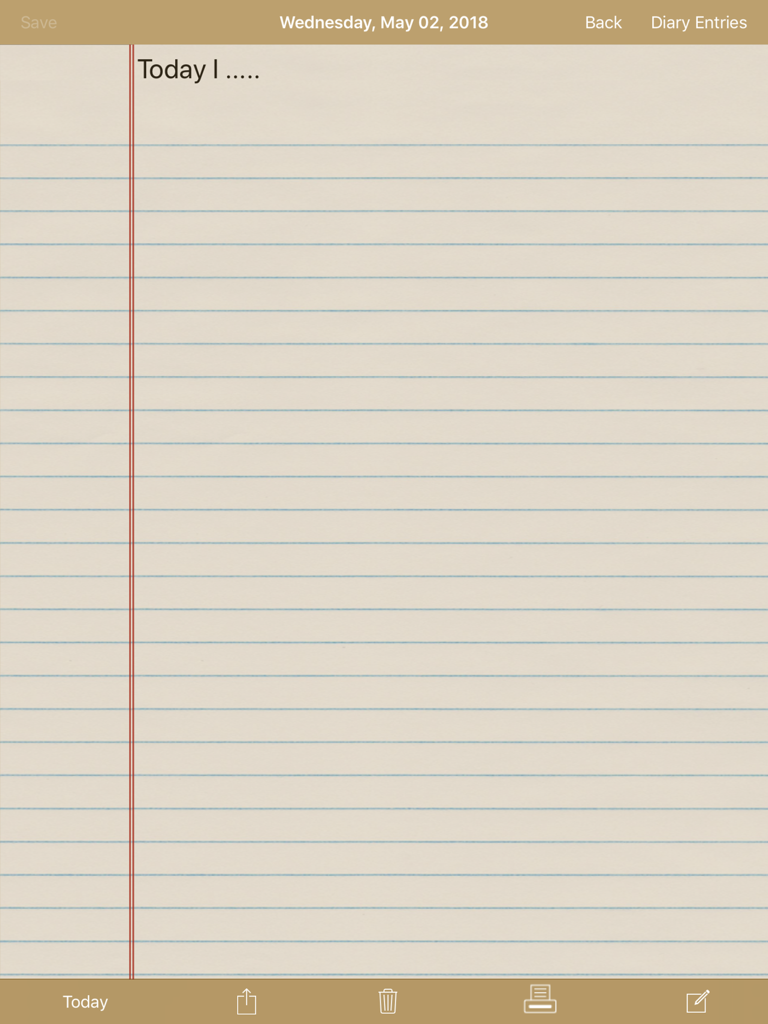
Lined notebook paper style interface for digital journaling on iPad
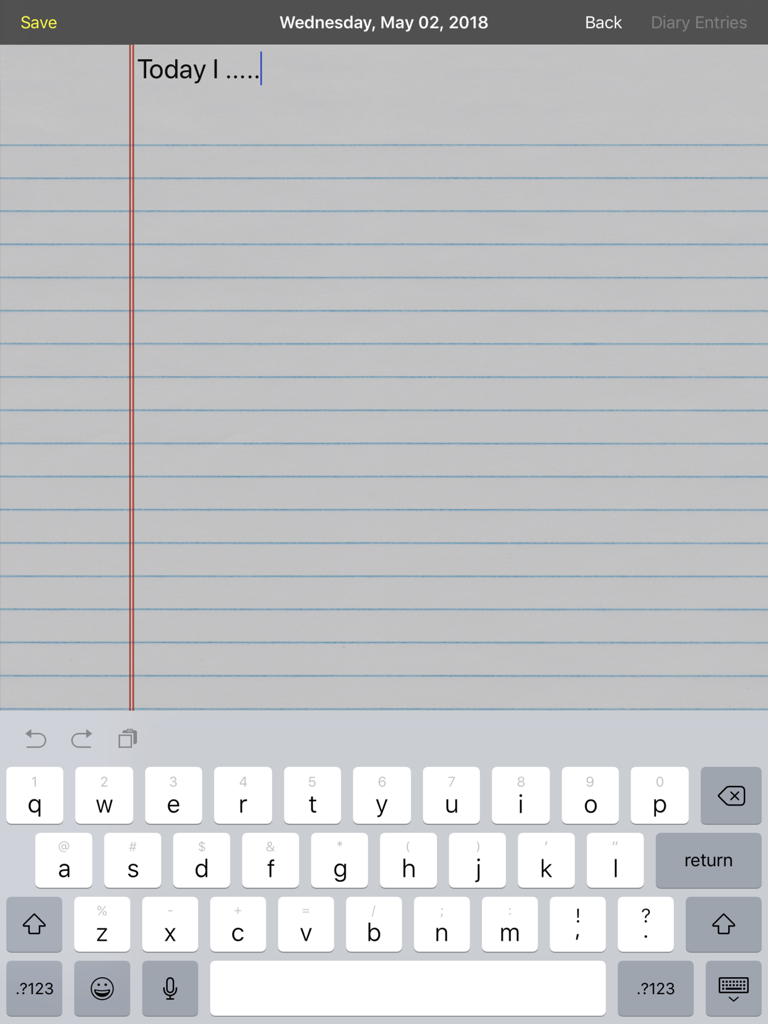
Digital journal entry screen on an iPad featuring a lined paper background and keyboard.
Description
Download
More Like This
Top-ranked apps in the same category

Pinterest, Inc.

Alipay - Simplify Your Life
Alipay (Hangzhou) Technology Co., Ltd.

Dianping: Discover Good Places
Hanhai Information Technology (Shanghai) Co.Ltd

美团-美好生活小帮手
Sankuai Technology Co., Ltd.

Lemon8 - Lifestyle Community
TIKTOK PTE. LTD.

Xiaomi Home
Beijing Xiaomi Co., Ltd

Tinder Dating App: Date & Chat
Tinder LLC

SmartThings
Samsung Electronics Co., Ltd.

VNeTraffic
GLOBAL TECHNOLOGY - TELECOMMUNICATIONS CORPORATION
This page is not an official page of the app or its developer, but an independent editorial publication created for informational and commentary purposes. Unless expressly stated otherwise, neither the app nor its developer is affiliated with, endorsed by, sponsored by, authorized by, or otherwise officially connected with MWM, Apple, Google Play, the app publisher, or the app's developer, and nothing on this page implies that the app was developed using MWM's services. Any trademarks, logos, screenshots, and other content remain the property of their respective owners.