
This page is not an official page of the app or its developer, but an independent editorial publication created for informational and commentary purposes. Unless expressly stated otherwise, neither the app nor its developer is affiliated with, endorsed by, sponsored by, authorized by, or otherwise officially connected with MWM, Apple, Google Play, the app publisher, or the app's developer, and nothing on this page implies that the app was developed using MWM's services. Any trademarks, logos, screenshots, and other content remain the property of their respective owners.

My Sketchbook - Masterclass
Go from a blank canvas to a masterpiece with step-by-step lessons for all skill levels. Master the art of sketching with intuitive tools, instant AI inspiration, and immersive AR tracing technology.
Downloads
84K+User Rating
Total Ratings
1K+Publisher
Category
EntertainmentLocales
12Latest Version
1.9.5Size
257.8 MBFirst Released
Oct 1, 2021Elevate Your Creative Journey
Combine professional-grade tools with cutting-edge AI and AR technology to transform your device into a powerful, portable art studio designed for aspiring creators.
AI-Powered Inspiration
Instantly generate unique sketches with our AI engine to jumpstart your creativity and skip the frustration of a blank canvas.
Step-by-Step Masterclasses
Master new techniques with guided templates for every skill level, helping you build a professional portfolio one stroke at a time.
The following screenshots and description are sourced directly from the app's official store listing and are the property of the app developer.
App Store
Screenshots
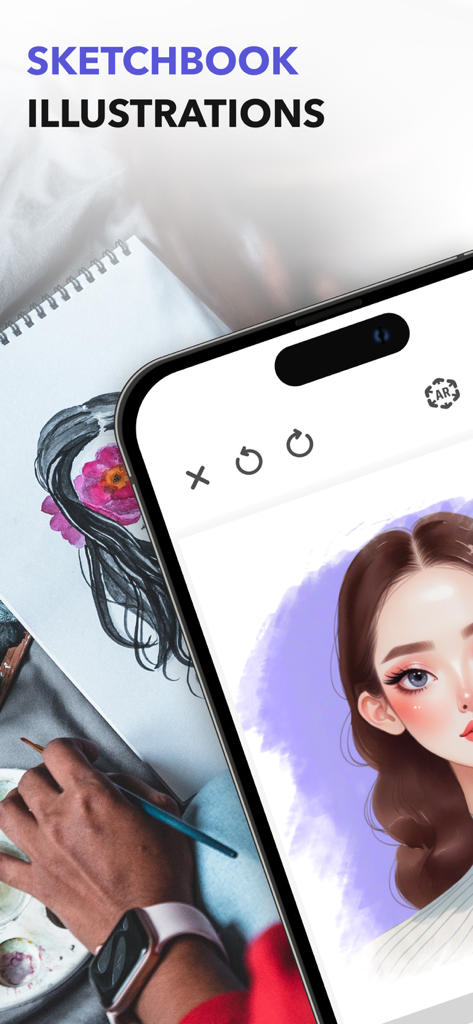
A digital portrait drawing of a girl on a smartphone screen next to a physical sketch and painting palette
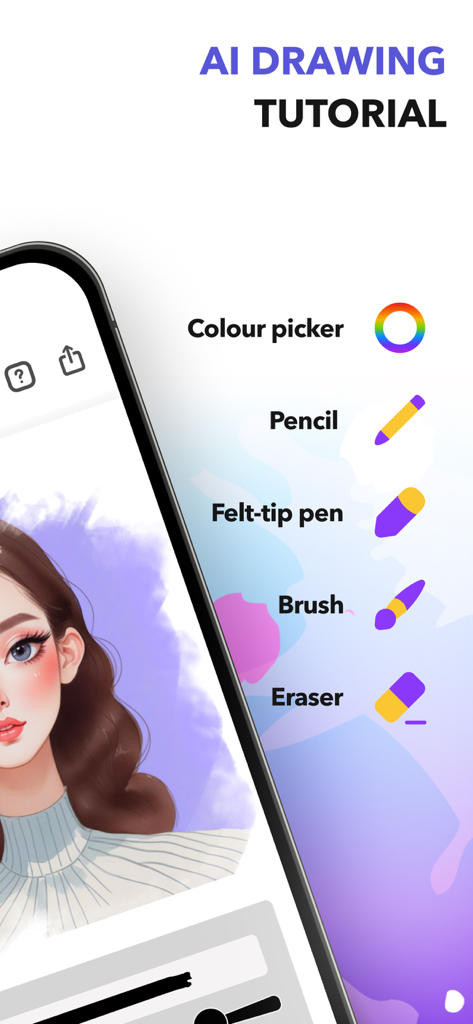
Digital drawing interface showing tools like pencil brush and eraser alongside a portrait
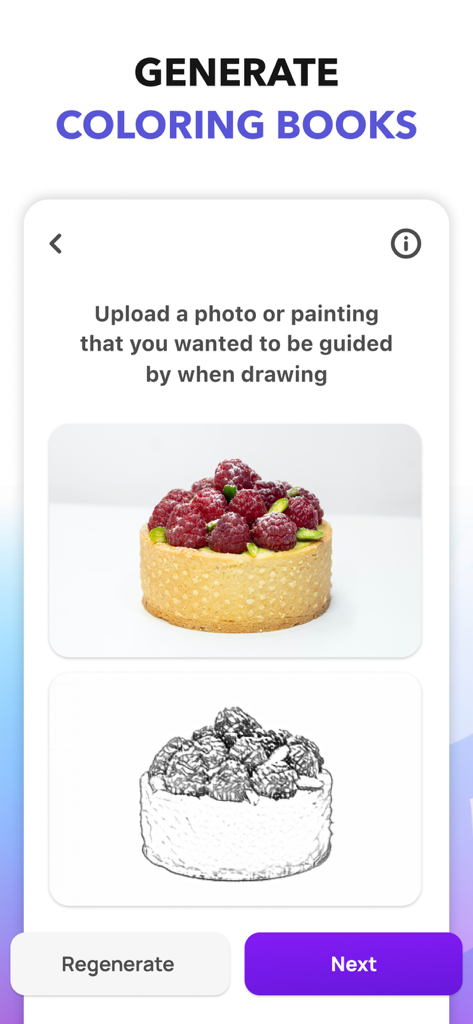
A mobile app screen showing the feature to generate custom coloring pages from uploaded photos with a raspberry tart example.
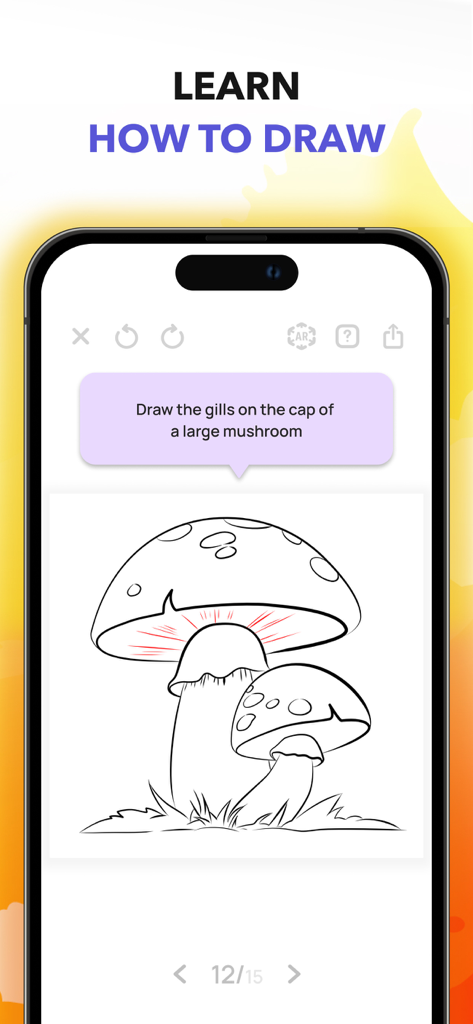
A step-by-step drawing tutorial in My Sketchbook app teaching how to draw mushroom gills.
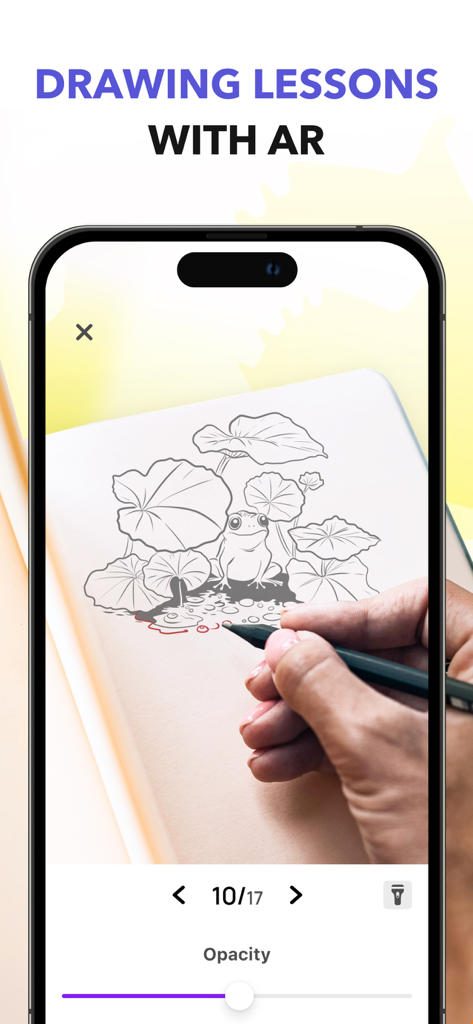
Smartphone screen showing an augmented reality drawing lesson for sketching a frog on physical paper
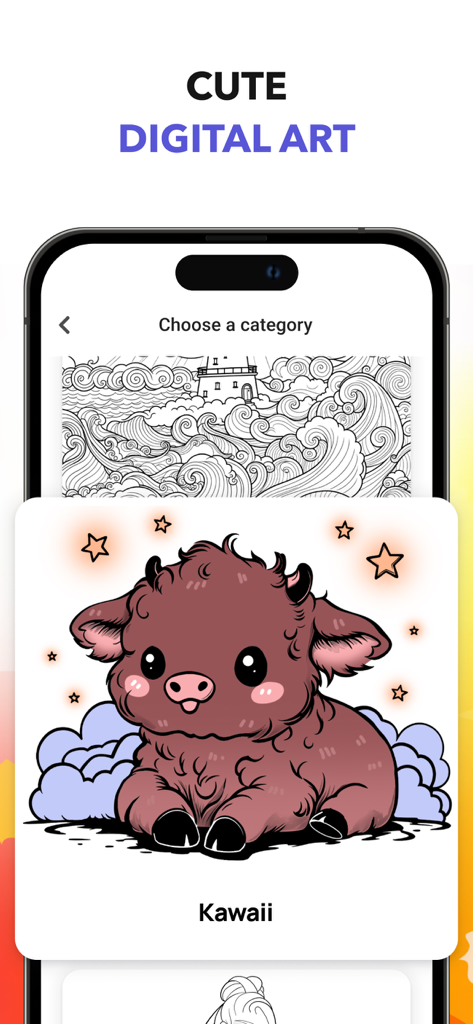
A digital art app interface showing a cute Kawaii bison character illustration within the category selection screen.
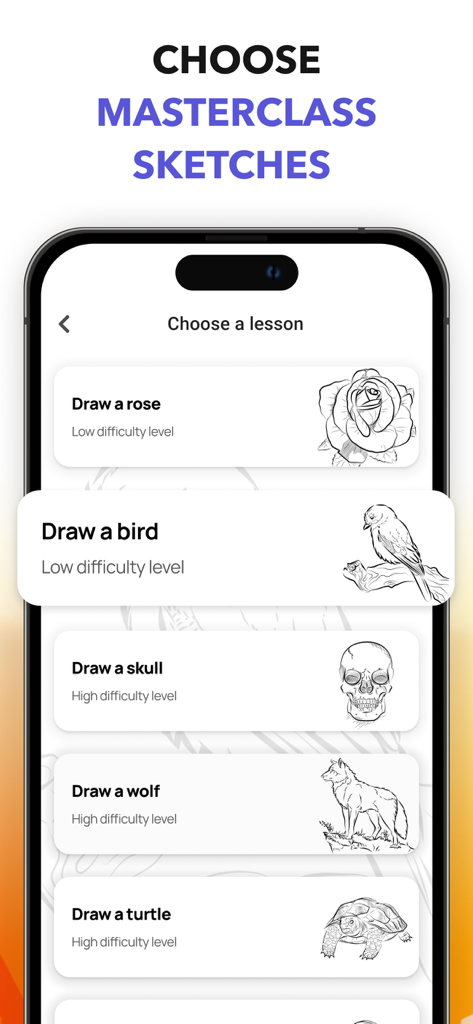
App screen displaying various drawing tutorials with different difficulty levels for sketches like birds and flowers
Description
Download
More Like This
Apps with similar features and user experience

Tripo AI - 3D Model Generator
HOLYMOLLY LIMITED

ТаngоLivе AI: Character Studio
VARETOS & SONS LIMITED

Foxy AI
国斌 刘

Pofi Create - 3D · Art · Comic
Pofi Entertainment Shenzhen Network Technology Co.,Ltd

Recraft
Recraft, Inc.

Pofi AI - 3D AIGC Tool
Pofi Entertainment Shenzhen Network Technology Co.,Ltd

Kiku - Discover, Share
文康 任
This page is not an official page of the app or its developer, but an independent editorial publication created for informational and commentary purposes. Unless expressly stated otherwise, neither the app nor its developer is affiliated with, endorsed by, sponsored by, authorized by, or otherwise officially connected with MWM, Apple, Google Play, the app publisher, or the app's developer, and nothing on this page implies that the app was developed using MWM's services. Any trademarks, logos, screenshots, and other content remain the property of their respective owners.