My Story School eBook Maker
Download on App Store

This page is not an official page of the app or its developer, but an independent editorial publication created for informational and commentary purposes. Unless expressly stated otherwise, neither the app nor its developer is affiliated with, endorsed by, sponsored by, authorized by, or otherwise officially connected with MWM, Apple, Google Play, the app publisher, or the app's developer, and nothing on this page implies that the app was developed using MWM's services. Any trademarks, logos, screenshots, and other content remain the property of their respective owners.

Logo of My Story School eBook Maker
Download on App Store

My Story School eBook Maker

Transform your classroom into a creative studio. A safe, distraction-free platform for K-5 students to write, illustrate, and share their stories with the world—no subscriptions required.

Key Figures

Downloads

225K+

User Rating

4.4/5

Total Ratings

1K+

Publisher

MY STORY, LLC

Category

Education

Locales

17

Latest Version

4.7.0

Size

202.8 MB

First Released

Aug 4, 2011
Features

Fuel Creativity, Improve Literacy

A comprehensive, distraction-free storytelling platform designed to turn students from passive consumers into confident authors.

Classroom-Ready & Secure

Built for educators with Google Classroom sync and zero ads, subscriptions, or hidden costs—the ultimate safe space for K-5 learners.

Multimodal Creative Toolkit

Empower every student to express themselves using drawing tools, voice narration, and immersive 3D augmented reality models.

The following screenshots and description are sourced directly from the app's official store listing and are the property of the app developer.

App Store

Screenshots
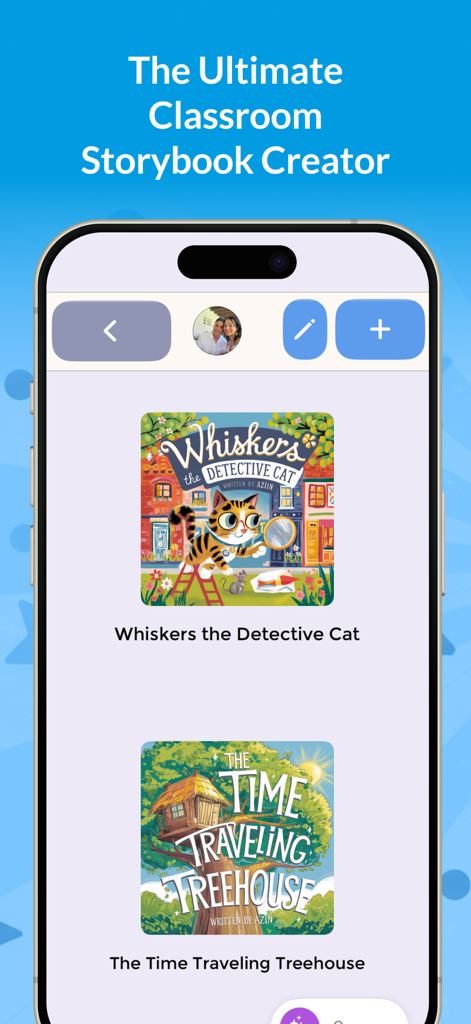
My Story School eBook Maker - Smartphone screen showing the My Story app library with student-created storybooks like Whiskers the Detective Cat.
Smartphone screen showing the My Story app library with student-created storybooks like Whiskers the Detective Cat.

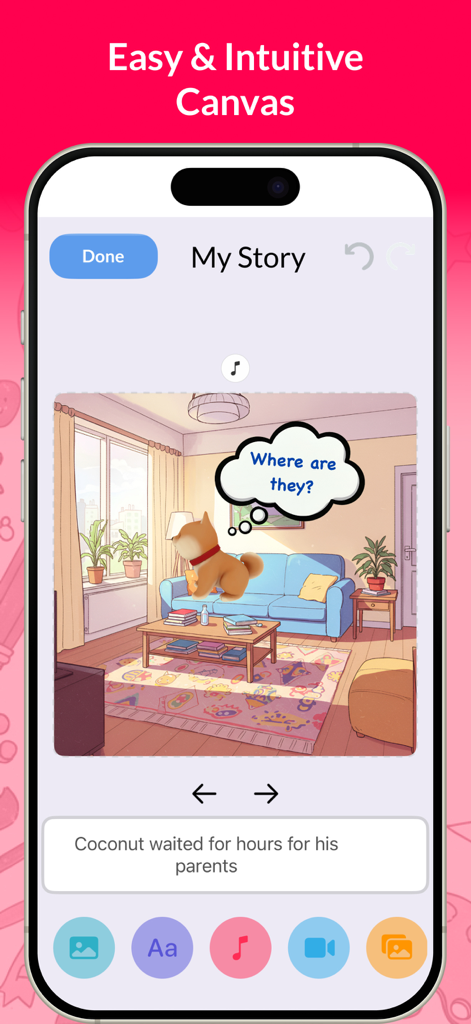
My Story School eBook Maker - Creative canvas interface in My Story School eBook Maker app
Creative canvas interface in My Story School eBook Maker app

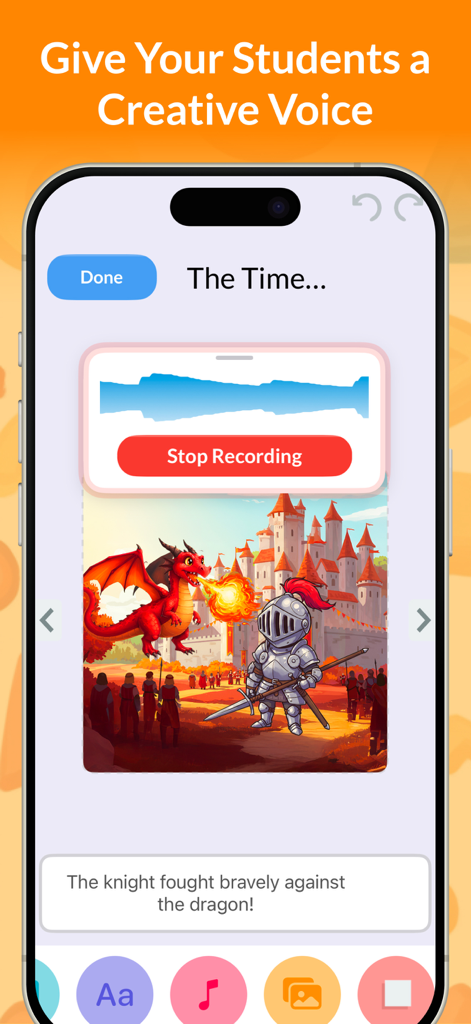
My Story School eBook Maker - Interface of the My Story School eBook Maker app showing a voice recording feature being used for a story about a knight and a dragon.
Interface of the My Story School eBook Maker app showing a voice recording feature being used for a story about a knight and a dragon.

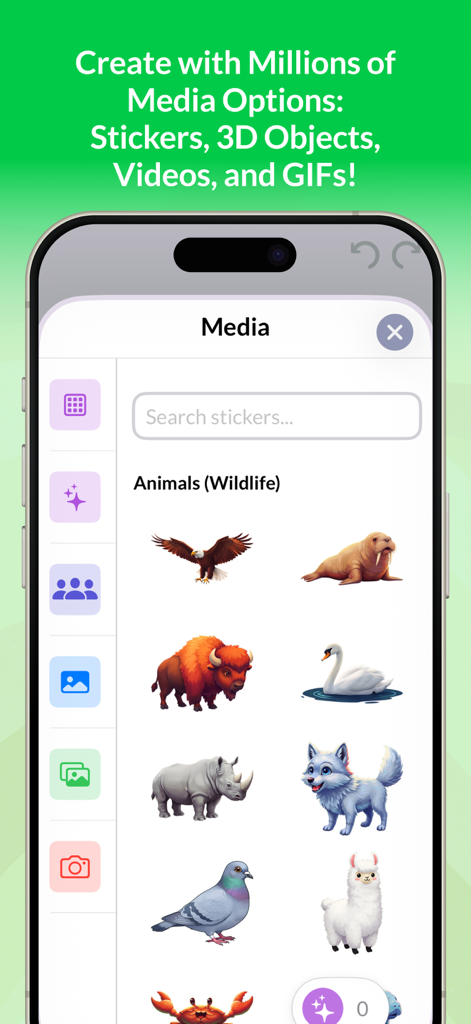
My Story School eBook Maker - Media selection screen in My Story School eBook Maker app featuring animal stickers and search bar

Media selection screen in My Story School eBook Maker app featuring animal stickers and search bar
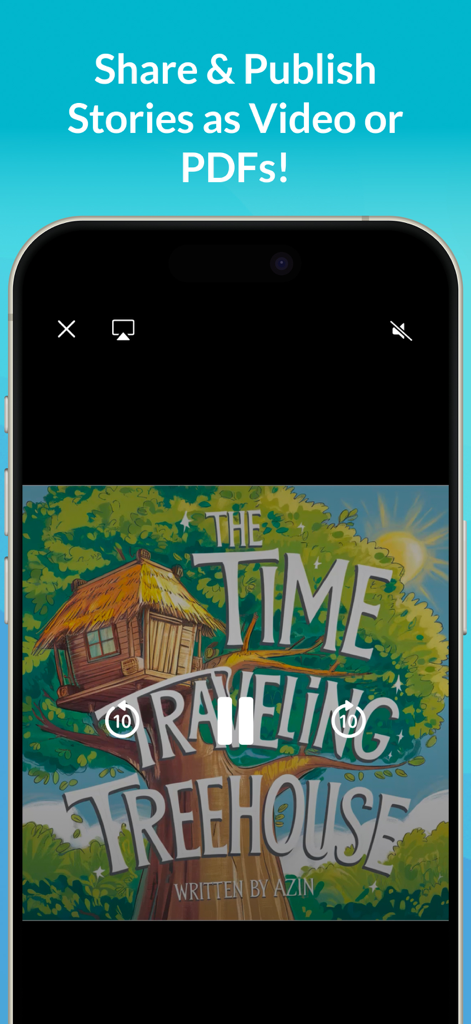
My Story School eBook Maker - The My Story app screen highlighting the ability to share and publish student stories as video or PDF files.
The My Story app screen highlighting the ability to share and publish student stories as video or PDF files.

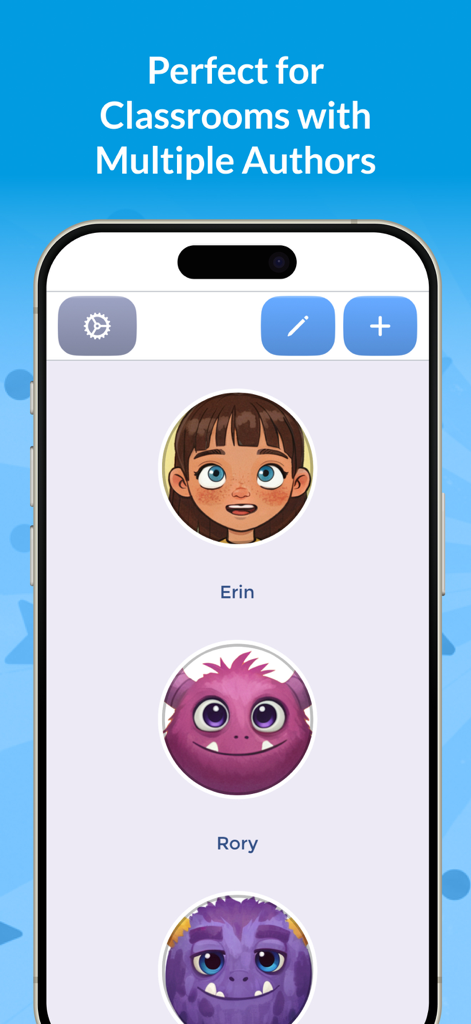
My Story School eBook Maker - Smartphone screen showing student author profiles with custom avatars in the My Story School eBook Maker app.
Smartphone screen showing student author profiles with custom avatars in the My Story School eBook Maker app.

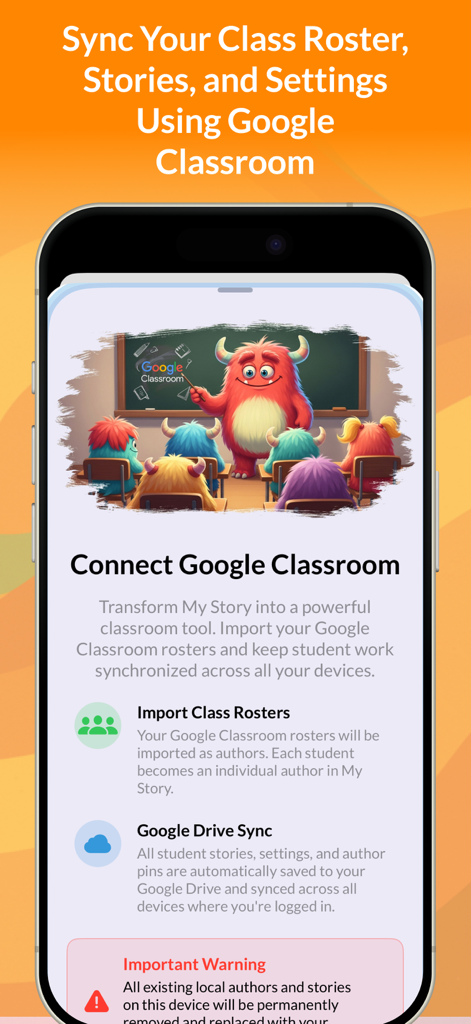
My Story School eBook Maker - Smartphone screen showing Google Classroom integration for syncing class rosters and student stories in My Story School eBook Maker.
Smartphone screen showing Google Classroom integration for syncing class rosters and student stories in My Story School eBook Maker.

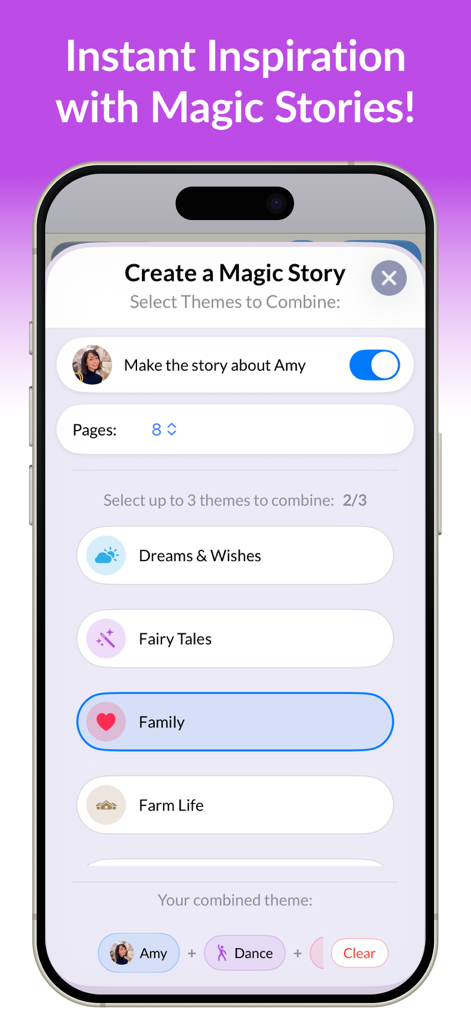
My Story School eBook Maker - A screen showing the Magic Story creation process where users select themes like Fairy Tales and Family to combine for a new eBook.
A screen showing the Magic Story creation process where users select themes like Fairy Tales and Family to combine for a new eBook.

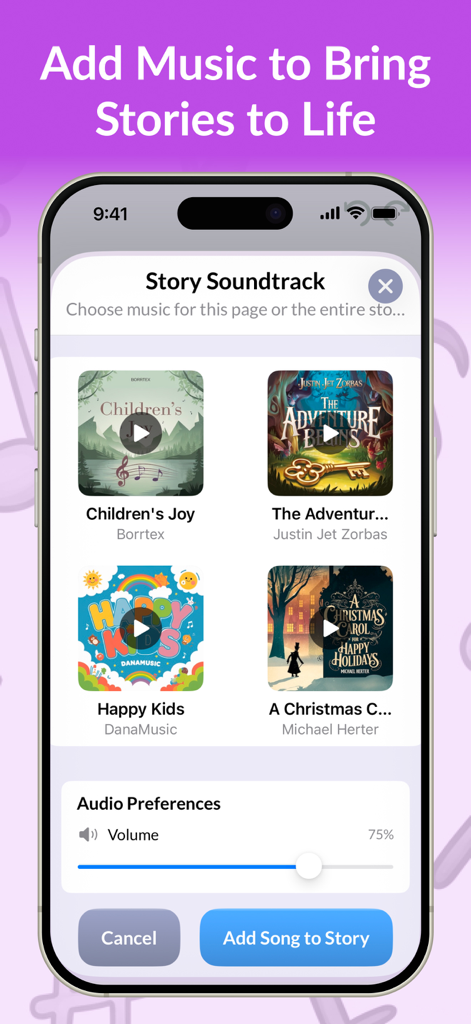
My Story School eBook Maker - Interface of the My Story app showing the music selection screen for adding soundtracks to student digital books
Interface of the My Story app showing the music selection screen for adding soundtracks to student digital books

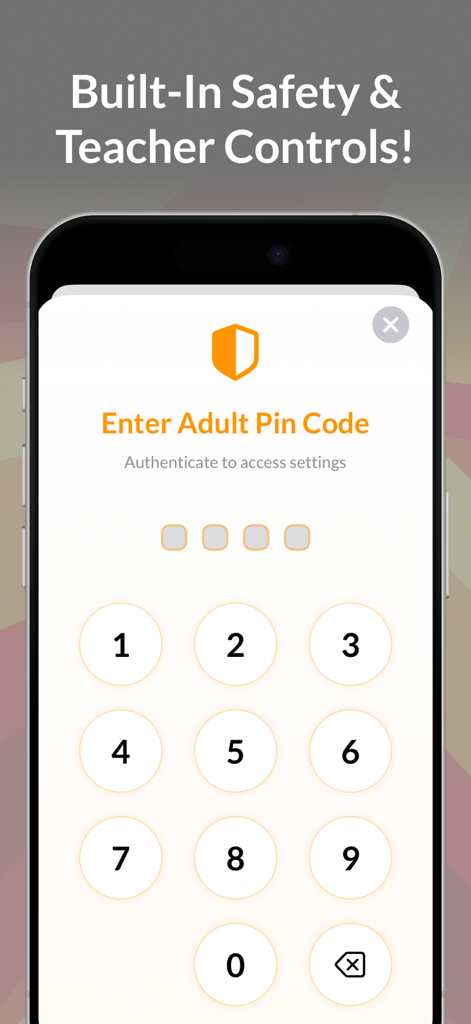
My Story School eBook Maker - Interface for entering an adult pin code to access teacher controls and app settings

Interface for entering an adult pin code to access teacher controls and app settings

Description

Empower Student Storytelling in Your Classroom with My Story – School Edition My Story – School Edition is the all-in-one storytelling platform built specifically for schools. Safe, powerful, and distraction-free, it gives educators everything they need to spark creativity and improve literacy for students ages 3–11. With no ads, no in-app purchases, and no hidden costs, this premium School Edition version is designed for seamless classroom use and trusted by thousands of teachers worldwide. What’s New in 4.6.0 • Book Publishing: Students can now publish their own professionally printed books, complete with customizable back covers. A meaningful way to celebrate writing and create keepsakes for families. • AR Storytelling: Use augmented reality and millions of 3D models to bring stories into the real world. A hands-on, engaging way to connect creativity and technology. • Enhanced Image Editing Tools: One-tap background removal, cropping, filters, and unblur tools—perfect for refining student artwork and making projects shine. • International Support: Now available in Hebrew, Dutch, and Hindi, alongside English and other supported languages. Built for Teachers • Google Classroom roster syncing and Google Drive story backup • Multi-device support for shared iPads or student logins • Secure author PINs to keep student work private • Export stories as PDFs or videos to share with parents or showcase in class A Creative Toolkit for Every Age • Early Creators (3–5): Focus on drawing, stickers, and voice narration to build confidence. • Budding Writers (6–8): Add sentences and simple story structure with guided prompts. • Emerging Authors (9–11+): Dive deeper into storytelling with advanced tools and project-based learning. Engage Students with Powerful Creative Features • 900+ premium stickers, 160+ backgrounds, and My Story characters for consistent, student-friendly storytelling • 3D objects from Sketchfab for interactive, immersive story pages • Safe, kid-friendly GIFs from GIPHY and high-quality photos from Unsplash • Magic Story Guide and Magic Stories to support structured writing without stifling creativity Safe, Reliable, and Classroom-Ready • One-time purchase—no subscriptions, no upsells • Parental gate for at critical junctures of the app • Apple Pay support and international shipping for book publishing • Optimized for iPad with improved stability and performance Loved by educators around the world and winner of the Parent’s Choice Award, My Story – School Edition turns storytelling into an engaging classroom experience that builds creativity, literacy, and confidence. One app. One purchase. Unlimited classroom creativity. Terms of Use: https://www.apple.com/legal/internet-services/itunes/dev/stdeula/ Privacy Policy: https://www.mystory.co/privacy-policy

Download

Download on App Store

This page is not an official page of the app or its developer, but an independent editorial publication created for informational and commentary purposes. Unless expressly stated otherwise, neither the app nor its developer is affiliated with, endorsed by, sponsored by, authorized by, or otherwise officially connected with MWM, Apple, Google Play, the app publisher, or the app's developer, and nothing on this page implies that the app was developed using MWM's services. Any trademarks, logos, screenshots, and other content remain the property of their respective owners.








