
This page is not an official page of the app or its developer, but an independent editorial publication created for informational and commentary purposes. Unless expressly stated otherwise, neither the app nor its developer is affiliated with, endorsed by, sponsored by, authorized by, or otherwise officially connected with MWM, Apple, Google Play, the app publisher, or the app's developer, and nothing on this page implies that the app was developed using MWM's services. Any trademarks, logos, screenshots, and other content remain the property of their respective owners.

myBuick
From remote start to real-time health diagnostics and OnStar safety, manage your drive with the simplicity and reliability you deserve. Elevate your ownership experience on iPhone and Apple Watch.
Downloads
1M+User Rating
Total Ratings
114K+Publisher
Category
LifestyleLocales
11Latest Version
8.2.0Size
233.9 MBFirst Released
Nov 4, 2010Complete Control, Total Peace of Mind
Stay effortlessly connected to your vehicle with features designed to simplify your daily commute and prioritize your family's safety.
Remote Command Center
Start your engine, lock doors, or flash your lights from your iPhone or Apple Watch before you even leave the house.
Real-Time Vehicle Health
Avoid mechanical surprises by monitoring fuel levels, tire pressure, and oil life directly from your pocket.
Frequently Asked Questions
Everything you need to know about myBuick
What features does the myBuick app offer for vehicle control?
The myBuick app provides vehicle control, allowing users to monitor fuel level, tire pressure, oil life, and odometer. It also offers digitized Owner Manuals and Roadside Assistance.
Does the myBuick app allow remote engine start?
Yes, the myBuick app enables users to remotely start their vehicle. This feature is accessible directly from the app's controls interface, allowing convenient vehicle activation.
How can I check my vehicle's status using the myBuick app?
The myBuick app displays your vehicle's fuel level, tire pressure, oil life, and current odometer reading. Users access this information through the "Vehicle Status" section.
Is Roadside Assistance available through the myBuick app?
Yes, the myBuick app provides direct access to Roadside Assistance. Users can request help by navigating to the "Service" tab and selecting the "Roadside assistance" option.
Can I locate my Buick vehicle on a map with the myBuick app?
Yes, the myBuick app shows your vehicle's current location on a map. It also allows users to set and share custom boundary notifications for their vehicle.
Is the myBuick app integrated with OnStar services?
Yes, the myBuick app is connected by OnStar. This integration enhances the app's capabilities, offering seamless access to vehicle services and features.
Can I adjust my vehicle's climate settings remotely using the myBuick app?
Yes, the myBuick app enables users to set and save climate and driver preferences. This feature allows remote adjustment of the vehicle's temperature for comfort.
What are the subscription requirements for the myBuick app?
The myBuick app requires a trial or paid plan, along with a properly equipped vehicle. Mobile app functionality also depends on selected devices and a data connection.
The following screenshots and description are sourced directly from the app's official store listing and are the property of the app developer.
App Store
Screenshots
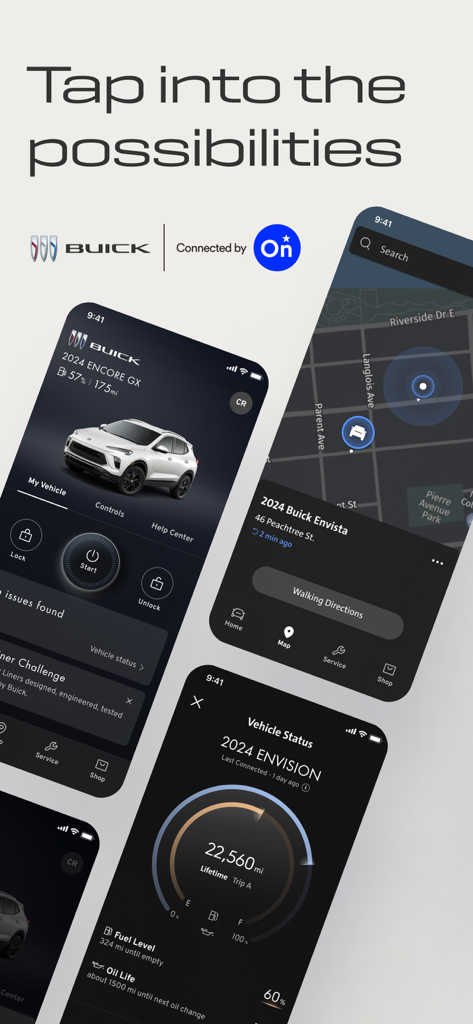
Detailed screens of the myBuick app displaying remote vehicle commands, map navigation, and vehicle health status.
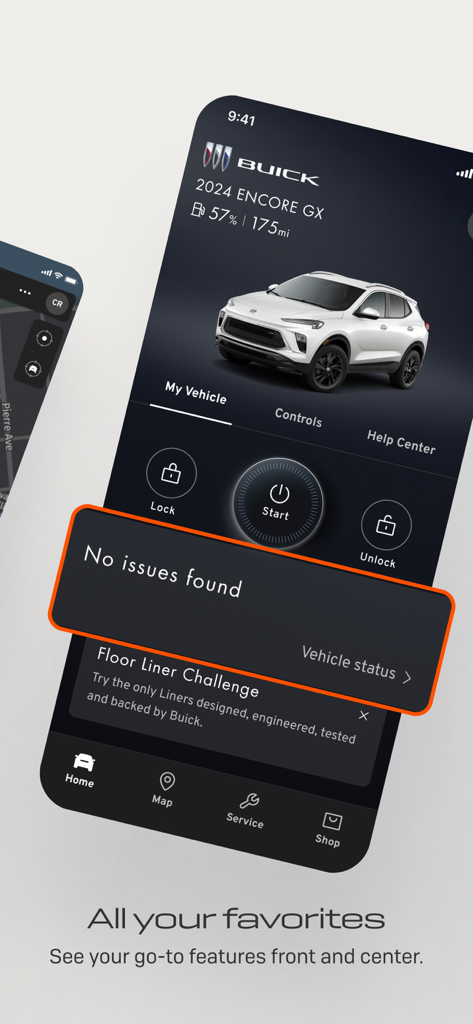
myBuick app interface showing 2024 Encore GX vehicle status and remote control buttons
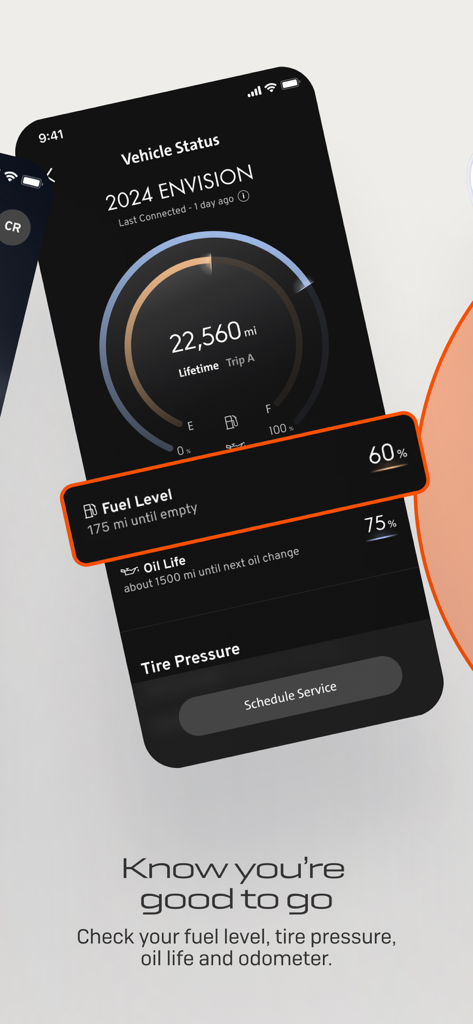
MyBuick app screenshot showing vehicle diagnostics including fuel level and oil life for a 2024 Buick Envision
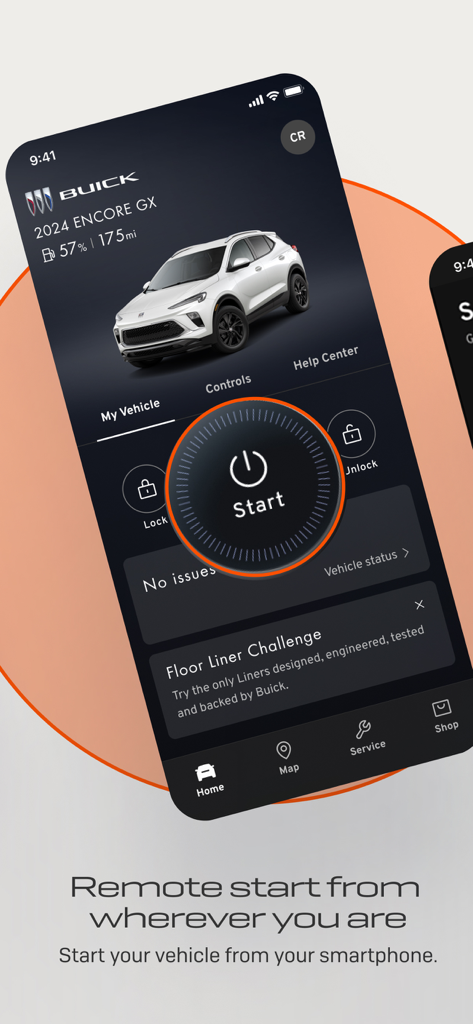
myBuick app interface displaying the remote start button and vehicle status for a Buick Encore GX
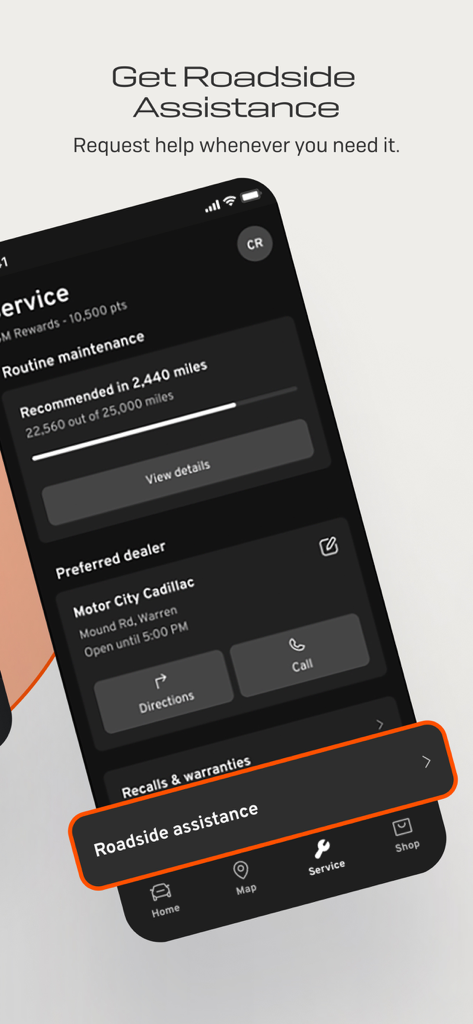
Smartphone screen showing the myBuick app roadside assistance and vehicle maintenance tracker
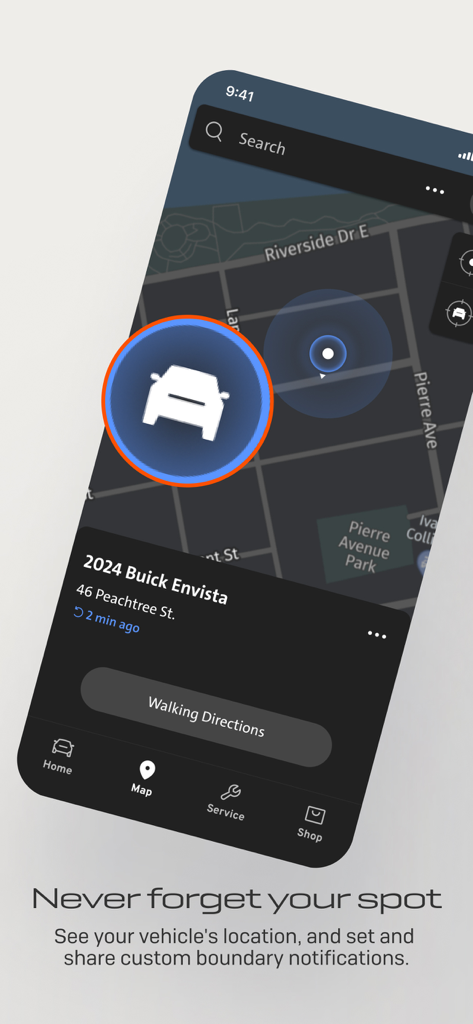
myBuick app map interface showing a vehicle's parked location with an option for walking directions
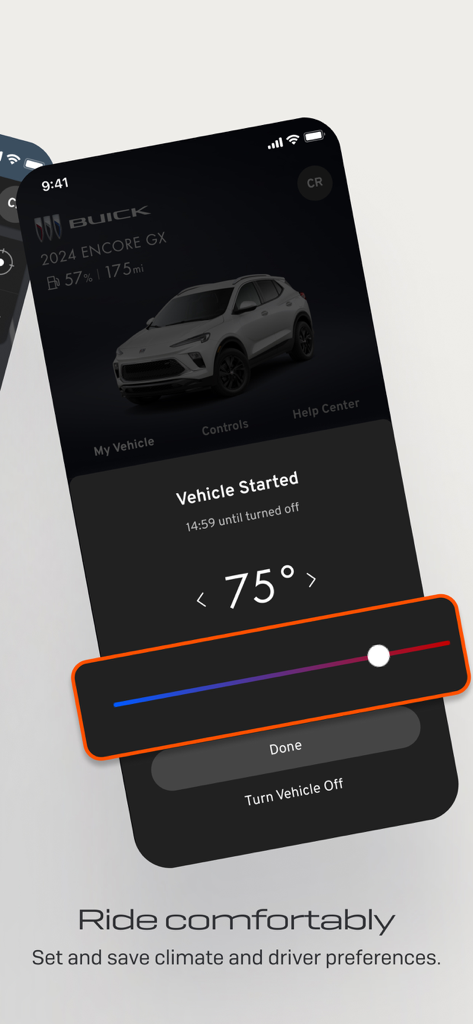
myBuick app interface showing remote climate control and vehicle start status for a 2024 Encore GX.
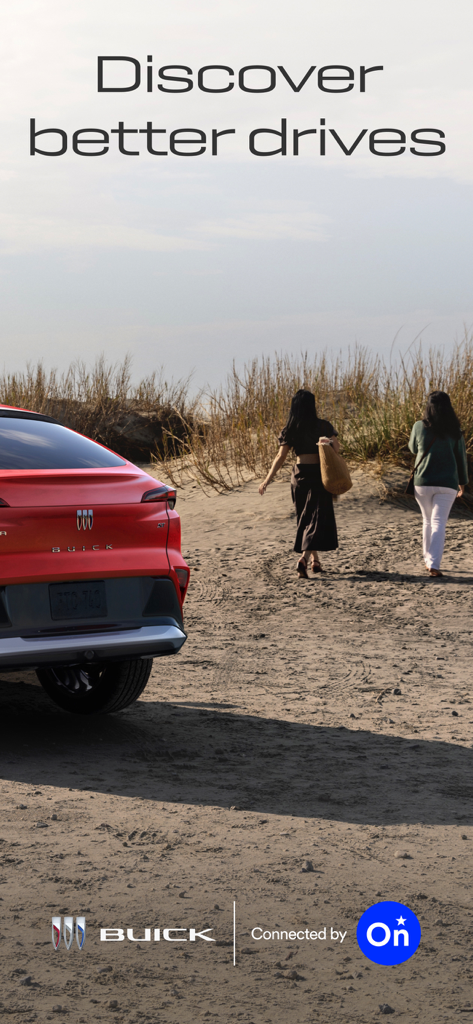
A red Buick SUV parked on a sandy beach with two women walking towards dunes and the text Discover better drives.
Description
Download
More Like This
Apps with similar features and user experience

myGMC
General Motors
MyNISSAN®
Nissan North America Inc.

Jeep®
FCA US LLC

Lexus
Lexus, a Division of Toyota Motor Sales, U.S.A., Inc.

MySubaru
Subaru of America, Inc
RAM®
FCA US LLC
myCadillac
General Motors

Volvo Cars
Volvo Car Corporation

myVW
Volkswagen of America Inc.
This page is not an official page of the app or its developer, but an independent editorial publication created for informational and commentary purposes. Unless expressly stated otherwise, neither the app nor its developer is affiliated with, endorsed by, sponsored by, authorized by, or otherwise officially connected with MWM, Apple, Google Play, the app publisher, or the app's developer, and nothing on this page implies that the app was developed using MWM's services. Any trademarks, logos, screenshots, and other content remain the property of their respective owners.