
MyScript Calculator



Ditch the buttons and solve math naturally. Simply write your calculations on screen to get instant results, edit with intuitive gestures, and drag your answers wherever you need them.
Publisher
Category
ProductivityDownloads
781K+User Rating
Total Ratings
11K+Locales
11Discover the interface used by 781K+ users.
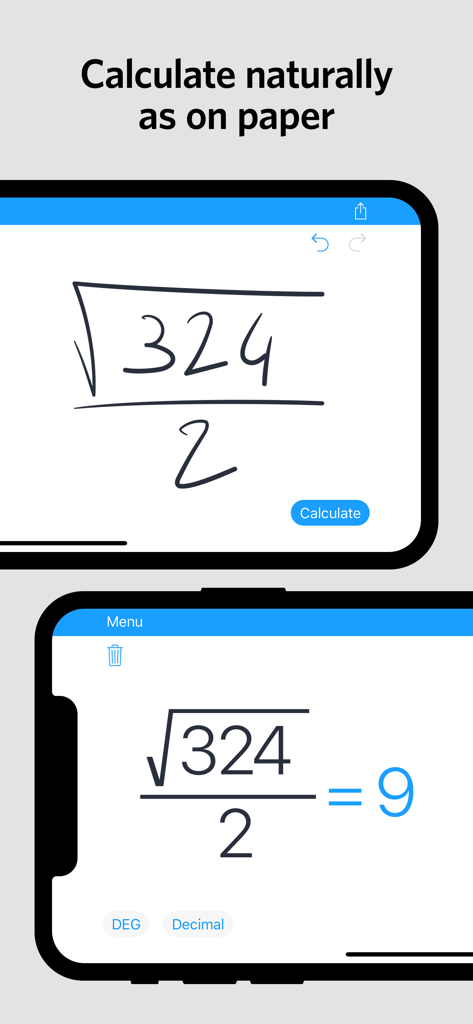
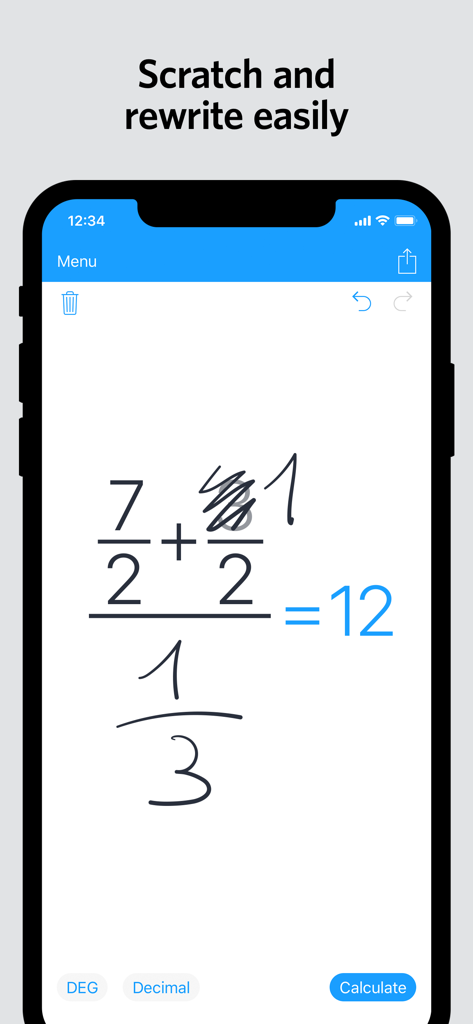
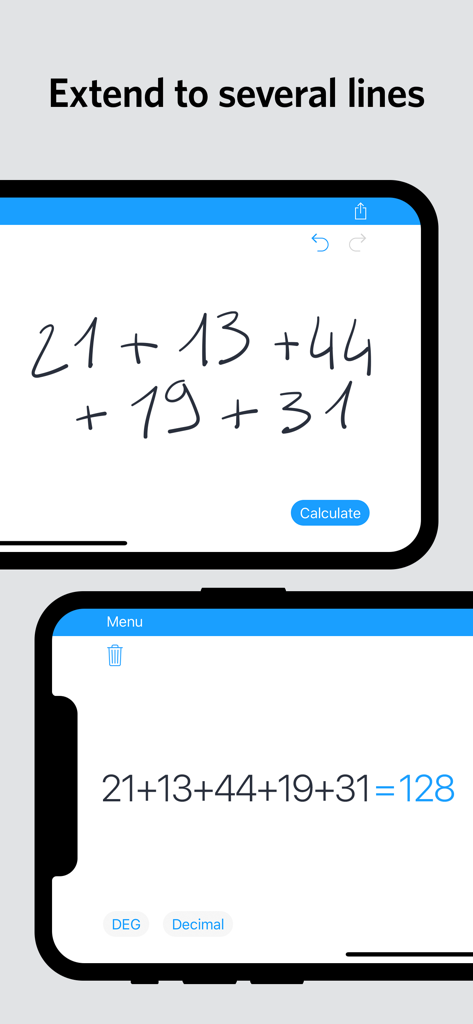
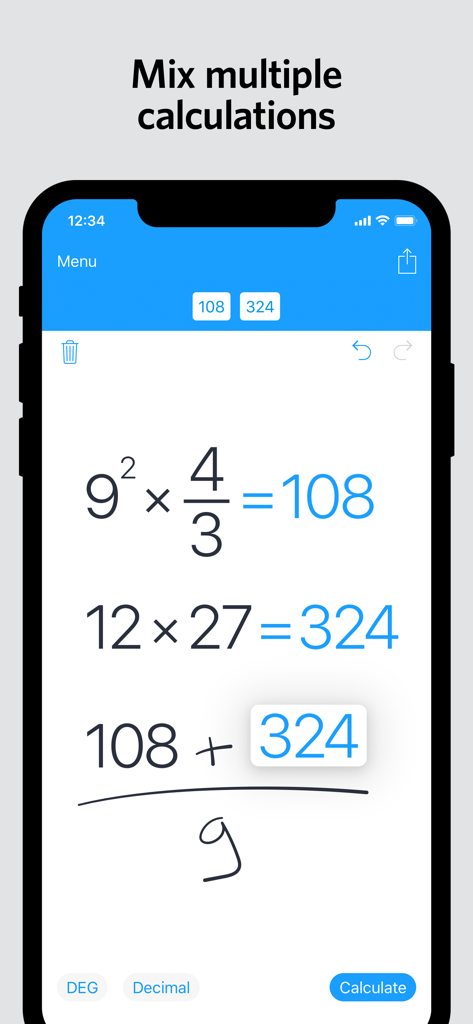
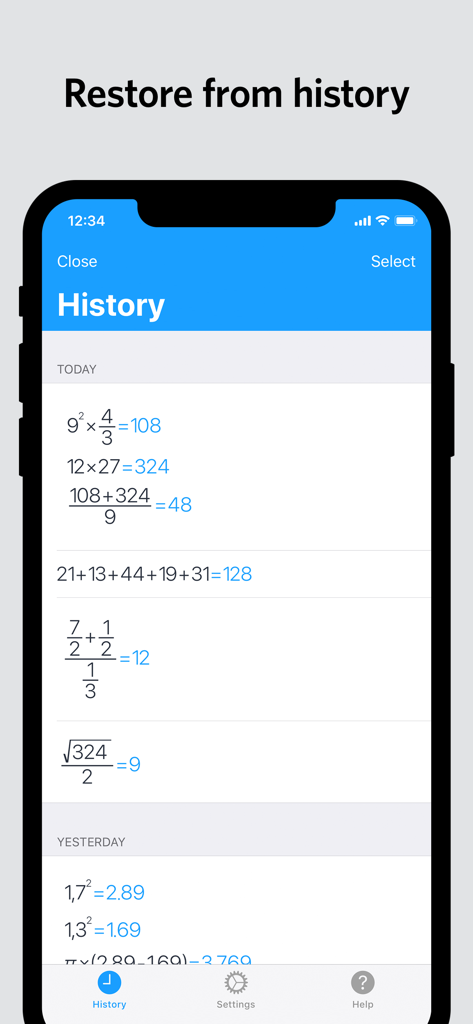
The tools that make this app stand out, trusted by 781K+ users.
Focus on the problem instead of the interface. Input complex equations naturally without hunting for buttons or navigating menus.
Made a mistake? Simply scratch out numbers or symbols to erase them instantly. Drag and drop results to reuse them in new calculations.
From basic fractions to advanced trigonometry and logarithms, handle multi-line equations with tools designed for students and professionals.
Everything you need to know about MyScript Calculator.
Description
Latest Version
2.0.8
Size
13.6 MB
First Released
Jan 23, 2018
Join over 780,000 STEM students and professionals. Download MyScript Calculator 2 today and turn your device into the ultimate interactive paper.
Top-ranked apps in the same category

OpenAI OpCo, LLC

Google LLC

X.AI Corporation

Google LLC

Shanghai Zhixin Puhui Technology Co., Ltd.

Google LLC

Microsoft Corporation

Google LLC

Google LLC
App information, icons, screenshots, and descriptions displayed on this page are sourced from the Apple App Store and are the property of their respective developers. Download estimates and rankings are based on MWM's proprietary models and may not reflect actual figures. This page is provided for informational and analytical purposes only.
Believe this page infringes your intellectual property? File a dispute
