NAS Pro: The Ultimate Command Center for Your Private Cloud
Take total control of your Synology, QNAP, and TrueNAS servers. Monitor system health, manage Docker containers, and track backups with a unified, professional-grade interface optimized for iPhone, iPad, and Mac.
Publisher
EZV, spol. s r.o.
Category
Productivity
Downloads
22K+
User Rating
4.2/5
Total Ratings
800
Locales
14
The Pro Interface
Discover the interface used by 22K+ users.
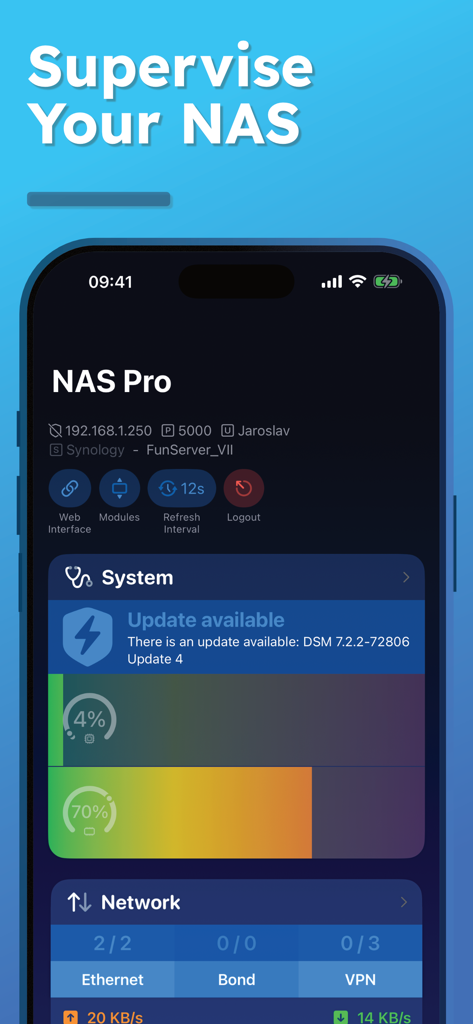
NAS Pro mobile app interface for supervising system health and network monitoring
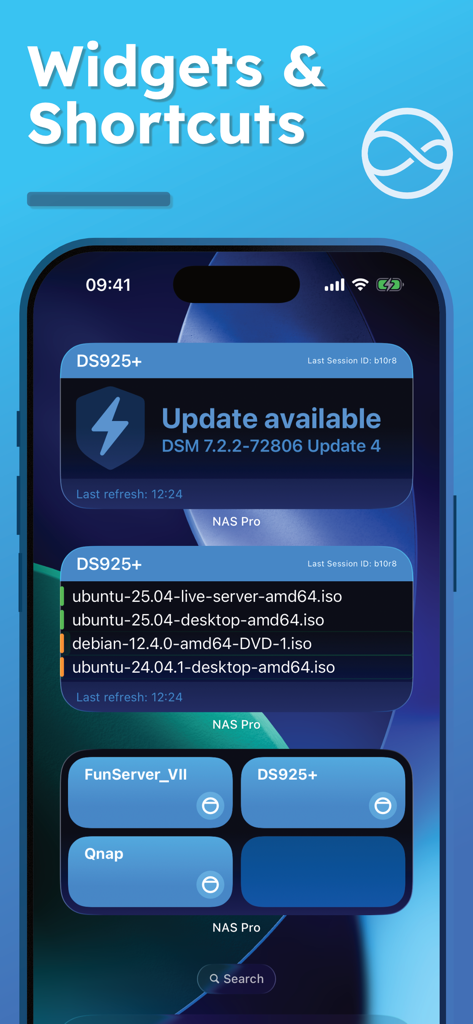
iPhone home screen displaying NAS Pro widgets for server updates and shortcuts
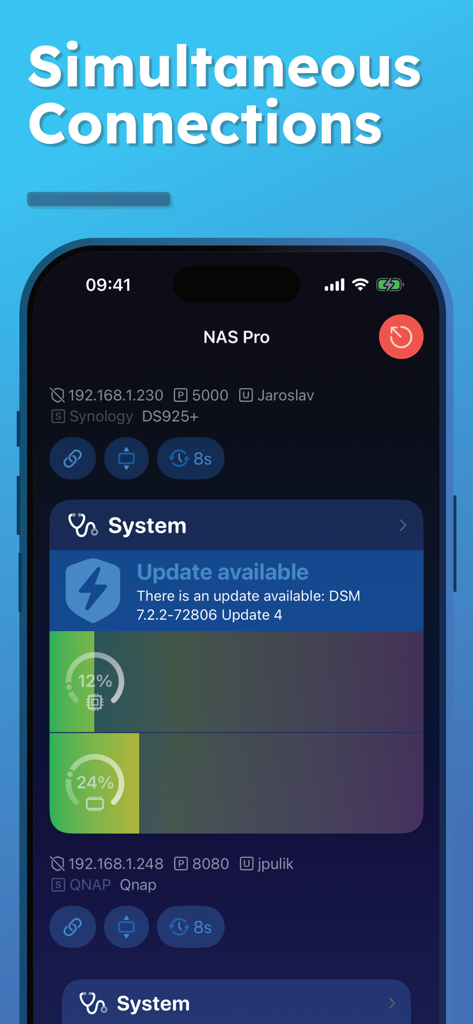
NAS Pro mobile dashboard displaying simultaneous monitoring of Synology and QNAP servers with real-time CPU and RAM usage
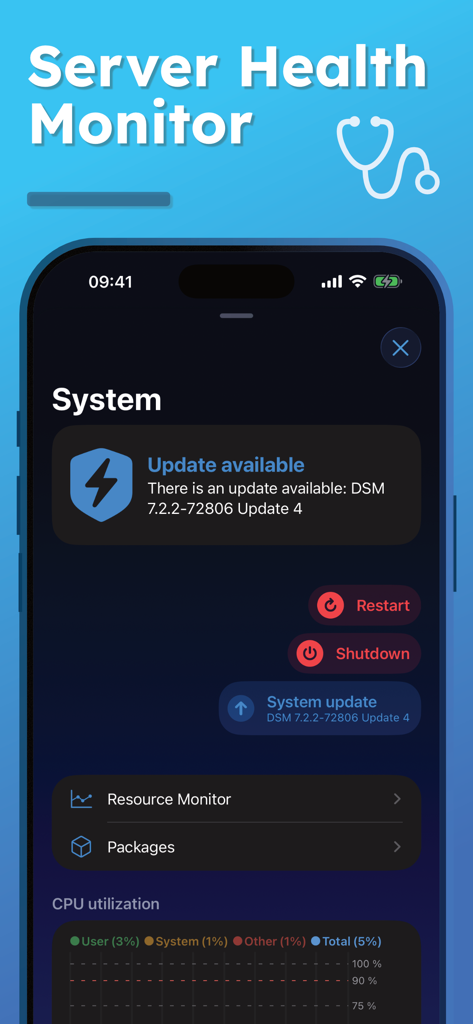
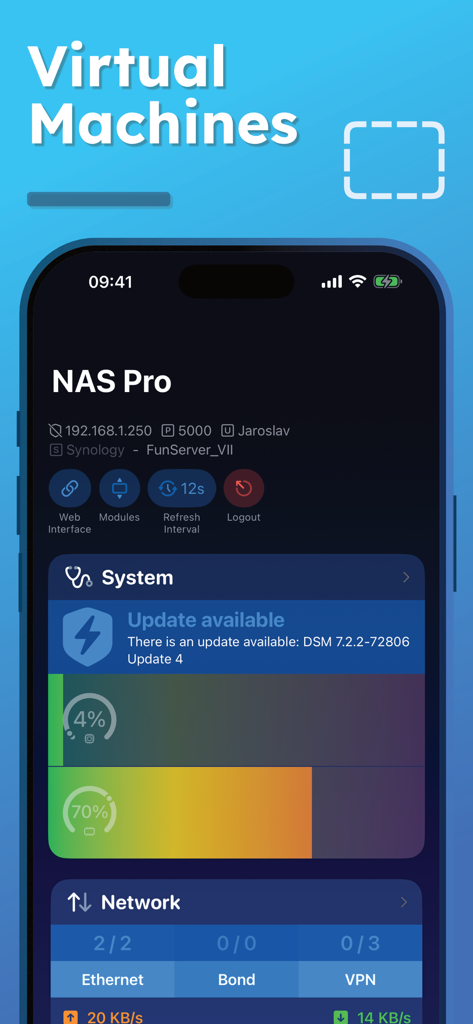
NAS Pro mobile app dashboard displaying server health status and system update notification
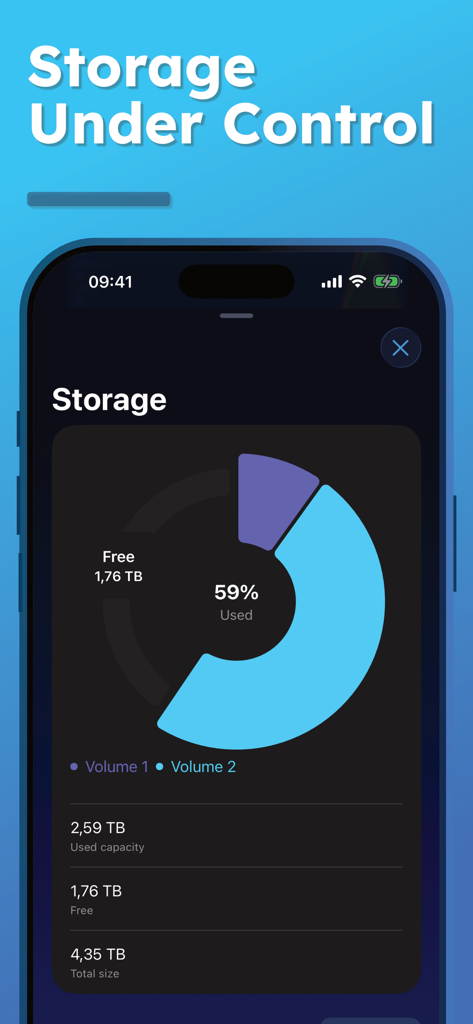
NAS Pro app interface displaying storage capacity and usage statistics for a server
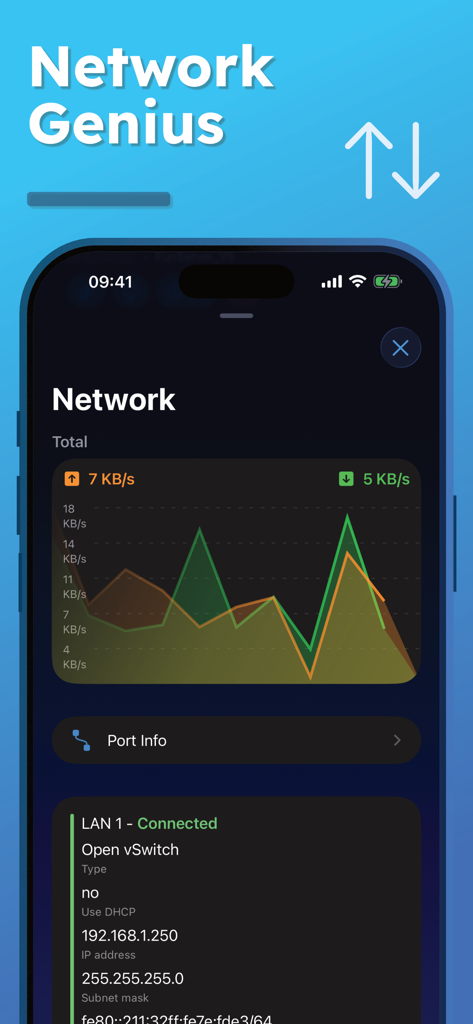
Real-time network traffic graphs and LAN connection details in the NAS Pro app.
NAS Pro app dashboard on iPhone showing system health and network monitoring for a Synology server
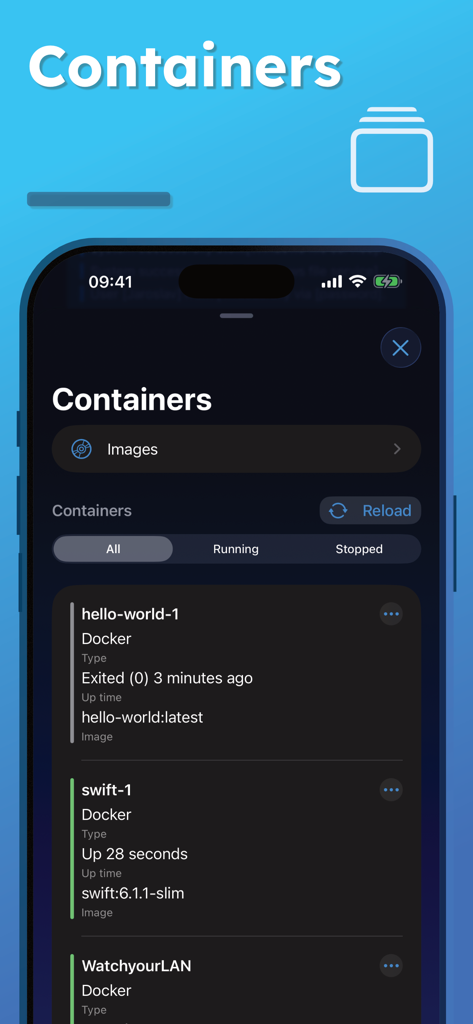
Interface of the NAS Pro app displaying Docker container status and management options on a smartphone
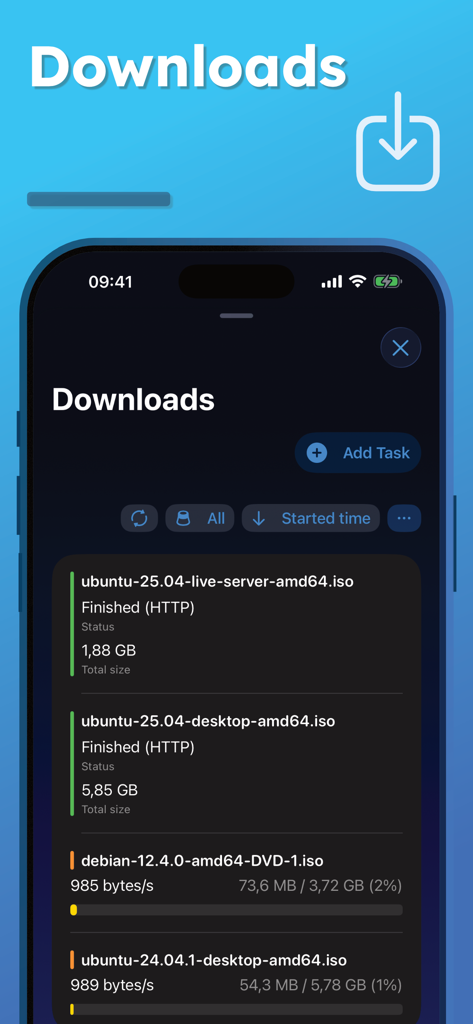
NAS Pro mobile app interface showing download management for server files and ISO downloads
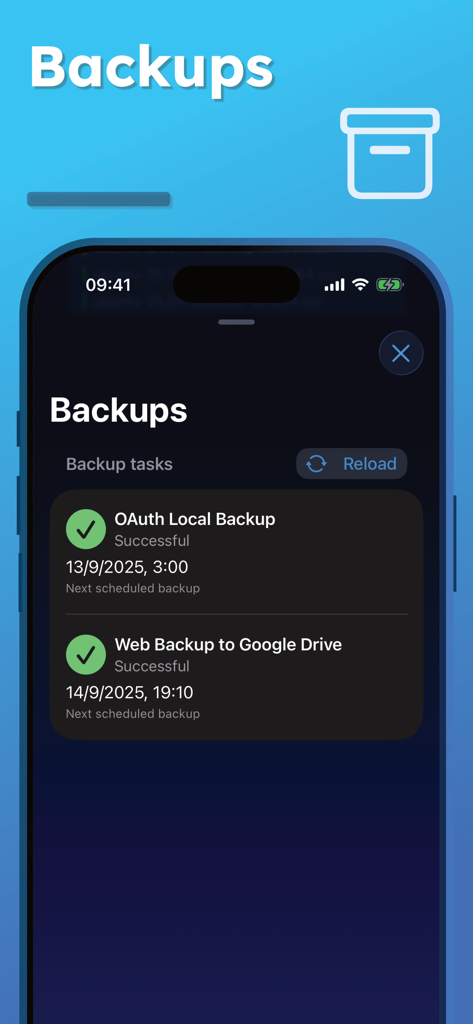
NAS Pro mobile app interface showing a list of successful server backup tasks and schedules
Your Professional NAS Command Center
The tools that make this app stand out, trusted by 22K+ users.
🖥️
Unified Remote Management
Monitor system health, network traffic, and resource usage in real-time. Perform critical actions like remote restarts or shutdowns from your iPhone, iPad, or Mac.
📦
Docker & VM Orchestration
The ultimate tool for homelabbers. Manage your containers and virtual machines on the go with deep visibility into per-instance CPU and RAM utilization.
🛡️
Data Integrity & Security
Stay ahead of hardware issues with S.M.A.R.T. disk tests, UPS status tracking, and granular user session management for total data sovereignty and peace of mind.
About the app
Everything you need to know about NAS Pro.
Description
NAS Pro is a powerful NAS management and monitoring app that lets you control your Synology (DSM), QNAP, or TrueNAS server from anywhere. Monitor system health, storage, network activity, containers, virtual machines, backups, and downloads — all in one professional-grade mobile app.
Whether you manage a home NAS, private cloud, or business server, NAS Pro gives you remote access, real-time monitoring, and administrative control directly from your iPhone, iPad or Mac.
With support for Wake on LAN, Widgets, and Siri Shortcuts, you stay in control of your NAS anytime, anywhere.
Key Features**:
System Monitoring & Control:
* View system health at a glance
* Restart or shut down your NAS remotely
* Real-time CPU and RAM usage monitoring
* Start or stop installed packages
* Update Server
* UPS status: mode, battery level, and estimated runtime
Network Management:
* Real-time network traffic overview
* Connect or disconnect VPN interfaces
* Manage connected users (with option to terminate sessions)
* Detailed interface information
Storage Management:
* View all storage pools, volumes, and disks
* Run S.M.A.R.T. tests on disks
* Detailed external storage information (partitions and capacity)
* Eject external storage safely
Containers (Docker):
* See all containers with image names, uptime and utilization
* Real-time CPU and RAM usage per container
* Filter by status (running, stopped)
* Perform actions: start, stop, restart, force stop, clear
* Remove unused Images
Virtual Machines:
* List and monitor all virtual machines
* View utilization, network, and storage details
* Start, stop, or force stop virtual machines
* Filter by state (running, stopped)
Backups:
* View all backup tasks with status and details
* Browse backup versions
* Start or stop individual backup tasks
Downloads:
* Manage all download tasks in one place
* Create and edit download jobs
* Filter by task state (running, finished, paused)
* Pause, resume, or delete downloads
Logs:
* Browse the latest logs with color-coded severity
* Filter by log level (warnings, errors, etc.)
* Clear all logs in one tap
* Copy log messages to clipboard
Tasks:
* View all tasks and events
* Filter by status (enabled, disabled)
* Check “Run results” for selected tasks
* Perform actions: enable, disable, run, delete
Users & Groups:
* Manage users and groups
* Create, enable, disable, or delete accounts
* Adjust group memberships
** Functionality and available modules may vary based on your NAS.
Supported systems:
* Synology DSM 6.0 and above
* Qnap QTS 5.0 and above
* TrueNAS 24 and 25.
--
Terms of Use: https://ezv-software.com/nas-pro/terms/
Privacy Policy: https://ezv-software.com/nas-pro/privacy/
Latest Version
10.1.0
Size
74.9 MB
First Released
Jul 14, 2019
Take Full Command of Your Private Cloud
Join over 22,000 power users and IT professionals who manage Synology, QNAP, and TrueNAS servers with the most advanced, unified mobile dashboard on the App Store.
App information, icons, screenshots, and descriptions displayed on this page are sourced from the Apple App Store and are the property of their respective developers. Download estimates and rankings are based on MWM's proprietary models and may not reflect actual figures. This page is provided for informational and analytical purposes only.
Believe this page infringes your intellectual property? File a dispute