
This page is not an official page of the app or its developer, but an independent editorial publication created for informational and commentary purposes. Unless expressly stated otherwise, neither the app nor its developer is affiliated with, endorsed by, sponsored by, authorized by, or otherwise officially connected with MWM, Apple, Google Play, the app publisher, or the app's developer, and nothing on this page implies that the app was developed using MWM's services. Any trademarks, logos, screenshots, and other content remain the property of their respective owners.


네이버 블로그 - Naver Blog
The ultimate space for the Korean community in the USA. Document your American journey through detailed journals and trending 'Clips' while staying connected with neighbors everywhere.
Downloads
4M+User Rating
Total Ratings
18K+Publisher
Category
Social NetworkingLocales
1Latest Version
6.42.1Size
240.9 MBFirst Released
Oct 15, 2009Your Korean Digital Home in the USA
Document your life abroad and connect with a community that speaks your language. Naver Blog combines deep storytelling with trendy short-form content to bridge your world.
Document Every Journey
Create rich, long-form posts with photos, videos, and maps. Perfect for archiving your life in America and saving drafts even when you are offline.
Connect with Your Neighbors
Find a trusted community of Koreans nearby. Share real reviews, exchange local advice, and stay updated with real-time push notifications from your favorite blogs.
Frequently Asked Questions
Everything you need to know about 네이버 블로그 - Naver Blog
What is the Naver Blog app?
The Naver Blog app for iPhone and iPod touch allows users to publish posts, check blog status, view neighbor updates, and interact with other bloggers. It supports sharing stories with photos, videos, and location information.
Can I create and save posts offline with the Naver Blog app?
Yes, the Naver Blog app allows users to upload posts with photos or maps and save them even when offline. This ensures content creation is possible without an immediate internet connection.
How can I interact with other users on the Naver Blog app?
Users can interact by checking neighbor updates, reading their latest posts, leaving short messages on their boards, and adding new bloggers as neighbors. The app also supports accepting neighbor requests.
Does the Naver Blog app provide push notifications for blog activities?
Yes, the Naver Blog app provides push notifications for various activities. These include updates on comments, greetings from others, and mutual neighbor requests, keeping users informed in real-time.
Can I create short-form videos with the Naver Blog app?
Yes, the Naver Blog app includes a feature to create new short-form video content called "Clip" for a blog. This allows users to share dynamic visual stories.
How can I search for content within the Naver Blog app?
The Naver Blog app allows users to search for specific posts within individual blogs. It also features a general search interface to discover new trends and content from other bloggers.
Where can I find customer support for the Naver Blog app?
Users can access the Naver Customer Center for inquiries or problems. The official support website is m.help.naver.com/mail.nhn, or they can email navercc@naver.com for direct assistance.
The following screenshots and description are sourced directly from the app's official store listing and are the property of the app developer.
App Store
Screenshots
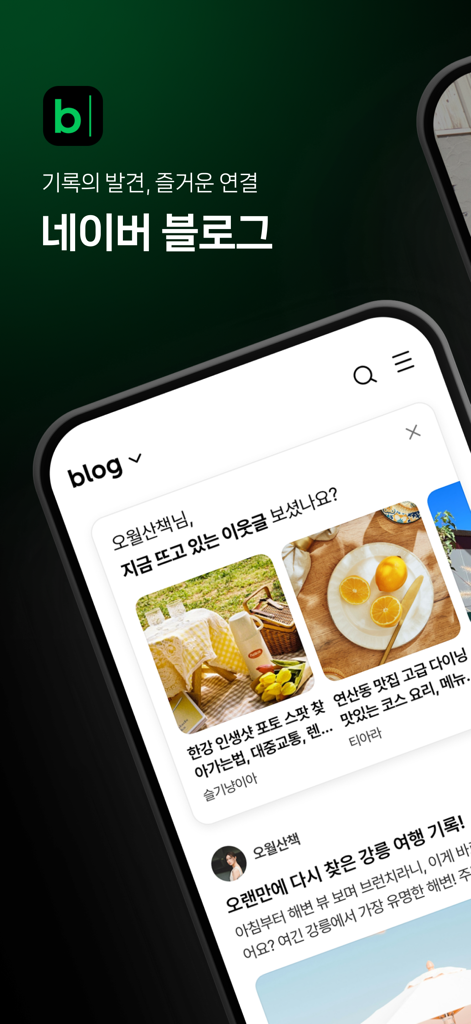
Naver Blog mobile app interface displaying lifestyle content and Korean text
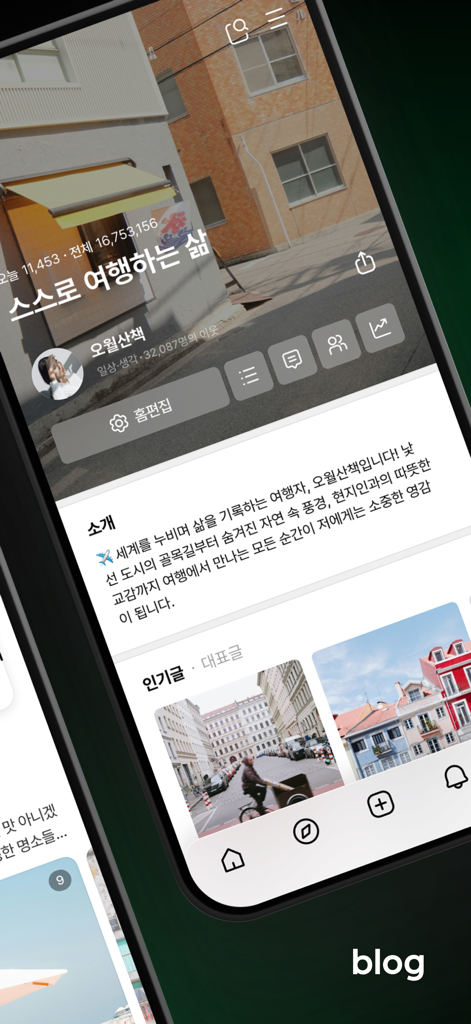
Mobile interface of a Naver Blog profile page displaying travel content and user information in Korean.
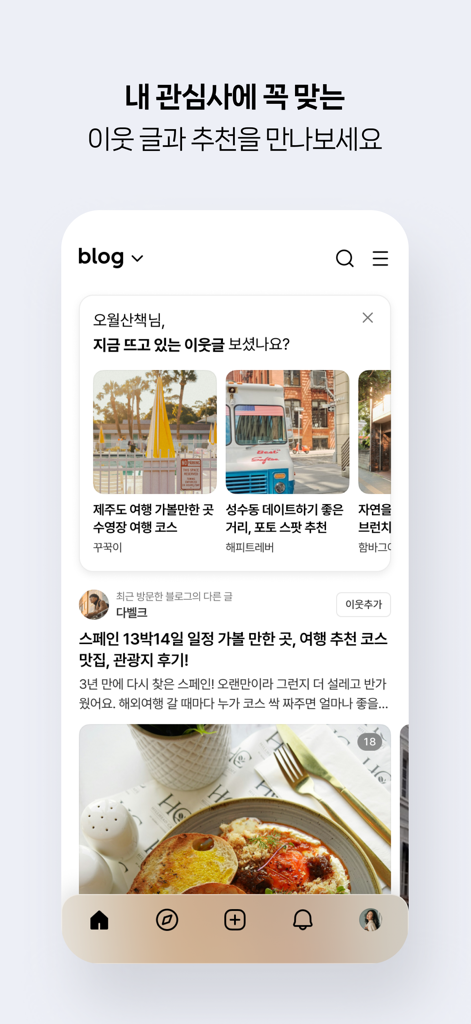
Naver Blog mobile app interface displaying personalized content recommendations and neighbor updates.
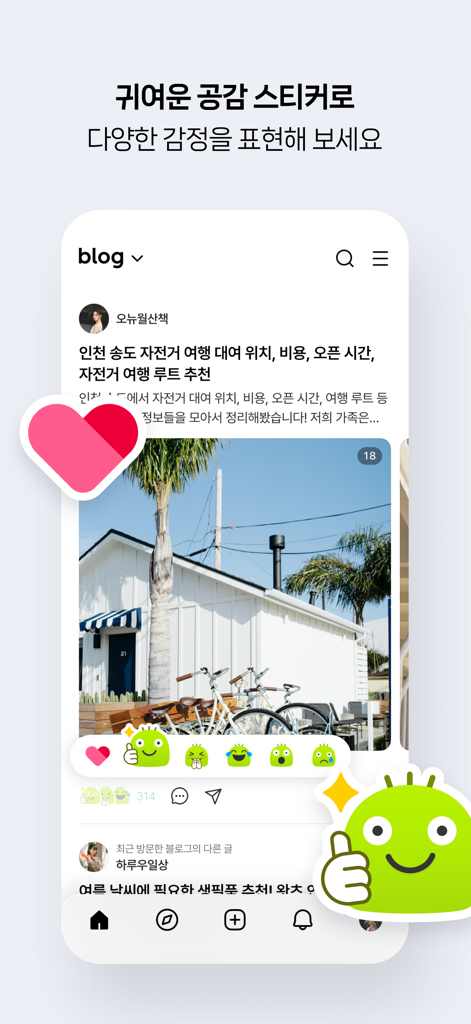
Naver Blog app interface showing cute character stickers to react to a lifestyle blog post with photos
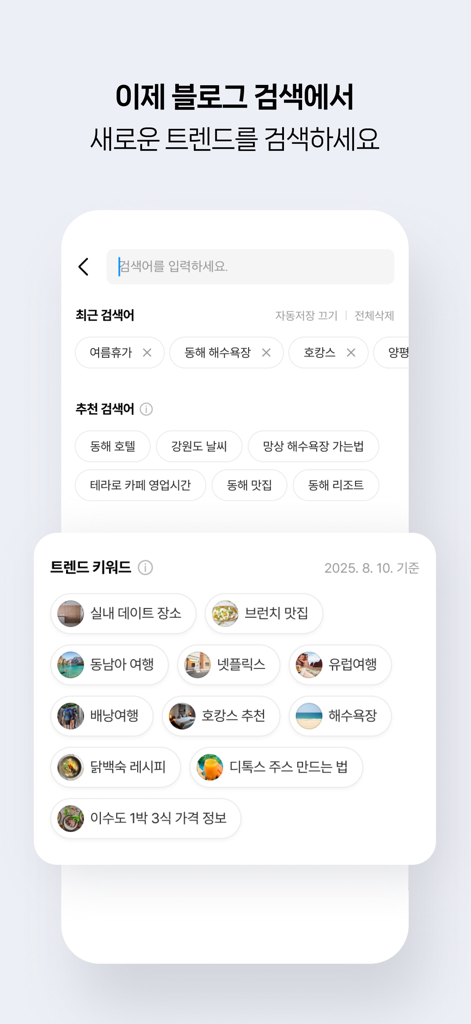
Naver Blog app search interface displaying trending keywords and recommendations in Korean
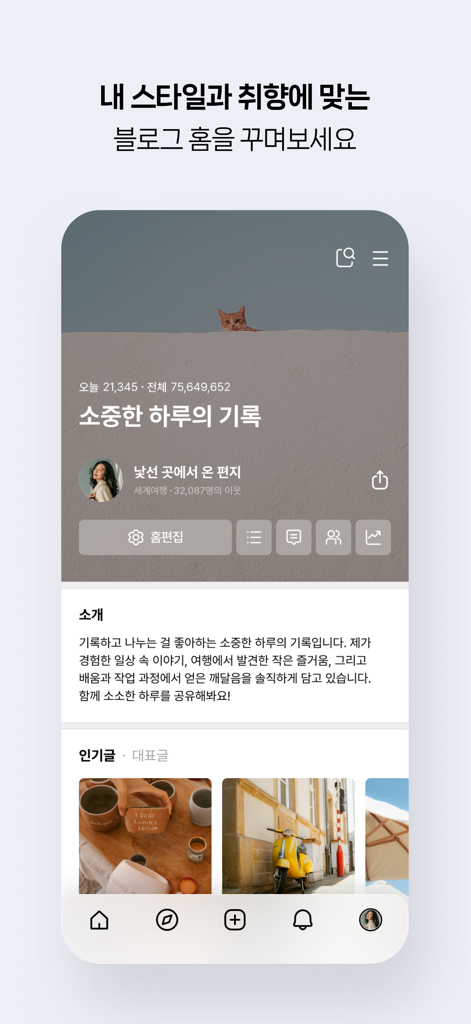
Naver Blog app home screen showing a personalized user profile with Korean text and lifestyle images
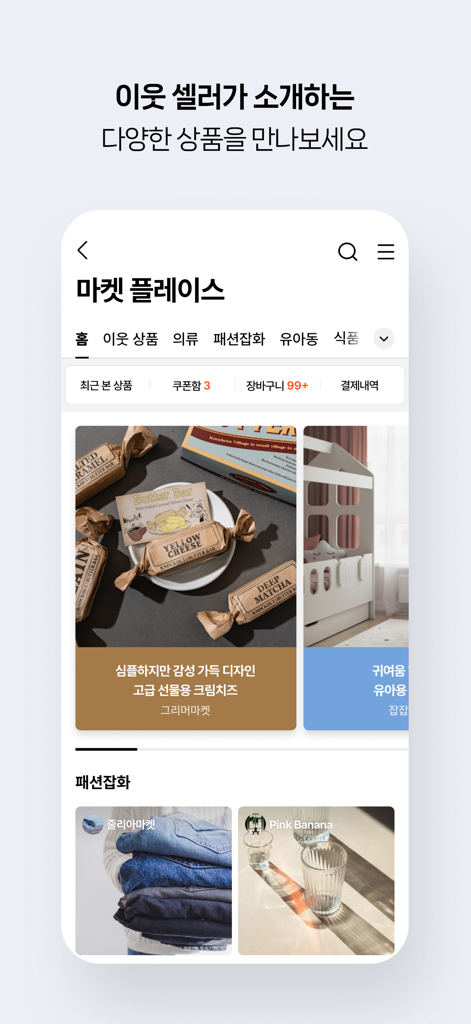
Marketplace section of Naver Blog app displaying items from community sellers
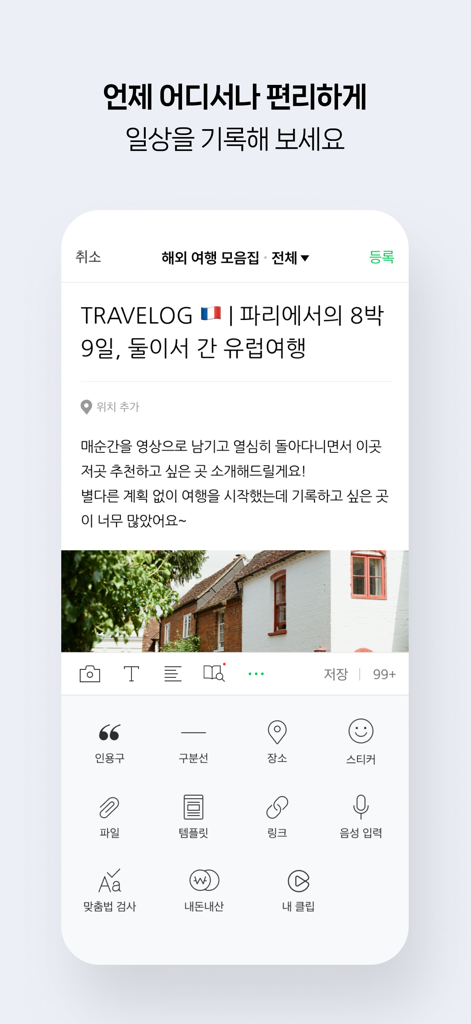
Interface of the Naver Blog app showing the creation of a travel blog post with text and images.
Description
Download
More Like This
Apps with similar features and user experience

作家助手
Shanghai Yuewen Information Technology Company Limited

Jetpack for WordPress
Automattic, Inc.

Ulysses: Writing App
Ulysses GmbH & Co. KG

iA Writer
Information Architects AG

WordPress – Website Builder
Automattic, Inc.
BlogTouch for Blogger
Denk Alexandru

秀米XIUMI
Xiurui Information Technology Shanghai Co., Ltd.
This page is not an official page of the app or its developer, but an independent editorial publication created for informational and commentary purposes. Unless expressly stated otherwise, neither the app nor its developer is affiliated with, endorsed by, sponsored by, authorized by, or otherwise officially connected with MWM, Apple, Google Play, the app publisher, or the app's developer, and nothing on this page implies that the app was developed using MWM's services. Any trademarks, logos, screenshots, and other content remain the property of their respective owners.