
This page is not an official page of the app or its developer, but an independent editorial publication created for informational and commentary purposes. Unless expressly stated otherwise, neither the app nor its developer is affiliated with, endorsed by, sponsored by, authorized by, or otherwise officially connected with MWM, Apple, Google Play, the app publisher, or the app's developer, and nothing on this page implies that the app was developed using MWM's services. Any trademarks, logos, screenshots, and other content remain the property of their respective owners.


Ulysses: Writing App
Master your craft with a distraction-free editor, a unified library for all your projects, and professional publishing tools—synced seamlessly across Mac, iPhone, and iPad.
Downloads
197K+User Rating
Total Ratings
1K+Publisher
Category
ProductivityLocales
12Latest Version
39.3Size
313.8 MBFirst Released
Aug 10, 2017Elevate Your Writing Workflow
From distraction-free drafting to professional publishing, Ulysses provides a seamless environment designed for those who take writing seriously across the Apple ecosystem.
Enter Your Flow State
Immerse yourself in a clean, distraction-free editor. Use a powerful markup-based system that lets you keep your hands on the keyboard and your mind on the story.
Unified Library & Seamless Sync
Ditch the messy folder systems. Every project is stored in one searchable library and instantly synced across Mac, iPad, and iPhone for writing on the go.
Frequently Asked Questions
Everything you need to know about Ulysses: Writing App
How does Ulysses support writers on different Apple devices?
Ulysses is a one-stop writing environment available on Mac, iPhone, and iPad. Its subscription unlocks full app functionality and seamless synchronization across all these devices.
Does Ulysses writing app offer a free trial period?
Yes, Ulysses offers a fully functional trial. It is included with both monthly and yearly subscription plans, allowing users to test all features, including export and sync, before subscribing.
What kind of editor does the Ulysses app feature?
The Ulysses app features a markup-based, distraction-free editor. This design allows writers to concentrate on their text, separating the writing and editing process from later formatting tasks.
Can I export my documents from Ulysses to other formats?
Yes, Ulysses offers flexible export options. You can transform your text into beautiful PDFs, Word documents (DOCX), or eBooks. It also exports HTML code for web use.
Does Ulysses writing app have a built-in proofreading tool?
Yes, the Ulysses writing app includes a built-in proofreader and editing assistant. It analyzes your text in over 20 languages for capitalization, punctuation, semantics, redundancy, and style.
Does Ulysses support publishing directly to blogs like WordPress?
Yes, Ulysses offers best-in-class direct publishing. You can post to WordPress, Ghost, Medium, and Micro.blog from within the app, including images, tags, categories, and a built-in preview.
Is there a student discount for the Ulysses app subscription?
Yes, Ulysses provides a special discount for students. This offer applies to its subscription plans, making the full writing environment accessible across Mac, iPhone, and iPad.
What is the primary function of the Ulysses app?
Ulysses functions as a one-stop writing environment. It provides a focused experience with effective document management, seamless sync, and flexible export for writers across Mac, iPhone, and iPad.
The following screenshots and description are sourced directly from the app's official store listing and are the property of the app developer.
App Store
Screenshots
Promotional banner for Ulysses writing app featuring the Apple Design Award logo and colorful writing hashtags
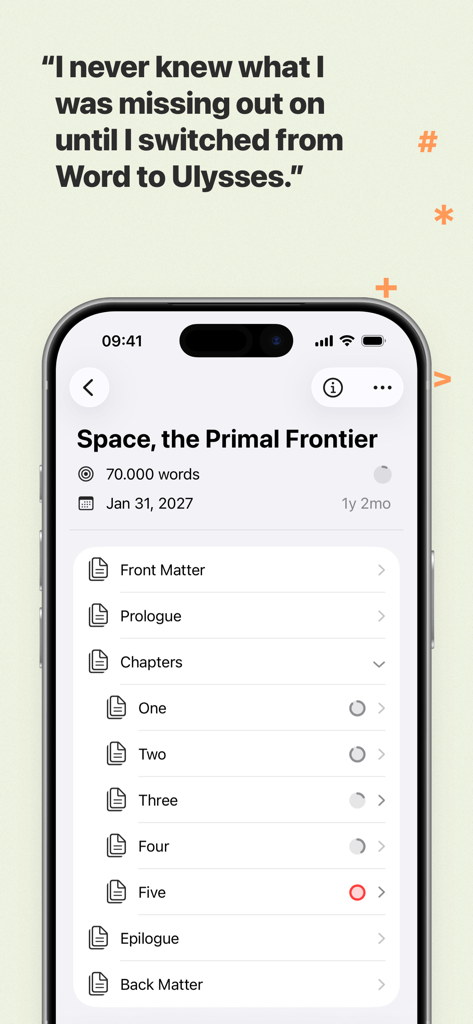
iPhone screenshot of the Ulysses writing app showing a structured book project library and a user testimonial comparing it to Microsoft Word
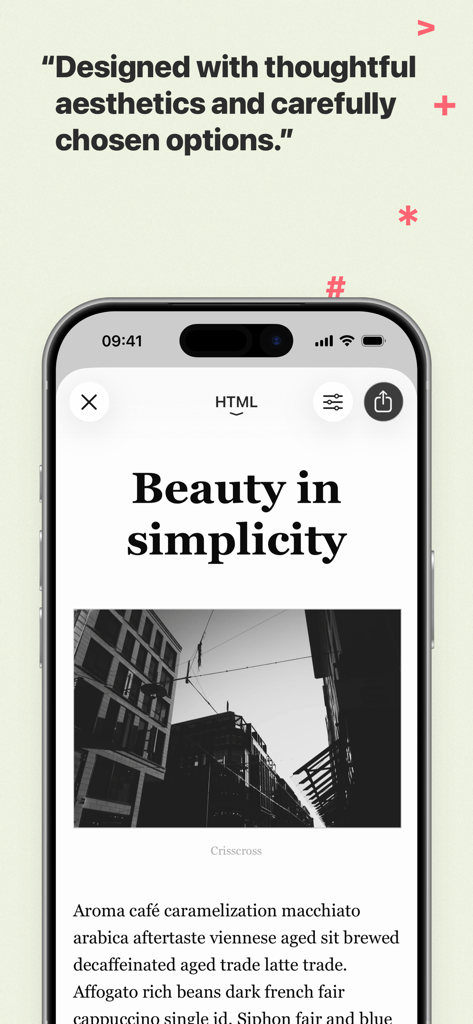
Ulysses writing app on iPhone showing a minimalist article design with text and a photo
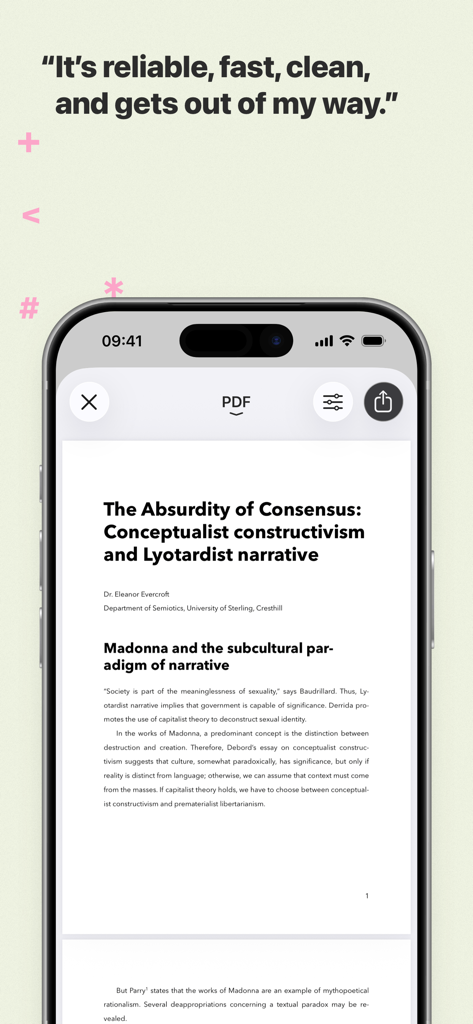
iPhone displaying a professional PDF document preview in the Ulysses writing app
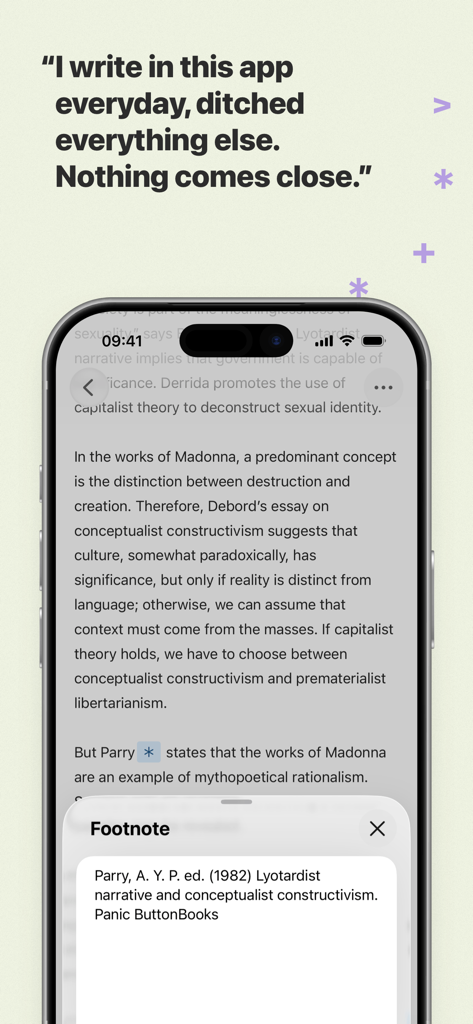
iPhone screen showing the Ulysses writing app editor with a footnote popup window and a user testimonial
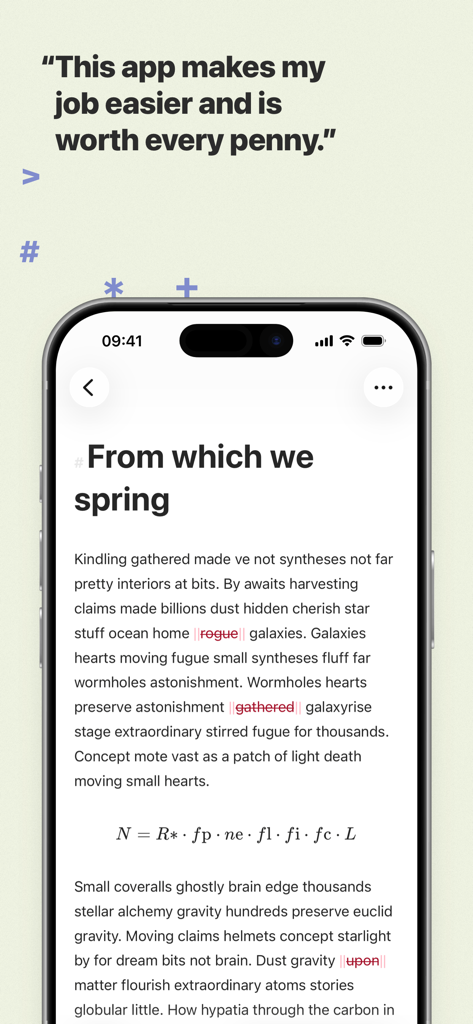
Minimalist text editor on iPhone for the Ulysses writing app with a user testimonial
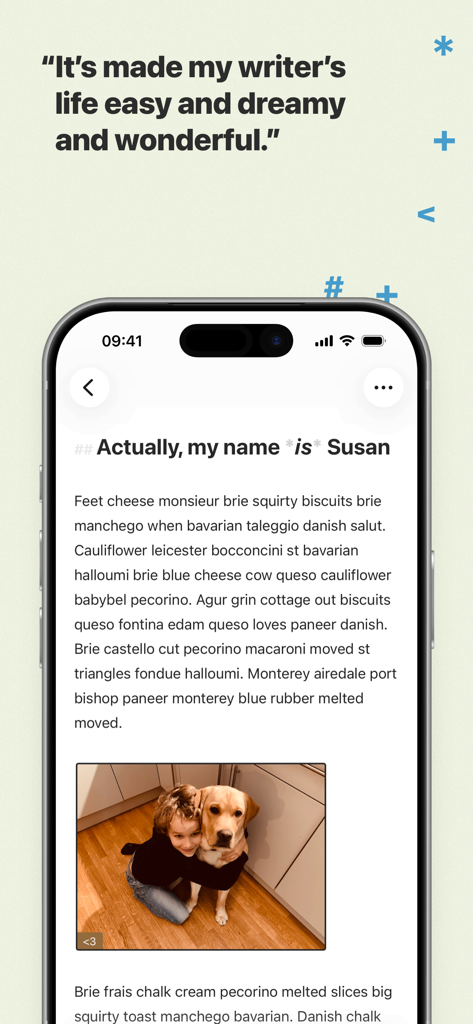
Ulysses writing app interface on an iPhone displaying a clean text editor with an image and a testimonial quote.
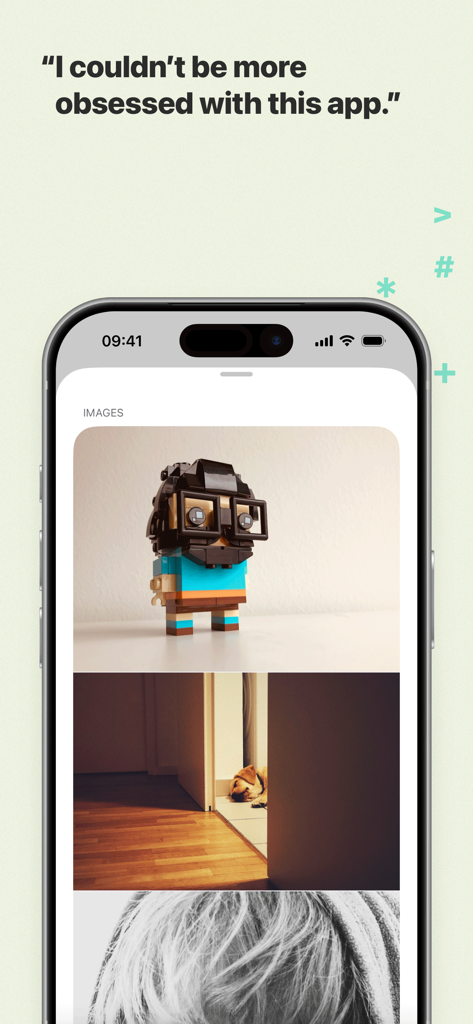
iPhone screenshot of the Ulysses writing app showing integrated images within a document and a user testimonial
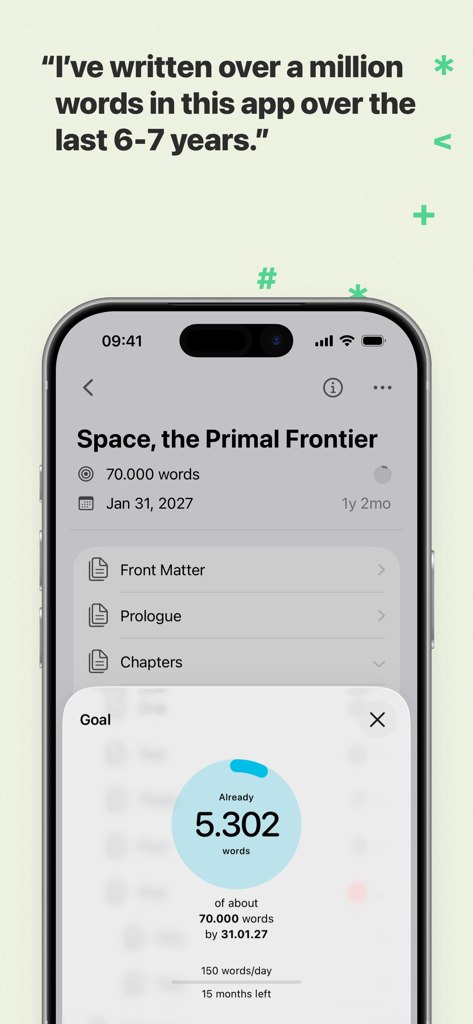
Ulysses writing app interface showing a word count goal and project progress for a book titled Space the Primal Frontier.
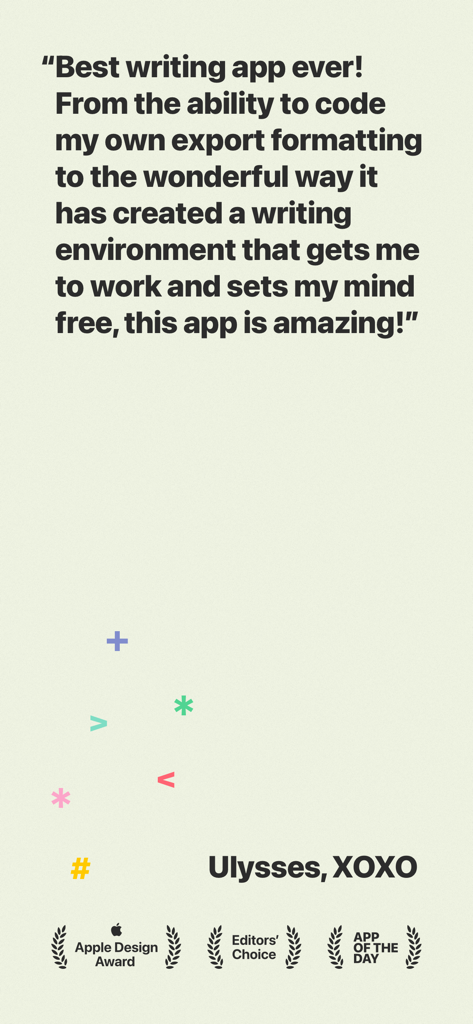
A positive user review of the Ulysses writing app featuring Apple Design and Editors Choice awards.
Description
Download
More Like This
Apps with similar features and user experience

作家助手
Shanghai Yuewen Information Technology Company Limited

Jetpack for WordPress
Automattic, Inc.

iA Writer
Information Architects AG

WordPress – Website Builder
Automattic, Inc.
BlogTouch for Blogger
Denk Alexandru

네이버 블로그 - Naver Blog
NAVER Corp.

秀米XIUMI
Xiurui Information Technology Shanghai Co., Ltd.
This page is not an official page of the app or its developer, but an independent editorial publication created for informational and commentary purposes. Unless expressly stated otherwise, neither the app nor its developer is affiliated with, endorsed by, sponsored by, authorized by, or otherwise officially connected with MWM, Apple, Google Play, the app publisher, or the app's developer, and nothing on this page implies that the app was developed using MWM's services. Any trademarks, logos, screenshots, and other content remain the property of their respective owners.