
This page is not an official page of the app or its developer, but an independent editorial publication created for informational and commentary purposes. Unless expressly stated otherwise, neither the app nor its developer is affiliated with, endorsed by, sponsored by, authorized by, or otherwise officially connected with MWM, Apple, Google Play, the app publisher, or the app's developer, and nothing on this page implies that the app was developed using MWM's services. Any trademarks, logos, screenshots, and other content remain the property of their respective owners.

Nedis SmartLife
Take charge of your security, energy, and comfort from anywhere. Automate your daily routines, monitor power consumption in real-time, and enjoy seamless voice control with Alexa and Google Assistant for a truly effortless lifestyle.
Downloads
648K+User Rating
Total Ratings
2K+Publisher
Category
LifestyleLocales
17Latest Version
1.7.1Size
235.8 MBFirst Released
Aug 24, 2018Your Home, Smarter and Simpler
Take complete control of your living space with one intuitive app. From security to energy savings, Nedis SmartLife puts the power of a modern home in the palm of your hand.
Total Home Automation
Create custom routines that match your lifestyle. Set your lights to wake you up or your coffee maker to start before you even get out of bed.
Advanced Security Alerts
Stay informed no matter where you are. Receive instant push notifications from your cameras and sensors to keep your family and property safe.
Frequently Asked Questions
Everything you need to know about Nedis SmartLife
What is the Nedis SmartLife app?
The Nedis SmartLife app allows users to control and monitor home appliances and devices from their smartphone or tablet. It manages smart lights, plugs, thermostats, and cameras from anywhere.
Which smart home devices are compatible with Nedis SmartLife?
The Nedis SmartLife app supports lights, plugs, thermostats, cameras, and other Nedis SmartLife devices. It also works seamlessly with any smart home device powered by Tuya.
Can I control my Nedis SmartLife devices remotely?
Yes, the Nedis SmartLife app allows users to control their smart devices from anywhere and at any time. This includes various appliances like lights, plugs, and cameras.
Does Nedis SmartLife support voice control?
Yes, the Nedis SmartLife app supports voice control. It works with Google Assistant and Amazon Alexa, enabling users to manage their smart devices using voice commands.
How can I add new devices to the Nedis SmartLife app?
The Nedis SmartLife app allows adding devices directly to a Wi-Fi network within seconds. Devices can be added from four main categories: security, energy, health, and comfort.
Can I schedule devices with the Nedis SmartLife app?
Yes, Nedis SmartLife offers scheduling capabilities. Users can set schedules to automatically run their devices during specific times, enhancing home automation and convenience.
Does Nedis SmartLife provide energy consumption insights?
Yes, the Nedis SmartLife app provides insight into energy consumption. This feature is available as an additional, optional service for users to monitor their energy usage.
Can I create automated scenarios in the Nedis SmartLife app?
Yes, the Nedis SmartLife app allows users to create smart scenarios. Devices can automatically start or stop based on conditions like temperature, location, time, or combined product actions.
Can multiple family members control devices with Nedis SmartLife?
Yes, the Nedis SmartLife app facilitates easy sharing of controls between family members. This enables multiple users to manage smart home devices seamlessly.
Are there any optional services or subscriptions available in Nedis SmartLife?
Yes, Nedis SmartLife offers optional additional services. These include Cloud storage and Energy saving plans, available as basic or premium subscriptions.
The following screenshots and description are sourced directly from the app's official store listing and are the property of the app developer.
App Store
Screenshots
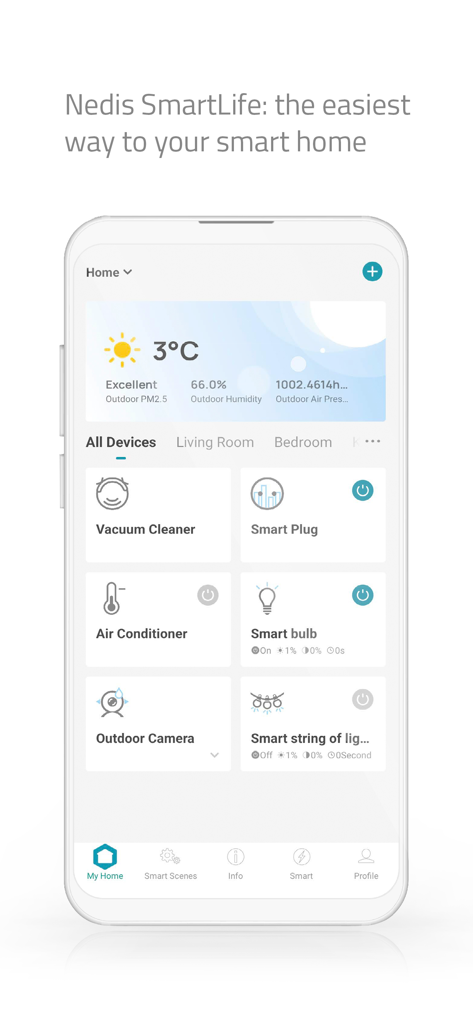
Nedis SmartLife app interface displaying smart home device controls and local weather
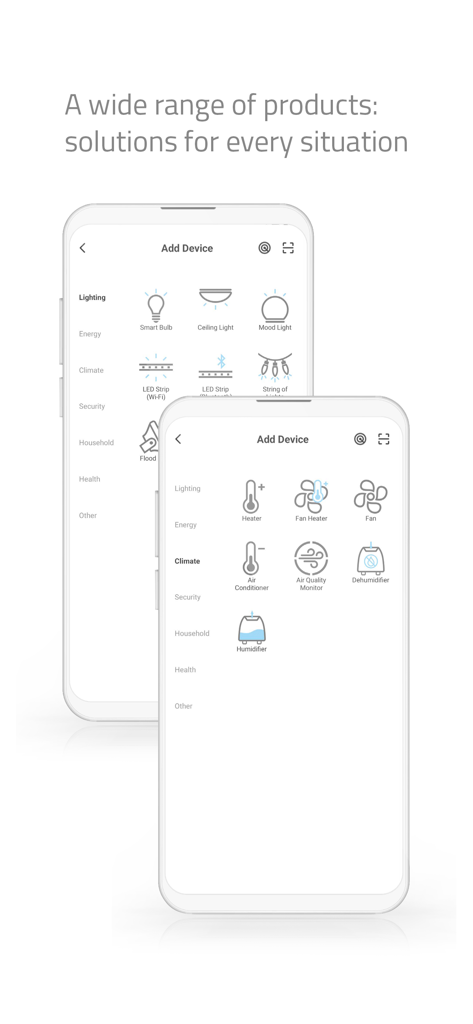
Interface of the Nedis SmartLife app displaying categories for adding new smart devices like lighting and climate control
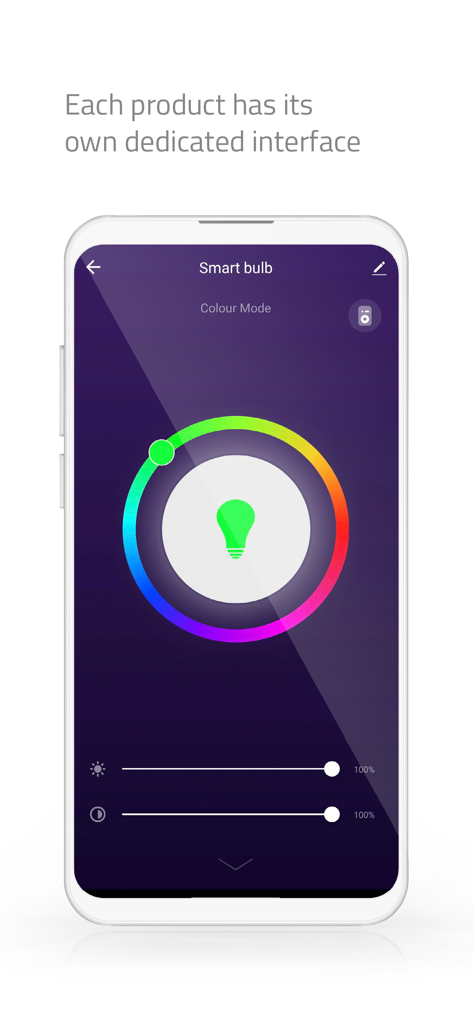
Interface of the Nedis SmartLife app showing color and brightness controls for a smart bulb.
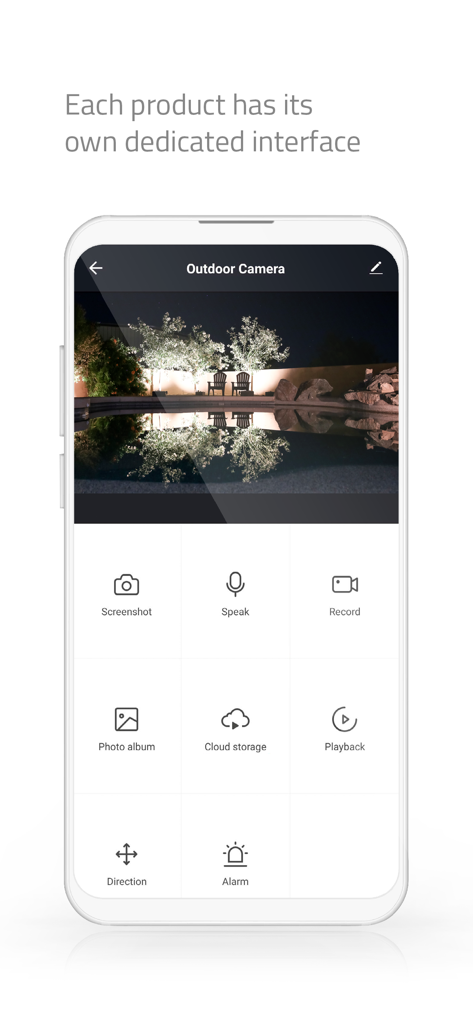
Outdoor camera interface in the Nedis SmartLife app showing night view and security controls
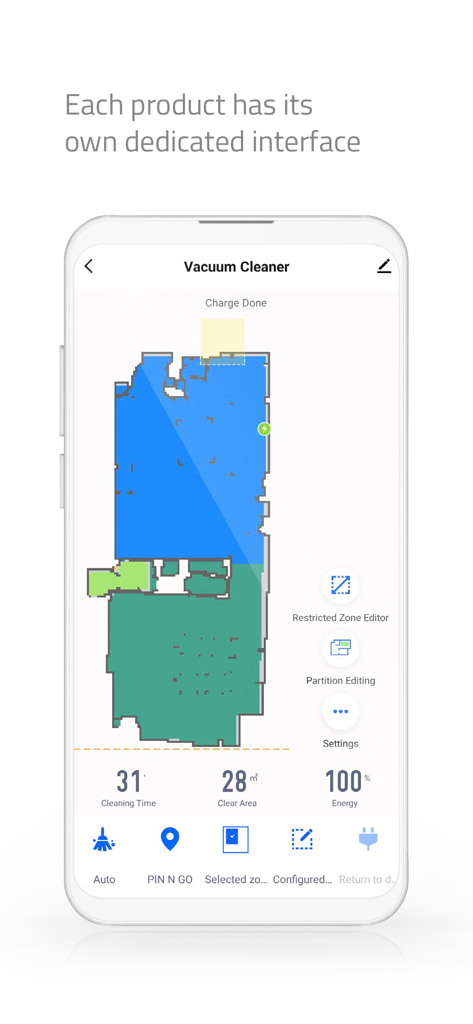
Nedis SmartLife app interface showing a robot vacuum cleaner floor plan map and cleaning statistics
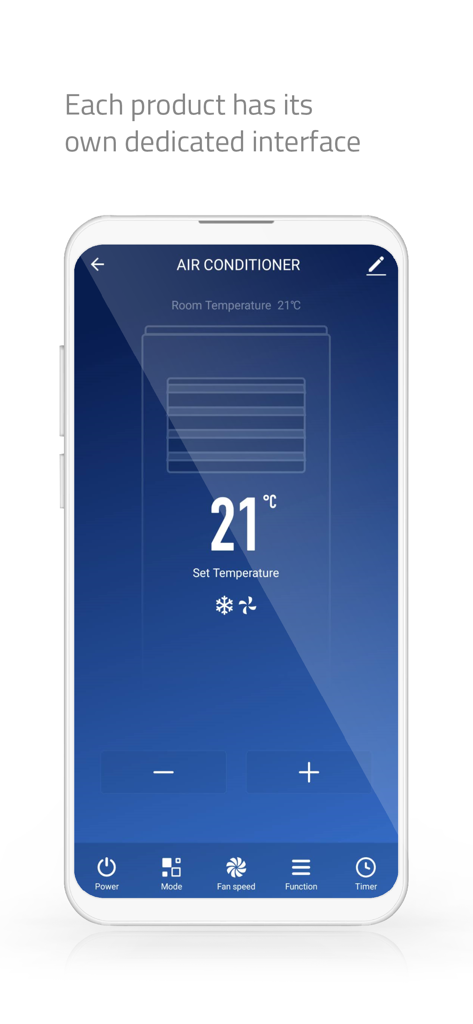
Nedis SmartLife app interface showing dedicated air conditioner temperature control on a smartphone
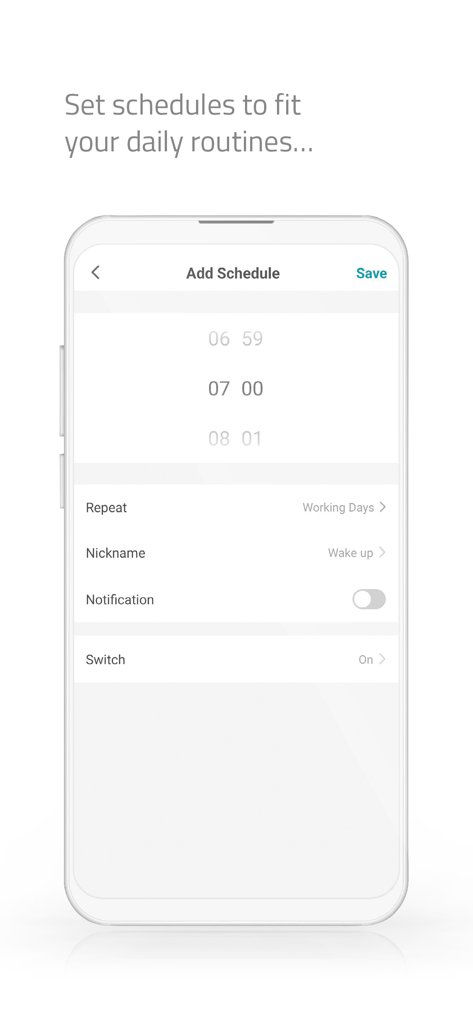
Screenshot of the Nedis SmartLife app showing the interface to set a daily routine schedule at 7 AM
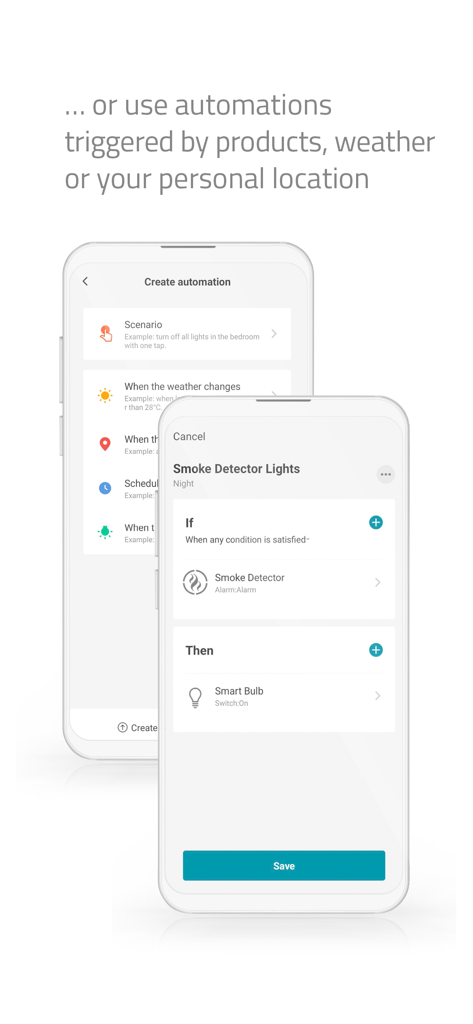
Nedis SmartLife app interface showing a smart home automation setup triggered by a smoke detector alarm.
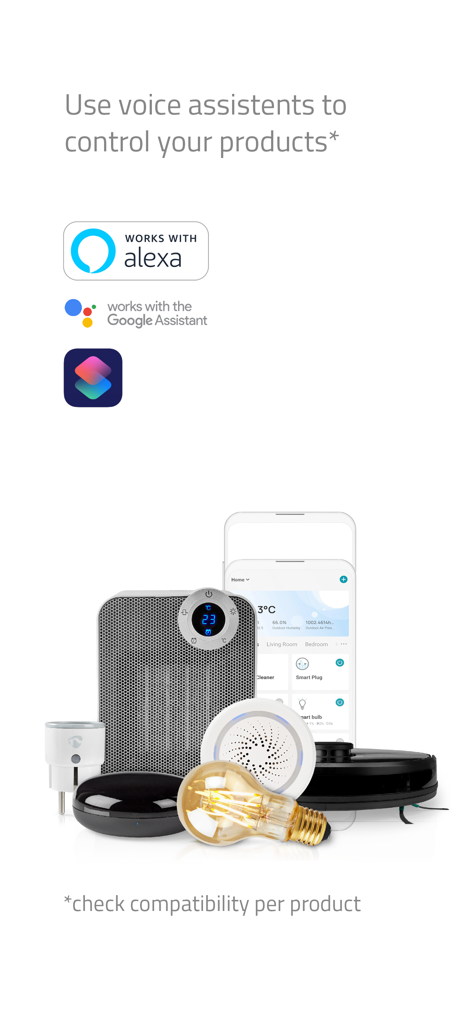
Marketing screen for Nedis SmartLife showing compatibility with Alexa, Google Assistant, and Siri to control various smart home products.
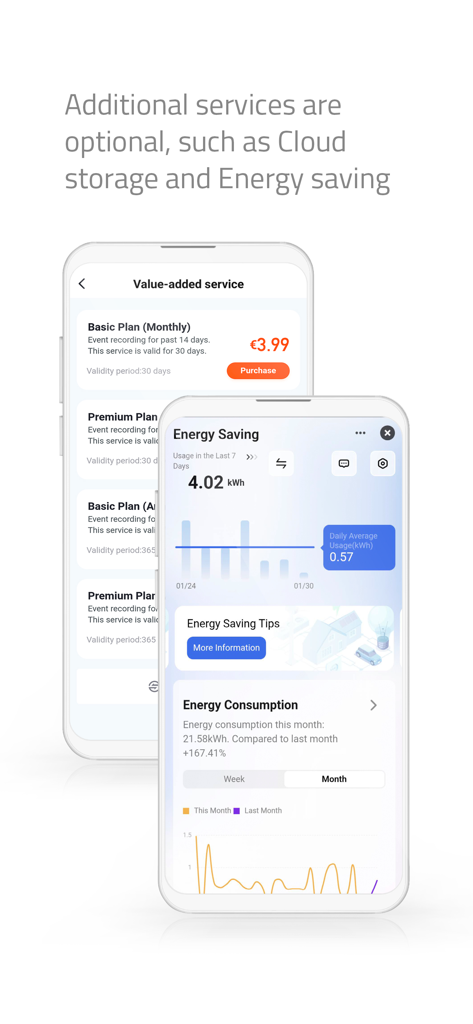
Nedis SmartLife app showing energy saving monitoring and optional cloud storage subscription plans
Description
Download
More Like This
Apps with similar features and user experience

TP-Link Tapo
TP-Link Systems Inc.

Дом с Алисой
DIRECT CURSUS COMPUTER SYSTEMS TRADING LLC

VeSync
Vesync Technology Corporation

Kasa Smart
TP-Link Systems Inc.

ecobee
ecobee Ltd.

Hubspace
Afero, Inc.

ADT Control ®
ADT LLC

First Alert by Resideo
Resideo Technologies, Inc.

Mibo Smart: Casa Inteligente
Intelbras S.A. Ind. de Telecom. Elet. Brasileira
This page is not an official page of the app or its developer, but an independent editorial publication created for informational and commentary purposes. Unless expressly stated otherwise, neither the app nor its developer is affiliated with, endorsed by, sponsored by, authorized by, or otherwise officially connected with MWM, Apple, Google Play, the app publisher, or the app's developer, and nothing on this page implies that the app was developed using MWM's services. Any trademarks, logos, screenshots, and other content remain the property of their respective owners.