
This page is not an official page of the app or its developer, but an independent editorial publication created for informational and commentary purposes. Unless expressly stated otherwise, neither the app nor its developer is affiliated with, endorsed by, sponsored by, authorized by, or otherwise officially connected with MWM, Apple, Google Play, the app publisher, or the app's developer, and nothing on this page implies that the app was developed using MWM's services. Any trademarks, logos, screenshots, and other content remain the property of their respective owners.


Network Analyzer: net tools
Take total control of your network. From discovering every connected device to troubleshooting latency with advanced ping and traceroute tools, get the professional-grade insights you need to solve connectivity issues fast.
Downloads
2M+User Rating
Total Ratings
8K+Publisher
Category
UtilitiesLocales
1Latest Version
9.0.1Size
12.6 MBFirst Released
Sep 19, 2012Take Full Control of Your Connection
From identifying intruders to pinpointing latency, Network Analyzer puts professional-grade diagnostic tools in your pocket.
Complete LAN Visibility
Instantly scan your Wi-Fi to identify all connected devices, detect intruders, and manage your smart home inventory with detailed IP and NetBIOS data.
Identify Performance Bottlenecks
Pinpoint connection failures and lag with professional-grade Ping and Traceroute tools, supporting both IPv4 and IPv6 protocols.
Frequently Asked Questions
Everything you need to know about Network Analyzer: net tools
What is Network Analyzer: net tools?
Network Analyzer: net tools is an advanced tool designed for network diagnostics, LAN scanning, and problem detection. It helps diagnose issues with Wi-Fi network setup, Internet connectivity, and remote servers.
Can Network Analyzer detect devices on my Wi-Fi network?
Yes, Network Analyzer can detect all connected network devices on your Wi-Fi LAN. It identifies their IP addresses, NetBIOS, mDNS (Bonjour), LLMNR, and DNS names.
What diagnostic tools does Network Analyzer: net tools include?
Network Analyzer: net tools includes standard diagnostic tools such as ping, traceroute, port scanner, DNS lookup, and whois. It also provides a fast Wi-Fi device discovery tool.
Does Network Analyzer support IPv6?
Yes, Network Analyzer fully supports IPv6 for various functionalities including device detection, ping, and traceroute. It identifies discovered IPv6 addresses.
How does the port scanner in Network Analyzer work?
The port scanner in Network Analyzer scans common or user-specified port ranges. It detects closed, firewalled, and open ports, and provides descriptions of known open port services.
Can Network Analyzer perform a DNS lookup?
Yes, Network Analyzer performs DNS lookups with functionality similar to nslookup or dig. It supports various record types including A, AAAA, CNAME, MX, and NS records.
What kind of network information does Network Analyzer display?
Network Analyzer displays network information such as default gateway, external IP (v4 and v6), DNS server, Wi-Fi SSID, BSSID, IP address, subnet mask, and cell network details.
Does Network Analyzer show detailed traceroute information?
Yes, Network Analyzer's traceroute feature displays the round trip delay, IP address, hostname, and country detection for every network node along the route.
The following screenshots and description are sourced directly from the app's official store listing and are the property of the app developer.
App Store
Screenshots
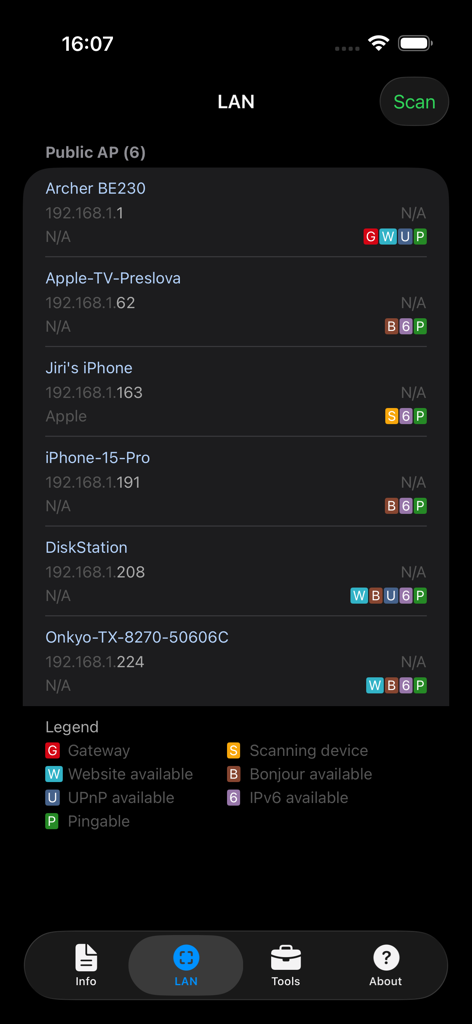
Network Analyzer app displaying a list of connected devices and IP addresses on a local network scan
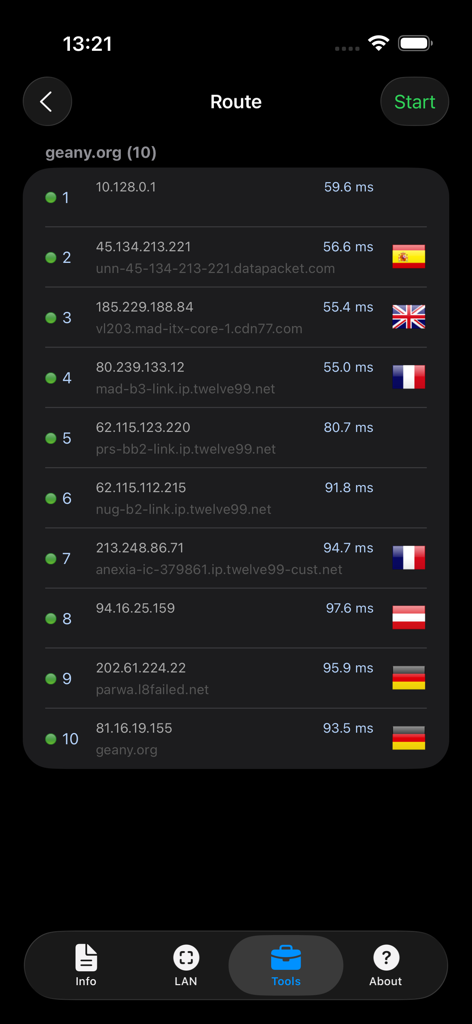
Traceroute diagnostic results showing network hops and response times for a website in the Network Analyzer app
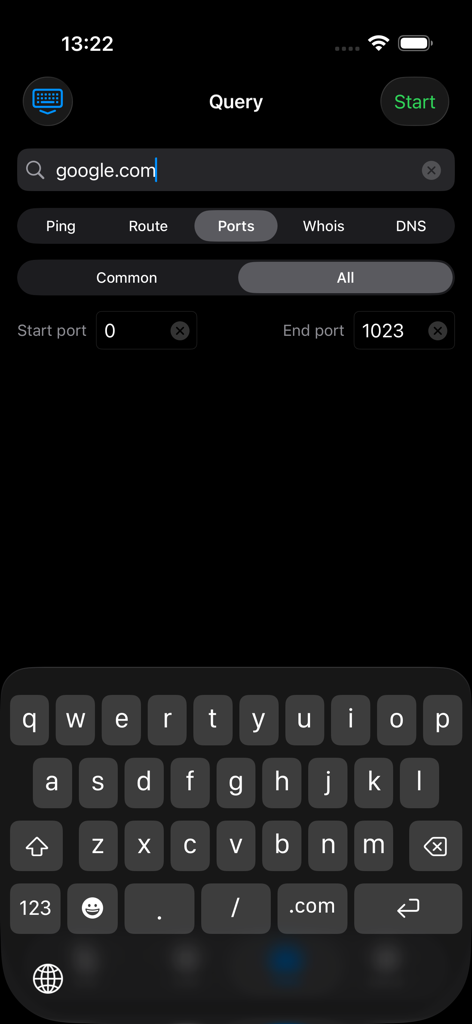
Port scanner tool in Network Analyzer app showing a query for google.com
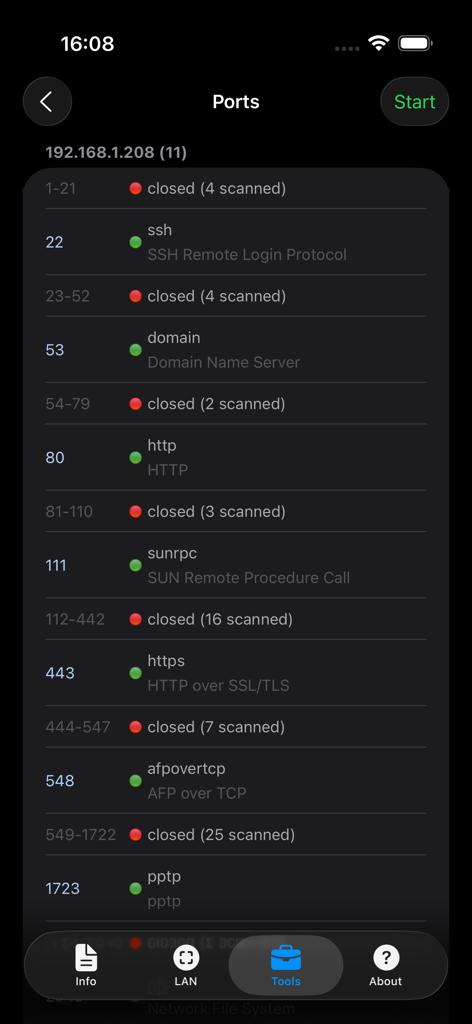
Interface of the Network Analyzer port scanner showing a list of open and closed ports on a local network device
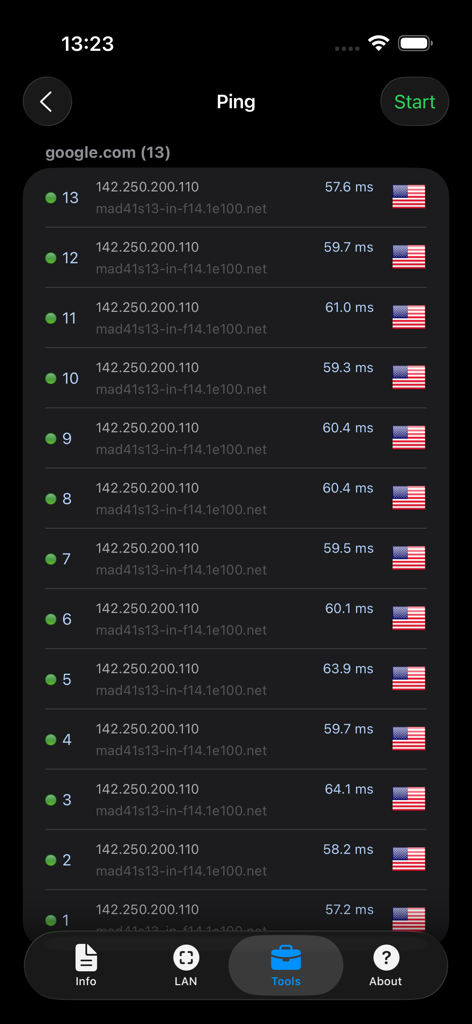
Screenshot of the Ping tool in the Network Analyzer app showing response times for google.com
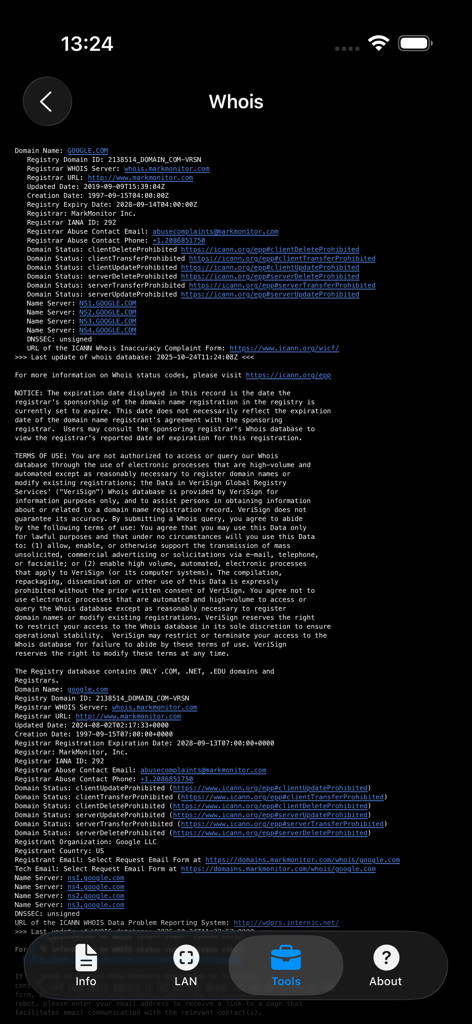
Detailed WHOIS domain registration information displayed in the Network Analyzer app
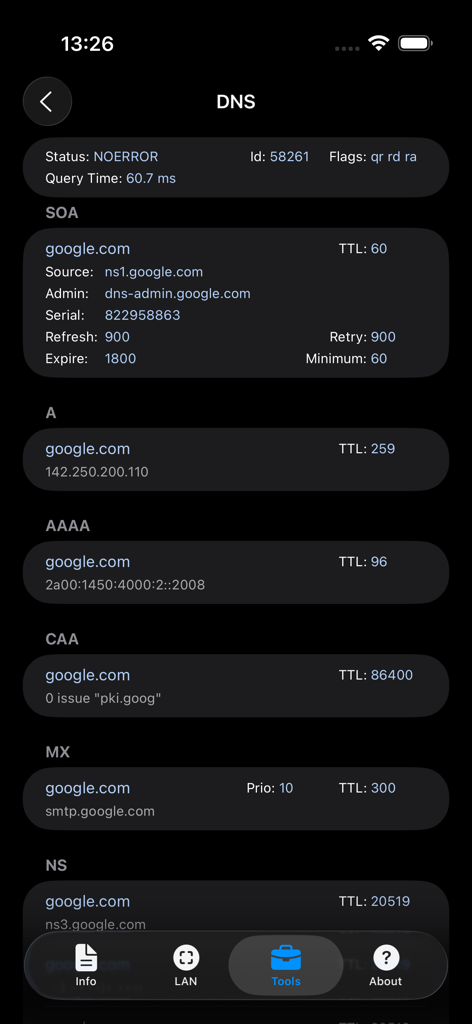
DNS lookup results for google.com in the Network Analyzer app showing various network records
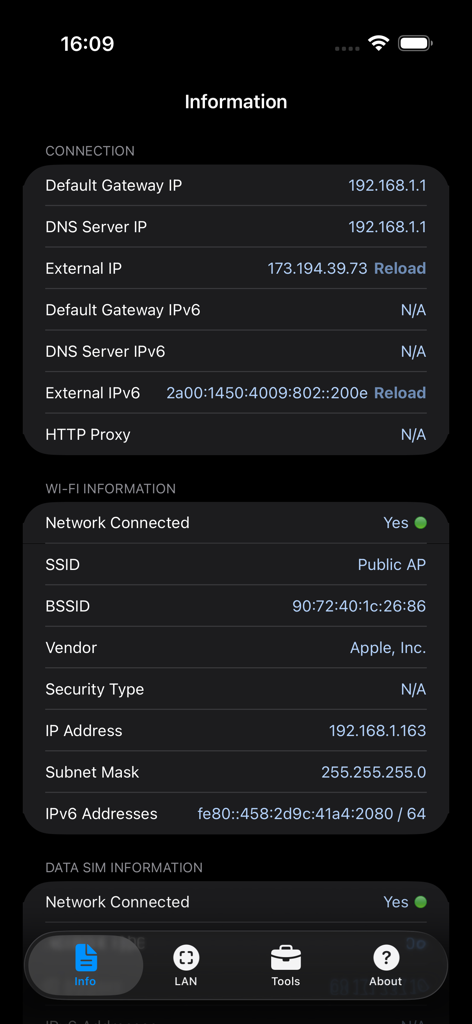
Screenshot of the network connection and Wi-Fi information screen showing IP addresses and gateway data
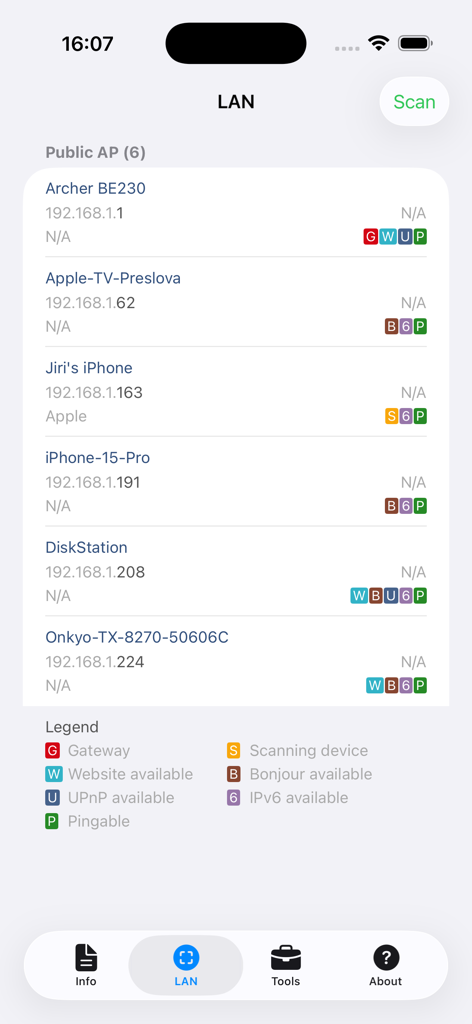
Network Analyzer app interface showing a list of devices discovered on a local area network scan
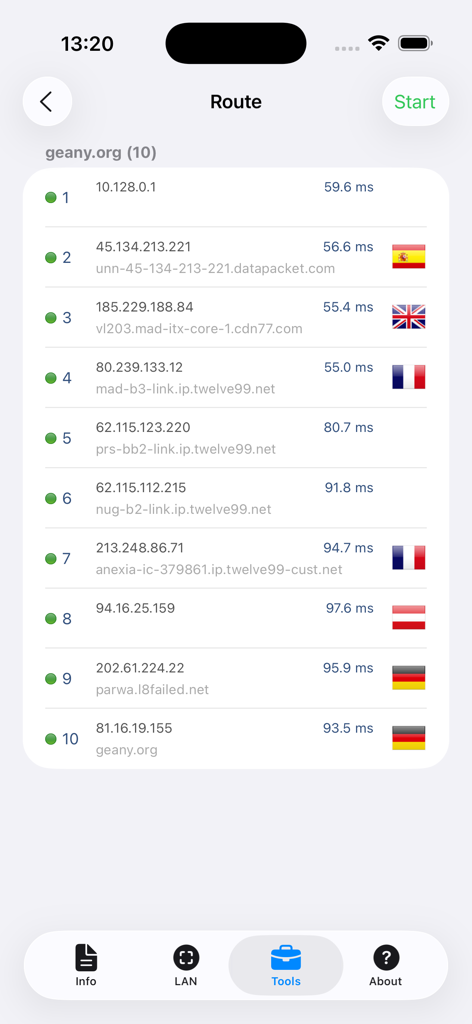
A network traceroute display showing IP addresses, hostnames, and latency for ten network hops in the app.
Description
Download
More Like This
Apps with similar features and user experience

Ubiquiti WiFiman
Ubiquiti Inc.

Fing - Network Scanner
Fing Limited

SPEED TEST MASTER: Wifi Tester
Spring Tech Co., Ltd.

Internet Speed Test Master App
Huacen Co., LTD

NetClash-Network's Vital Signs
Mattis Knutsson

Network Analyzer Pro
Jiri Techet

Speed Test - WiFi Analyzer +
方勇 侯

Ping - network utility
Iurii Mozharovskyi
wifi万能助手-万能wifi管家,wifi安全管理
荣阳 乌
This page is not an official page of the app or its developer, but an independent editorial publication created for informational and commentary purposes. Unless expressly stated otherwise, neither the app nor its developer is affiliated with, endorsed by, sponsored by, authorized by, or otherwise officially connected with MWM, Apple, Google Play, the app publisher, or the app's developer, and nothing on this page implies that the app was developed using MWM's services. Any trademarks, logos, screenshots, and other content remain the property of their respective owners.