Network Sniffer

Network Sniffer

Download on App Store
Logo of Network Sniffer

Network Sniffer: Master Your Mobile Privacy and Network Traffic

Go beyond the black box. Audit app activity with professional-grade MITM tools, rewrite requests, and monitor real-time data usage through Dynamic Island and widgets—all without leaving your device.

Publisher

CHENGDU MIAOZHI TECHNOLOGY CO., LTD.

Category

Developer Tools

Downloads

32K+

User Rating

4.6/5

Total Ratings

200

Locales

5

Visualize the Invisible

Discover the interface used by 32K+ users.
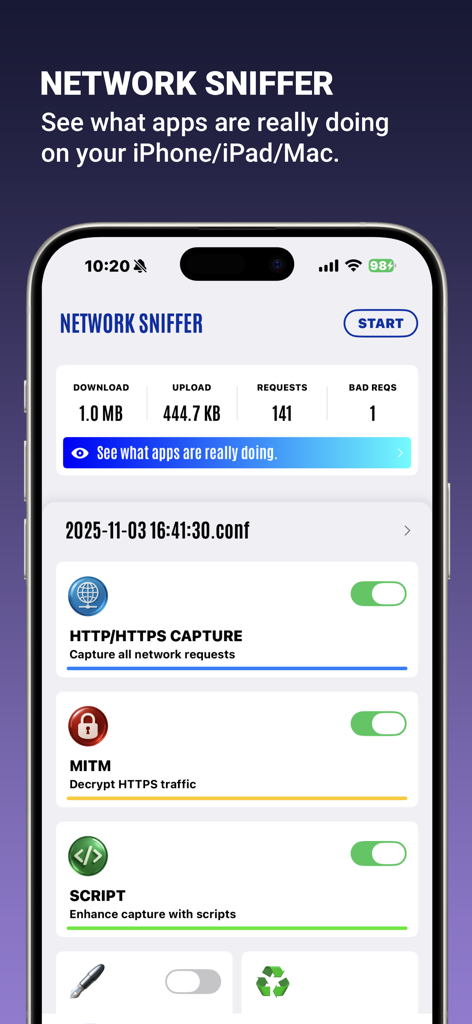
Network Sniffer app interface showing real-time network traffic stats and capture settings

Network Sniffer app interface showing real-time network traffic stats and capture settings

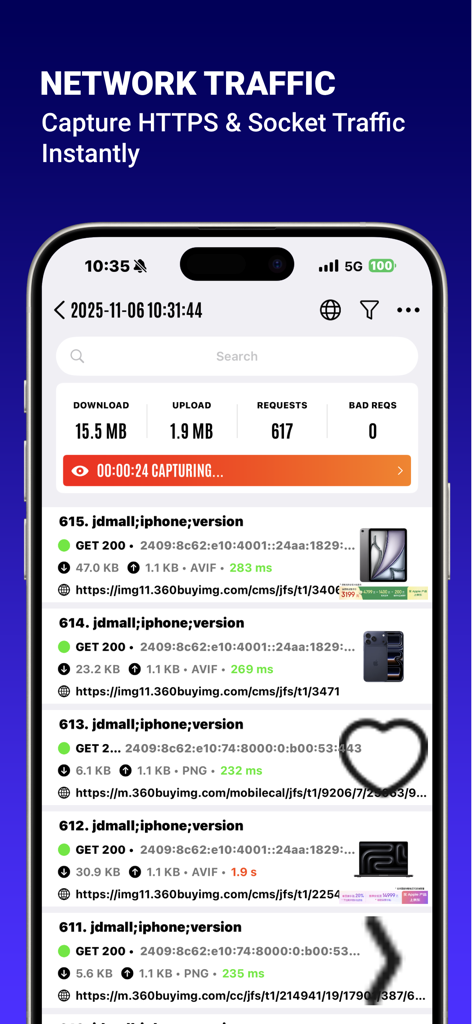
Real time network traffic monitoring and HTTPS request capture on an iPhone using Network Sniffer

Real time network traffic monitoring and HTTPS request capture on an iPhone using Network Sniffer

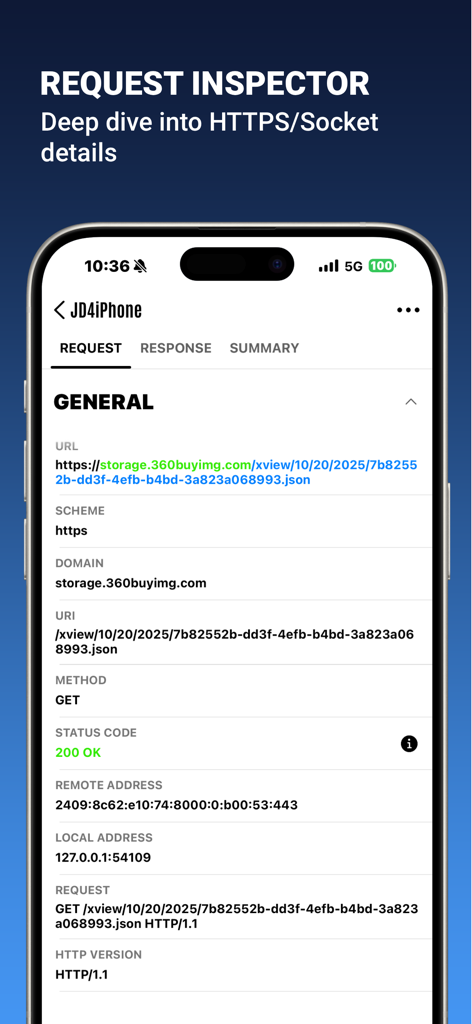
Network Sniffer app interface showing detailed HTTPS request inspection data on an iPhone

Network Sniffer app interface showing detailed HTTPS request inspection data on an iPhone

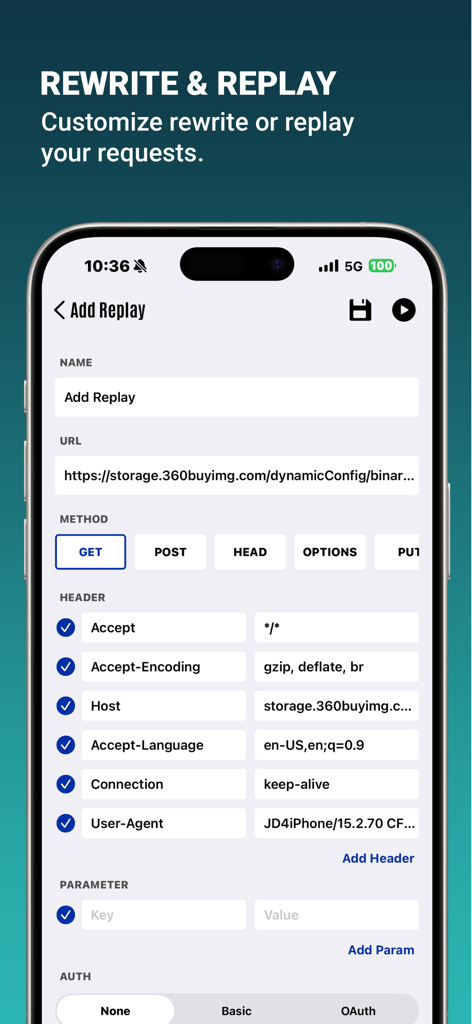
Interface of Network Sniffer app showing how to customize rewrite and replay for network requests

Interface of Network Sniffer app showing how to customize rewrite and replay for network requests

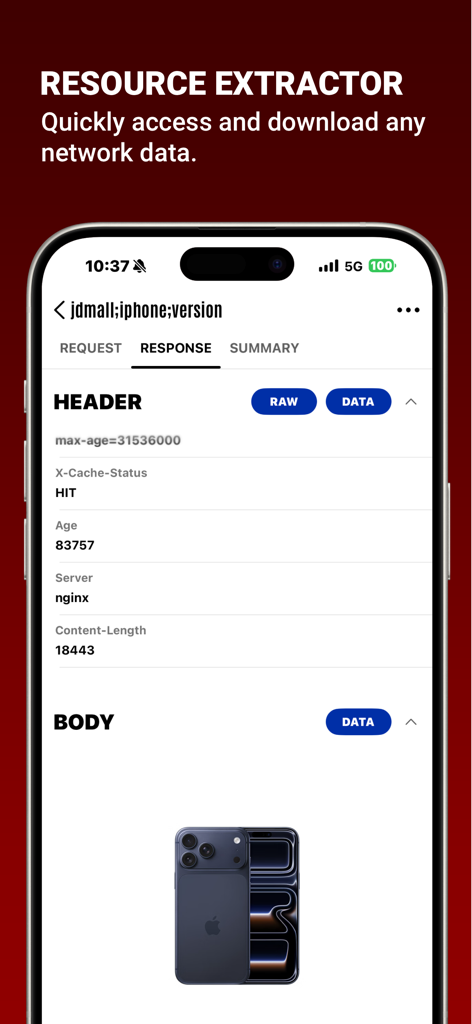
Network Sniffer mobile app interface showing network response headers and an extracted image body

Network Sniffer mobile app interface showing network response headers and an extracted image body

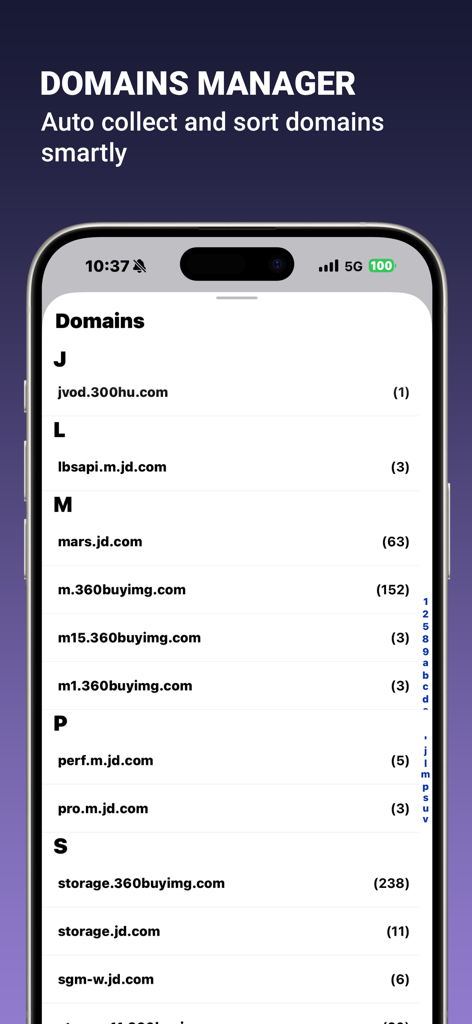
Screenshot of the Domains Manager feature in the Network Sniffer app showing an alphabetical list of captured network domains and their connection counts.

Screenshot of the Domains Manager feature in the Network Sniffer app showing an alphabetical list of captured network domains and their connection counts.

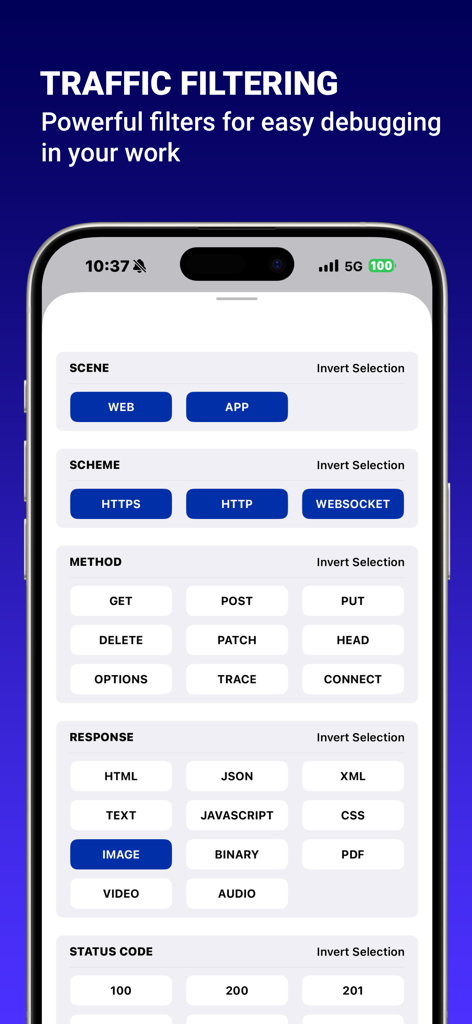
Interface showing network traffic filtering options for debugging

Interface showing network traffic filtering options for debugging

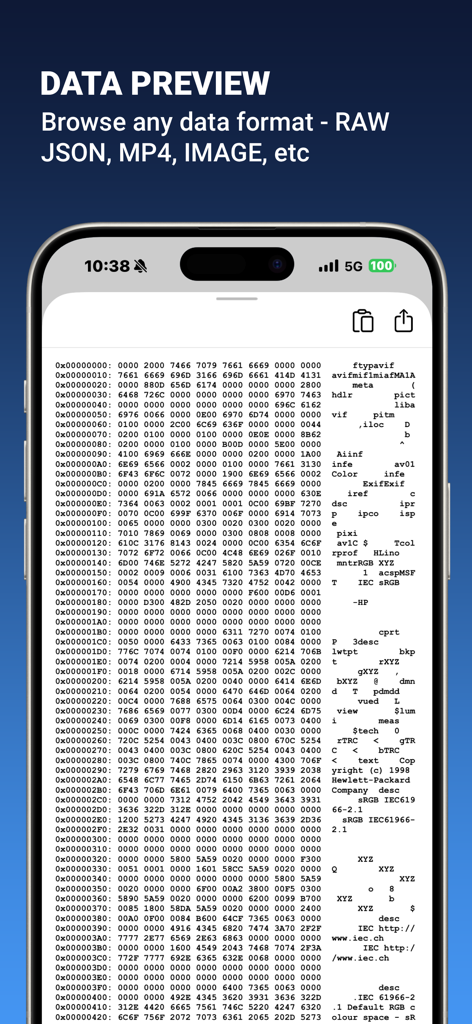
Data preview screen showing raw hexadecimal network traffic in the Network Sniffer app

Data preview screen showing raw hexadecimal network traffic in the Network Sniffer app

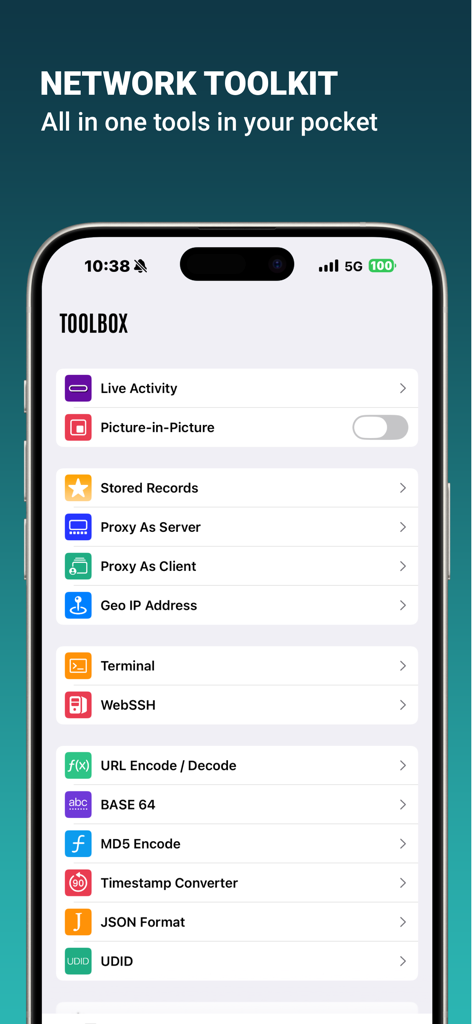
Network Sniffer app toolbox showing professional network and developer utilities

Network Sniffer app toolbox showing professional network and developer utilities

Take Full Control of Your Network

The tools that make this app stand out, trusted by 32K+ users.

🔍

Deep Privacy Auditing

Uncover hidden trackers and background requests to see exactly where your data is going and stop privacy leaks before they happen.

🛠️

Pro-Level Debugging

Modify headers, replay requests, and use JavaScript scripting to test app behavior with full MITM support for encrypted traffic.

🏝️

Live Activity Monitoring

Keep a pulse on your network health with real-time upload and download speeds integrated into your Dynamic Island and Home Screen.

About the app

Everything you need to know about Network Sniffer.

Description

Network Sniffer is an intelligent network activity analyzer that helps you understand what your apps are really doing online. No technical skills required — easily identify: Which apps are secretly connecting to the internet? Are they sending requests frequently in the background? Is your privacy at risk or data being wasted? You're no longer a passive user — you're in control. Core Features (not limited to): 1. Deep Network Analysis: Visual reports showing which apps are connecting, what they are sending, how often, and whether there’s abnormal or wasteful activity. 2. Network Sniffing: Capture HTTP/HTTPS/WebSocket traffic on your iOS device, with full MITM support for encrypted traffic analysis. 3. External Proxy: Route device traffic through an external proxy server, enabling custom inspection, filtering, and debugging of network requests. 4. JavaScript Scripting: Create custom rules and behaviors using JavaScript to enhance and personalize your network inspection. 5. Request Replays: Resend captured requests to test app behavior under various conditions — ideal for debugging and performance testing. 6. Request/Response Rewrite: Modify headers and bodies of requests and responses on the fly, giving you unmatched control over data flows. 7. Client Proxy: Forward requests from other devices on your local network to this device for centralized debugging. 8. Upstream Proxy Support: Forward HTTP requests to a third-party proxy server for advanced testing or network routing scenarios. 9. Widgets & Dynamic Island Support: Monitor upload/download speeds and data usage in real time via homescreen widgets or the iPhone Dynamic Island. Permissions Network Sniffer requires VPN permission to function. This is only used for local traffic capture — no remote servers or proxying involved. Privacy Notice Network Sniffer does not upload any of your data and does not include any proxy, VPN bypass, or "scientific access" functions. Your data stays on your device. If you have any feedback or questions, please feel free to contact us at miaozhi.ai@gmail.com

Latest Version

2.6.2

Size

52.6 MB

First Released

Feb 7, 2024

Take Complete Control of Your Device's Traffic

Join thousands of developers and privacy advocates who use Network Sniffer to audit, debug, and secure their mobile environment. Stop guessing and start knowing exactly what your apps are doing under the hood.

Download on App Store

App information, icons, screenshots, and descriptions displayed on this page are sourced from the Apple App Store and are the property of their respective developers. Download estimates and rankings are based on MWM's proprietary models and may not reflect actual figures. This page is provided for informational and analytical purposes only.

Believe this page infringes your intellectual property? File a dispute