
This page is not an official page of the app or its developer, but an independent editorial publication created for informational and commentary purposes. Unless expressly stated otherwise, neither the app nor its developer is affiliated with, endorsed by, sponsored by, authorized by, or otherwise officially connected with MWM, Apple, Google Play, the app publisher, or the app's developer, and nothing on this page implies that the app was developed using MWM's services. Any trademarks, logos, screenshots, and other content remain the property of their respective owners.

Nimbo-UltraBrowse
Experience the ultimate private browser designed for total discretion. Protect your digital footprint with auto-reset privacy, one-key bookmarks, and high-speed browsing that leaves no trace behind.
Downloads
237K+User Rating
Total Ratings
100Publisher
Category
UtilitiesLocales
1Latest Version
1.3.2Size
112.9 MBFirst Released
Nov 10, 2025Browse with Absolute Confidence
Nimbo-UltraBrowse combines elite security features with a frictionless interface to give you the ultimate private browsing experience.
Total Anonymity
Search and browse without saving history or cookies. We ensure your digital footprint stays invisible to Big Tech trackers.
Auto-Lock Privacy
The app automatically resets to the home page every time you leave, ensuring your sensitive tabs are never seen by anyone else.
Frequently Asked Questions
Everything you need to know about Nimbo-UltraBrowse
What is Nimbo-UltraBrowse?
Nimbo-UltraBrowse is a browser offering fast, secure web browsing. Key features include one-key bookmarking, a traceless private browsing mode, and a redirect function for enhanced privacy and efficient web resource management.
Does Nimbo-UltraBrowse offer private browsing?
Yes, Nimbo-UltraBrowse includes a traceless mode for private browsing. This mode ensures browsing history, search history, and download information are not retained, protecting user privacy.
How does the bookmark function work in Nimbo-UltraBrowse?
The Nimbo-UltraBrowse bookmark function allows one-key page bookmarking and quick addition to favorites. It supports efficient management of web resources, enabling folder creation for easy organization and searching.
What is the redirect function in Nimbo-UltraBrowse?
The Nimbo-UltraBrowse redirect function automatically returns users to the home page upon re-entry after exiting the app. This feature upgrades privacy protection, avoiding privacy leakage risks by ensuring a safe browsing process.
What subscription options are available for Nimbo-UltraBrowse?
Nimbo-UltraBrowse provides three subscription options: weekly, annual, and lifetime. Users can find the specific pricing details for each plan displayed within the application interface.
How can I cancel my Nimbo-UltraBrowse subscription?
To cancel a Nimbo-UltraBrowse subscription, turn off the automatic renewal feature via your account settings. This action must occur at least 24 hours before the current subscription period expires to avoid renewal.
Does Nimbo-UltraBrowse automatically renew subscriptions?
Yes, Nimbo-UltraBrowse subscriptions automatically renew by default. The renewal fees are charged to your account within 24 hours before the end of the current subscription period.
Where can I find the Privacy Policy for Nimbo-UltraBrowse?
The Privacy Policy for Nimbo-UltraBrowse is accessible at https://nimboapp.com/privacy/. This document outlines the application's data handling practices and user privacy terms.
How can I contact customer support for Nimbo-UltraBrowse?
For customer support regarding Nimbo-UltraBrowse, you can send an email to support@whittrends.shop. This email address facilitates direct communication for any user inquiries.
The following screenshots and description are sourced directly from the app's official store listing and are the property of the app developer.
App Store
Screenshots
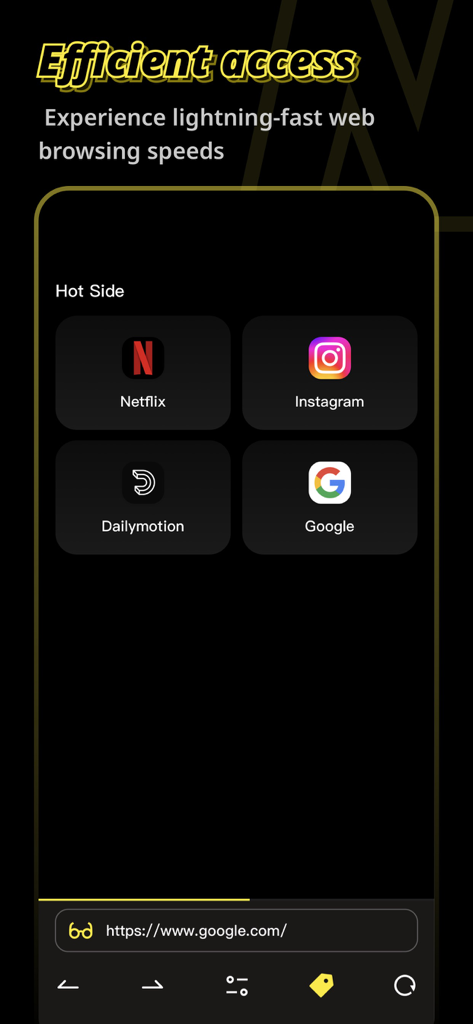
Interface of Nimbo-UltraBrowse app showing efficient access to popular websites like Netflix and Instagram on a dark background
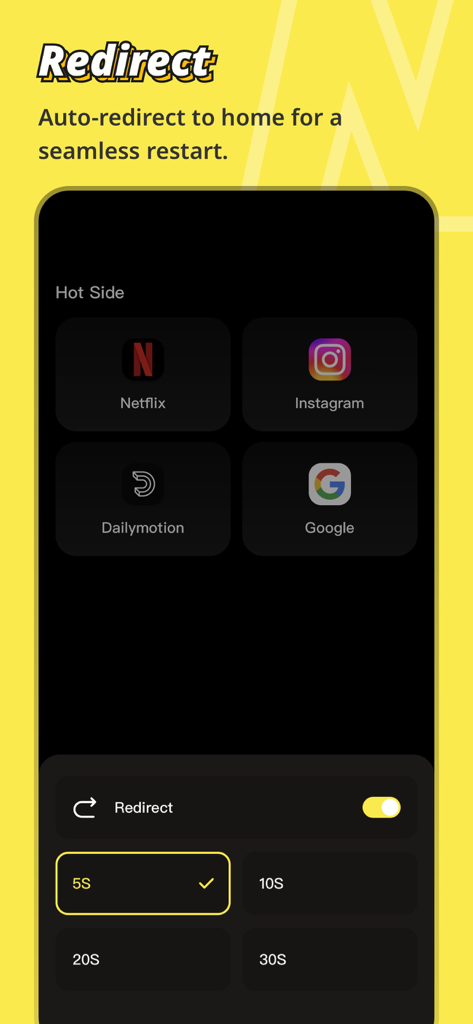
Interface of Nimbo UltraBrowse showing the auto-redirect to home setting
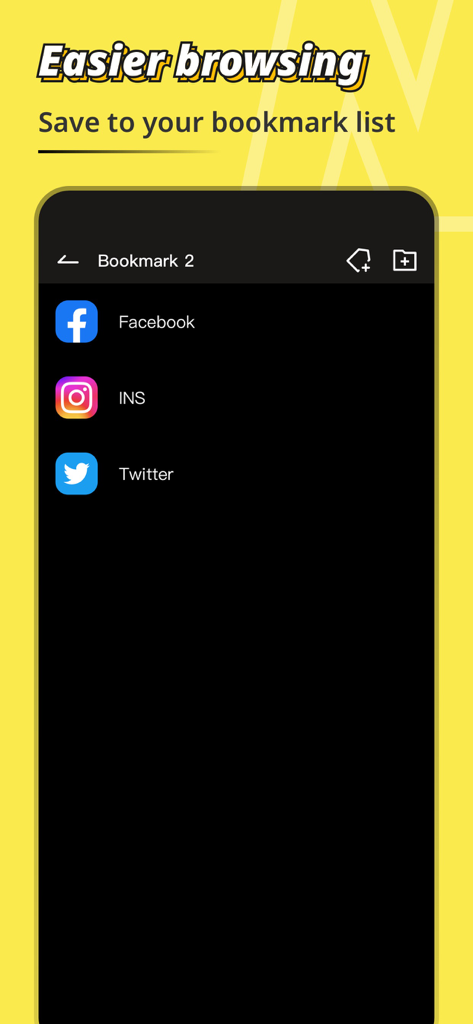
A screenshot of Nimbo UltraBrowse app showing a list of saved bookmarks for social media sites like Facebook and Twitter
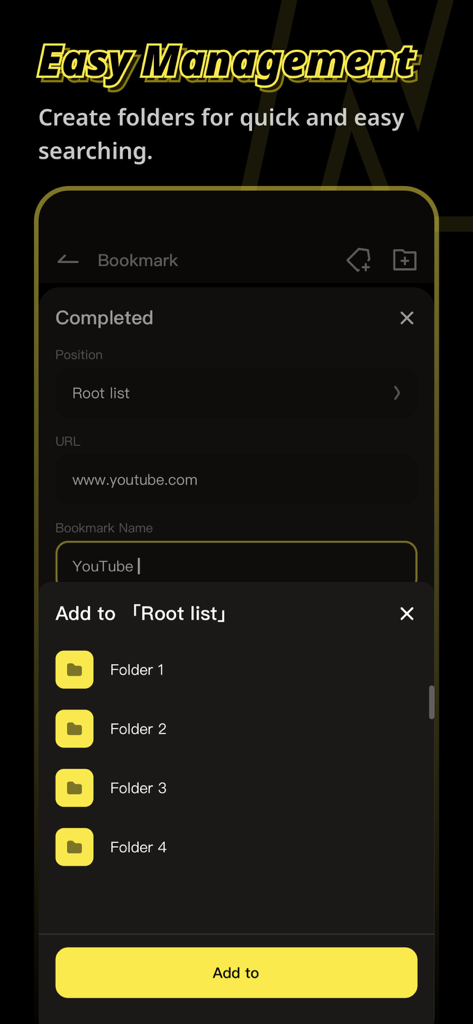
Nimbo UltraBrowse mobile interface showing how to add and organize bookmarks into folders
Description
Download
More Like This
Apps with similar features and user experience

极速浏览器-安全快速上网
LANQI LIU

星so
涵钰 詹

Firefox Focus: Privacy browser
Mozilla Corporation

Private Browsing Web Browser
Savy Soda HK Limited

ReadSeek
旭瑞 杨

Private Browser,Incognito VPN
FAST Browser

Phoenix Browser + Proxy VPN
TIMON SOFTWARE SOLUTIONS COMPANY LIMITED

Tvgarden: Movie, Sport Browser
Vaibhavi Padariya

浏览器-安全快速上网
立智 张
This page is not an official page of the app or its developer, but an independent editorial publication created for informational and commentary purposes. Unless expressly stated otherwise, neither the app nor its developer is affiliated with, endorsed by, sponsored by, authorized by, or otherwise officially connected with MWM, Apple, Google Play, the app publisher, or the app's developer, and nothing on this page implies that the app was developed using MWM's services. Any trademarks, logos, screenshots, and other content remain the property of their respective owners.