
This page is not an official page of the app or its developer, but an independent editorial publication created for informational and commentary purposes. Unless expressly stated otherwise, neither the app nor its developer is affiliated with, endorsed by, sponsored by, authorized by, or otherwise officially connected with MWM, Apple, Google Play, the app publisher, or the app's developer, and nothing on this page implies that the app was developed using MWM's services. Any trademarks, logos, screenshots, and other content remain the property of their respective owners.


Phoenix Browser + Proxy VPN
Stop switching between apps. Get a lightning-fast browser with a built-in free VPN, powerful ad-blocker, and instant video downloader—all in one secure place.
Downloads
1M+User Rating
Total Ratings
3K+Publisher
Category
UtilitiesLocales
17Latest Version
21Size
100.2 MBFirst Released
Feb 4, 2020Browse Faster, Private, and Limitless
Ditch the app fatigue. Experience a cleaner, faster web with a built-in VPN, advanced ad-blocking, and seamless media downloads—all in one place.
Built-in Unlimited VPN
Secure your connection and access any content globally without paying for a separate subscription.
Instant Media Downloader
Grab your favorite videos and audio from any site to watch offline, saving your data for when you really need it.
Frequently Asked Questions
Everything you need to know about Phoenix Browser + Proxy VPN
Does Phoenix Browser offer a built-in VPN?
Yes, Phoenix Browser includes a free unlimited VPN service. This feature enhances internet freedom and security for users.
Can Phoenix Browser block advertisements?
Yes, Phoenix Browser features an Ad Block functionality. It blocks various annoying ads, pop-ups, and banners to improve browsing comfort and speed up page loading.
Does Phoenix Browser have a data saving mode?
Yes, the Phoenix Browser app offers a Data Saver feature. It compresses data, speeds up navigation, and helps users save significant cellular data traffic while browsing.
How does Phoenix Browser ensure user privacy?
Phoenix Browser protects user privacy through Incognito Browsing, which leaves no history, cookies, or cache. Additionally, it offers a free unlimited VPN for enhanced security.
What search engines are supported by Phoenix Browser?
Phoenix Browser supports multiple search engines, including Google, Yahoo, Ask, Yandex, AOL, DuckDuckGo, and Bing. Users can switch between them according to their preference.
Is private browsing available in Phoenix Browser?
Yes, Phoenix Browser supports Incognito Browsing. This mode ensures your browsing experience is perfectly private by not saving history, cookies, or cache.
Does Phoenix Browser include a Night Mode for eye protection?
Yes, Phoenix Browser features a Night Mode. This mode protects your eyes when browsing in dark environments, enhancing user comfort during nighttime use.
Can Phoenix Browser download videos from websites?
Yes, Phoenix Browser facilitates easy downloading of online videos from a variety of websites. It also supports downloading audio, documents, and other files with speed.
How can I contact support for the Phoenix Browser app?
Users can contact support for Phoenix Browser by sending an email to contact@skysaver.net. This address is for feedback, suggestions, or general assistance.
The following screenshots and description are sourced directly from the app's official store listing and are the property of the app developer.
App Store
Screenshots
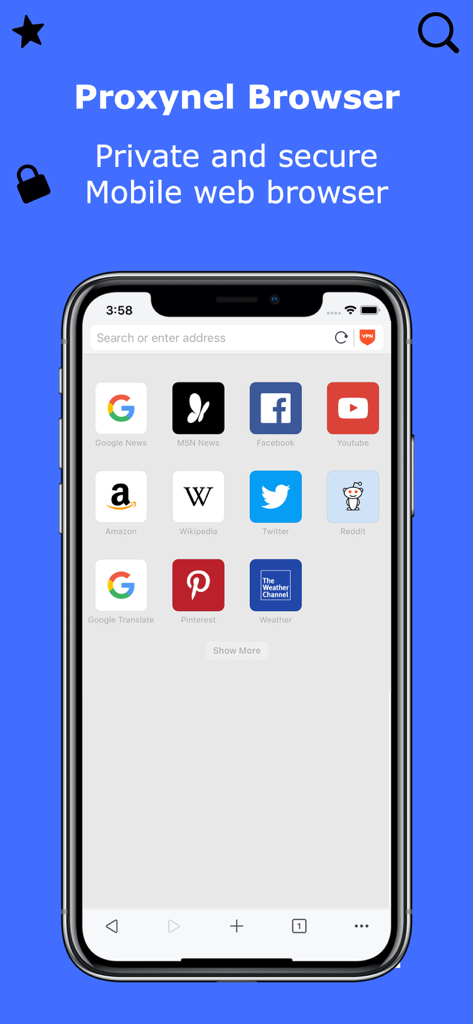
Phoenix Browser home screen featuring a private and secure mobile web interface with shortcuts to popular websites

Phoenix Browser interface showing built-in ad blocker and data saving features on a pink background
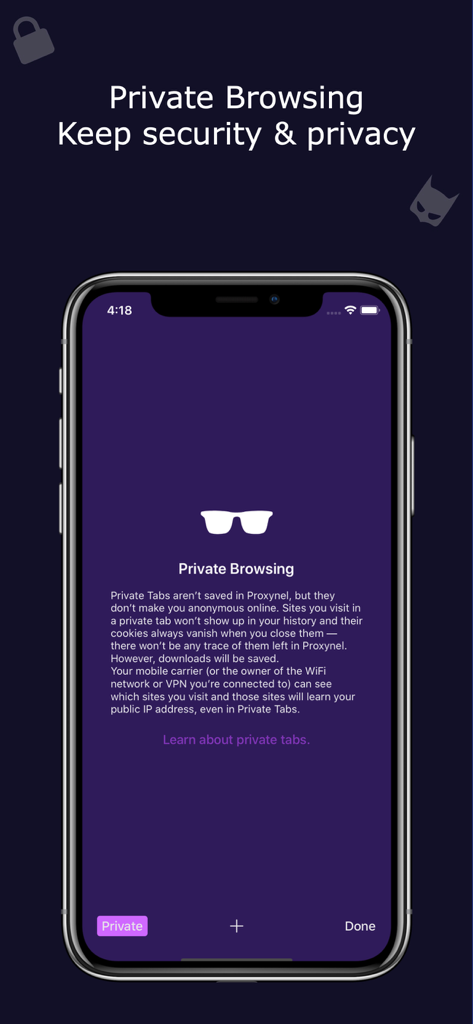
Private browsing interface in Phoenix Browser showing privacy and security features
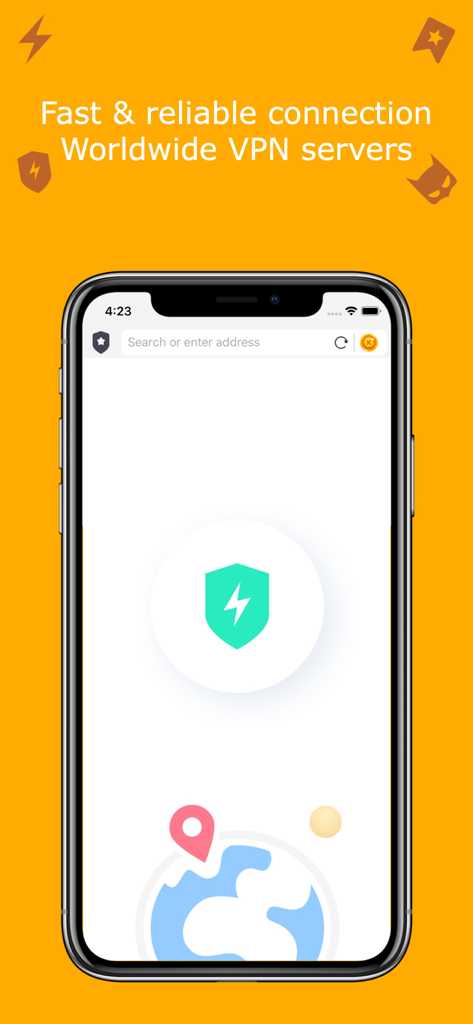
Fast and reliable worldwide VPN servers in Phoenix Browser
Description
Download
More Like This
Apps with similar features and user experience

极速浏览器-安全快速上网
LANQI LIU

星so
涵钰 詹

Firefox Focus: Privacy browser
Mozilla Corporation

Private Browsing Web Browser
Savy Soda HK Limited

ReadSeek
旭瑞 杨

Private Browser,Incognito VPN
FAST Browser

Tvgarden: Movie, Sport Browser
Vaibhavi Padariya

浏览器-安全快速上网
立智 张

JM浏览器 全球版
元茂 张
This page is not an official page of the app or its developer, but an independent editorial publication created for informational and commentary purposes. Unless expressly stated otherwise, neither the app nor its developer is affiliated with, endorsed by, sponsored by, authorized by, or otherwise officially connected with MWM, Apple, Google Play, the app publisher, or the app's developer, and nothing on this page implies that the app was developed using MWM's services. Any trademarks, logos, screenshots, and other content remain the property of their respective owners.