Nitro Photo: Professional RAW Editing and Management for Serious Photographers
Take full control of your workflow with AI-powered masking, desktop-class adjustments, and flexible storage options. Experience a no-nonsense, high-performance editor built for the Apple ecosystem—without the forced subscriptions.
Publisher
Gentlemen Coders, LLC
Category
Photo & Video
Downloads
1K+
User Rating
4.7/5
Total Ratings
100
Locales
7
Pro Control, Visualized
Discover the interface used by 1K+ users.
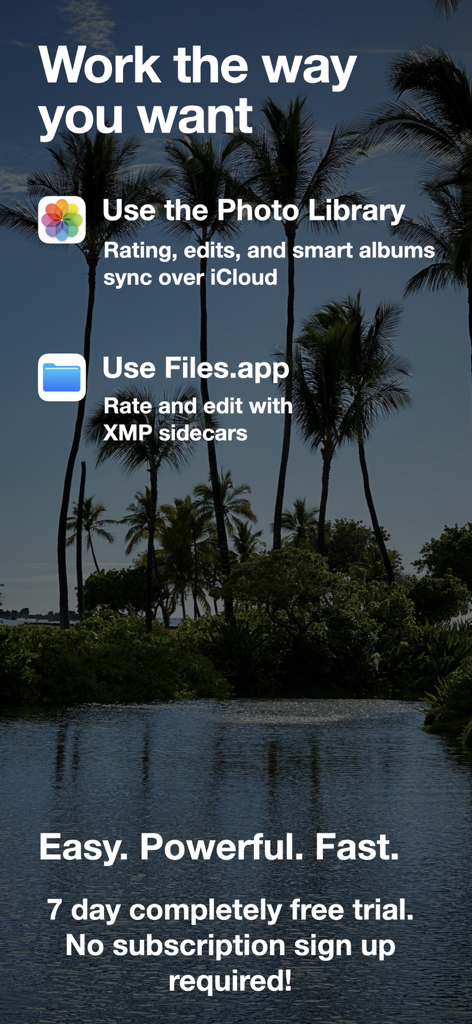
Nitro Photo app screen showing options for photo library integration and files app support with xmp sidecars
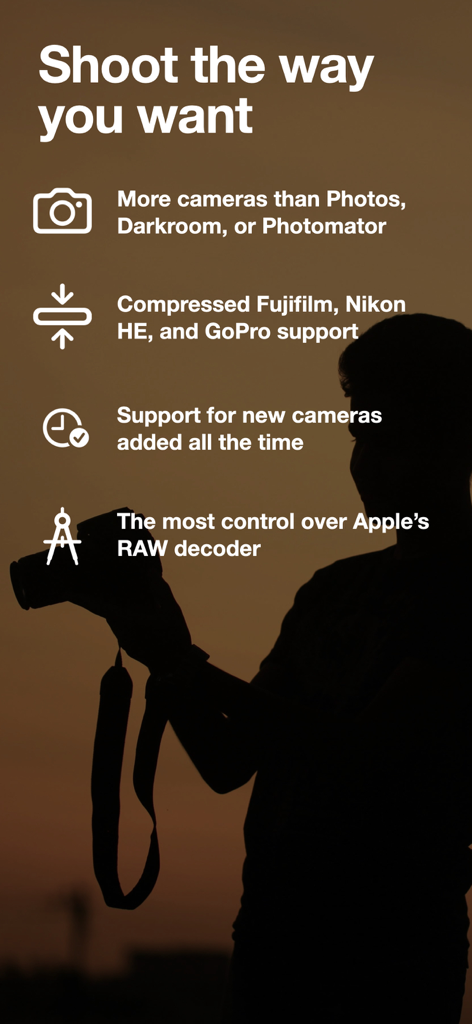
Nitro Photo app screen highlighting support for professional camera formats including Fujifilm and Nikon RAW
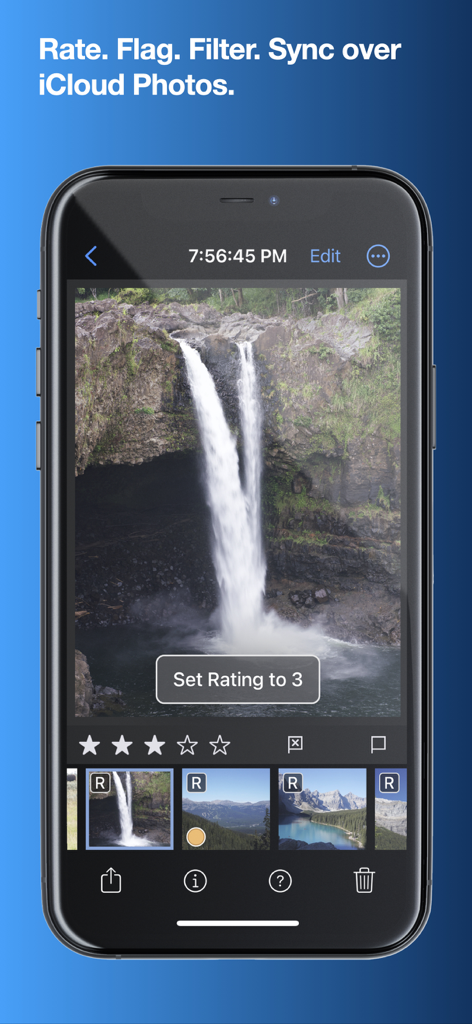
Nitro Photo app interface on iPhone for rating and organizing RAW images
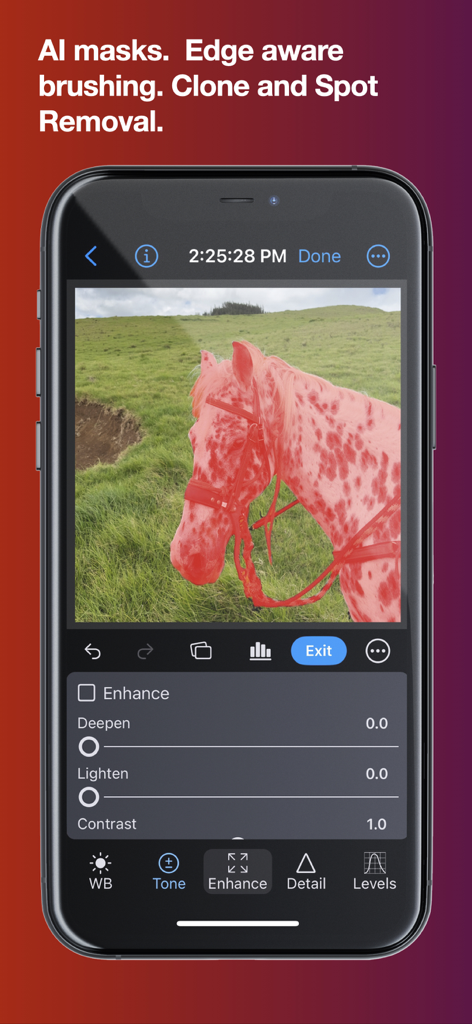
iPhone interface of Nitro Photo app displaying AI masking on a photo of a horse with professional editing controls
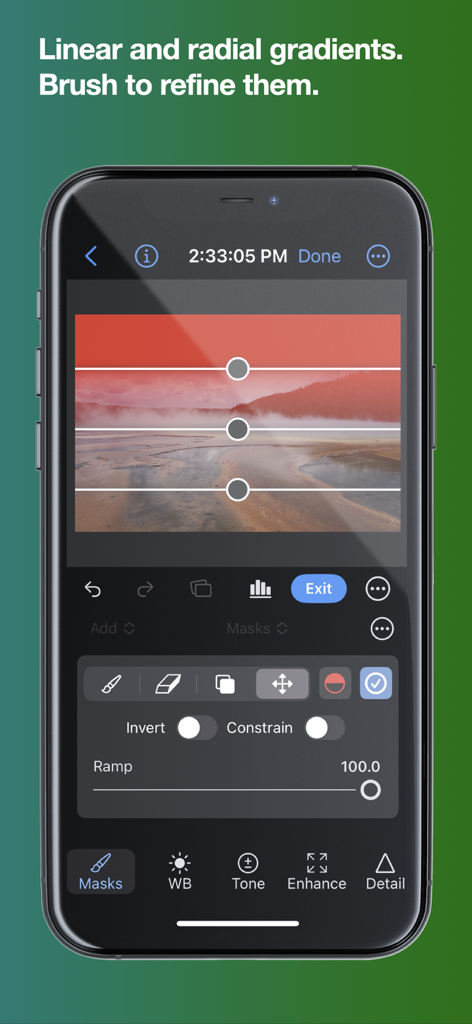
Nitro Photo app on iPhone showing a linear gradient mask being applied to a landscape photo
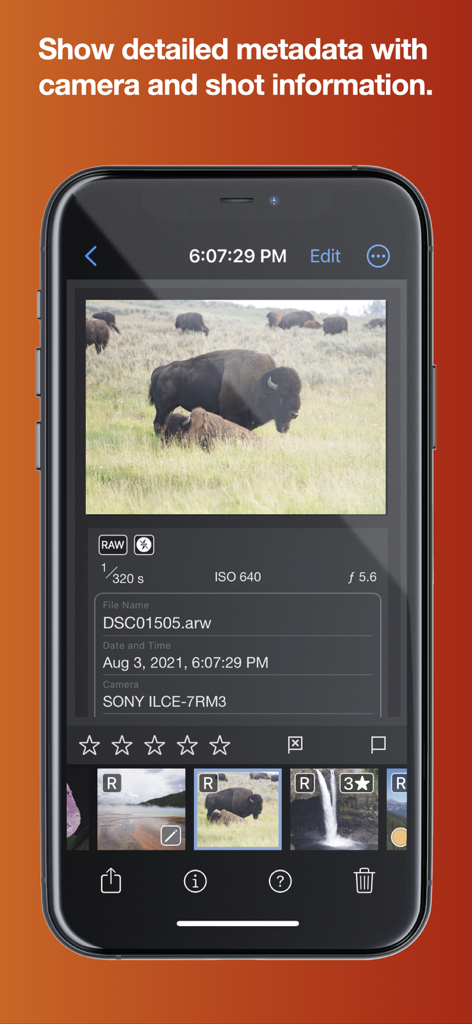
Nitro Photo app interface showing detailed camera metadata and shot information for a RAW image
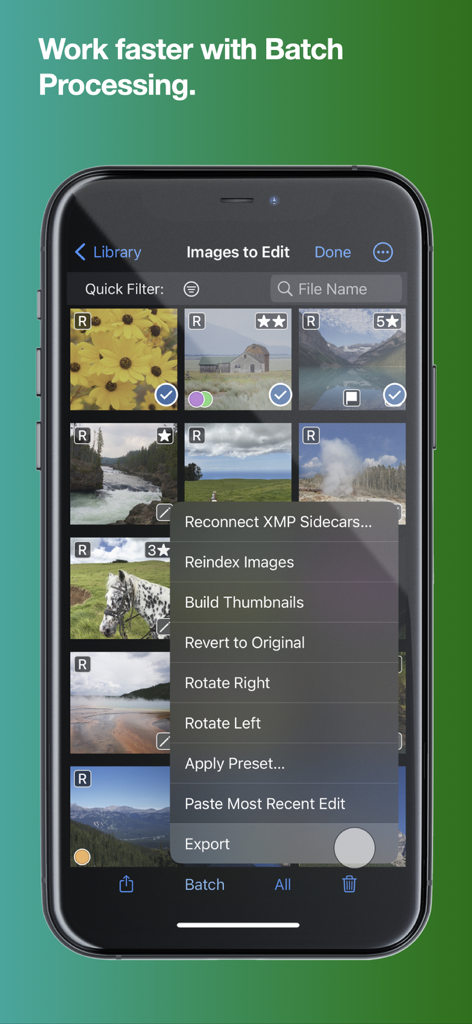
A smartphone showing the batch processing menu in the Nitro Photo app with options like rotate, apply preset, and export images.
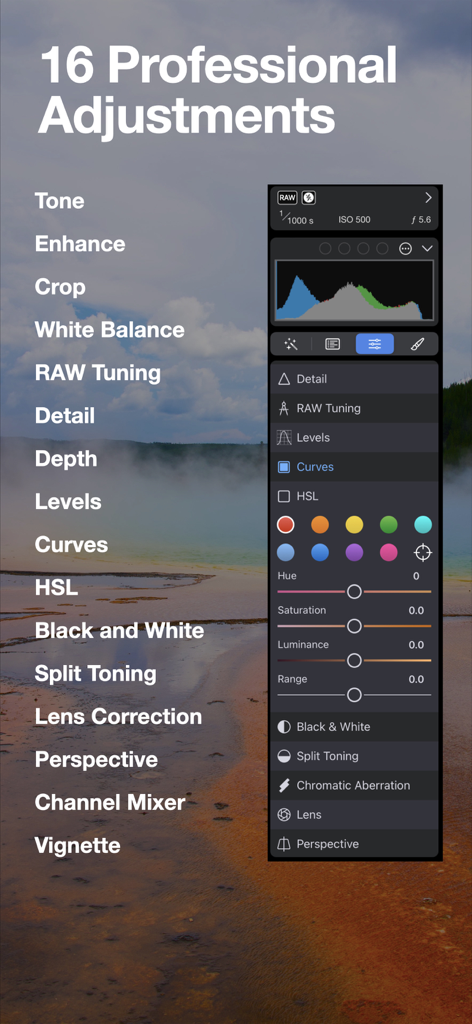
Nitro Photo app showing 16 professional adjustments including HSL and curves
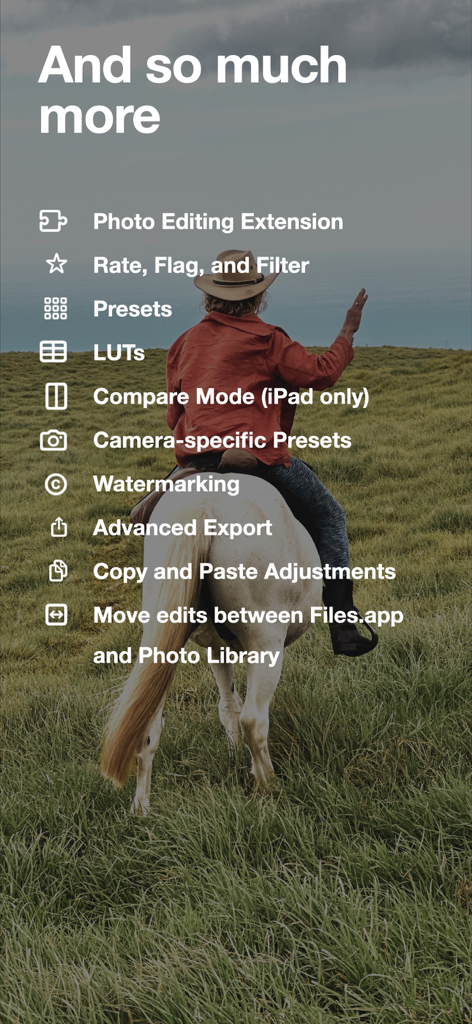
A list of advanced photo editing features in the Nitro Photo app shown over an image of a person on a horse
Professional Power, Zero Friction
The tools that make this app stand out, trusted by 1K+ users.
📸
Advanced RAW Control
Go beyond basic filters with elite support for Fujifilm, Nikon HE, and GoPro RAWs, featuring the most precise RAW decoder control on iOS.
📂
Flexible Storage & XMP
Break free from siloed libraries. Edit directly from Files.app or external drives with non-destructive XMP sidecars that sync across devices.
🪄
AI-Driven Precision
Isolate subjects instantly with AI masking and refine your vision using 16 pro adjustments, including Levels, Curves, and HSL.
About the app
Everything you need to know about Nitro Photo.
Description
Introducing Nitro, the brand new photo editor and manager from the developer of RAW Power. Nitro is designed for every photographer and every photograph. Try Nitro for free for 7 days without any obligation. No subscription signup, no nonsense. Requires iOS 16 or later. Easy, Powerful, Fast. Built with the latest technologies, Nitro has exceptional integration with iOS, including the most control over Apple’s RAW decoder. Its combination of flexible storage options, camera support, and editing tools is unmatched by any app. If you liked Aperture or RAW Power, you’ll love Nitro. Flexible Storage Options * Store your images in Files.app, external storage, or use Apple’s Photo Library * Rate, flag, and filter your images by 11 criteria, including rating, orientation and file type * With Photos, ratings, edits, and smart albums sync over iCloud * With Files.app and external storage, ratings and edits are stored in XMP sidecars * Move originals, ratings, and edits between the Photo Library and Files.app Thoughtful purchasing and trial options * Try the app with absolutely no obligation. No signup, no unexpected charges. * Buy the app once, or get an inexpensive monthly and annual plan * All purchases include all platforms: macOS, iPhone, and iPad! Stop waiting for camera support * Supports more cameras than Photos, Darkroom, or Photomator, including compressed Fujifilm, Nikon HE and GoPro RAWs * By far, the most control over Apple’s RAW decoder. Fine tune your RAWs with noise reduction, moire, ProRAW tone mapping, and more. Seeing is Believing * View detailed metadata side-by-side * Synchronized Pan and Zoom of up to 4 images at once (iPad only) * Comparison mode helps you pick your favorites from a burst * Light and Dark user interface modes Masking with AI * AI-generated masks to quickly isolate a subject or background * Linear and radial gradients with invert and control over the ramp * Brushes provide full control over your mask, including softness, strength, and size * Edge Aware brushes automatically follow contours * Fine tune AI and gradients with brushes for maximum control Quick Fixes * Clone * Spot/Wire Removal * Highlight Recovery * Auto Enhance 16 Professional Adjustments * Tone, Enhance, White Balance, RAW * Crop, Lens Correction, Perspective * Levels, Curves, HSL, Split Toning * Detail, Depth, Black and White, Vignette, Channel Mixer * Apply most adjustments to masks including Levels, Curves, Blur, HSL, and Fringe control Presets, LUTs, and Copy/Paste * Quickly enhance images with a large set of presets and LUTs * Import your own LUTs and make your own presets * Advanced Copy and Paste of adjustments * Camera presets let you apply adjustments automatically by camera model Do More with the Photo Library * Make Smart Albums with complex queries * Search by file name, file type (including RAW+JPEG), and more * Sync everything over iCloud * Edit inside Nitro or with the included Photo Editing Extension Do More with the File System * Rate, flag, and edit non-destructively * All data is stored in XMP sidecars next to your originals * Search by file name, camera, lens, ISO, and more Workflow the way you want * Batch processing of presets, rotation and export * Export with control over size, compression, format, and metadata * Launch other apps after export for custom workflows * Integrated watermarking with both images and text * RAW Power edits are 100% compatible with Nitro After the trial, you need to purchase the app or subscribe to use all the features. Privacy Policy: https://www.iubenda.com/privacy-policy/68647707 Terms of Use: http://www.apple.com/legal/itunes/appstore/dev/stdeula
Latest Version
2026.1
Size
111.8 MB
First Released
Mar 12, 2024
Ready for a Pro-Level Workflow?
Start your 7-day free trial today with no obligation. Experience unmatched RAW control and flexible storage across iPhone, iPad, and Mac.
App information, icons, screenshots, and descriptions displayed on this page are sourced from the Apple App Store and are the property of their respective developers. Download estimates and rankings are based on MWM's proprietary models and may not reflect actual figures. This page is provided for informational and analytical purposes only.
Believe this page infringes your intellectual property? File a dispute