Node.js Lab

Node.js Lab

Download on App Store
Logo of Node.js Lab

Node.js Lab: The Professional Node.js Development Environment for iOS

Build and run full-scale web applications with NPM, Git, and a built-in script editor. Work entirely offline and turn your iPad into a portable coding powerhouse.

Publisher

Firas Moussa

Category

Developer Tools

Downloads

76K+

User Rating

3.5/5

Total Ratings

0

Locales

1

Inside the Lab

Discover the interface used by 76K+ users.
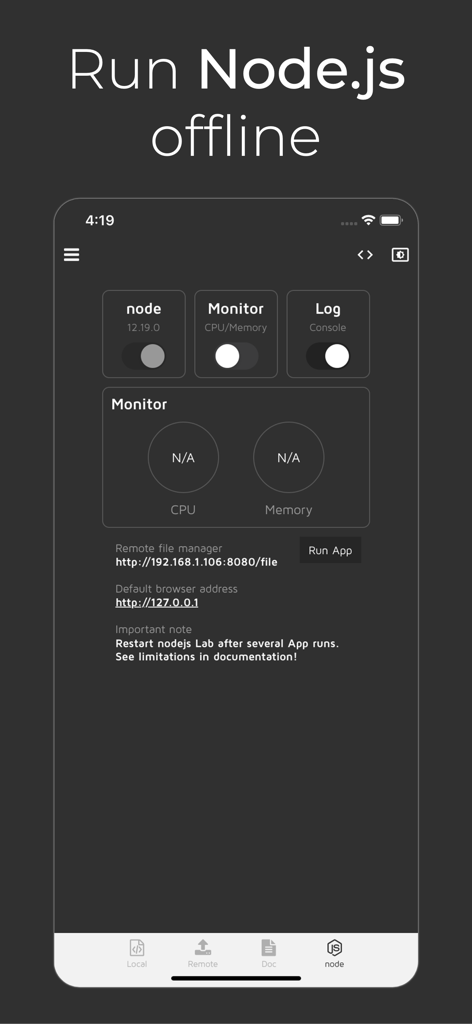
Interface of Node.js Lab mobile app showing controls to run node scripts offline and monitor system resources

Interface of Node.js Lab mobile app showing controls to run node scripts offline and monitor system resources

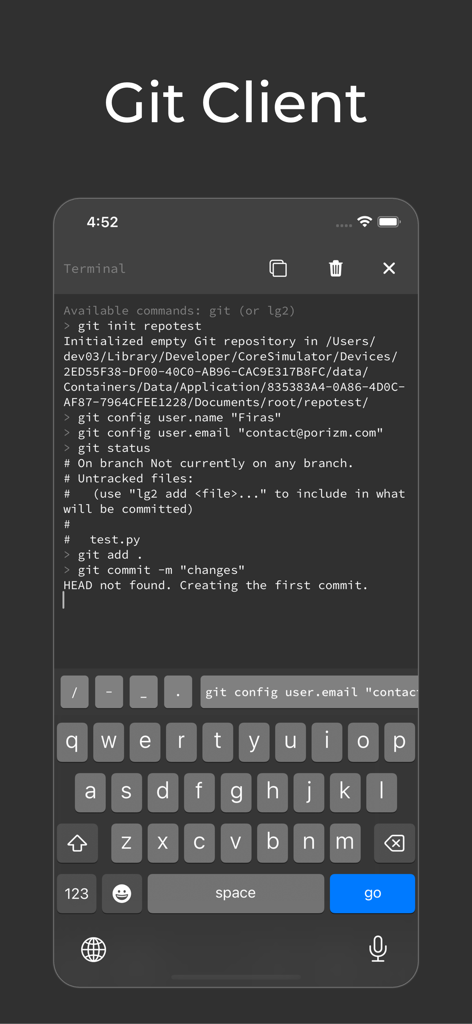
A mobile terminal interface showing Git commands like init, config, and commit being executed within the Node.js Lab app.

A mobile terminal interface showing Git commands like init, config, and commit being executed within the Node.js Lab app.

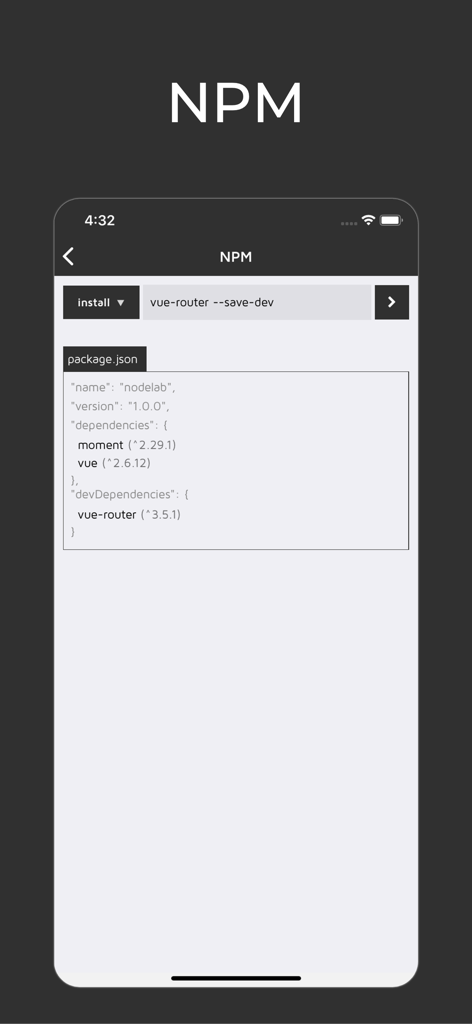
A mobile interface for Node.js Lab showing NPM package installation and package.json dependencies.

A mobile interface for Node.js Lab showing NPM package installation and package.json dependencies.

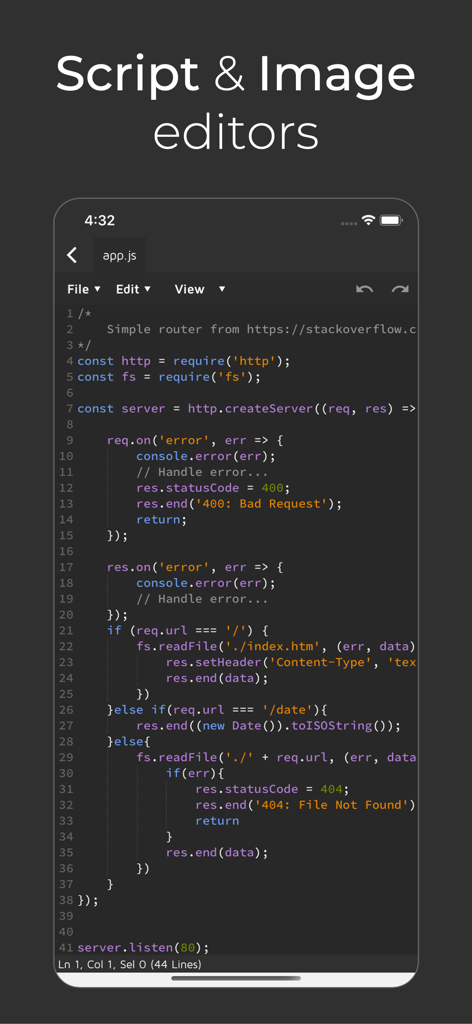
A mobile screen showing the script editor in Node js Lab with a JavaScript code snippet for a simple server

A mobile screen showing the script editor in Node js Lab with a JavaScript code snippet for a simple server

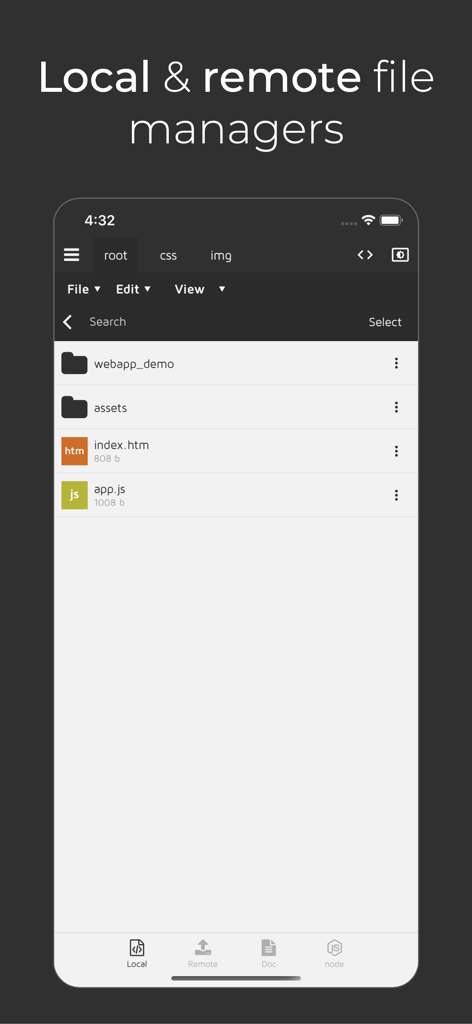
Node.js Lab app interface showing the local and remote file manager with code folders and files

Node.js Lab app interface showing the local and remote file manager with code folders and files

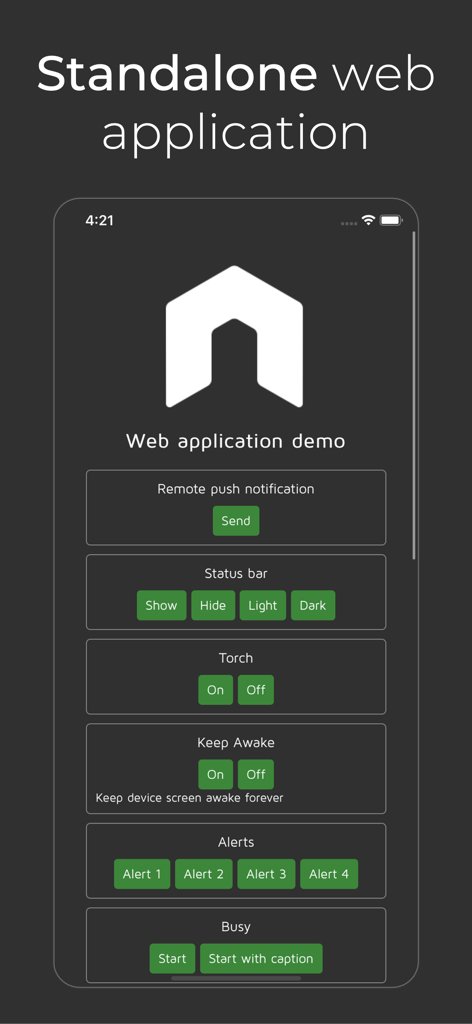
Screenshot of the standalone web application demo feature in Node.js Lab

Screenshot of the standalone web application demo feature in Node.js Lab

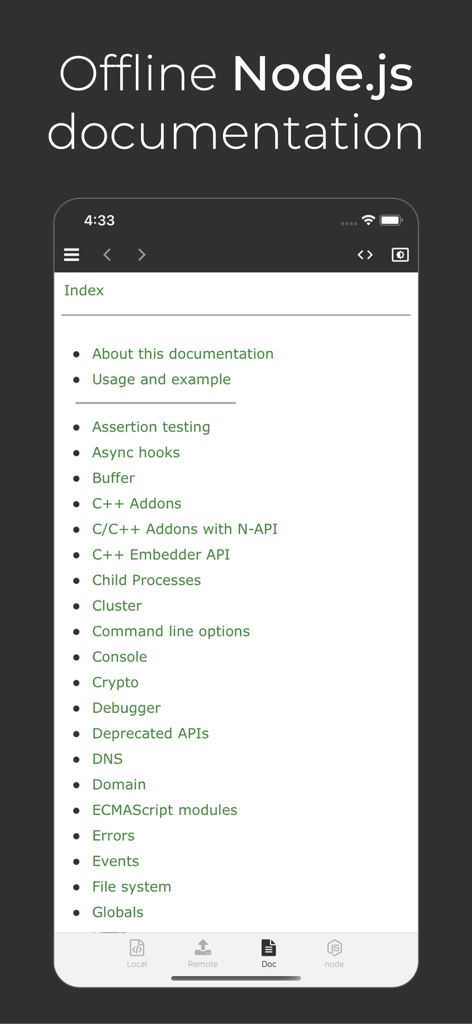
Screenshot of the Node.js Lab app displaying the offline documentation index with topics like Assertion testing and Async hooks.

Screenshot of the Node.js Lab app displaying the offline documentation index with topics like Assertion testing and Async hooks.

Turn Your iPad Into a Pro Workstation

The tools that make this app stand out, trusted by 76K+ users.

🚀

Desktop-Class Node.js & NPM

Build and run full-stack applications locally with native NPM support—no internet connection required.

💻

Integrated Development Suite

Edit, debug, and version your code with a multi-tabbed script editor and built-in Git client integration.

📱

Optimized for iPad Multitasking

Boost your workflow with Split View support and remote access to manage your files across any device on your network.

About the app

Everything you need to know about Node.js Lab.

Description

Full-fledged Node.js on iOS with NPM support. Build, modify, run and debug web applications using NodeJS and Webkit on your iOS device or any other device on the same network. Nodejs Lab also turns your device into a complete standalone web application with nodejs support to run on startup (similar to nw.js). App features: - Full Node.js without internet connection - Git client - Script editor - html/js/css/json beautifiers in script editor - Auto-Complete - Image editor - Multi-tabbed script/image editor - NPM - Panel to capture console.log, .warn, .error - Supports in-app browser / in-app Safari - Multi-tabbed file manager - Set as standalone web application (similar to nw.js) - Remote file manager (access app's files from another device) - FTP/SFTP/FTPS/iCloud managers - phpLiteAdmin to edit sqlite files - Firebug Lite - Syntax validator for HTML, JS & CSS - Offline Node.js documentation - Enable/Disable sharing with Files app - Split screen on iPad - Multitasking on iPad Note: nodejs Lab doesn't support c++ addons For more information & inquiries please contact me through nodejs Lab's website or contact form inside the app.

Latest Version

1.1.9

Size

153.9 MB

First Released

Feb 11, 2021

Ready to Ship Code from Your iPad?

Join over 76,000 developers who have turned their iOS devices into full-fledged workstations. Download Node.js Lab today and start building with NPM, Git, and local execution—no internet required.

Download on App Store

App information, icons, screenshots, and descriptions displayed on this page are sourced from the Apple App Store and are the property of their respective developers. Download estimates and rankings are based on MWM's proprietary models and may not reflect actual figures. This page is provided for informational and analytical purposes only.

Believe this page infringes your intellectual property? File a dispute