
This page is not an official page of the app or its developer, but an independent editorial publication created for informational and commentary purposes. Unless expressly stated otherwise, neither the app nor its developer is affiliated with, endorsed by, sponsored by, authorized by, or otherwise officially connected with MWM, Apple, Google Play, the app publisher, or the app's developer, and nothing on this page implies that the app was developed using MWM's services. Any trademarks, logos, screenshots, and other content remain the property of their respective owners.


Notisave : History Log
Stop losing important info. Capture every notification, organize visual tasks, and stay powered up with smart alerts—your all-in-one digital command center.
Downloads
68K+User Rating
Total Ratings
100Publisher
Category
UtilitiesLocales
1Latest Version
1.0Size
11.8 MBFirst Released
Aug 7, 2025Master Your Digital Chaos
Stop losing track of important pings and deadlines. Notisave consolidates your notification history, visual tasks, and vital alerts into one high-efficiency command center designed for the modern power user.
Unswipe the Mistakes
Never lose a critical message or work instruction again. Our history log keeps a permanent record of every notification, even if you’ve cleared it or the sender unsent it.
Visual Task Management
Stop settling for simple text lists. Attach images to your tasks and set custom priority levels to stay organized and visually focused on what matters most today.
Frequently Asked Questions
Everything you need to know about Notisave : History Log
What is Notisave: History Log?
Notisave: History Log is a comprehensive mobile application that functions as a personal notification assistant, smart task scheduler, and battery alert manager. It helps users stay organized by managing tasks, alarms, and all notification history in one place.
How does Notisave: History Log help manage tasks?
Notisave: History Log's Smart Task Manager allows users to add titles, descriptions, and images to tasks. Users can set priority levels, schedule tasks with dates and times, and configure custom repeat cycles to ensure no plans are forgotten.
Can Notisave: History Log set recurring alarms?
Yes, Notisave: History Log enables users to set alarms with precision control. Alarms can be set to repeat daily, weekly, or at custom intervals. It also includes a snooze option to ensure users are reminded without being rushed.
Does Notisave: History Log offer battery percentage alerts?
Yes, Notisave: History Log offers Battery Notification Alerts. Users can set alarms to trigger when the battery reaches a specific percentage. It provides various alert sounds to ensure users never run out of power during critical moments.
How can Notisave: History Log assist with birthday reminders?
Notisave: History Log assists with birthday reminders by allowing users to add loved ones' birthdays. It sends advance notifications so users are never late to wish. Birthday tasks can also sync with alarms for additional reminders.
Does Notisave: History Log save all device notifications?
Yes, Notisave: History Log automatically logs all notifications received on the device. This feature helps users stay in control of app messages, alerts, and reminders, providing a complete notification history with a simple tap.
Is Notisave: History Log a trusted application?
Notisave: History Log is a trusted application. The app's marketing indicates it is "Trusted By 50 Million People." This suggests a large user base and a high level of confidence from its users.
The following screenshots and description are sourced directly from the app's official store listing and are the property of the app developer.
App Store
Screenshots
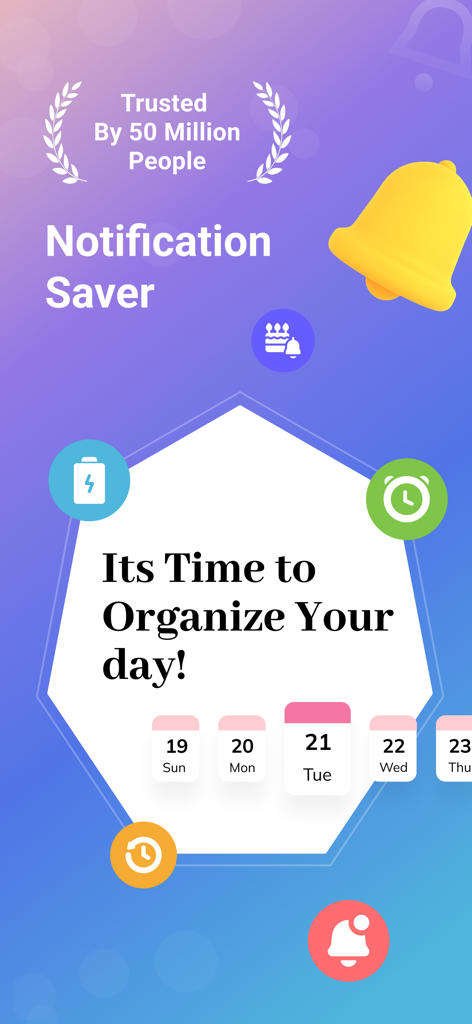
Notisave app screen displaying notification saver features and daily task organization tools with utility icons
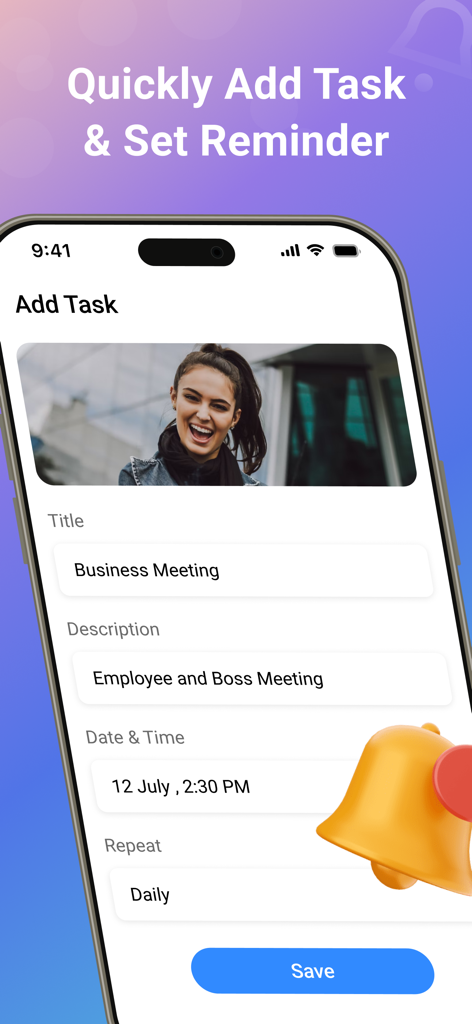
Interface of Notisave app showing how to quickly add a task with a title description image and daily reminder
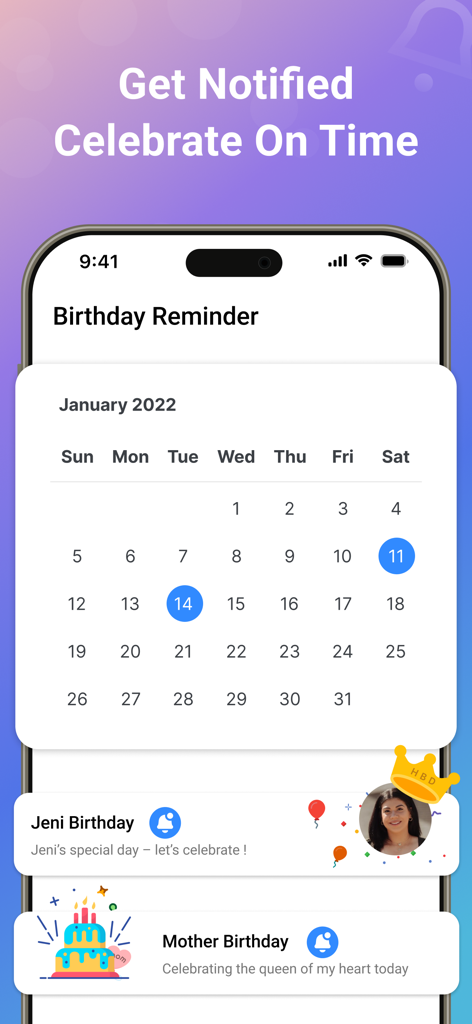
Birthday reminder interface with a calendar view and scheduled notifications for Jeni and Mother birthdays
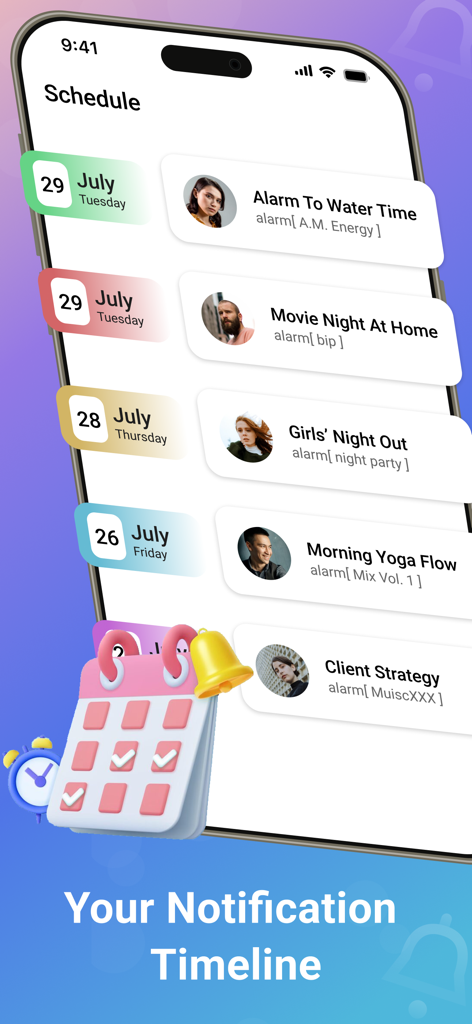
Notification timeline and task schedule in the Notisave History Log app showing a list of alerts and events.
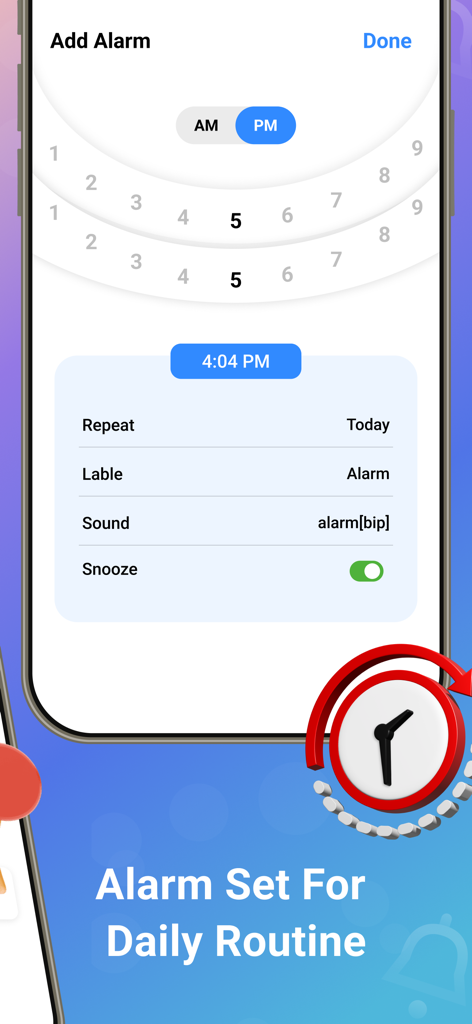
Alarm setup screen in the Notisave app featuring a time picker wheel and custom snooze settings
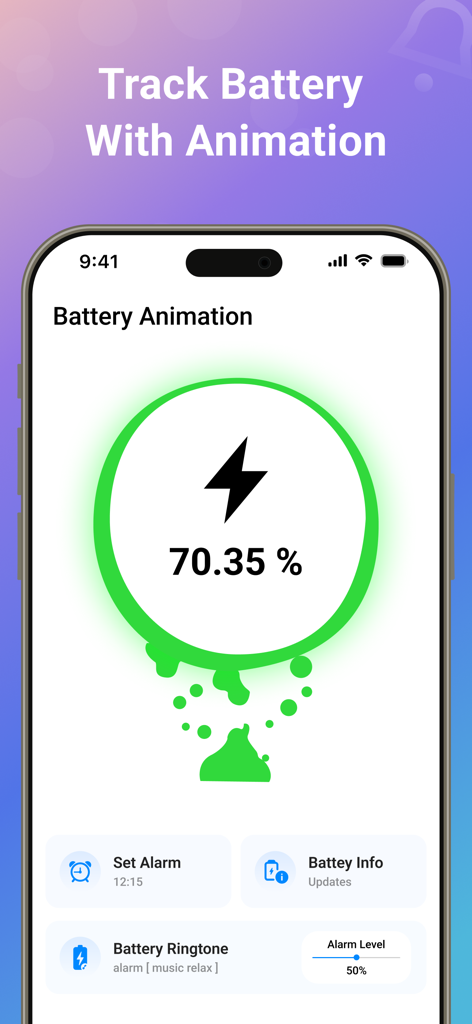
Notisave app interface showing real-time battery tracking animation and custom alert settings
Description
Download
More Like This
Apps with similar features and user experience

Messages Recovery - ReChat
Shanghai Yixuan Network Technology Co., Ltd.

WAMR Recover Deleted Messages
Vivek Warde

WA: Recover Deleted Messages
Hitesh Gajera

Notification History
Hemil Vasani

ProX : View once Photo Saver
yakup gumus

WhatisRemoved: Recover Message
Ravibhai Ramani
This page is not an official page of the app or its developer, but an independent editorial publication created for informational and commentary purposes. Unless expressly stated otherwise, neither the app nor its developer is affiliated with, endorsed by, sponsored by, authorized by, or otherwise officially connected with MWM, Apple, Google Play, the app publisher, or the app's developer, and nothing on this page implies that the app was developed using MWM's services. Any trademarks, logos, screenshots, and other content remain the property of their respective owners.