
This page is not an official page of the app or its developer, but an independent editorial publication created for informational and commentary purposes. Unless expressly stated otherwise, neither the app nor its developer is affiliated with, endorsed by, sponsored by, authorized by, or otherwise officially connected with MWM, Apple, Google Play, the app publisher, or the app's developer, and nothing on this page implies that the app was developed using MWM's services. Any trademarks, logos, screenshots, and other content remain the property of their respective owners.


WAMR Recover Deleted Messages
Messages vanish. WAMR offers the power to reclaim conversations, granting users a digital safety net for their chat history.
Downloads
250k+User Rating
Total Ratings
9.5KPublisher
Category
UtilitiesLocales
12Latest Version
2.0Size
64.2 MBFirst Released
Jun 23, 2025An in-depth evaluation of key functionalities for active messaging app users.
WAMR: Recover Deleted Messages - App Features Analysis
Message & Media Recovery
The app provides the capability to securely import and save personal and business chats, including media, links, and documents. It allows users to easily access messages, photos, videos, and files even after they have been deleted from WhatsApp.
Enhanced Privacy & Security
This tool features robust privacy and security options, allowing users to lock the WAMR app using Face ID, Touch ID, or a passcode to protect their chat backups and sensitive information.
Chat Export & Backup
It allows users to easily share or move their recovered chats and associated media to cloud services like Drive or other external storage applications, ensuring data portability and backup.
Multi-Source Chat Import
The app enables users to recover chats from various sources, including Drive, File Manager, other chat apps, or any exported chat file, providing versatile data recovery options.
Authentic Chat Viewer
This tool features a real chat-style viewer, allowing users to enjoy their recovered conversations in a familiar layout with accurate timestamps, and view all shared media, links, and documents in their original chat format.
WhatsApp Status Saver
It allows users to easily save viewed status images and videos from linked accounts. Users can access these saved statuses anytime in the Collection tab.
Frequently Asked Questions
Everything you need to know about WAMR Recover Deleted Messages
What is WAMR Recover Deleted Messages?
WAMR Recover Deleted Messages is an ultimate app designed to save, view, and manage chats, media, files, and links even after they are deleted from chat applications.
Can WAMR recover deleted messages?
Yes, WAMR Recover Deleted Messages can recover and undelete deleted chats, media, files, and links instantly. Users can access them anytime without being online.
Does WAMR Recover Deleted Messages recover deleted media?
Yes, WAMR recovers deleted media including photos, videos, and files. Users securely import and save personal and business chats with media, links, and documents.
Does WAMR include a status saver feature?
Yes, WAMR includes a Status Saver feature. Users easily save viewed status images and videos by linking their account, then access them in the Collection tab.
How does WAMR display recovered chats?
WAMR displays recovered chats in a real chat style viewer, providing a familiar layout with accurate timestamps. Users view all shared media, links, and documents in original chat format.
Can WAMR import chats from different sources?
Yes, WAMR can import chats from multiple sources, including Drive, File Manager, ChatApp, or any exported chat file. This allows comprehensive chat recovery.
Can users export recovered chats from WAMR?
Yes, users easily share or move their recovered chats and media to Drive or other external storage applications. This provides flexible data management options.
Does WAMR Recover Deleted Messages offer privacy and security features?
Yes, WAMR provides strong privacy and security. Users lock the app using Face ID, Touch ID, or a passcode to protect their chat backups and private information.
What are the subscription costs for WAMR Recover Deleted Messages?
WAMR offers a Monthly Subscription for USD 9.99, a Yearly Subscription for USD 19.99, and a Lifetime InAppPurchase for USD 33.99.
Do WAMR subscriptions renew automatically?
Yes, WAMR subscriptions automatically renew unless turned off in iTunes Account Settings at least 24 hours before the current period ends. Users manage auto-renew in their settings.
Is WAMR Recover Deleted Messages affiliated with WhatsApp?
No, WAMR Recover Deleted Messages is not affiliated, associated, authorized, endorsed by, or officially connected with WhatsApp LLC or its subsidiaries or affiliates. WAMR® is a registered trademark.
How do users recover chats using WAMR Recover Deleted Messages?
To recover chats, users open their chat app, select a chat, tap Contact Info, choose Export Chat (with or without media), and select WAMR as the destination.
The following screenshots and description are sourced directly from the app's official store listing and are the property of the app developer.
App Store
Screenshots
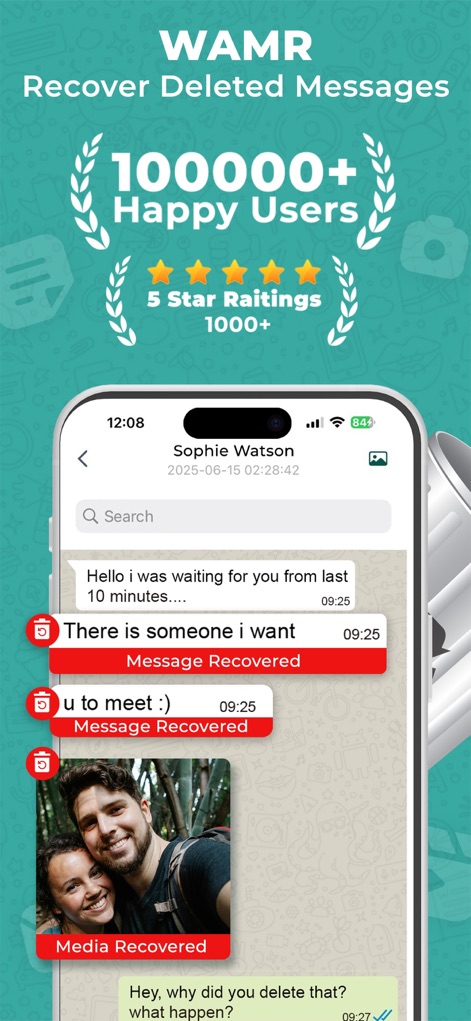
The app showcases its ability to instantly recover deleted messages and media, clearly displaying "Message Recovered" and "Media Recovered" labels within the chat interface.
Instant Message Recovery
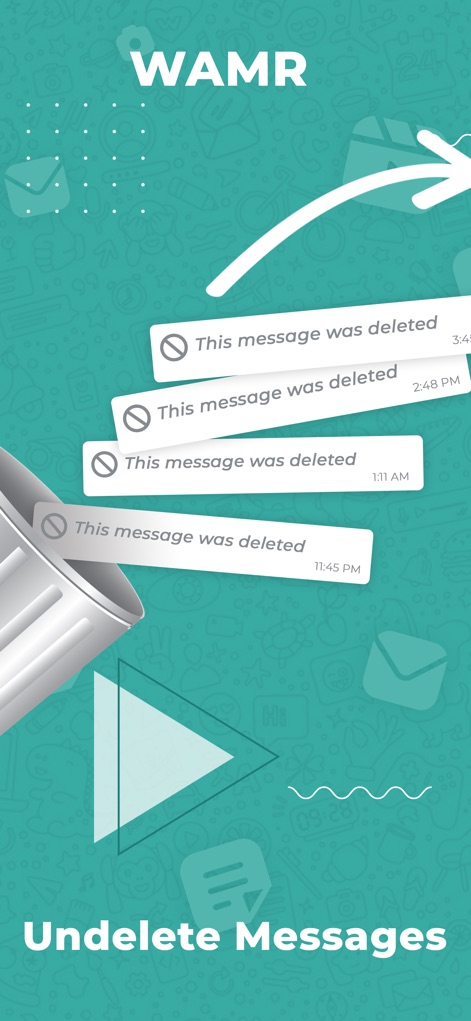
This visual demonstrates the app's core function, showing how "This message was deleted" bubbles are transformed into retrievable content, symbolized by the trash can icon.
Undelete Messages Visualized

Observe the original chat view filled with multiple "This message was deleted" entries, highlighting the common user frustration before employing the app's recovery features.
Pre-Recovery State

This screenshot highlights the app's capability to recover deleted media, clearly showing a recovered video thumbnail and a "Recovered Deleted Image" label alongside restored text messages.
Comprehensive Media Recovery
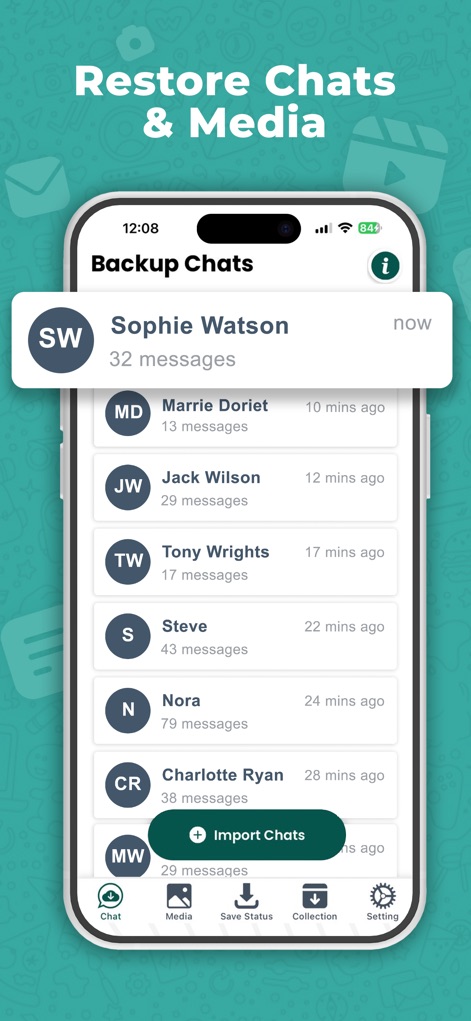
Users can view their "Backup Chats" list, complete with contact names and message counts, and utilize the prominent "Import Chats" button to restore conversations effortlessly.
Chat Backup Management
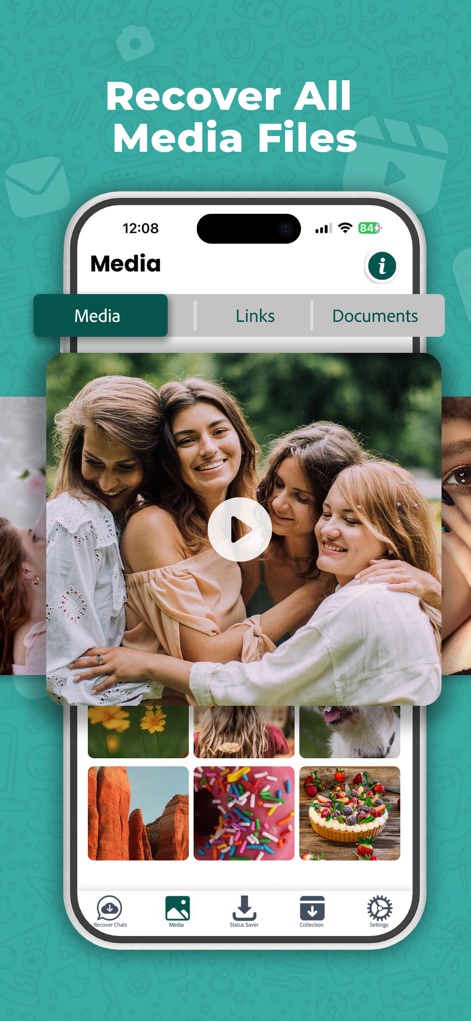
The app presents a well-organized "Media" tab, allowing users to browse recovered photos and videos within a clear grid of thumbnails.
Organized Media Gallery
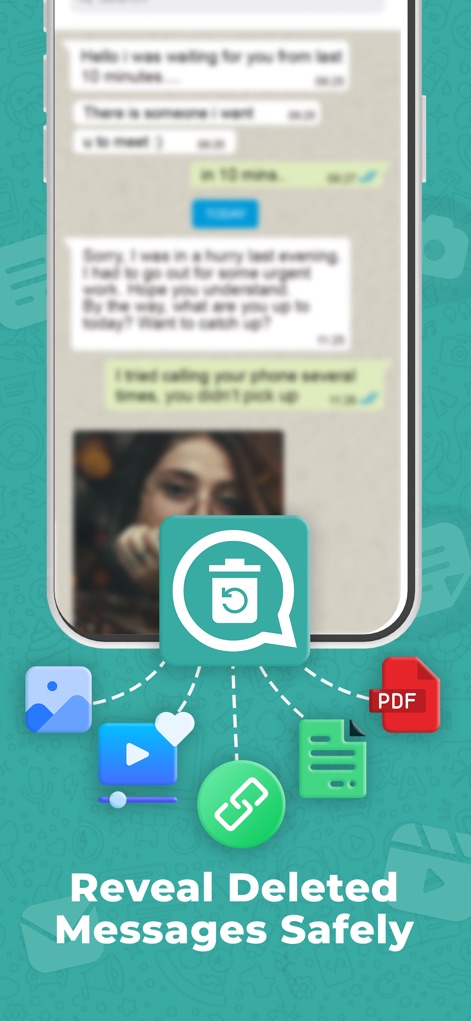
This graphic illustrates how the WAMR app icon acts as a central hub, connecting to and recovering various file types such as images and PDF documents from deleted messages.
Secure Data Integration
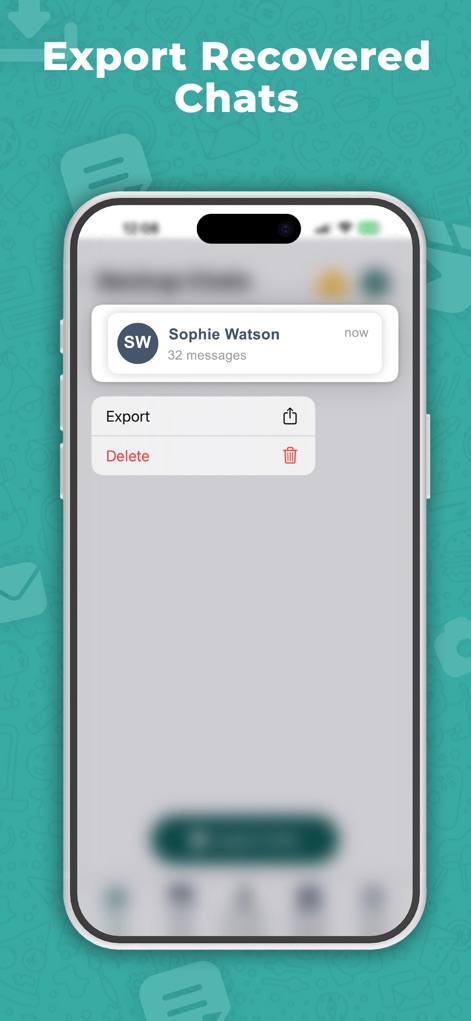
The app provides clear options to "Export" recovered chat data, ensuring users can easily save or transfer their restored conversations.
Chat Export Options
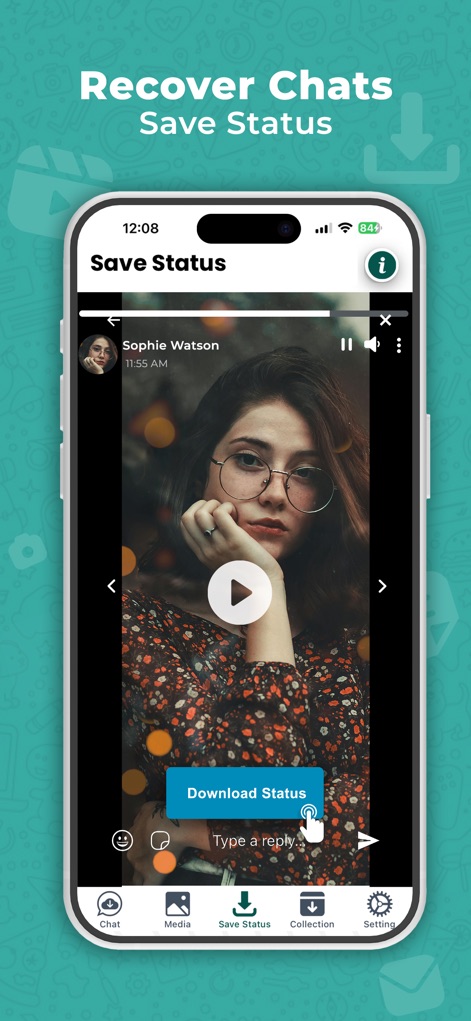
Users can preview a video status within the dedicated "Save Status" screen and effortlessly download it using the prominent "Download Status" button.
Status Saver In-Action
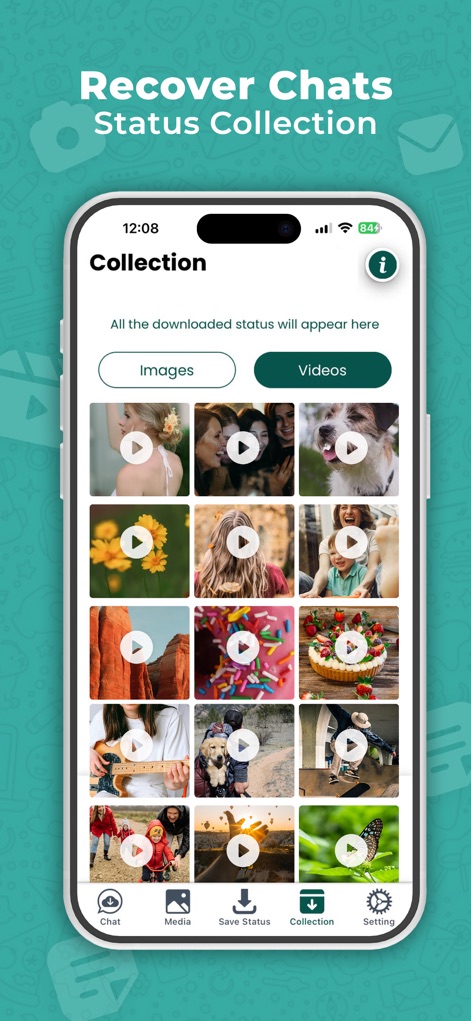
The "Collection" feature categorizes saved statuses into distinct "Images" and "Videos" tabs, providing an organized gallery for all downloaded media.
Status Media Collection
Description
Download
More Like This
Apps with similar features and user experience

Messages Recovery - ReChat
Shanghai Yixuan Network Technology Co., Ltd.

WA: Recover Deleted Messages
Hitesh Gajera

Notisave : History Log
Vaibhavi Bhingradiya

Notification History
Hemil Vasani

ProX : View once Photo Saver
yakup gumus

WhatisRemoved: Recover Message
Ravibhai Ramani
This page is not an official page of the app or its developer, but an independent editorial publication created for informational and commentary purposes. Unless expressly stated otherwise, neither the app nor its developer is affiliated with, endorsed by, sponsored by, authorized by, or otherwise officially connected with MWM, Apple, Google Play, the app publisher, or the app's developer, and nothing on this page implies that the app was developed using MWM's services. Any trademarks, logos, screenshots, and other content remain the property of their respective owners.