
nPlayer Lite


Stop converting files and wasting storage. Play any video format and stream your entire library directly from your NAS, Cloud, or FTP with professional gesture controls and advanced subtitle support.
Publisher
Category
EntertainmentDownloads
4M+User Rating
Total Ratings
17K+Locales
10Discover the interface used by 4M+ users.
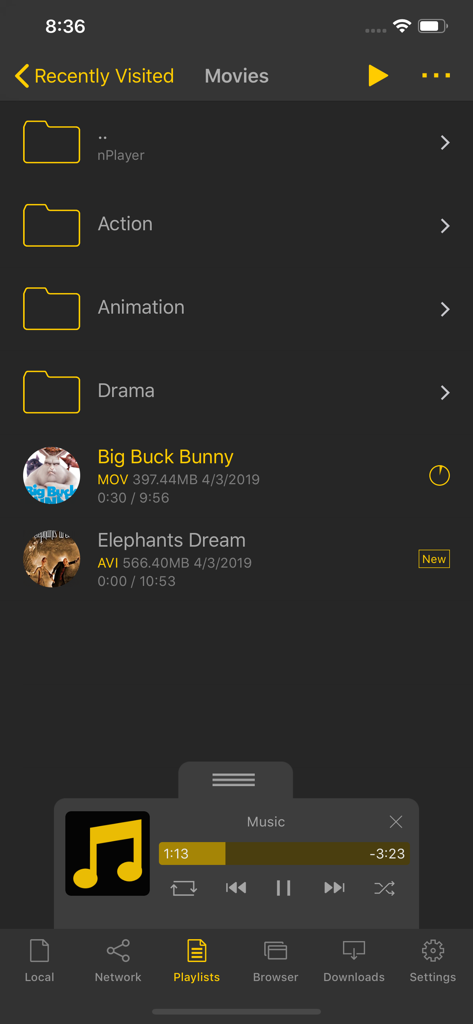
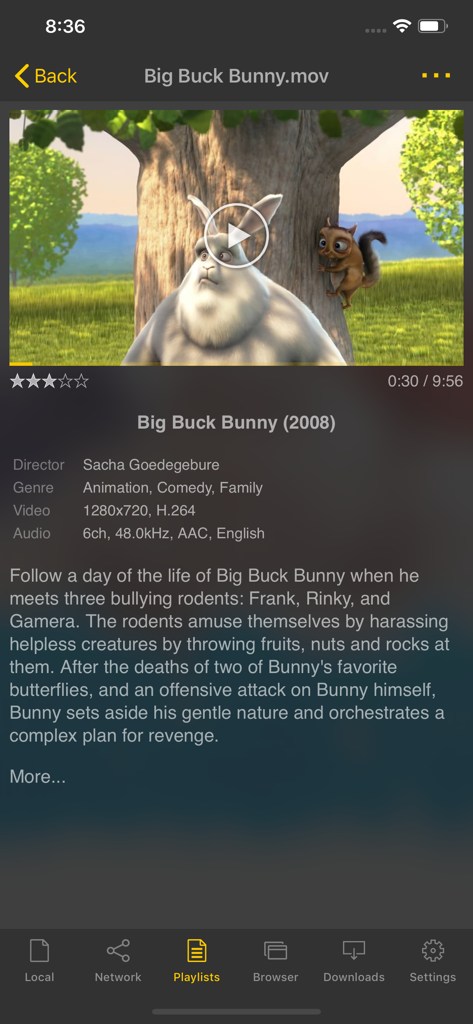
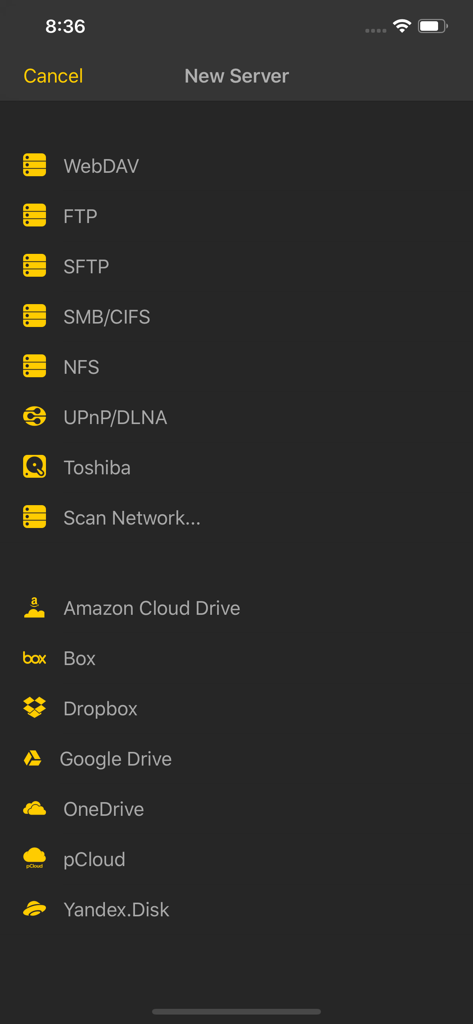
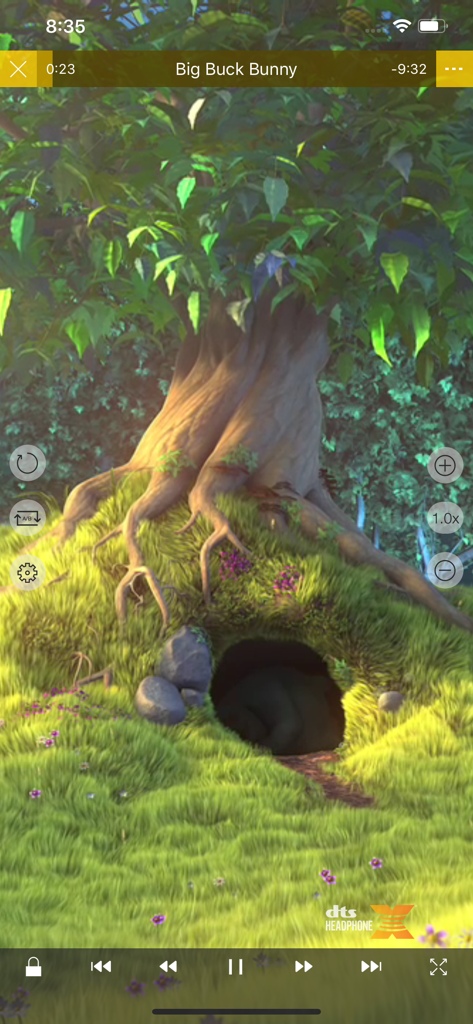
The tools that make this app stand out, trusted by 4M+ users.
Play MKV, AVI, FLV, and high-res audio natively. Skip the time-consuming conversions and watch your content exactly as it was meant to be seen.
Connect directly to your NAS, FTP, or Cloud storage. Access terabytes of movies and shows without sacrificing a single megabyte of phone storage.
Full support for SMI, SRT, and complex SSA/ASS styles. Use intuitive gestures to adjust timing, font size, and position on the fly.
Insights from user reviews.
Sentiment Score
Summary
The app receives overwhelmingly negative feedback, primarily due to an excessive number of unskippable ads that frequently interrupt or prevent media playback, sometimes leading to crashes or black screens. Many users report the recent removal or malfunction of crucial features like Google Drive integration and DTS Headphone X, alongside new problems with video/audio playback, subtitles, and general app stability observed over the past few months. While a few users appreciate its user-friendly interface and effective DLNA support, these positives are largely overshadowed by widespread frustration over advertisements and core functionality issues.
Common Themes
Everything you need to know about nPlayer Lite.
Description
Latest Version
3.13.0
Size
67.0 MB
First Released
Feb 27, 2016
Stop converting files and reclaim your storage. Join 4 million+ media power users and start streaming your entire library from your NAS, FTP, or Cloud for free today.
Everything you need to know about nPlayer Lite
nPlayer Lite supports MP4, MOV, MKV, AVI, WMV, ASF, FLV, OGV, RMVB, and TP video files. It plays these formats directly without requiring file conversion.
No, nPlayer Lite does not require video files to be converted. The application plays all supported video formats and codecs directly, eliminating the need for conversion efforts.
Yes, nPlayer Lite enables streaming videos from remote devices using various network technologies. This feature prevents the need to store video files directly on your device.
nPlayer Lite supports WebDAV, FTP, SFTP, HTTP, SMB/CIFS, NFS, and UPnP/DLNA protocols for streaming. This allows accessing files from various remote sources.
nPlayer Lite is compatible with Box, Dropbox, OneDrive, and Yandex.Disk. Additionally, it supports Amazon Cloud Drive, Google Drive, and pCloud for media access.
Yes, nPlayer Lite offers extensive subtitle customization. Users can adjust font, color, shadow, outline, position, size, and sync. It supports multiple tracks and external files.
Yes, nPlayer Lite allows users to control playback speed. The speed can be adjusted within a range from 0.5x to 4.0x, providing flexibility for viewing content.
Yes, this version of nPlayer Lite contains advertisements. The app description explicitly states the inclusion of ads within the application.
nPlayer Lite provides robust file management capabilities. Users can delete, move, rename files, and create new folders directly within the application.
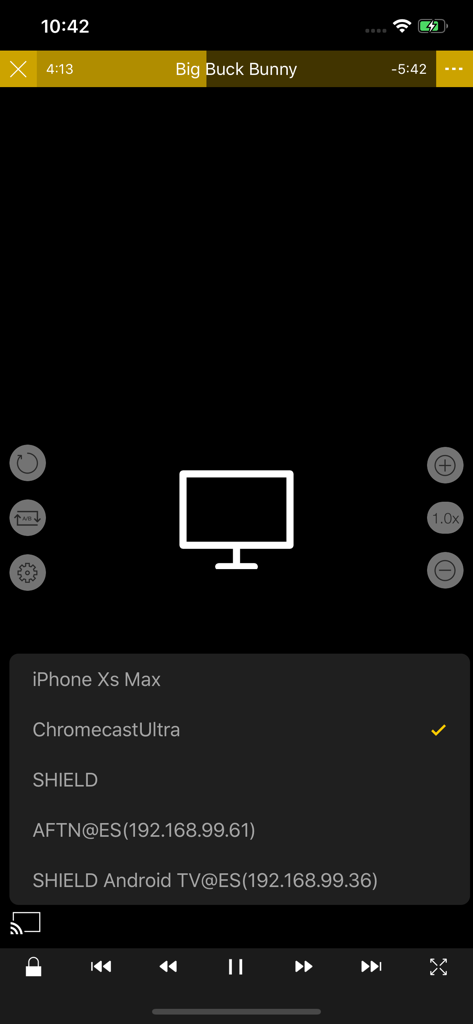
Yes, nPlayer Lite supports casting to other devices. The app can cast to options like Chromecast Ultra, which is listed as an available device in the casting menu.
Yes, nPlayer Lite plays local videos stored on your device. The app provides a dedicated "Local" tab for browsing and playing files and folders saved directly on the mobile device.
Apps with similar features and user experience

Guangzhou NetEase Computer System Co.Ltd

Hau Tran

Guangzhou TR Intelligent Manufacturing Technology Co., Ltd.

Newin Inc.

悦 刘

荣广 梁

Nanjing Oumi Software Development Co., Ltd.

化媚 席

s-joys Technology Co., Ltd.
App information, icons, screenshots, and descriptions displayed on this page are sourced from the Apple App Store and are the property of their respective developers. Download estimates and rankings are based on MWM's proprietary models and may not reflect actual figures. This page is provided for informational and analytical purposes only.
Believe this page infringes your intellectual property? File a dispute


