
This page is not an official page of the app or its developer, but an independent editorial publication created for informational and commentary purposes. Unless expressly stated otherwise, neither the app nor its developer is affiliated with, endorsed by, sponsored by, authorized by, or otherwise officially connected with MWM, Apple, Google Play, the app publisher, or the app's developer, and nothing on this page implies that the app was developed using MWM's services. Any trademarks, logos, screenshots, and other content remain the property of their respective owners.


NZBClient for NZBGet
Take full control of your Usenet downloads from your iPhone or iPad. Monitor your queue, manage multiple servers, and receive E2E encrypted notifications in real-time.
Downloads
31K+User Rating
Total Ratings
300Publisher
Category
UtilitiesLocales
1Latest Version
2025.6Size
27.8 MBFirst Released
Dec 6, 2016Master Your Usenet Queue from Anywhere
Transform your iPhone or iPad into a powerful command center for NZBGet, offering total control over your home server with a native, mobile-first experience designed for power users.
Granular Queue Management
Pause, resume, and re-order downloads with precision. Adjust speed limits and categorize files on the fly to keep your homelab running at peak efficiency.
Secure E2E Notifications
Stay informed with end-to-end encrypted push alerts. Get instant updates when tasks finish or fail, ensuring your server status is always within reach without compromising privacy.
The following screenshots and description are sourced directly from the app's official store listing and are the property of the app developer.
App Store
Screenshots
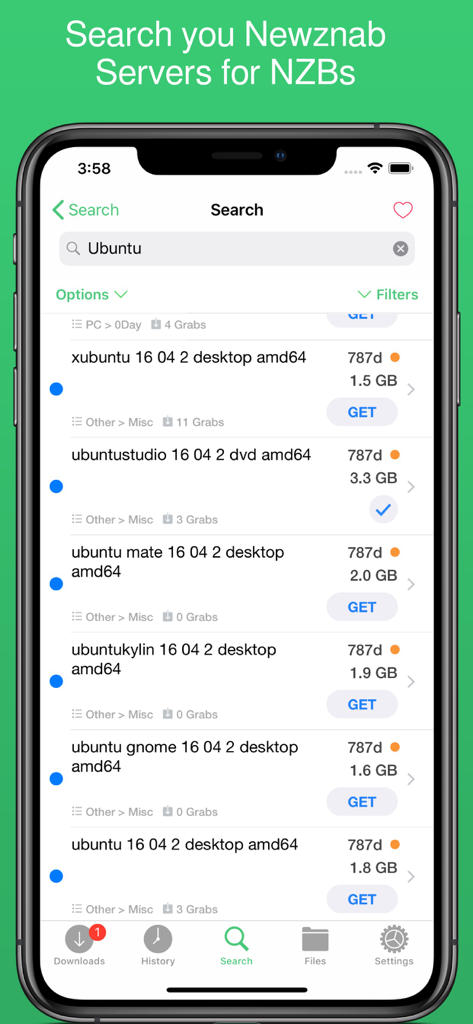
NZBClient app search screen displaying NZB results for Ubuntu from Newznab servers
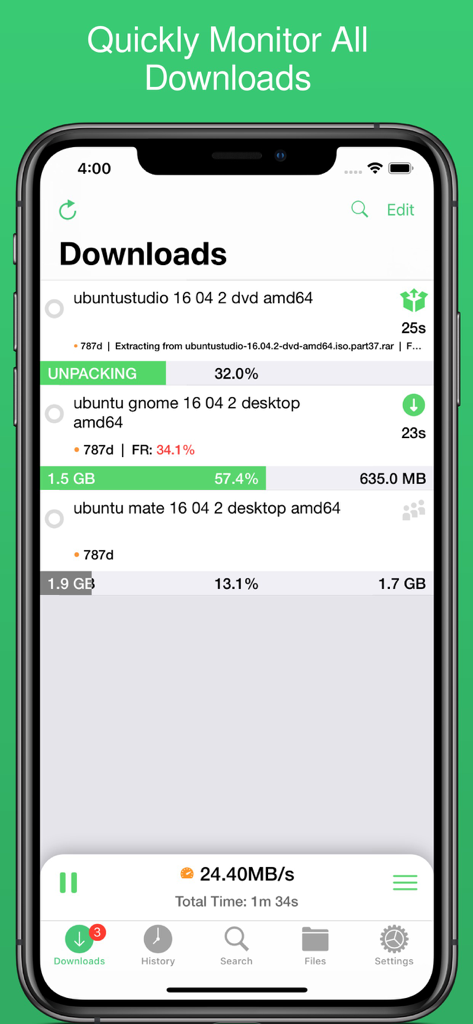
NZBClient interface showing active download progress and server speeds
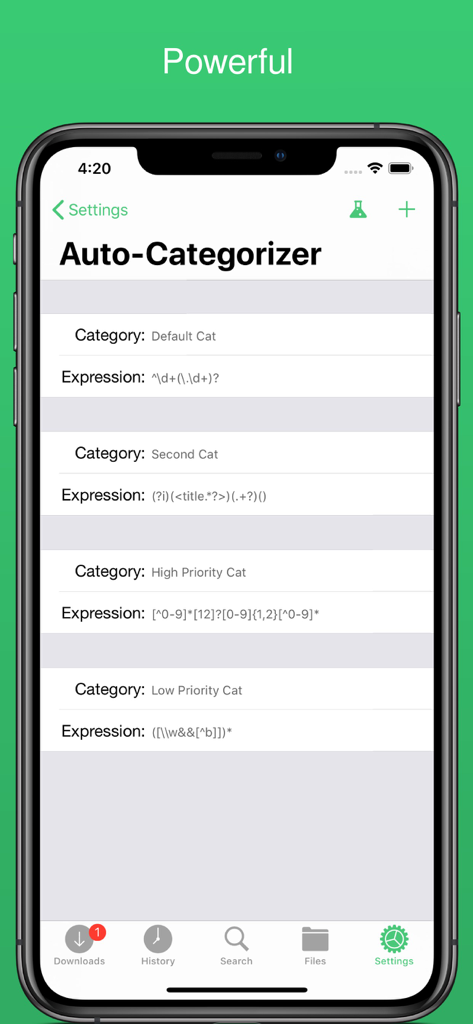
Auto-categorizer settings screen in NZBClient showing custom rules for organizing downloads
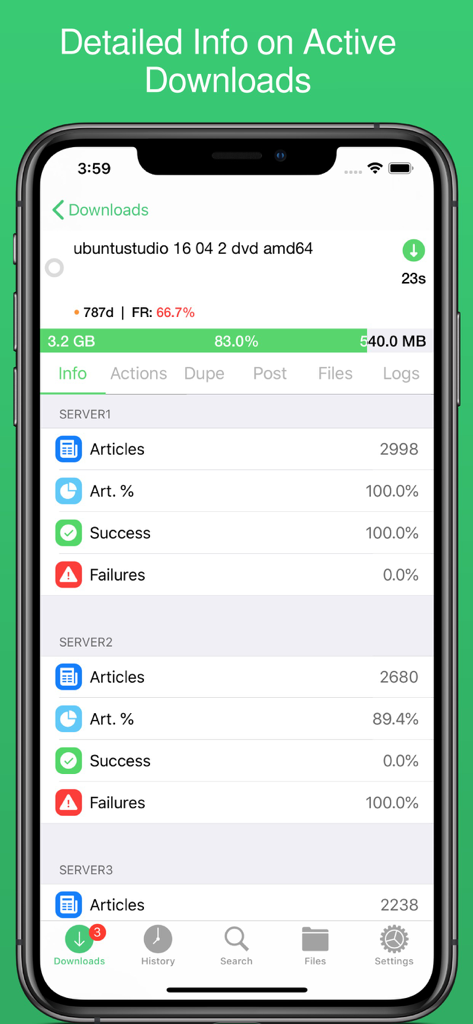
Detailed active download screen in NZBClient showing progress and server success rates
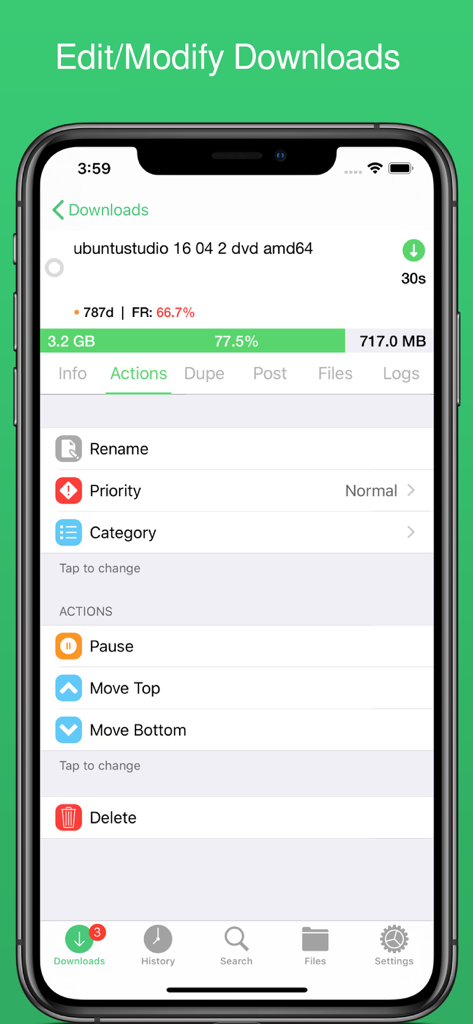
NZBClient mobile app interface showing the actions menu for managing an active NZBGet download including rename and priority options.
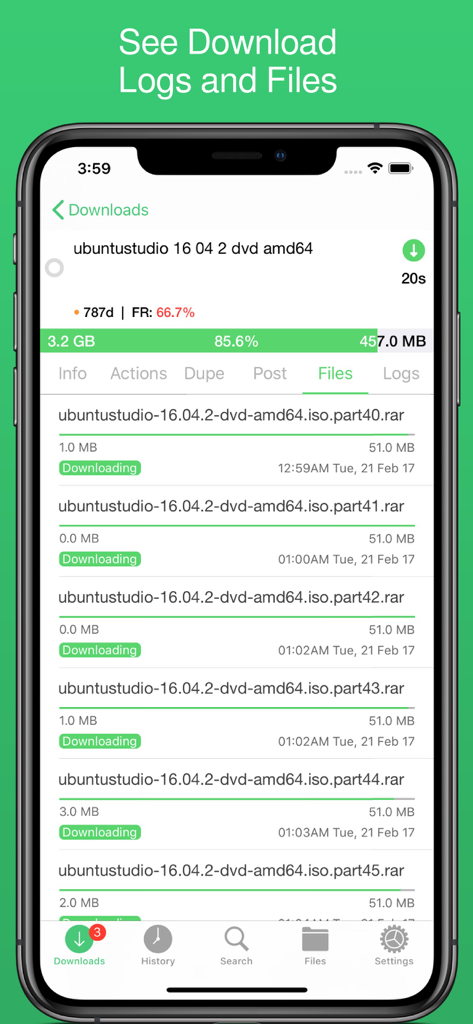
Mobile interface of NZBClient showing individual file parts and progress for a download in progress.
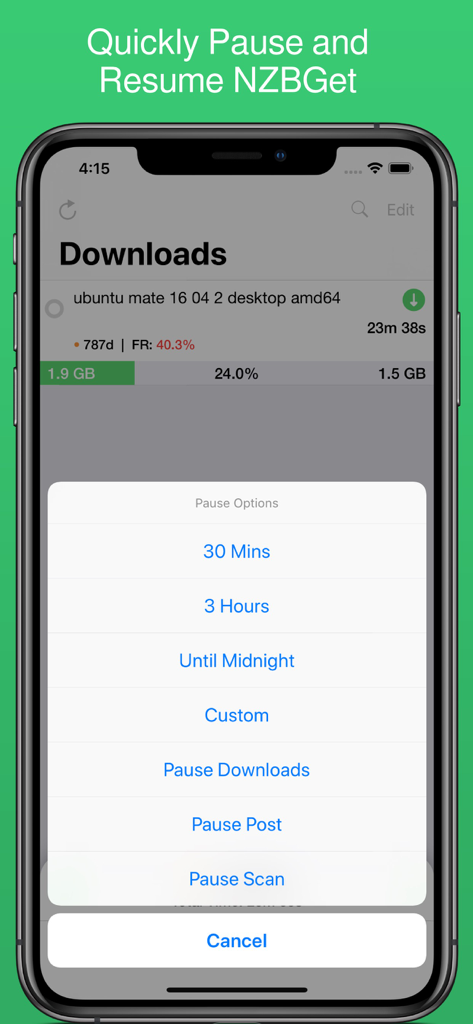
NZBClient mobile app screenshot displaying download progress and a pause options menu with timed intervals for NZBGet.
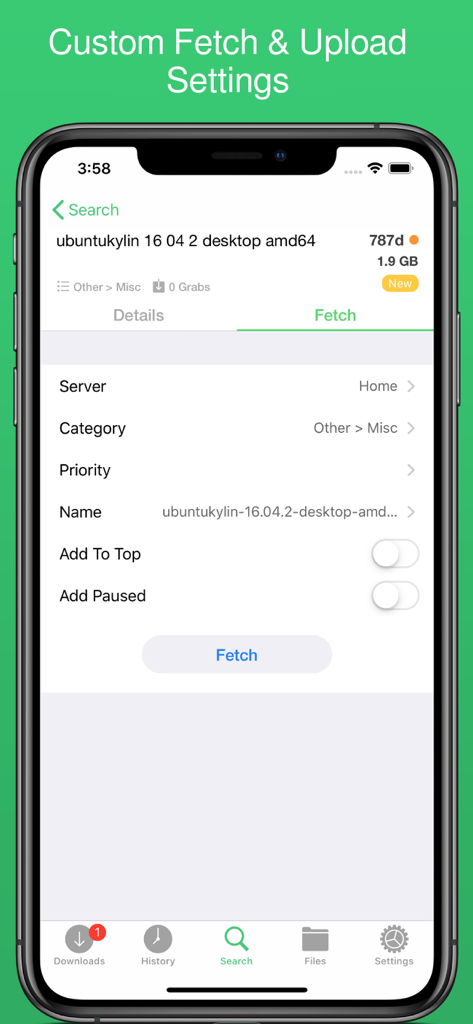
NZBClient app interface for customizing fetch and upload settings for a download file
Description
Download
More Like This
Apps with similar features and user experience

Brivo Mobile Pass
Brivo Inc.

Titan Email: Contacts,Calendar
Flock FZ-LLC

Tableau Mobile
Tableau Software, LLC

Teachable online courses
Teachable Inc.

Liquid UI Client for SAP
Synactive

Garoon
Cybozu, Inc.

Aruba PEC
Aruba S.p.A.

Purple Mash Browser
2 Simple Limited

BT Email
British Telecommunications plc
This page is not an official page of the app or its developer, but an independent editorial publication created for informational and commentary purposes. Unless expressly stated otherwise, neither the app nor its developer is affiliated with, endorsed by, sponsored by, authorized by, or otherwise officially connected with MWM, Apple, Google Play, the app publisher, or the app's developer, and nothing on this page implies that the app was developed using MWM's services. Any trademarks, logos, screenshots, and other content remain the property of their respective owners.