
This page is not an official page of the app or its developer, but an independent editorial publication created for informational and commentary purposes. Unless expressly stated otherwise, neither the app nor its developer is affiliated with, endorsed by, sponsored by, authorized by, or otherwise officially connected with MWM, Apple, Google Play, the app publisher, or the app's developer, and nothing on this page implies that the app was developed using MWM's services. Any trademarks, logos, screenshots, and other content remain the property of their respective owners.


OBDLink
Turn your phone into a powerful scan tool to clear check engine lights, monitor real-time performance, and access free OEM add-ons with zero subscription fees.
Downloads
631K+User Rating
Total Ratings
15K+Publisher
Category
TravelLocales
9Latest Version
7.0.0Size
59.3 MBFirst Released
May 31, 2014Professional Diagnostic Power in Your Pocket
Turn your phone or tablet into a dealership-grade scan tool. Stop guessing why your 'Check Engine' light is on and start taking control of your vehicle's health with professional data and zero hidden fees.
Full-System OEM Diagnostics
Go beyond basic codes. Read and clear advanced manufacturer-specific data like ABS, Airbag, and Transmission codes with free, unlimited add-ons.
Custom Live Dashboards
Monitor your engine’s vitals in real-time. Create a personalized cockpit to track transmission temperature, boost pressure, fuel economy, and over 90 other parameters.
Frequently Asked Questions
Everything you need to know about OBDLink
What OBD adapters are compatible with the OBDLink app?
The OBDLink app exclusively works with OBDLink MX+, OBDLink CX, and OBDLink MX WiFi OBD adapters. It is not compatible with any other brand of OBD adapter.
Does the OBDLink app require in-app purchases or have recurring fees?
No, the OBDLink app does not have in-app fees. OBDLink MX+ provides unlimited free OEM add-ons. The app also offers free unlimited updates and is ad-free.
Can the OBDLink app diagnose and clear engine trouble codes?
Yes, the OBDLink app allows users to check and clear diagnostic trouble codes (DTCs), which can turn off the "Check Engine" light. It also reads freeze frame data.
Does the OBDLink app display real-time vehicle data?
Yes, the OBDLink app displays over 90 real-time parameters. Users can view data like vehicle speed, engine temperature, RPM, fuel rate, and battery voltage through customizable dashboards.
Can the OBDLink app help with emissions readiness checks?
Yes, the OBDLink app provides emissions readiness status for each US state. It also offers On-board Monitoring Tests (Mode $06) and In-performance Tracking Counters (Mode $09).
Can I log vehicle data with the OBDLink app and export it?
Yes, the OBDLink app allows logging of vehicle data. This data can be exported to CSV format, which is compatible with Excel for further analysis.
Does the OBDLink app include GPS tracking functionality?
Yes, the OBDLink app features GPS tracking. It plots vehicle parameters on a map in real-time. Continued background GPS use can dramatically decrease battery life.
What languages does the OBDLink app support?
The OBDLink app supports multiple languages, including English, Spanish, French, Greek, Italian, and Czech. It also allows selection between English and Metric units.
Can the OBDLink app generate and share diagnostic reports?
Yes, the OBDLink app generates a full diagnostic report. This report can be e-mailed or uploaded to Dropbox directly from within the application.
The following screenshots and description are sourced directly from the app's official store listing and are the property of the app developer.
App Store
Screenshots
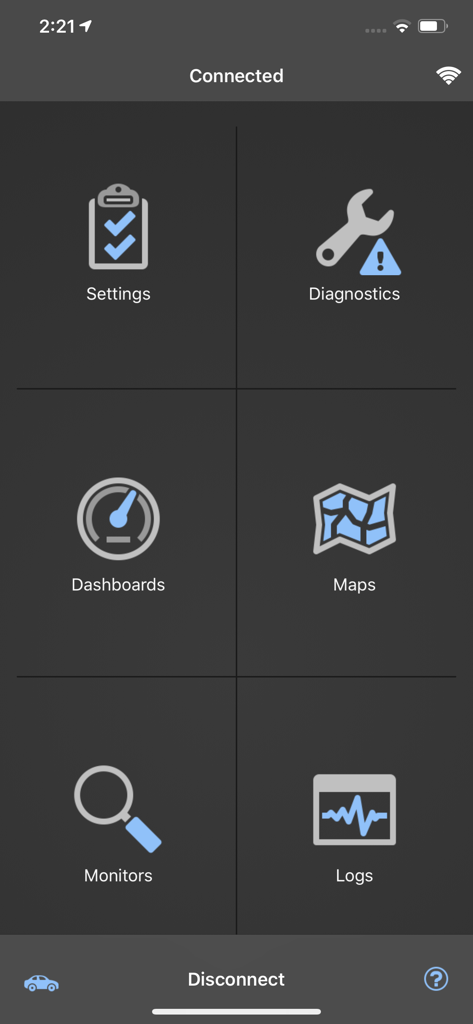
OBDLink mobile app home screen showing navigation icons for diagnostics dashboards maps monitors and logs
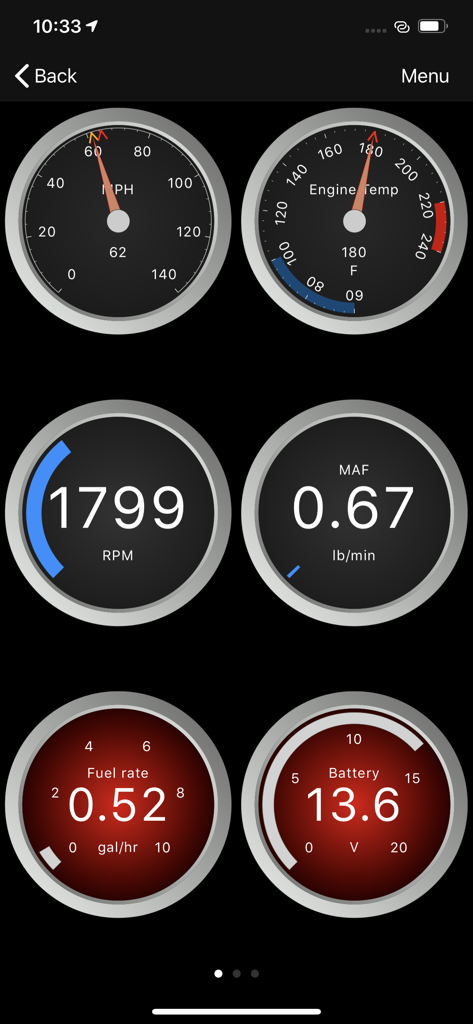
OBDLink app interface displaying customizable vehicle diagnostic gauges including RPM speed and engine temperature
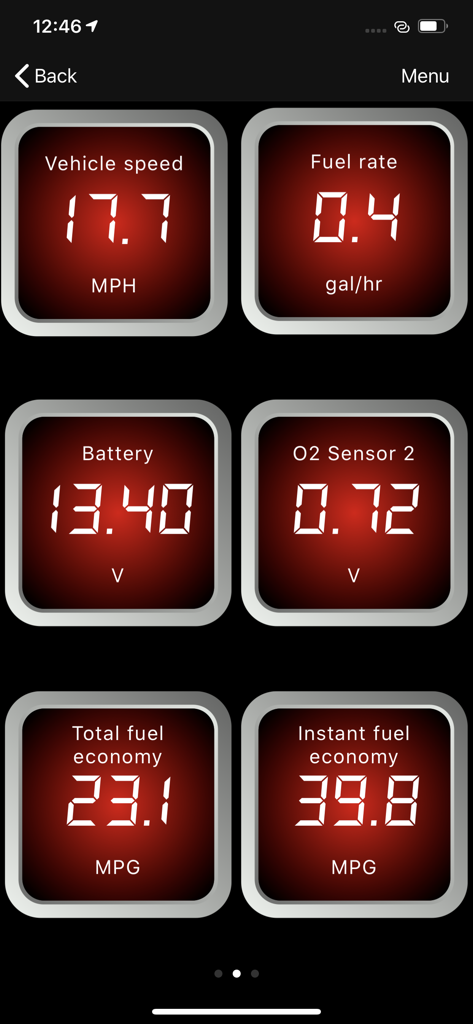
OBDLink app dashboard showing real-time vehicle metrics including speed fuel rate and battery voltage
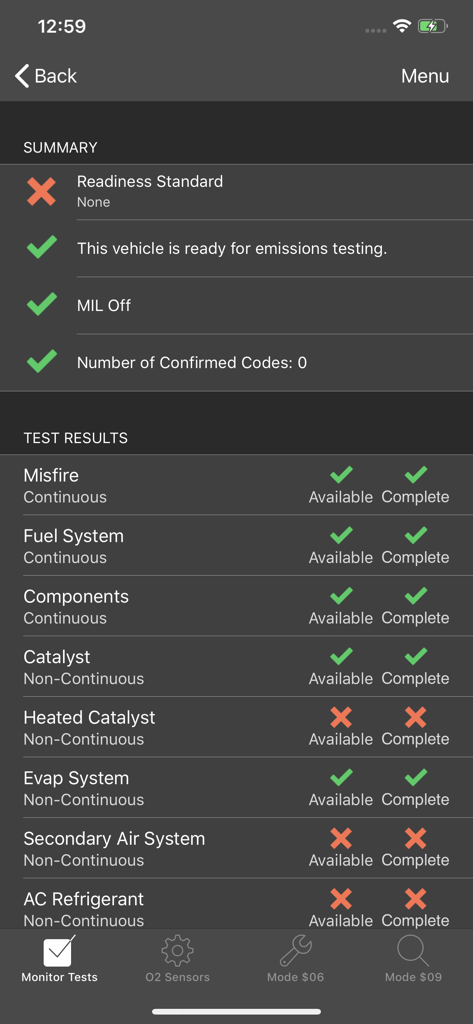
A mobile screen showing the OBDLink app with a summary of emissions readiness and individual test results for car components
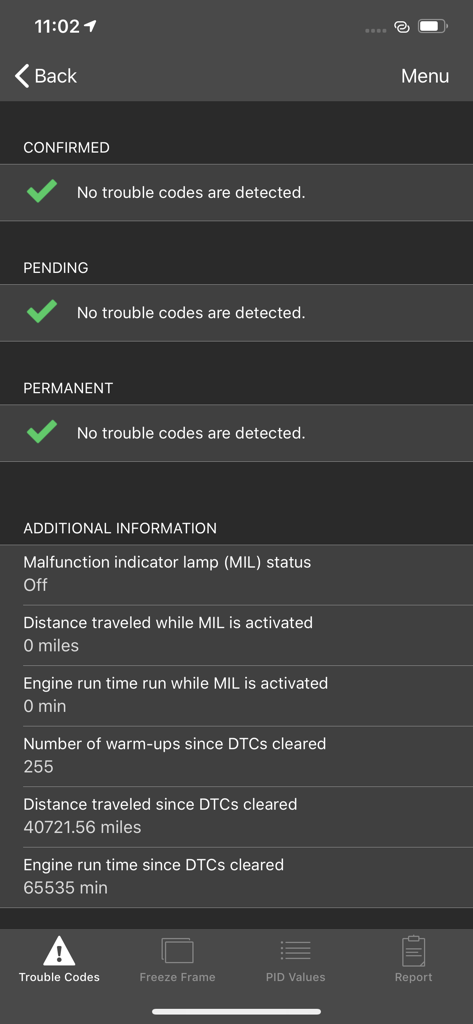
The OBDLink app displaying a vehicle diagnostic scan with no trouble codes found.
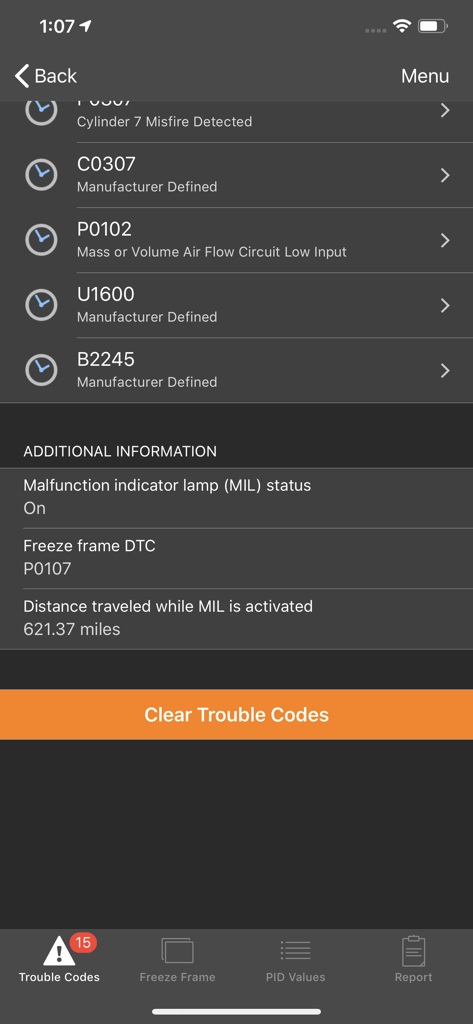
OBDLink app displaying vehicle diagnostic trouble codes and clear codes option
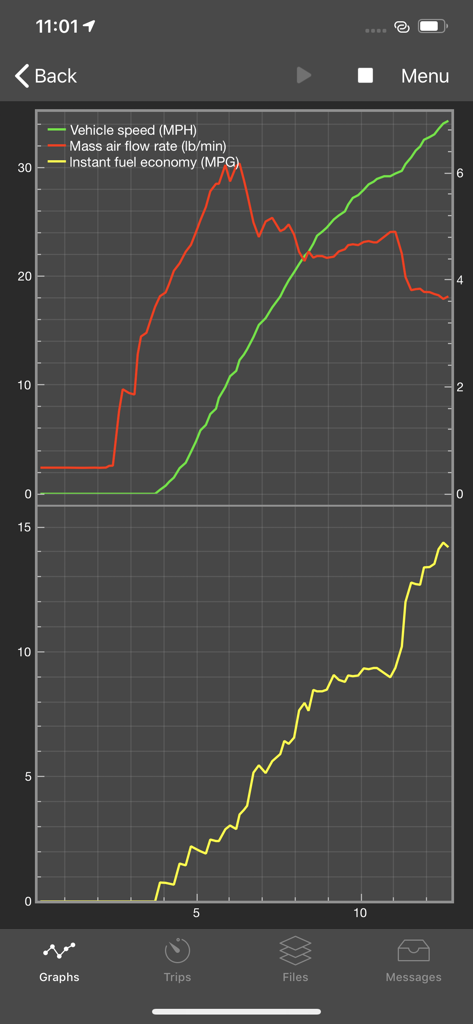
Real-time graphs in the OBDLink app displaying vehicle speed, mass air flow rate, and instant fuel economy data.
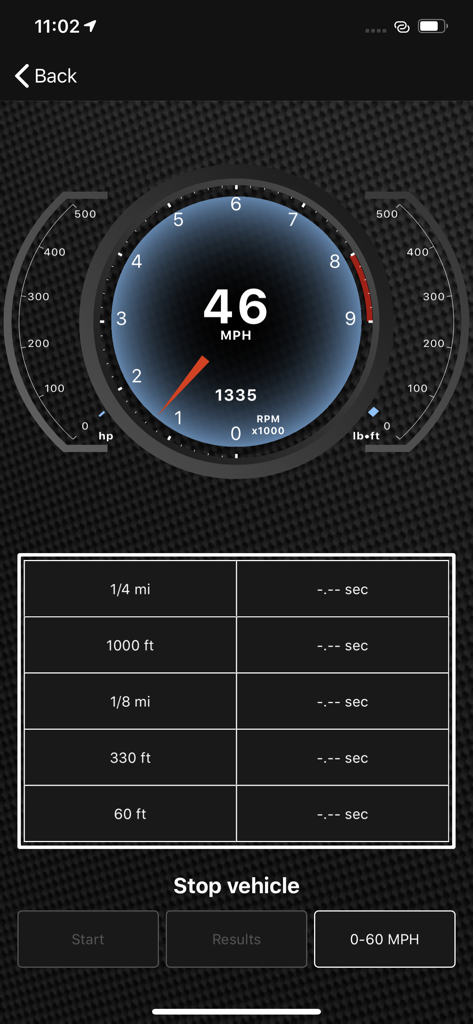
Digital dashboard interface of the OBDLink app showing vehicle speed and RPM
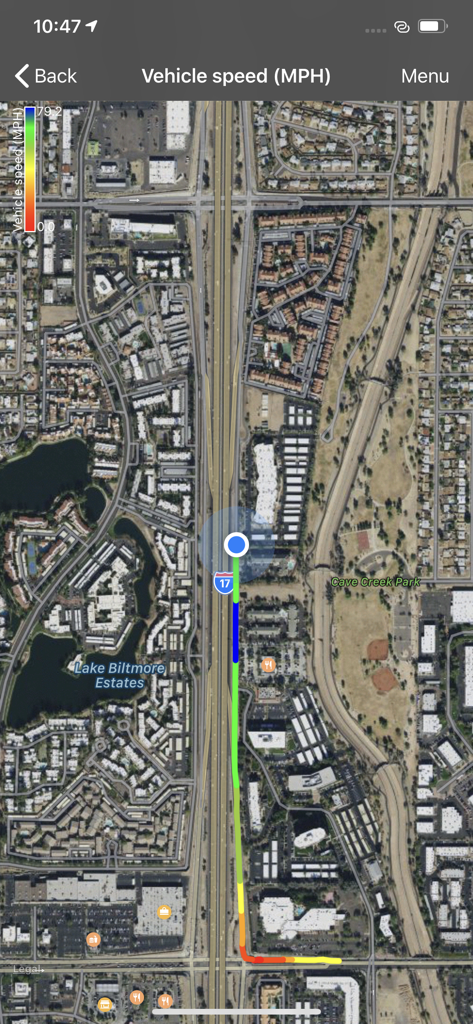
OBDLink app GPS tracking screen displaying vehicle speed data on a satellite map
Description
Download
More Like This
Apps with similar features and user experience

Car Scanner ELM OBD2
Stanislav Svistunov

RepairSolutions2
Innova Electronics
Car Mate - OBD2 CAR Scanner
Ihar Katkavets

Carly — OBD2 car scanner
Carly Solutions GmbH Co KG
BlueDriver OBD2 Scan Tool
Root Four Imagination Inc.

BimmerLink for BMW and MINI
SG Software GmbH & Co. KG

FIXD OBD2 Scanner
FIXD Automotive Inc
OBD2 Scanner: Torque ELM 327
MONIQ TAP COMPANY LIMITED

OBDeleven VAG Car diagnostics
OBDeleven UAB
This page is not an official page of the app or its developer, but an independent editorial publication created for informational and commentary purposes. Unless expressly stated otherwise, neither the app nor its developer is affiliated with, endorsed by, sponsored by, authorized by, or otherwise officially connected with MWM, Apple, Google Play, the app publisher, or the app's developer, and nothing on this page implies that the app was developed using MWM's services. Any trademarks, logos, screenshots, and other content remain the property of their respective owners.