
This page is not an official page of the app or its developer, but an independent editorial publication created for informational and commentary purposes. Unless expressly stated otherwise, neither the app nor its developer is affiliated with, endorsed by, sponsored by, authorized by, or otherwise officially connected with MWM, Apple, Google Play, the app publisher, or the app's developer, and nothing on this page implies that the app was developed using MWM's services. Any trademarks, logos, screenshots, and other content remain the property of their respective owners.


Obscura — Pro Camera
Take full manual control of your iPhone’s camera with an award-winning interface designed for one-handed precision and professional RAW capture.
Downloads
178K+User Rating
Total Ratings
700Publisher
Category
Photo & VideoLocales
10Latest Version
2025.12Size
98.4 MBFirst Released
Feb 16, 2022Professional Power in Your Pocket
Obscura brings the precision of a high-end DSLR to your iPhone, combining advanced manual controls with a minimalist design for the intentional creator.
Total Manual Control
Take full authority over ISO, shutter speed, and white balance with intuitive dials designed for rapid, professional adjustments.
One-Thumb Ergonomics
Stay focused on your subject with a tactile, gesture-driven interface designed for effortless one-handed shooting and haptic feedback.
The following screenshots and description are sourced directly from the app's official store listing and are the property of the app developer.
App Store
Screenshots
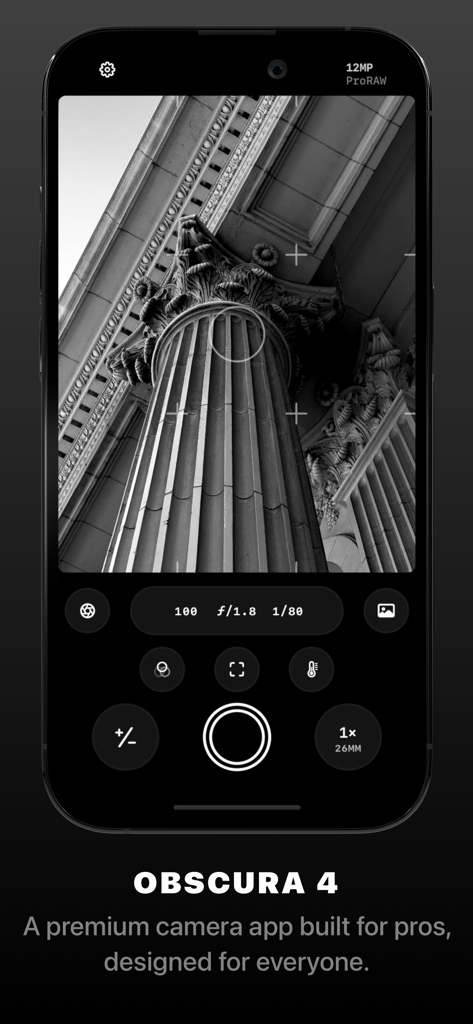
Obscura 4 camera app interface showing manual exposure controls and a black and white photo of a classical column.
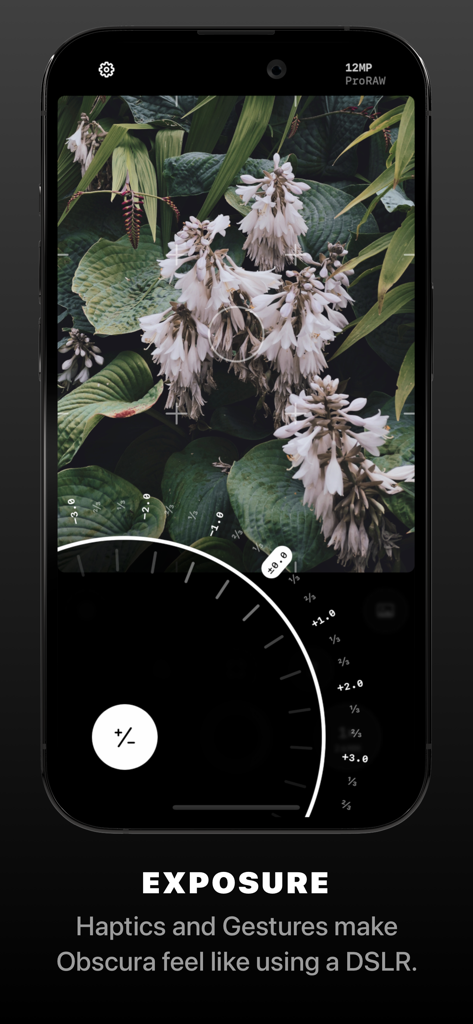
Obscura pro camera app interface showing manual exposure dial and a photo of white flowers
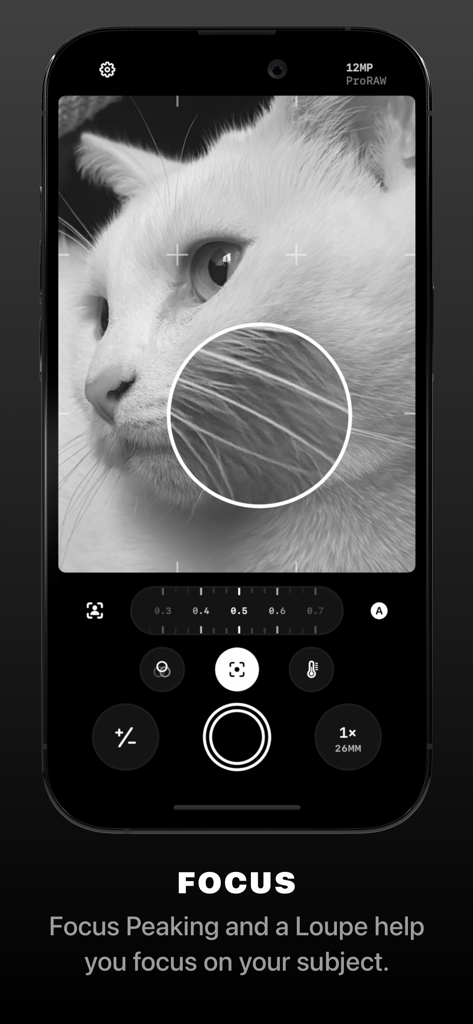
Obscura Pro Camera app interface demonstrating manual focus loupe and focus peaking tools on a monochrome cat photo
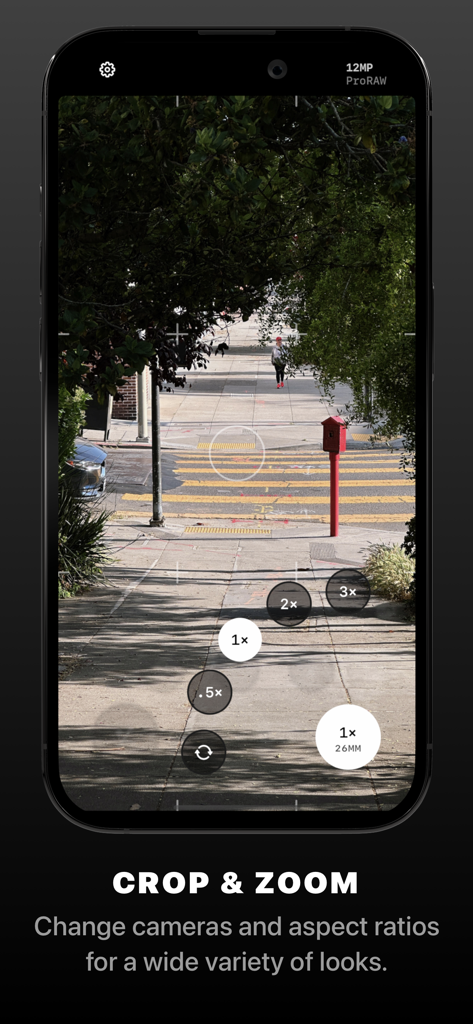
Obscura pro camera app interface showing manual zoom and lens selection controls
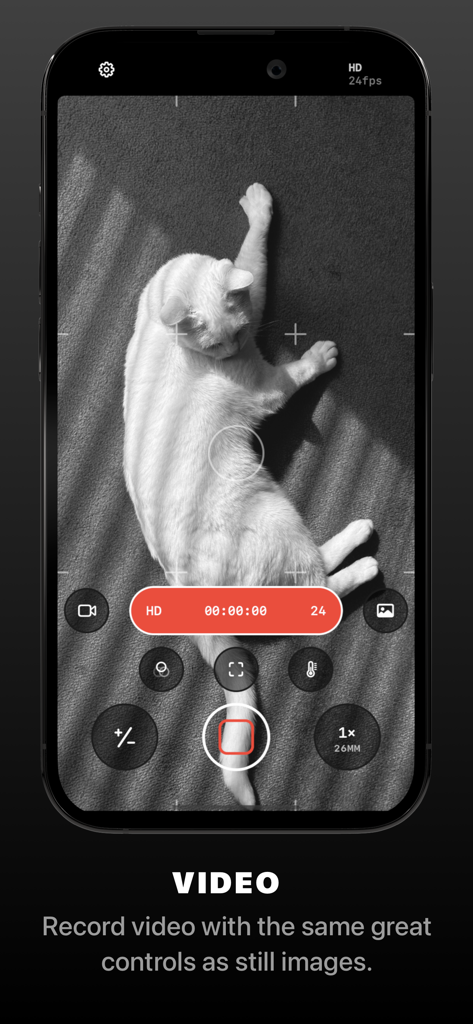
Screenshot of the Obscura app video recording interface showing professional manual controls while filming a white cat in black and white
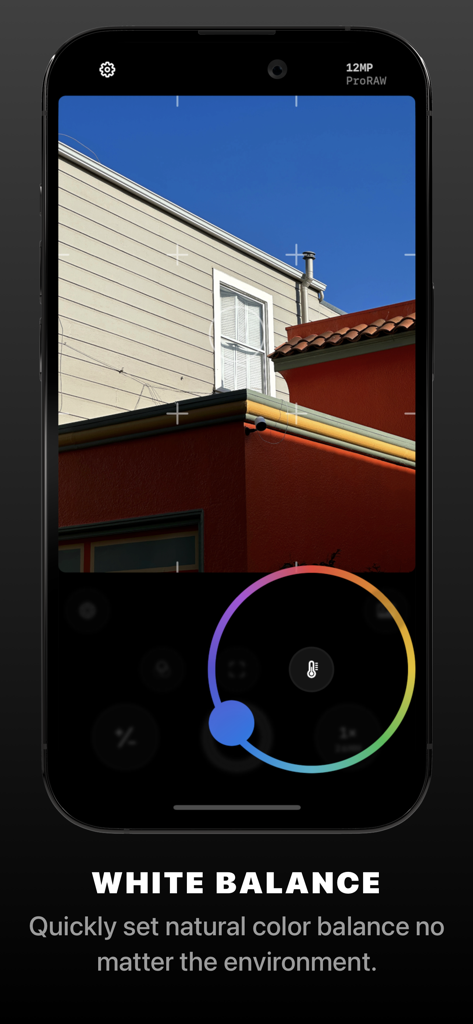
Obscura Pro Camera app interface showing manual white balance control wheel
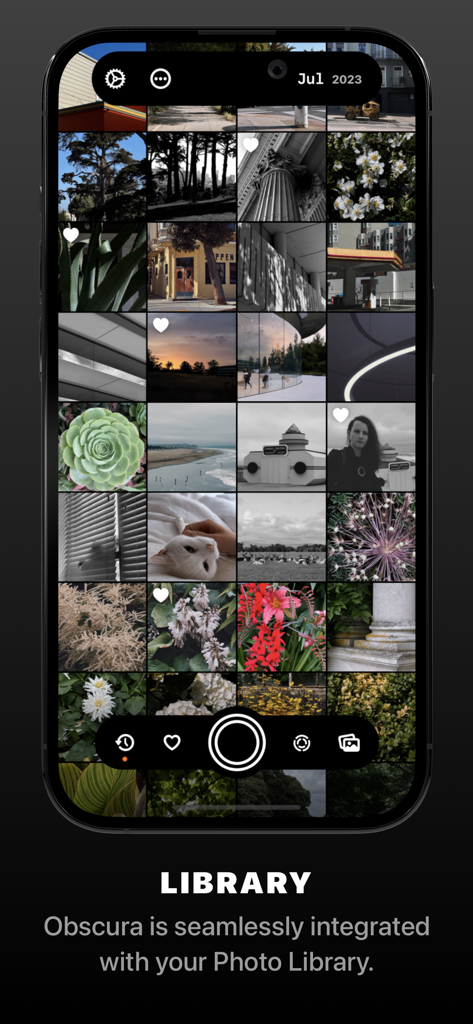
Screenshot of the Obscura app showing a grid of photos from the system library on an iPhone
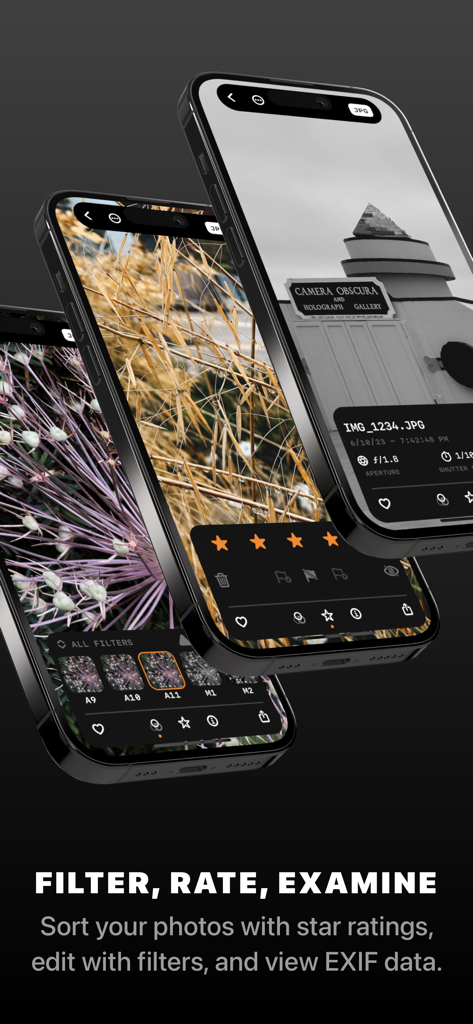
Obscura app interface for filtering, rating, and viewing photo metadata.
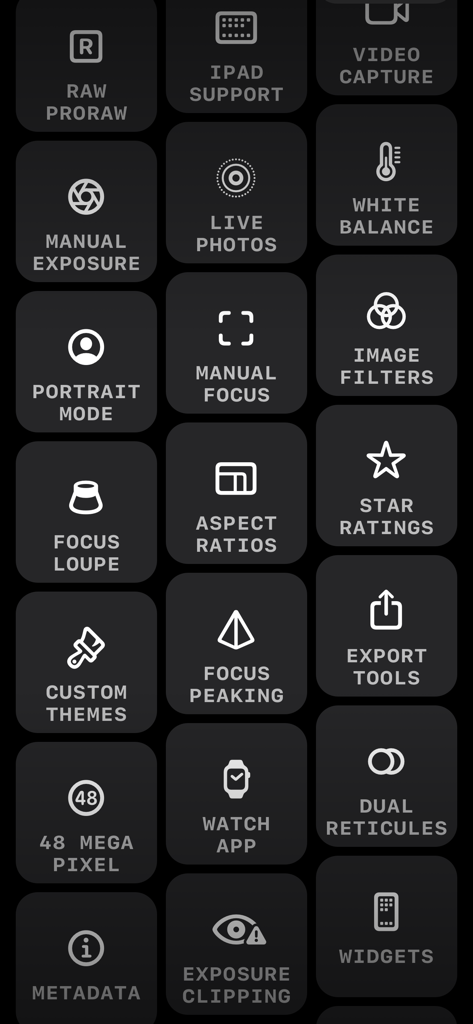
A grid of icons showing professional photography features of the Obscura camera app like RAW support manual exposure and focus peaking
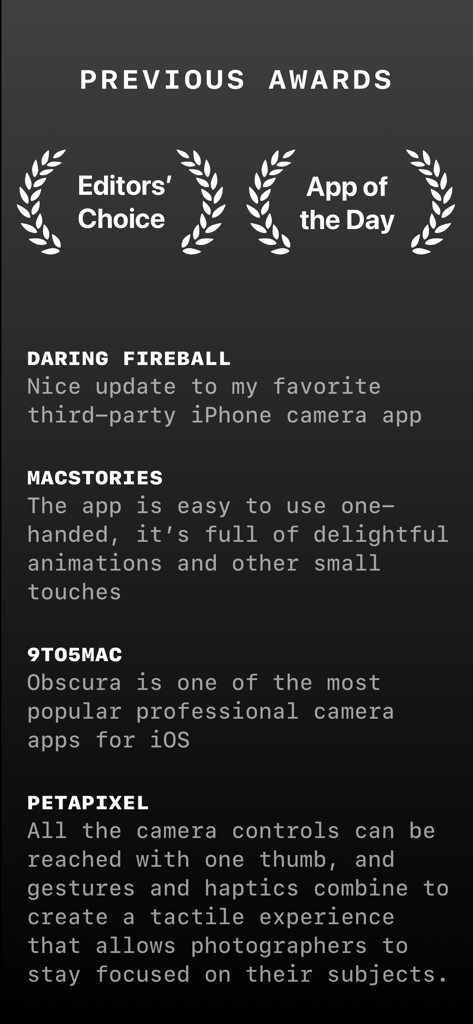
List of industry awards and press reviews for the Obscura Pro Camera app highlighting its professional features and design.
Description
Download
More Like This
Top-ranked apps in the same category

CapCut: Photo & Video Editor
BYTEDANCE PTE. LTD.

Instagram, Inc.

YouTube
Google LLC

Canva: AI Photo & Video Editor
Canva Pty Ltd

快手
Beijing Kwai Technology Co., Ltd.

Snapchat
Snap, Inc.

Edits: Video Editor
Instagram, Inc.

Google Photos: Backup & Edit
Google LLC

Meta AI - Vibes & AI Glasses
Meta Platforms, Inc.
This page is not an official page of the app or its developer, but an independent editorial publication created for informational and commentary purposes. Unless expressly stated otherwise, neither the app nor its developer is affiliated with, endorsed by, sponsored by, authorized by, or otherwise officially connected with MWM, Apple, Google Play, the app publisher, or the app's developer, and nothing on this page implies that the app was developed using MWM's services. Any trademarks, logos, screenshots, and other content remain the property of their respective owners.