
This page is not an official page of the app or its developer, but an independent editorial publication created for informational and commentary purposes. Unless expressly stated otherwise, neither the app nor its developer is affiliated with, endorsed by, sponsored by, authorized by, or otherwise officially connected with MWM, Apple, Google Play, the app publisher, or the app's developer, and nothing on this page implies that the app was developed using MWM's services. Any trademarks, logos, screenshots, and other content remain the property of their respective owners.


OKEN Scanner - PDF Scanner
You gain control over your documents, turning iPhone into a serious document powerhouse.
Downloads
75k+User Rating
Total Ratings
1.3KPublisher
Category
Photo & VideoLocales
1Latest Version
1.3Size
11.3 MBFirst Released
Nov 6, 2025An Analytical Overview of Core Functionalities and User Benefits
OKEN Scanner - PDF Scanner: Key Feature Analysis
Advanced PDF Creation
The app provides robust tools to easily convert multiple images into a single PDF, offering extensive customization options such as page resizing, orientation adjustments, and direct signature addition for professional document creation.
Intelligent Content Search
This tool features an advanced smart search capability that utilizes AI to identify and locate specific content, including images, faces, logos, and videos, significantly streamlining file retrieval.
Secure PDF Management
It allows users to manage existing PDFs by merging multiple files, unlocking content for editing, and securing sensitive documents with password protection to ensure data privacy.
Cloud Sync & Accessibility
The app offers integrated cloud support, ensuring that all documents are synchronized across devices and remain accessible anytime, anywhere, enhancing flexibility and data backup.
Multimedia Content Extraction
The app provides functionalities to extract images from PDF files and capture high-quality stills directly from videos, expanding its utility for diverse media-related tasks.
Workflow Continuity
This tool features recent file tracking, enabling users to quickly resume work on previously accessed documents, thereby improving productivity and user convenience.
The following screenshots and description are sourced directly from the app's official store listing and are the property of the app developer.
App Store
Screenshots
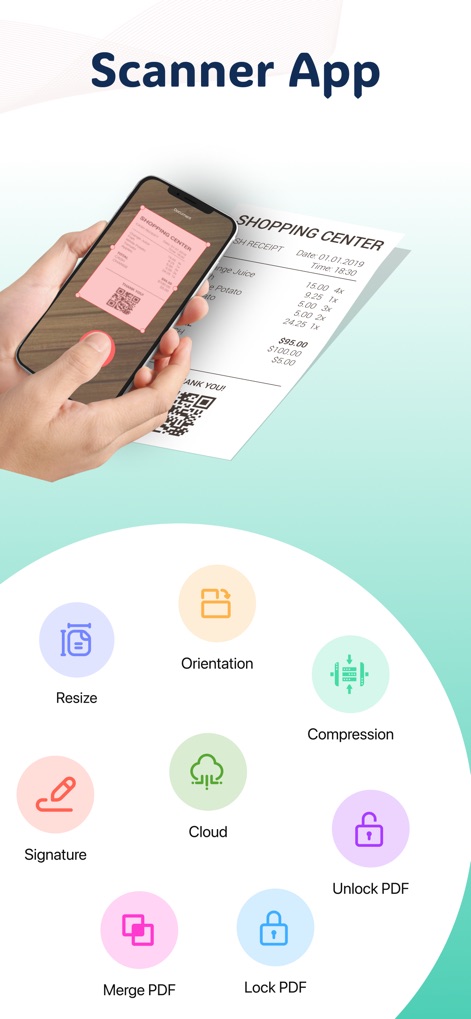
The app streamlines document management by showcasing intuitive mobile scanning and a comprehensive suite of PDF customization and security tools.
Essential PDF Toolkit
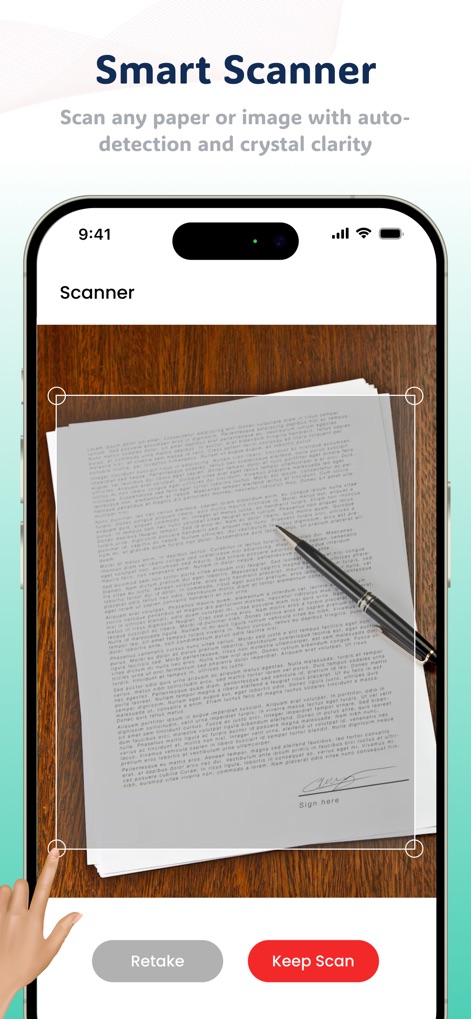
This tool empowers users with accurate document capture, featuring intelligent auto-detection borders and straightforward options to refine or accept scans.
Precision Smart Scanning
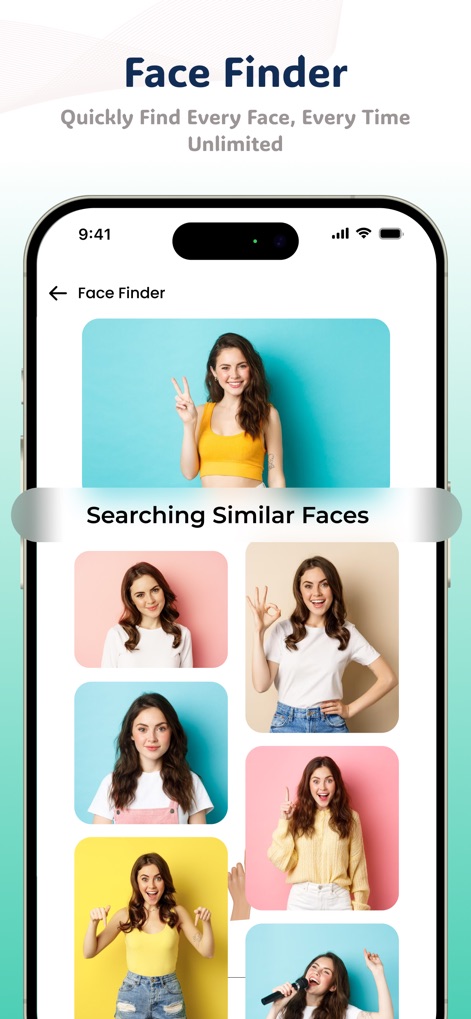
Users can quickly locate specific individuals within their media, utilizing the dedicated "Face Finder" feature to display and identify similar faces.
Advanced Face Finder
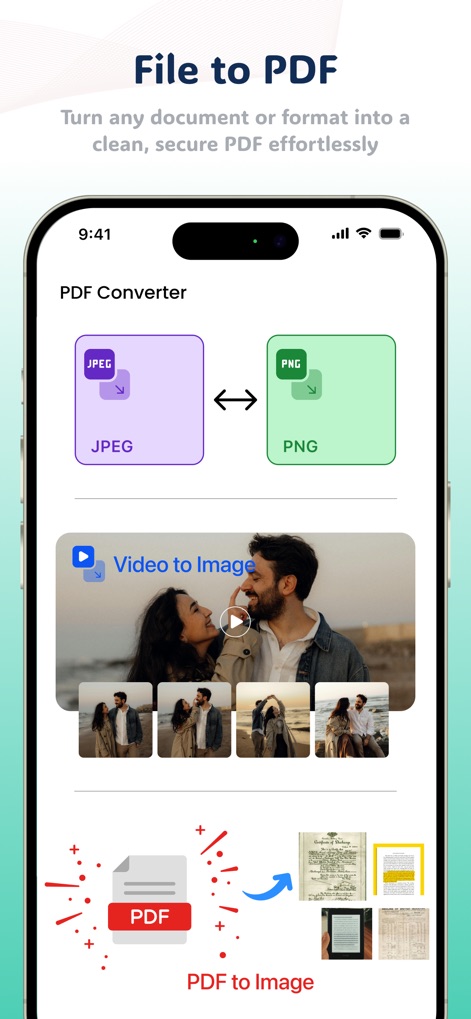
The app offers robust multimedia conversion capabilities, allowing seamless transitions between JPEG and PNG formats and precise image extraction from videos.
Versatile File Conversion
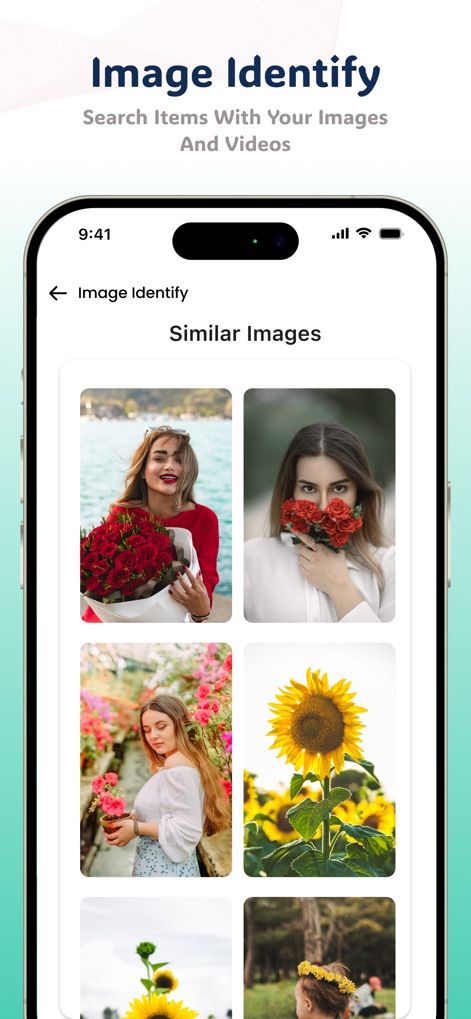
This tool enhances media organization through its "Image Identify" feature, presenting users with a gallery of similar images for efficient content discovery.
Intelligent Image Recognition
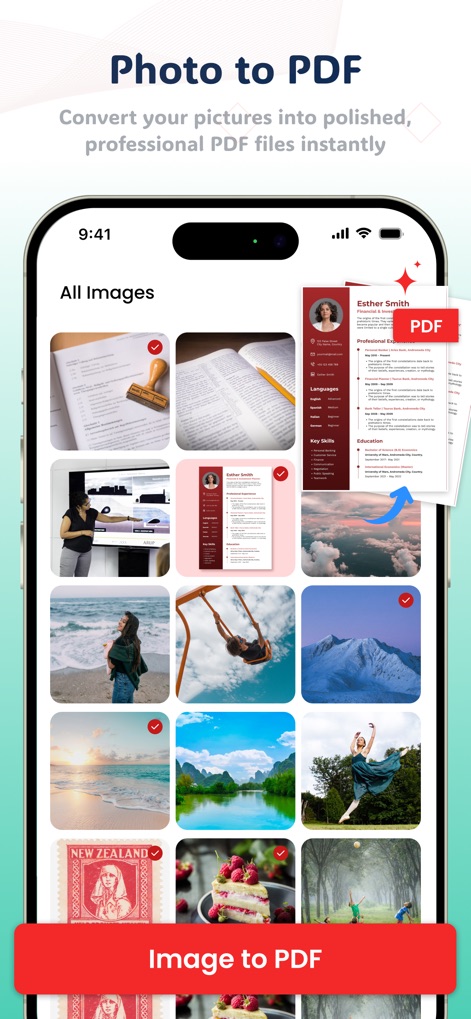
Convert visual content effortlessly as the app allows users to select multiple photos and instantly transform them into professional PDF documents via the "Image to PDF" function.
Instant Photo to PDF
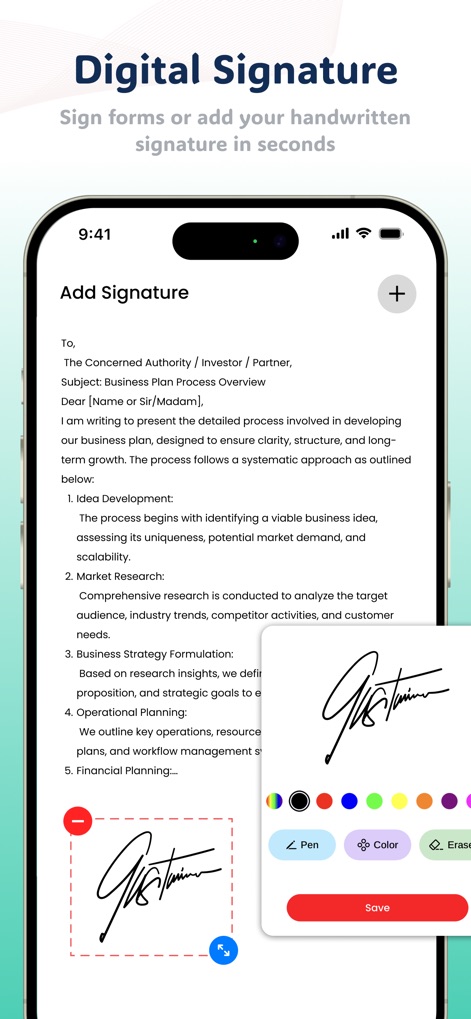
Users can personalize documents with ease, applying handwritten signatures directly within the "Add Signature" panel and customizing their appearance with various pen and color tools.
Secure Digital Signatures
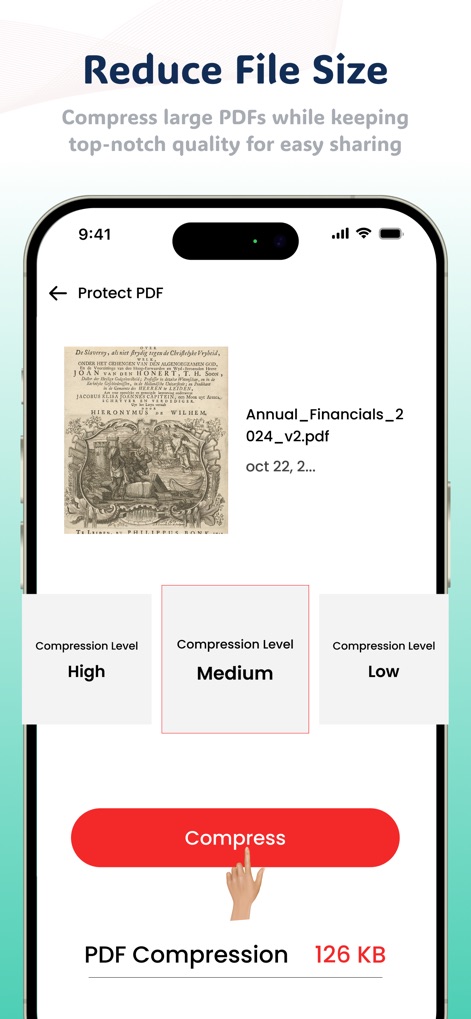
This feature enables efficient document management by offering flexible "Compression Level" options and clearly showing the resulting "PDF Compression" size.
Optimize File Size
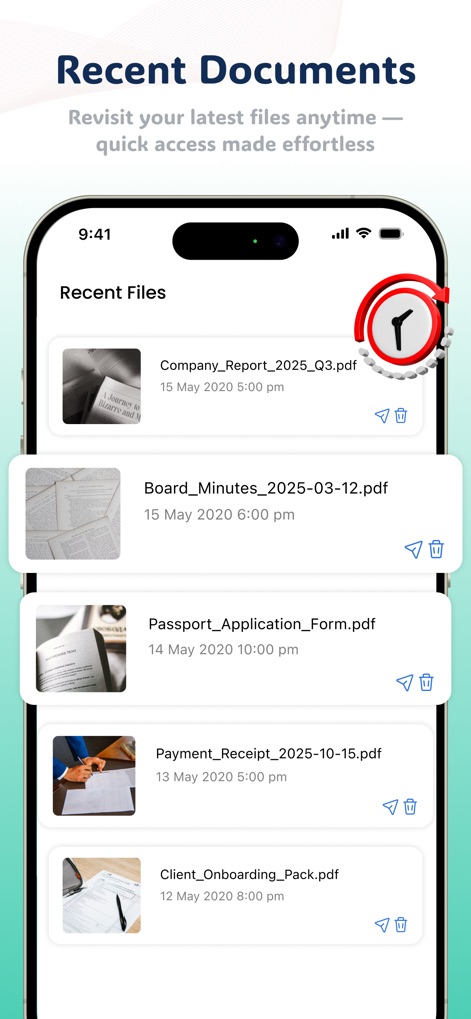
Users benefit from streamlined workflow management with the "Recent Files" list, providing immediate access to their latest documents and their corresponding timestamps.
Quick Document Access
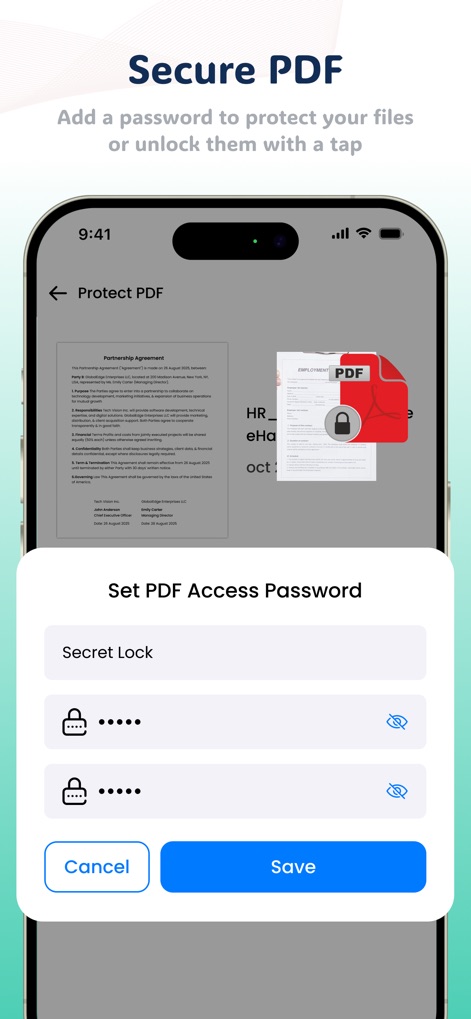
The app protects sensitive information by enabling users to easily "Set PDF Access Password" for their documents, reinforcing security with a visible lock icon.
Robust PDF Security
Description
Download
More Like This
Top-ranked apps in the same category

CapCut: Photo & Video Editor
BYTEDANCE PTE. LTD.

Instagram, Inc.

YouTube
Google LLC

Canva: AI Video & Photo Editor
Canva Pty Ltd

Snapchat
Snap, Inc.

Edits: Video Editor
Instagram, Inc.

快手
Beijing Kwai Technology Co., Ltd.

Meta AI - Vibes & AI Glasses
Meta Platforms, Inc.
Google Photos: Backup & Edit
Google LLC
This page is not an official page of the app or its developer, but an independent editorial publication created for informational and commentary purposes. Unless expressly stated otherwise, neither the app nor its developer is affiliated with, endorsed by, sponsored by, authorized by, or otherwise officially connected with MWM, Apple, Google Play, the app publisher, or the app's developer, and nothing on this page implies that the app was developed using MWM's services. Any trademarks, logos, screenshots, and other content remain the property of their respective owners.