OKIOCAM Live

OKIOCAM Live

Download on App Store
Logo of OKIOCAM Live

OKIOCAM Live: The Ultimate Portable Document Camera for Modern Educators

Transform your iPad into a high-definition presentation hub. Annotate in real-time, project wirelessly via AirPlay, and engage your audience with professional dual-camera streaming.

Download on App Store

Publisher

OKIO LABS, INC.

Category

Utilities

Downloads

0

User Rating

1.0/5

Total Ratings

0

Locales

5

A Glimpse Inside the App

Discover the interface used by 0 users.
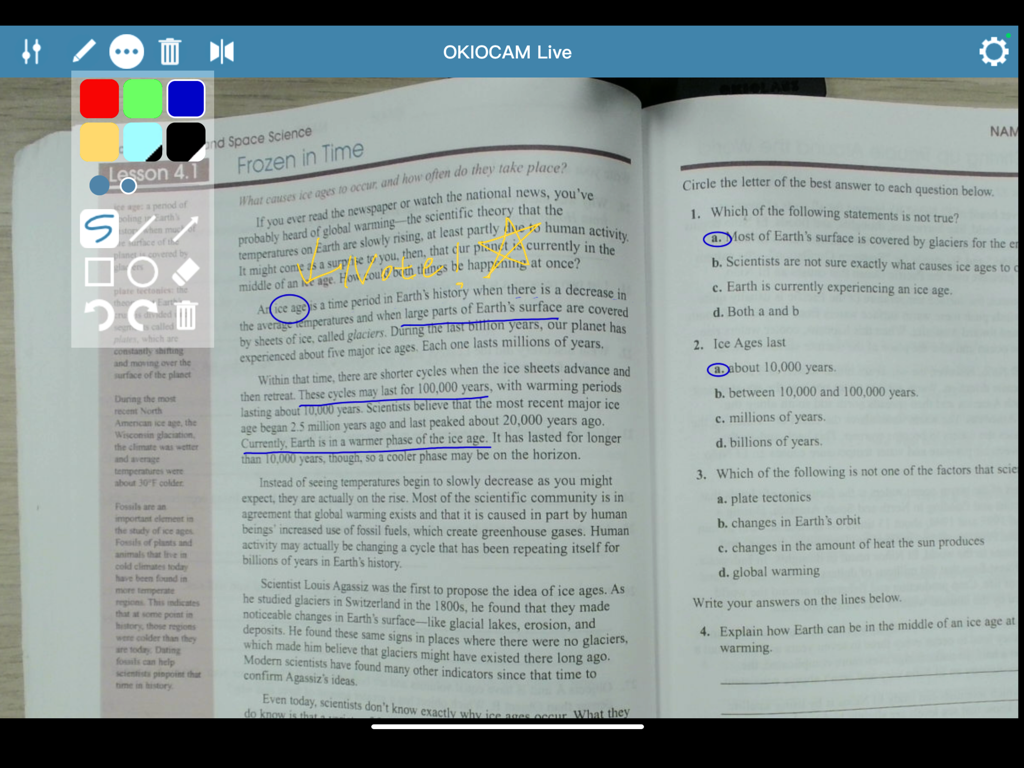
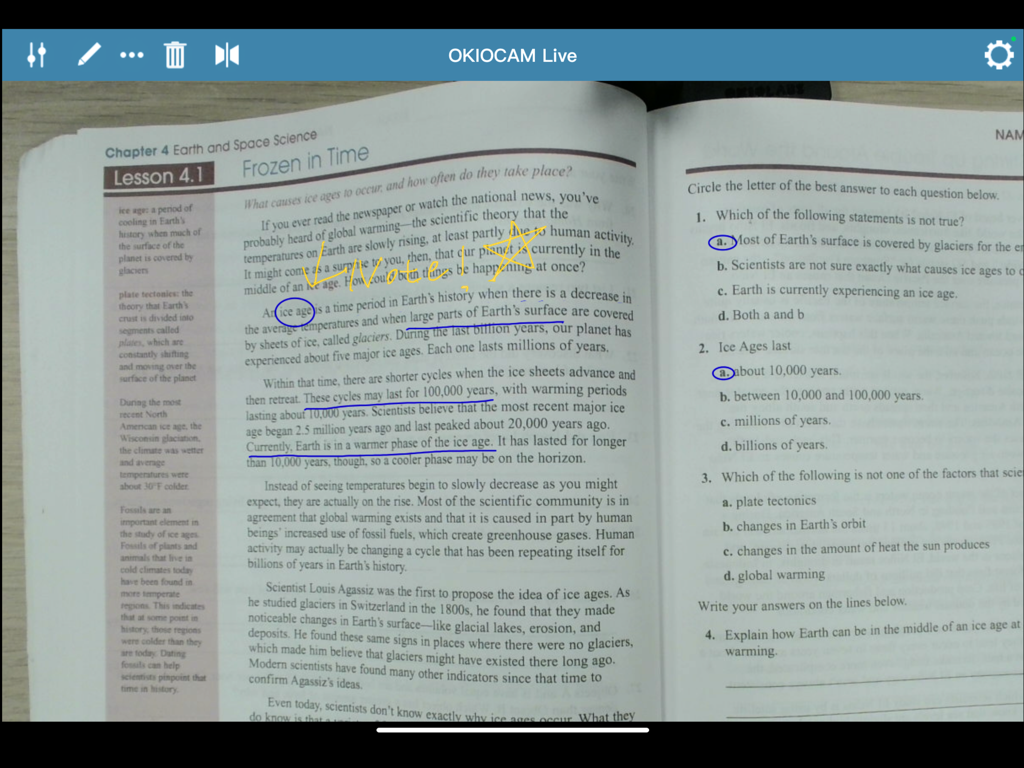
OKIOCAM Live app interface showing digital annotations on a science textbook page

OKIOCAM Live app interface showing digital annotations on a science textbook page

Digital annotations on a physical textbook using the OKIOCAM Live document camera app

Digital annotations on a physical textbook using the OKIOCAM Live document camera app

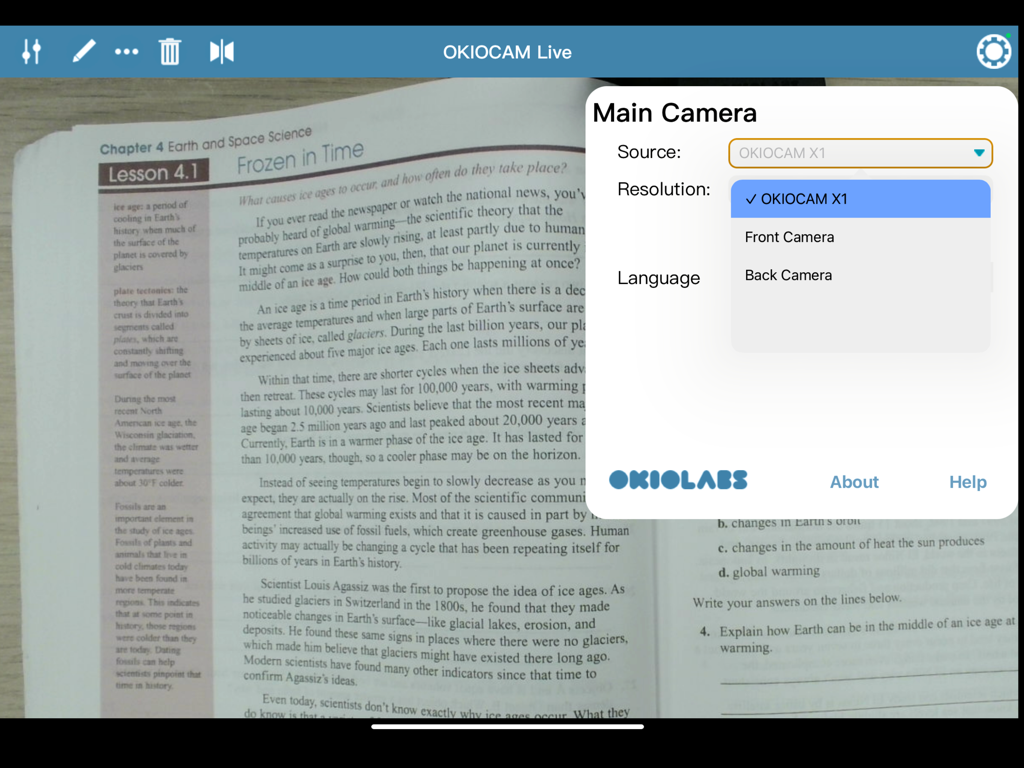
OKIOCAM Live app interface showing camera source selection menu over a science textbook page on an iPad

OKIOCAM Live app interface showing camera source selection menu over a science textbook page on an iPad

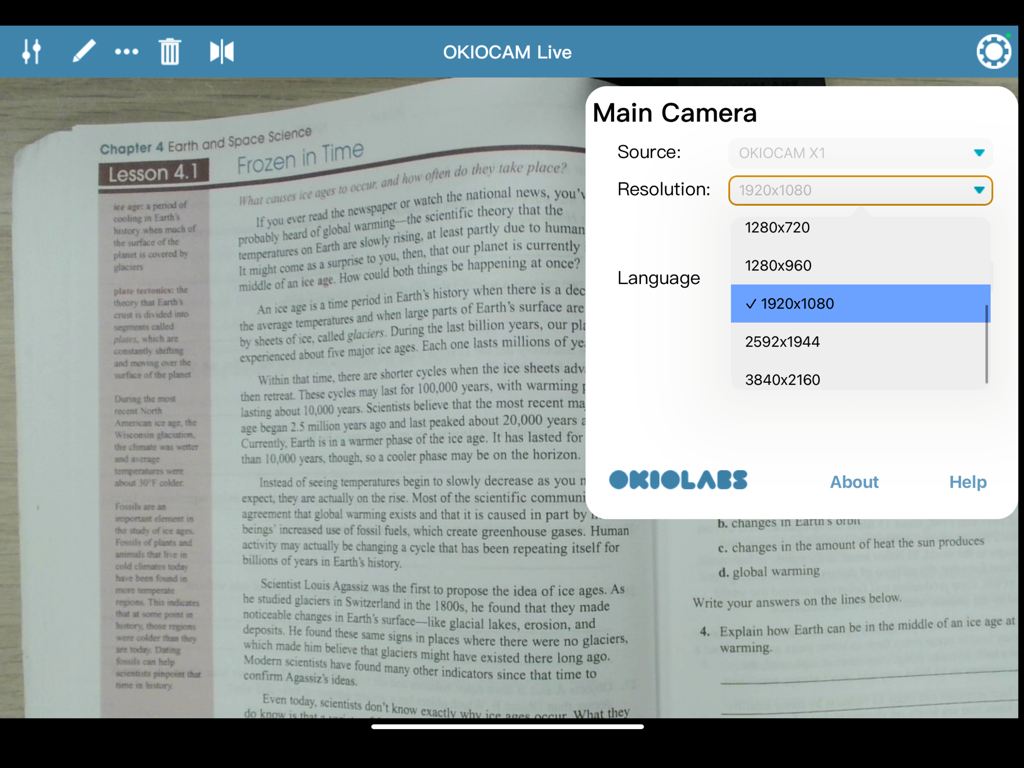
OKIOCAM Live app interface on iPad showing camera resolution selection menu over a textbook

OKIOCAM Live app interface on iPad showing camera resolution selection menu over a textbook

OKIOCAM Live app showing the camera settings menu overlaying a textbook page on an iPad.

OKIOCAM Live app showing the camera settings menu overlaying a textbook page on an iPad.

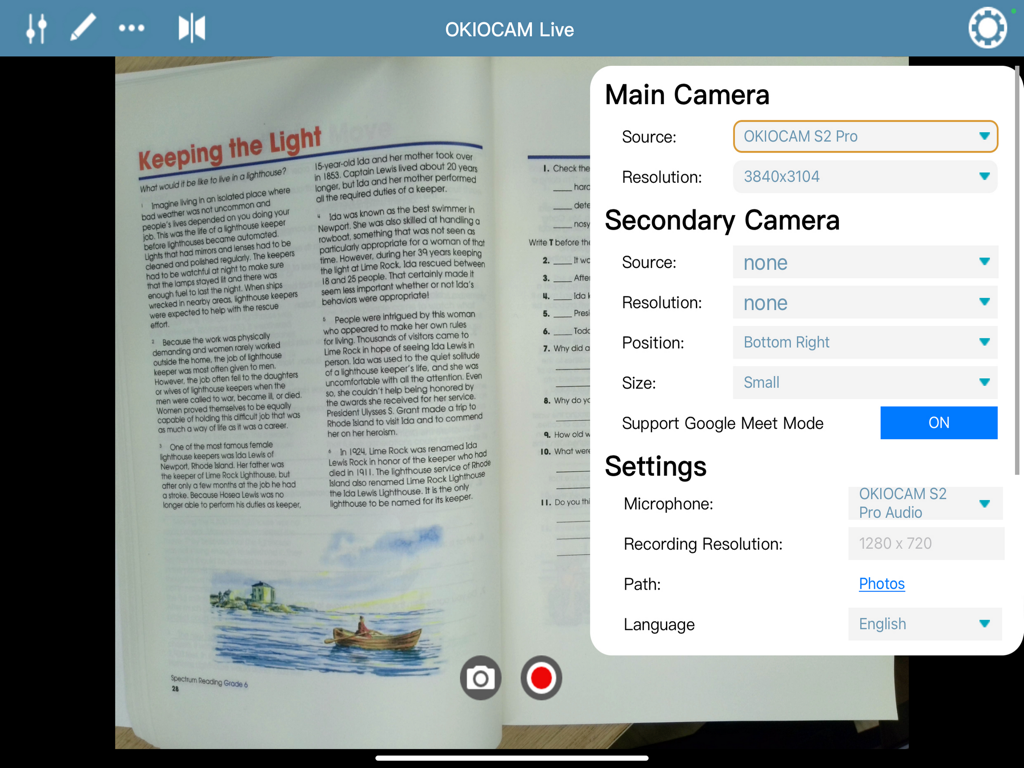
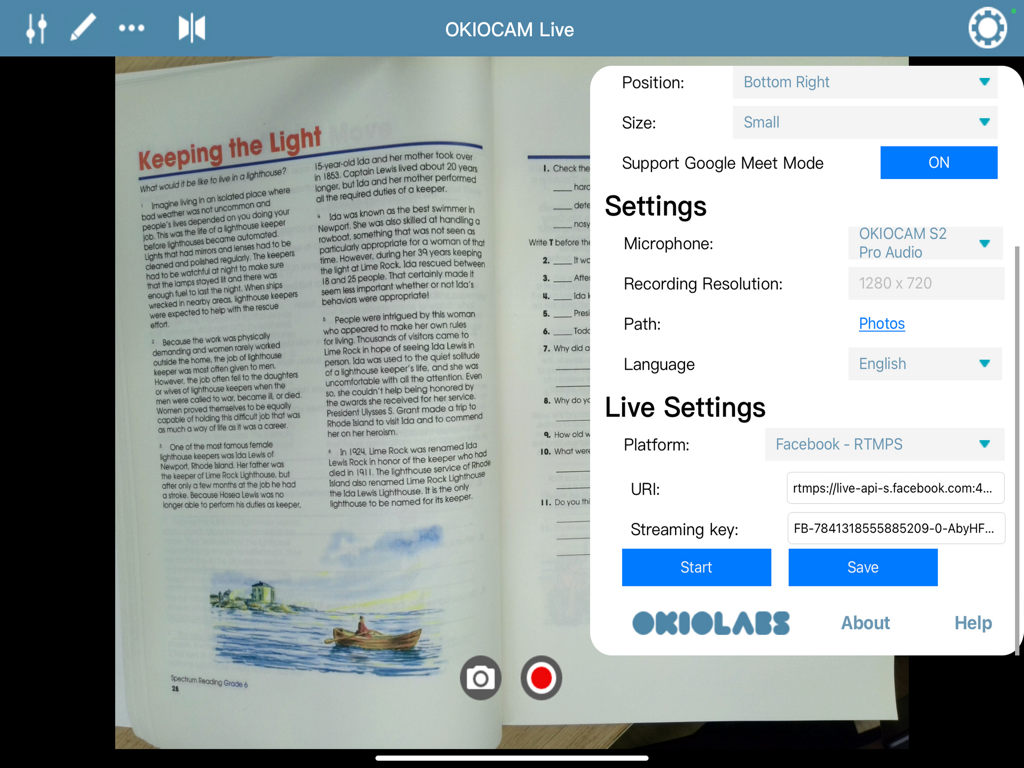
Interface of OKIOCAM Live app on iPad displaying live streaming configuration and recording settings over a document camera view.

Interface of OKIOCAM Live app on iPad displaying live streaming configuration and recording settings over a document camera view.

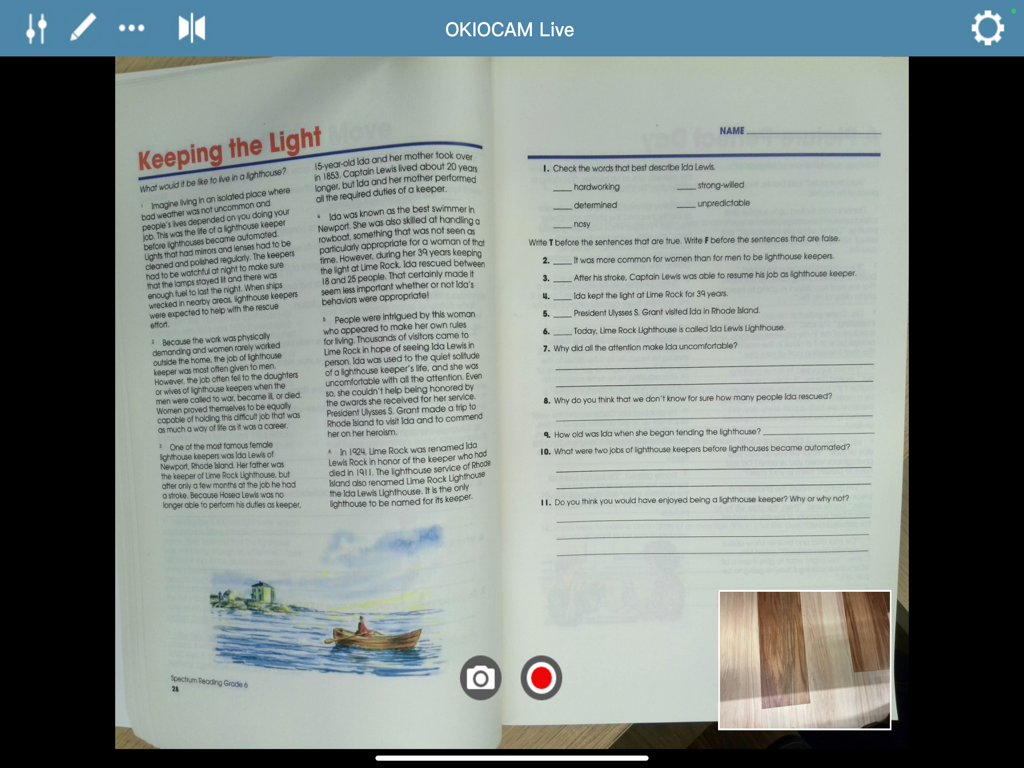
OKIOCAM Live app interface on iPad showing a live feed of a physical workbook and a picture in picture window.

OKIOCAM Live app interface on iPad showing a live feed of a physical workbook and a picture in picture window.

Transform Your iPad into a Powerful Visual Hub

The tools that make this app stand out, trusted by 0 users.

✏️

Real-Time Interactive Tools

Annotate notes, highlight key details, and draw diagrams directly on your live camera feed to keep your audience fully engaged.

📱

Wireless Presentation Freedom

Untether yourself from the desk. Use AirPlay to project your iPad screen while moving freely around the room to interact with your audience.

🎥

Dynamic Multi-View Sharing

Leverage Picture-in-Picture to show your face and your documents simultaneously. Perfect for professional tutorials and live streaming.

About the app

Everything you need to know about OKIOCAM Live.

Description

OKIOCAM Live is now available on iPads! The app supports both internal iPad cameras and external OKIOCAM USB cameras. Elevate your presentations with OKIOCAM Live, the first document camera app for iPads designed to bring your ideas to high definition using your OKIOCAM doc cam and share them with your audience. Whether you're a teacher, presenter, or speaker, this powerful tool empowers you to deliver impactful presentations anytime, anywhere with just an iPad and OKIOCAM in hand! - FEATURES - With OKIOCAM & OKIOCAM Live, you can annotate notes, highlight key points, and draw diagrams directly on your visual materials in real-time using your iPad, making your presentations much more visually engaging and interactive. With Airplay, project your iPad screen onto a larger display to captivate your audience - no more fuss with multiple cables and ports. - NEW FEATURES - Take your experience to the next level with these exciting updates: Take Snapshots: Capture high-quality snapshots with a single tap to save and share your moments instantly. Record Videos: Effortlessly record detailed videos for presentations, lessons, or memorable events. Picture-in-Picture (PiP): Leverage two cameras simultaneously for dynamic, dual-view presentations. Perfect for live demonstrations and interactive content creation. Live Broadcasting to RTMP Servers: Stream directly to platforms like YouTube, Facebook, or any RTMP-compatible service with ease. - HOW TO USE - Simply connect your OKIOCAM camera to your iPad using the Type-C adapter included with the camera, and unlock a myriad of features to amplify your presentations using OKIOCAM Live. - SECURITY AND PRIVACY - OKIOCAM Live has no access to your camera feed and video. It simply routes your OKIOCAM camera to your iPad. - WHAT’S MORE - - Supports zero-latency presentations and video streaming at up to 30 fps with a range of resolutions - Virtually rotate and zoom in on any part of your video - No ads in the app and no hidden payments Note: OKIOCAM Live for iPad currently only supports built-in iPad cameras and OKIOCAM USB cameras. - SUPPORT - We’re always happy to support our users and we’d love to help you make the most of OKIOCAM Live or your OKIOCAM. Contact us anytime at support.okiolabs.com About us: https://www.okiolabs.com/ Learn more about OKIOCAM Live (all versions) https://www.okiolabs.com/software/okiocam-live/

Latest Version

1.0.3

Size

3.9 MB

First Released

Mar 27, 2024

Ready to Revolutionize Your Classroom Experience?

Download OKIOCAM Live for iPad today and join thousands of educators delivering interactive, high-definition presentations with zero ads and total mobility.

Download on App Store

App information, icons, screenshots, and descriptions displayed on this page are sourced from the Apple App Store and are the property of their respective developers. Download estimates and rankings are based on MWM's proprietary models and may not reflect actual figures. This page is provided for informational and analytical purposes only.

Believe this page infringes your intellectual property? File a dispute