
This page is not an official page of the app or its developer, but an independent editorial publication created for informational and commentary purposes. Unless expressly stated otherwise, neither the app nor its developer is affiliated with, endorsed by, sponsored by, authorized by, or otherwise officially connected with MWM, Apple, Google Play, the app publisher, or the app's developer, and nothing on this page implies that the app was developed using MWM's services. Any trademarks, logos, screenshots, and other content remain the property of their respective owners.

OmniGraffle 3
Transform your iPad and iPhone into a powerful workstation. Create precise wireframes, complex system maps, and stunning graphics with desktop-class tools and seamless Visio compatibility.
Downloads
467K+User Rating
Total Ratings
400Publisher
Category
Graphics & DesignLocales
11Latest Version
3.22Size
177.7 MBFirst Released
Jul 12, 2017Master Visual Complexity with Precision Tools
Transform your iPad into a professional-grade workstation for wireframing, technical architecture, and high-fidelity prototyping.
Seamless Enterprise Sync
Bridge the gap with Visio import and export, ensuring your pro-level diagrams are always team-ready and platform-agnostic.
Precision Canvas & Stencils
Access thousands of specialized assets via Stenciltown to build everything from server racks to pixel-perfect UI mockups.
The following screenshots and description are sourced directly from the app's official store listing and are the property of the app developer.
App Store
Screenshots
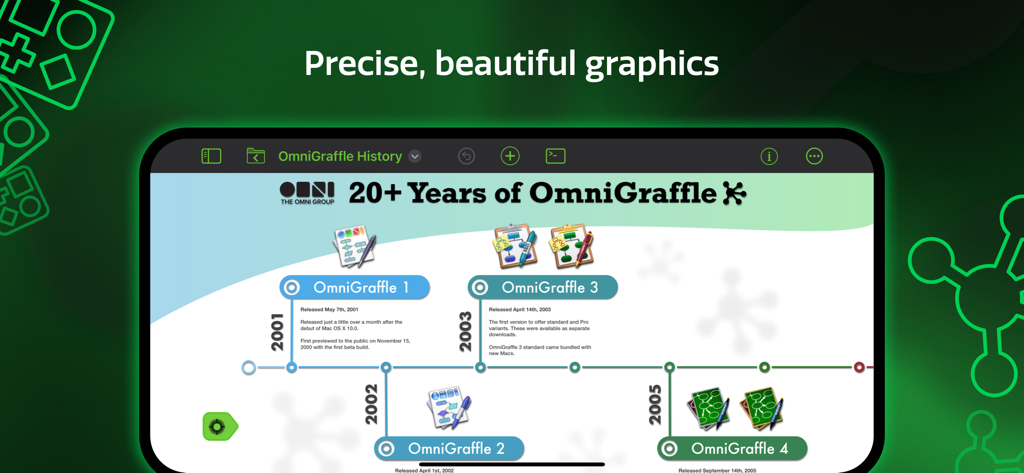
An iPad screen displaying a professional timeline diagram created with OmniGraffle 3
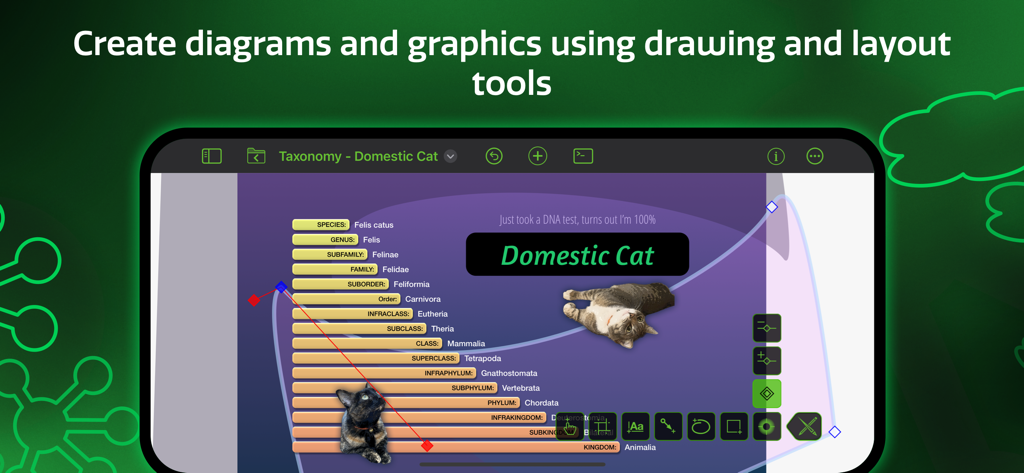
OmniGraffle 3 interface showing a taxonomy diagram of a domestic cat being created with professional drawing and layout tools
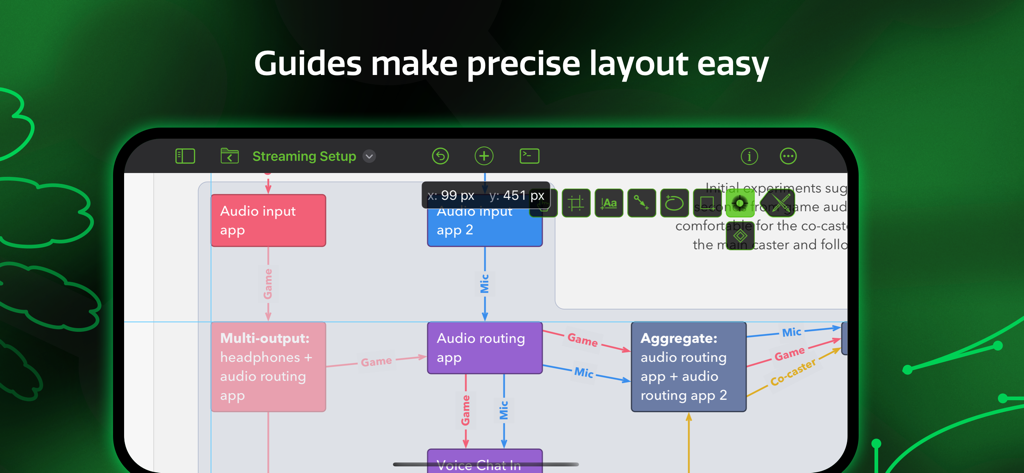
OmniGraffle 3 mobile app interface showing a complex diagram with smart guides for precise object placement
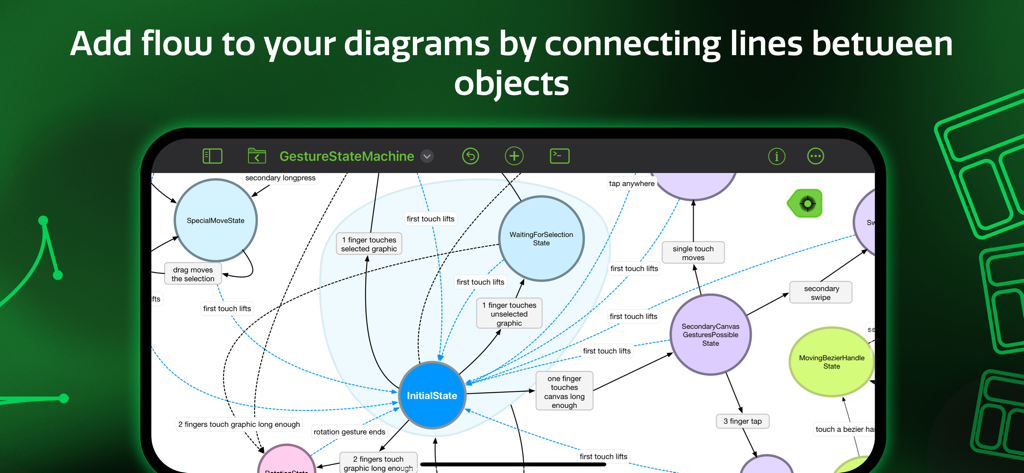
A state machine diagram with flow lines between objects in the OmniGraffle 3 app interface
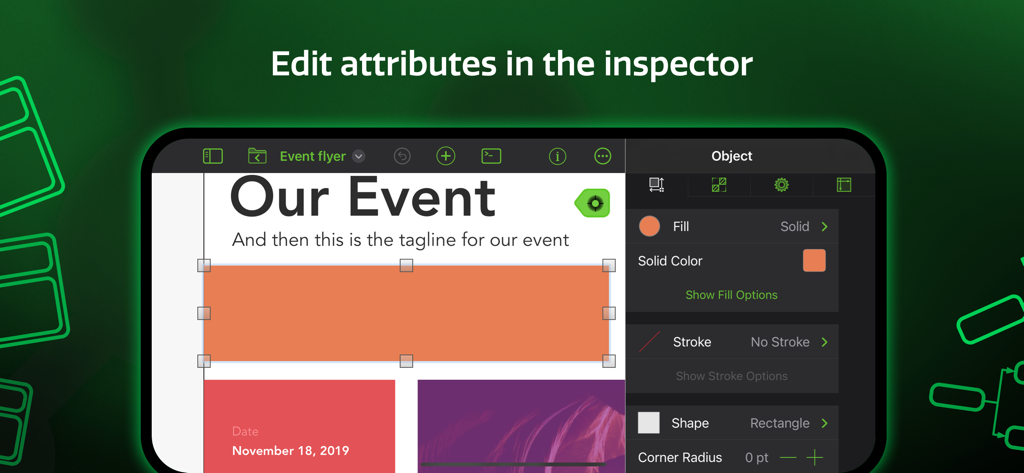
Screenshot of OmniGraffle 3 app showing the object inspector to edit attributes like fill color and stroke of a shape
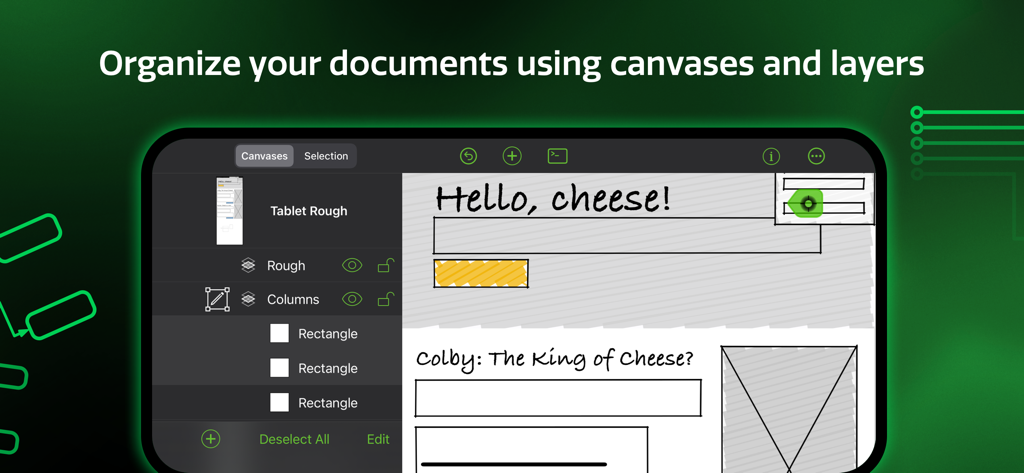
OmniGraffle 3 app interface showing document organization with canvases and layers
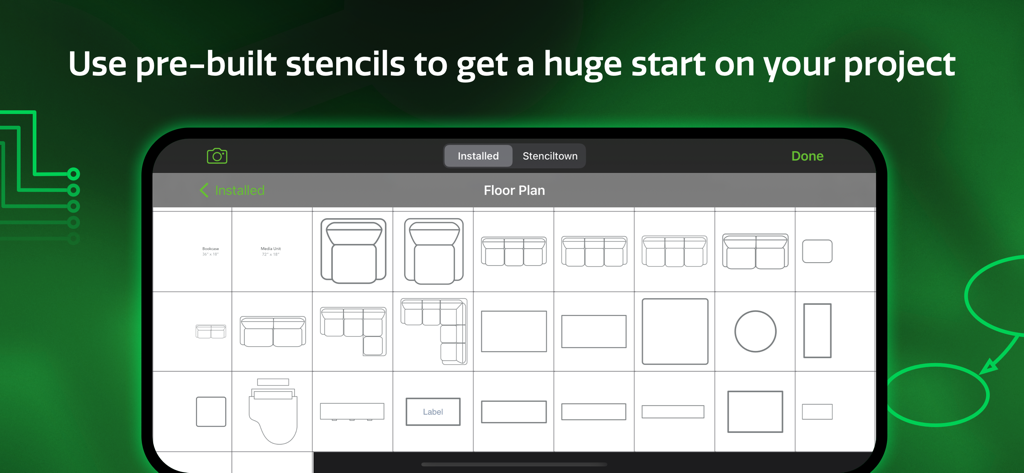
A library of floor plan stencils in the OmniGraffle 3 mobile app
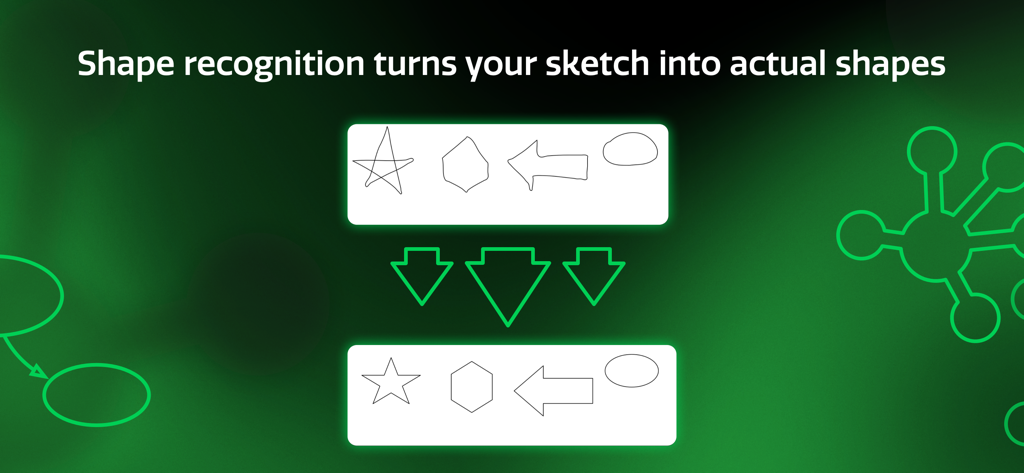
OmniGraffle 3 shape recognition feature converting hand-drawn sketches into clean geometric shapes.
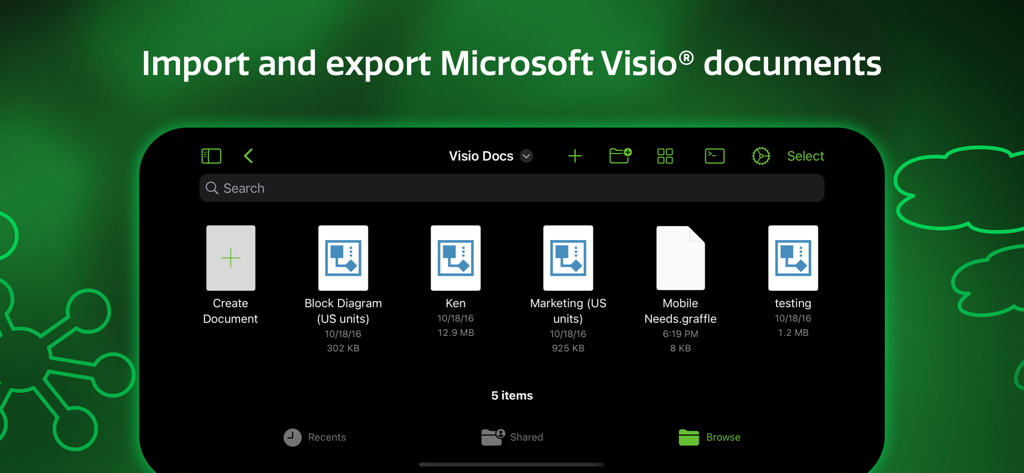
OmniGraffle 3 app interface showing the ability to import and export Microsoft Visio documents
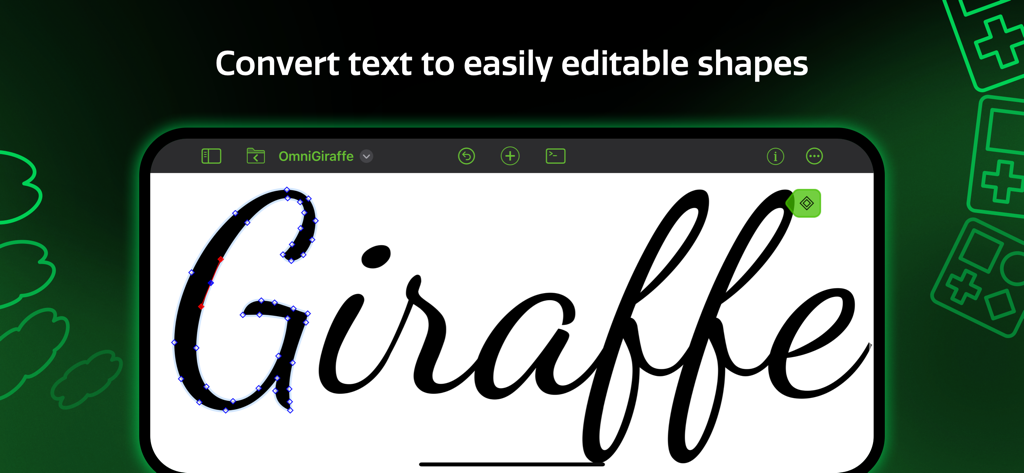
OmniGraffle 3 app interface demonstrating how to convert text into editable vector shapes on an iPad.
Description
Download
More Like This
Apps with similar features and user experience

OrgChart - Organization Chart
皓 李

Grafio 4 - Diagram Maker
Ten Touch Ltd.

Lucidchart
Lucid Software Inc

EdrawMind: AI Mind Map, Notes
Edraw Software Co., Ltd

Sensus Process Modeller
De Sensus Methode Procesbeschrijving (DSMP) B.V.

Flowdia Diagrams
Behzad Gorimar

Grapholite Diagrams Maker
Evgeny Akinshin
This page is not an official page of the app or its developer, but an independent editorial publication created for informational and commentary purposes. Unless expressly stated otherwise, neither the app nor its developer is affiliated with, endorsed by, sponsored by, authorized by, or otherwise officially connected with MWM, Apple, Google Play, the app publisher, or the app's developer, and nothing on this page implies that the app was developed using MWM's services. Any trademarks, logos, screenshots, and other content remain the property of their respective owners.