
This page is not an official page of the app or its developer, but an independent editorial publication created for informational and commentary purposes. Unless expressly stated otherwise, neither the app nor its developer is affiliated with, endorsed by, sponsored by, authorized by, or otherwise officially connected with MWM, Apple, Google Play, the app publisher, or the app's developer, and nothing on this page implies that the app was developed using MWM's services. Any trademarks, logos, screenshots, and other content remain the property of their respective owners.


OmniLogic
From heating your spa before you arrive to managing lighting and water chemistry, enjoy the luxury of complete pool and spa automation right from your pocket.
Downloads
22K+User Rating
Total Ratings
8K+Publisher
Category
LifestyleLocales
3Latest Version
5.1.74Size
50.7 MBFirst Released
Jan 30, 2014The Ultimate Command Center for Your Backyard Oasis
Take total control of your pool, spa, and outdoor environment with the industry's most intuitive automation system, designed for the modern, tech-savvy homeowner.
On-Demand Climate Control
Activate your heater or spa remotely from the office or your car so the water is at the perfect temperature the moment you arrive home.
Instant Ambiance & Effects
Set the mood for any gathering by adjusting LED lighting colors and activating water features with a single tap on your iPhone or Apple Watch.
The following screenshots and description are sourced directly from the app's official store listing and are the property of the app developer.
App Store
Screenshots
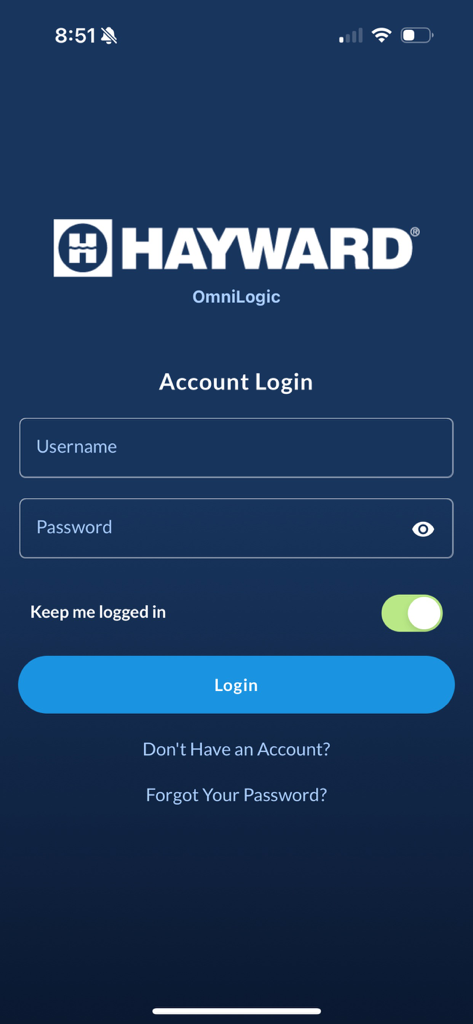
OmniLogic by Hayward mobile app login screen with username and password fields
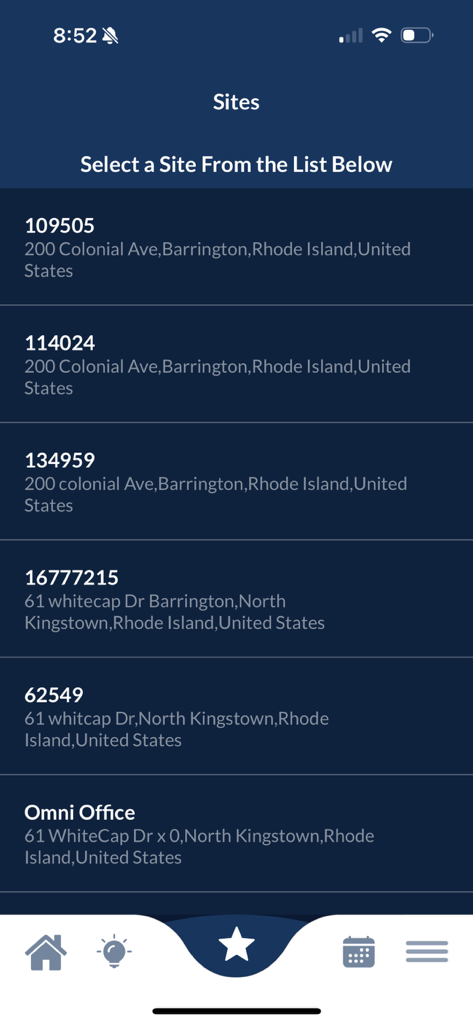
OmniLogic app interface showing a list of managed pool sites with addresses and site IDs for user selection
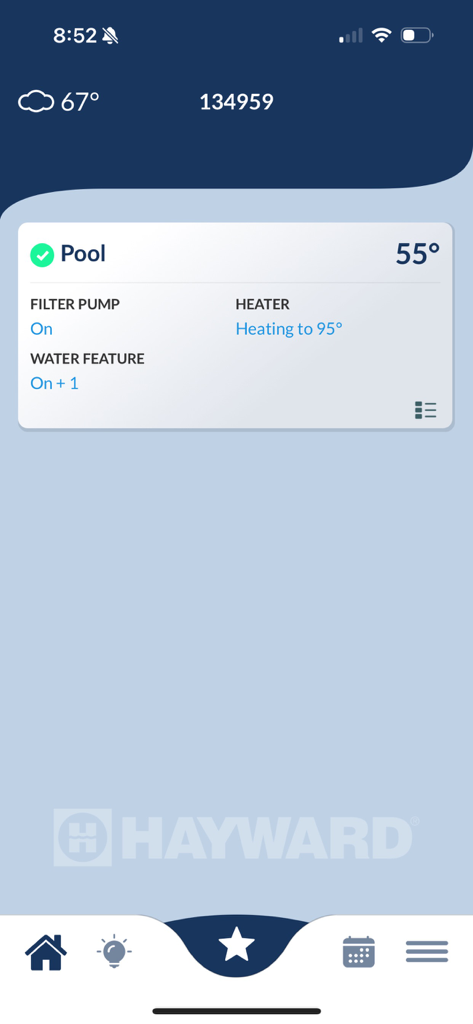
Dashboard of the Hayward OmniLogic app displaying pool heating and pump status
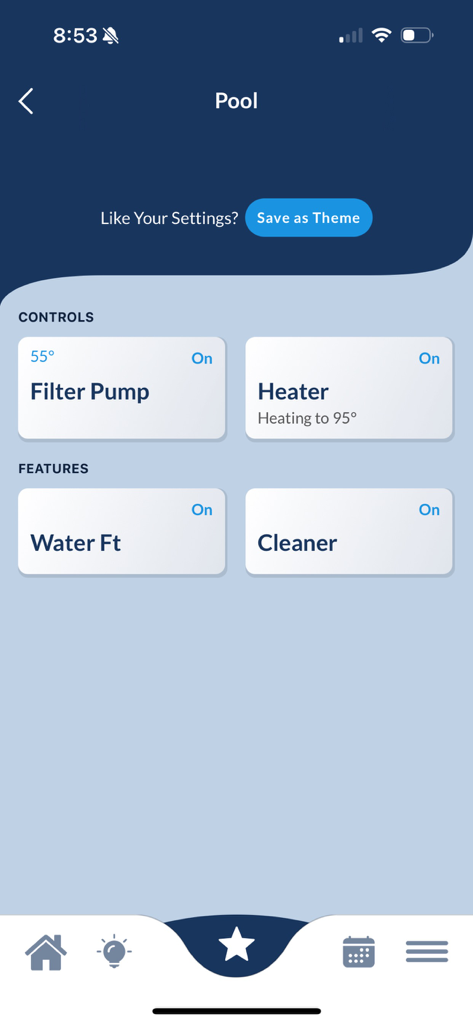
Dashboard of the OmniLogic app showing pool heater and filter pump controls
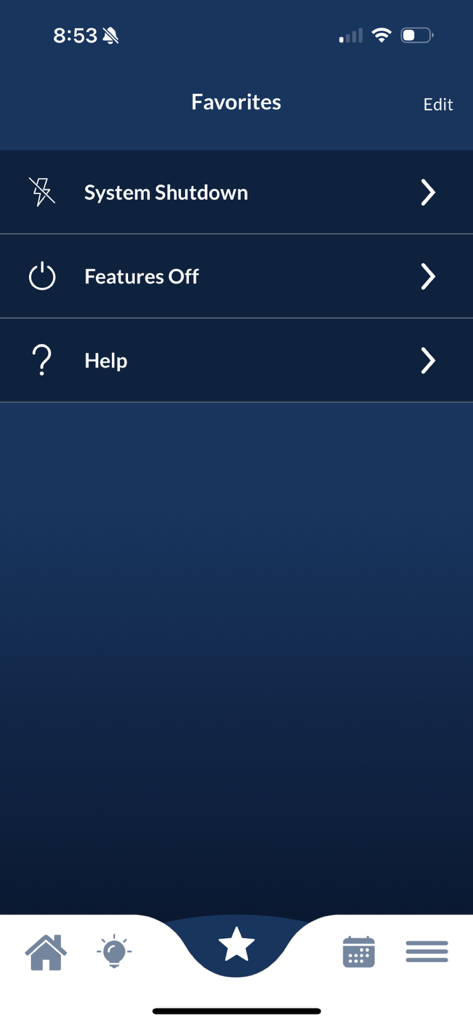
OmniLogic pool control app favorites menu with options for system shutdown and features off
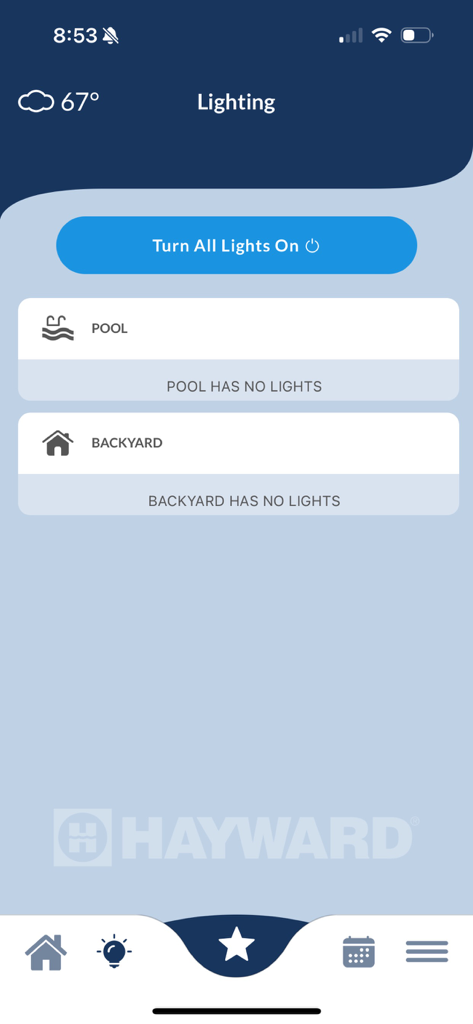
OmniLogic app interface for managing pool and backyard lighting
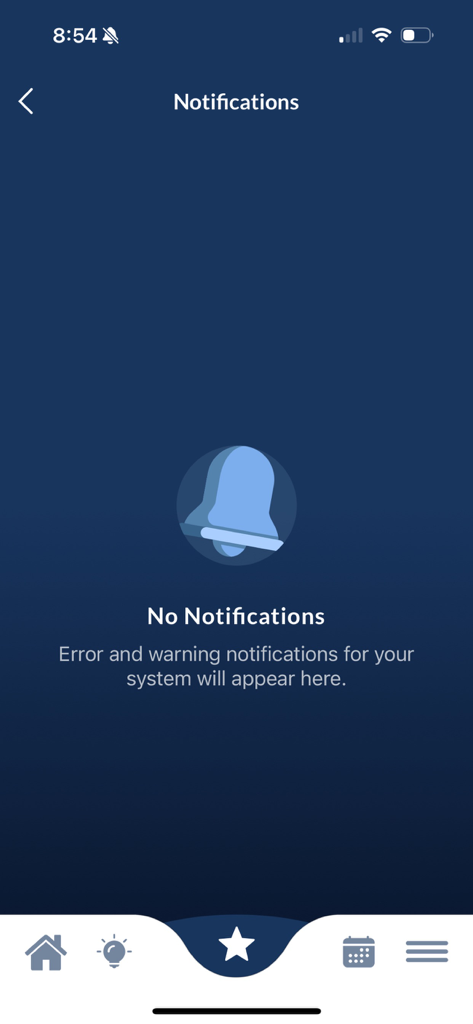
OmniLogic app notifications screen showing no active error or warning alerts.
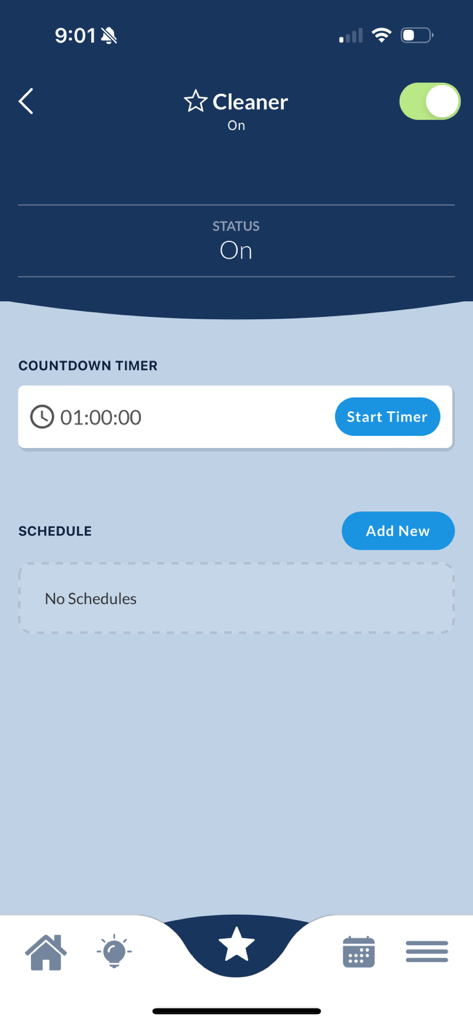
OmniLogic app interface showing pool cleaner controls with a one hour countdown timer and schedule options
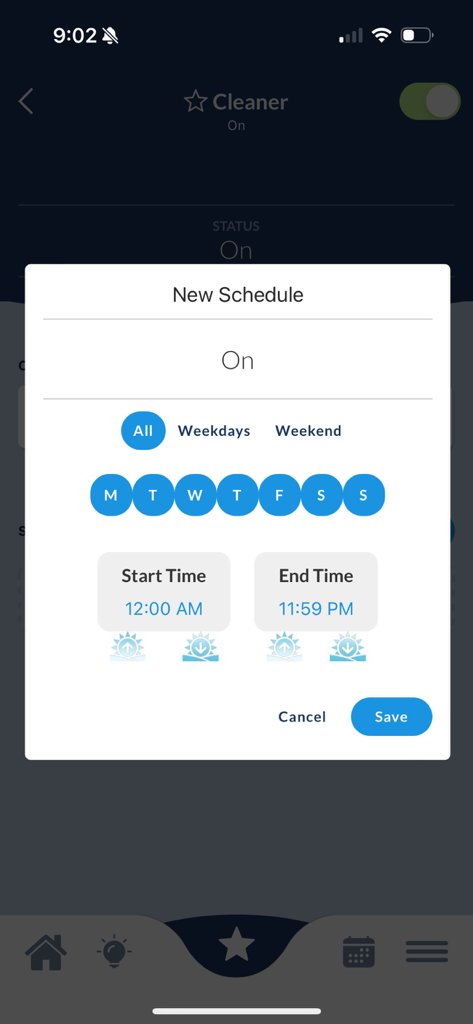
OmniLogic app interface for setting a pool cleaner schedule
Description
Download
More Like This
Top-ranked apps in the same category

Pinterest, Inc.

Alipay - Simplify Your Life
Alipay (Hangzhou) Technology Co., Ltd.

美团-美好生活小帮手
Sankuai Technology Co., Ltd.

Dianping: Discover Good Places
Hanhai Information Technology (Shanghai) Co.Ltd

Lemon8 - Lifestyle Community
TIKTOK PTE. LTD.

Xiaomi Home
Beijing Xiaomi Co., Ltd

Tinder Dating App: Date & Chat
Tinder LLC

VNeTraffic
GLOBAL TECHNOLOGY - TELECOMMUNICATIONS CORPORATION

SmartThings
Samsung Electronics Co., Ltd.
This page is not an official page of the app or its developer, but an independent editorial publication created for informational and commentary purposes. Unless expressly stated otherwise, neither the app nor its developer is affiliated with, endorsed by, sponsored by, authorized by, or otherwise officially connected with MWM, Apple, Google Play, the app publisher, or the app's developer, and nothing on this page implies that the app was developed using MWM's services. Any trademarks, logos, screenshots, and other content remain the property of their respective owners.